 ProMapRanker
Best Task Management Software for Small Business in 2026


Cross-team work and timelines · Pricing starts at: $10.99 per user per month
Key takeaways
- Most small teams do best with a simple tool they will actually use daily, rather than the most feature-rich platform.
- Trello and Todoist suit simple lists and kanban work, while Asana, monday.com and ClickUp suit teams with deadlines and dependencies.
- Every tool here offers a free plan or trial, so test with real work before paying for seats.
- Watch seat rules and automation limits, since those decide the real cost once a team grows past the free tier.
Quick comparison
| Pick | Great for | Pricing starts at | Free tier | |
|---|---|---|---|---|
| Asana | Cross-team work and timelines | $10.99 per user per month | Yes | Visit |
 monday.com | Visual boards | $9 per user per month | Yes | Visit |
 ClickUp | Most features per dollar | $7 per user per month | Yes | Visit |
 Trello | Simple kanban | $5 per user per month | Yes | Visit |
 Notion | Tasks plus docs | $10 per user per month | Yes | Visit |
 Todoist | Personal and small team lists | $4 per user per month | Yes | Visit |
 Wrike | Approvals and requests | $10 per user per month | Yes | Visit |
 Smartsheet | Spreadsheet-style planning | $9 per user per month | Yes | Visit |
 Basecamp | Flat pricing and client work | See website | Yes | Visit |
 Teamwork.com | Agencies and client projects | $9.99 per user per month | Yes | Visit |
The best task management software for small business
We compared official pricing pages and feature pages for tools live in October 2026. Prices below are starting paid prices, usually with annual billing, and free plans vary in user and feature limits.
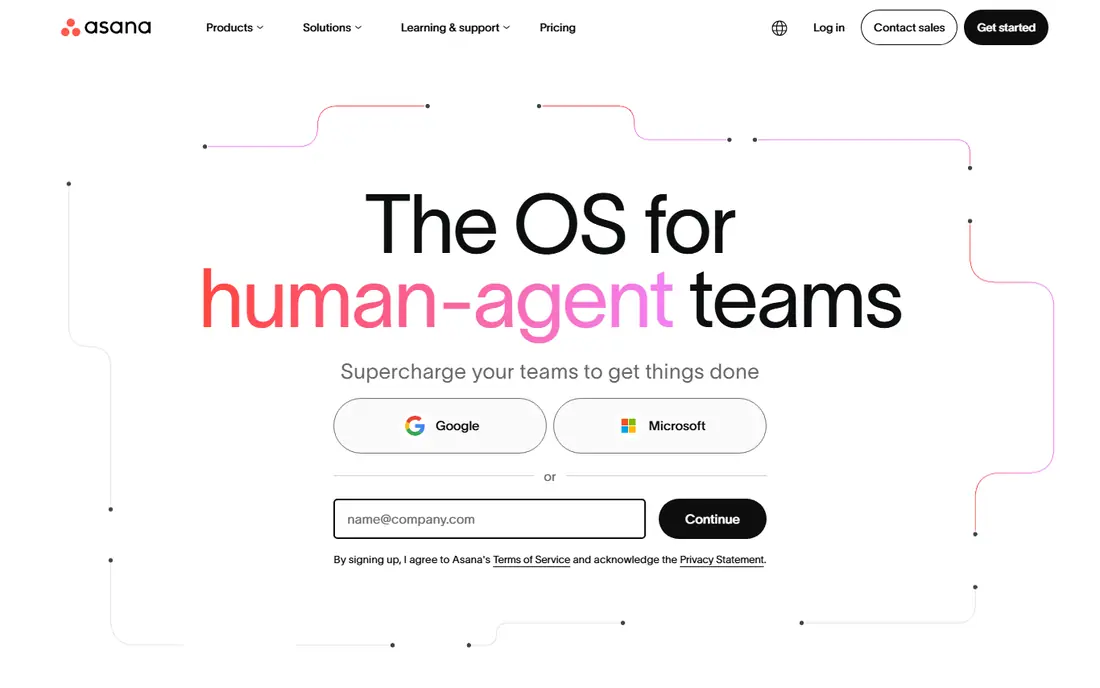
Asana suits teams that run repeatable work across people, such as marketing campaigns, onboarding or product launches. Tasks can carry assignees, due dates, dependencies and custom fields, and Timeline view shows how work overlaps. Rules can move tasks, assign owners and send reminders without manual chasing.
Small teams should start on the free plan and only pay when Timeline, advanced search or private teams become necessary. If your work is a simple list, Asana may add process you do not need.
- Timeline and workload views
- Strong automations on paid plans
- Many integrations
- Free plan limits
- Paid price rises on higher tiers
- Can feel heavy for a two-person team
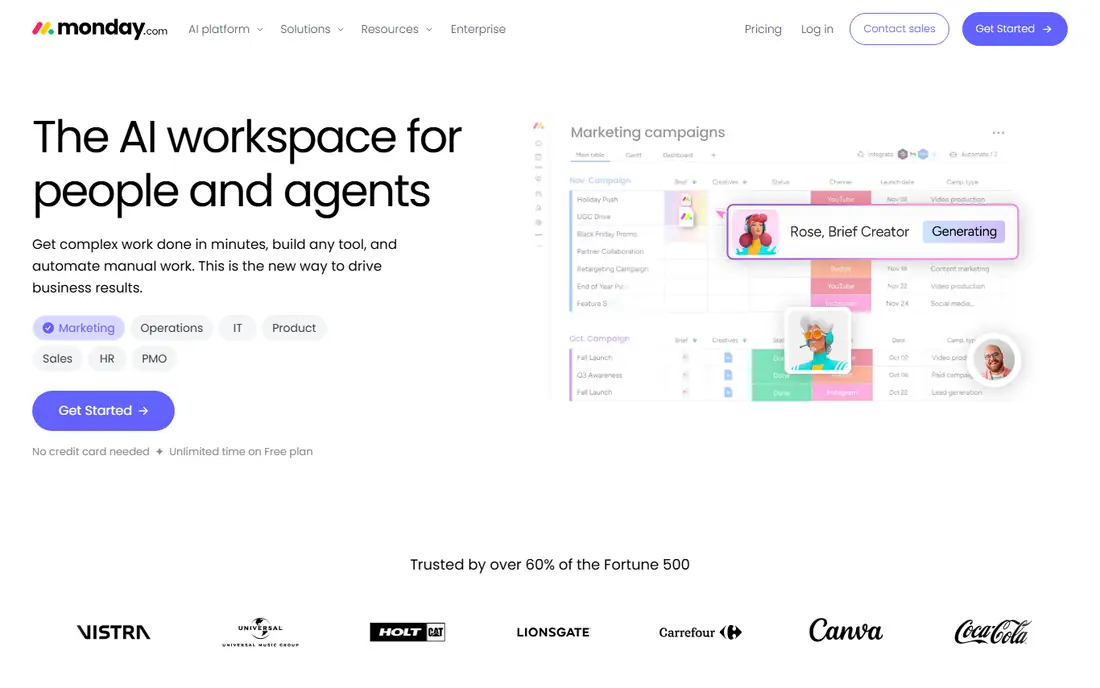
monday.com wins on readability. Boards use colour and status labels that non-technical staff can grasp at a glance, and templates cover hiring, content, sales and operations. Teams can build their own columns, such as budget, owner or priority, without learning a database tool.
The catch is caps. Automations, integrations and some views are limited by plan, so a team that automates heavily should price the tier it actually needs, not the entry tier.
- Colour-coded boards that are easy to read
- Many templates
- Custom columns
- Automation actions capped by plan
- Costs grow with seats
- Some views need higher tiers
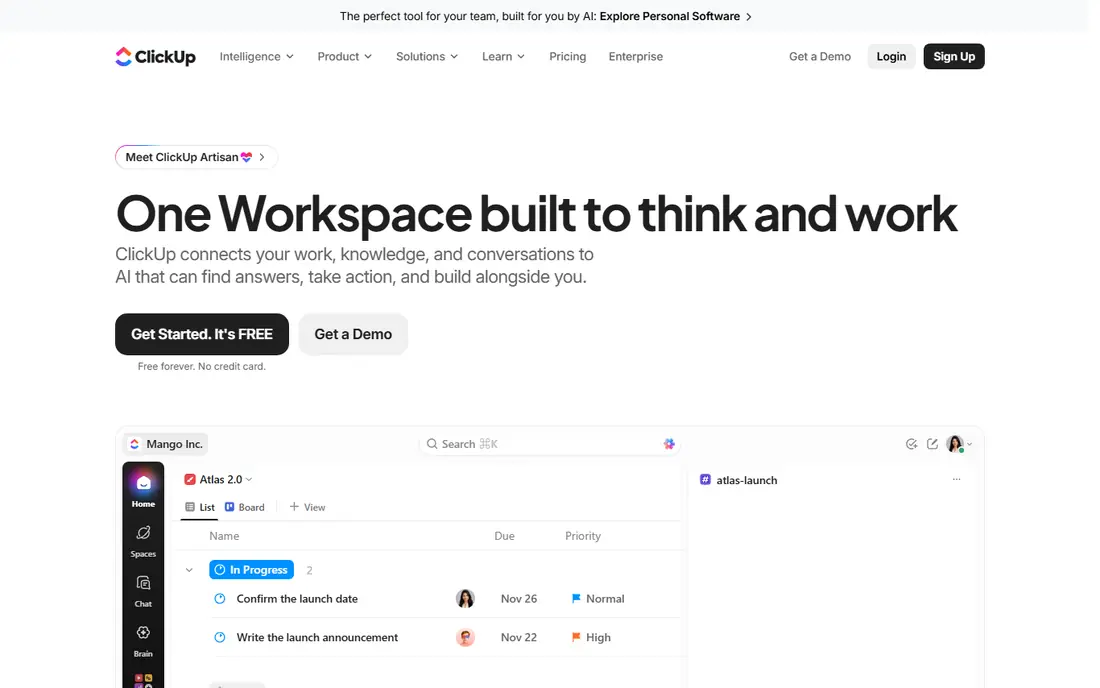
ClickUp packs tasks, docs, goals, time tracking and dashboards into one workspace at a lower starting price than Asana or monday.com. That value appeals to small businesses that want one tool instead of several subscriptions. Views can switch between list, board, calendar and Gantt without moving data.
Our pick for value is ClickUp, provided someone on the team owns setup. Without a clear structure, teams can drown in custom fields and views. Start with one project and a few fields, then add complexity only when needed.
- Generous free plan
- Many views including docs and goals
- Strong customisation
- Setup can overwhelm new users
- Too many options slow adoption
- Some features need higher tiers
Trello is the simplest tool in this list, and that is its strength. A board with lists and cards can run a content pipeline, a hiring queue or a small project in minutes. Cards hold checklists, dates, attachments and comments, and the mobile app is easy to use on the go.
Teams with dependencies, workload planning or heavy reporting will outgrow Trello. For simple, visual work, though, few tools beat it for speed of adoption.
- Fast to start
- Clear kanban boards
- Low learning curve
- No native task dependencies on basic plans
- Reporting is light
- Large projects need add-ons
Notion suits teams that live in documents as much as tasks. Meeting notes, project pages and task databases can link together, so context stays with the work instead of living in separate files. Small businesses that already write specs, guides and plans in Notion gain the most.
Pure task teams may find Notion less direct than Asana or Todoist. If tasks are the main job and docs are secondary, a dedicated task tool will feel faster.
- Docs, wikis and tasks in one place
- Flexible databases
- Good for knowledge-heavy teams
- Task dependencies are limited
- Setup needs discipline
- Can feel slow for pure task tracking
Todoist is built for capturing tasks quickly. Typing a sentence with a date creates a dated task, and projects, labels and filters keep personal and team work separate. It suits owners, freelancers and tiny teams that need reliable lists without project management overhead.
Larger teams with approvals, timelines and resource planning should look elsewhere. Todoist is best when speed and simplicity matter more than project structure.
- Fast capture with natural language dates
- Clean interface
- Low price
- Team project features are lighter
- No native Gantt view
- Reporting is basic
Wrike suits teams that handle a steady stream of requests, such as marketing, creative or operations teams. Request forms feed work into queues, approvals move items forward, and Gantt charts show deadlines. Dashboards give managers a view without chasing status updates.
Small teams should check seat rules, since some plans sell seats in groups. That can raise the entry cost for a team of three or four.
- Request forms and approval workflows
- Gantt charts
- Dashboards
- Seats sold in groups on some plans
- Learning curve
- Interface feels busy at first
Smartsheet feels familiar to anyone who plans in spreadsheets. Rows hold tasks, dates and owners, formulas can calculate dates and budgets, and views switch to Gantt or cards when needed. Operations, construction and event teams often adopt it faster than a board-only tool.
Teams that think in boards or docs may find it plain. Test the interface with the people who will use it daily, since familiarity is the main selling point.
- Familiar spreadsheet layout
- Gantt and card views
- Strong for operations plans
- Less intuitive for kanban fans
- Collaboration features vary by plan
- Price rises with add-ons
Basecamp bundles to-dos, message boards, schedules, files and chat into one project space. Clients can be invited to specific projects without seeing internal work, which helps agencies and service firms. Pricing has historically used a flat model rather than strict per-seat pricing, so larger teams should check the current plan page.
Task power is basic compared with Asana or ClickUp. Choose Basecamp when communication and client clarity matter more than complex task logic.
- Simple all-in-one projects
- Message boards and client access
- Predictable pricing model
- Task features are basic
- No advanced dependencies
- Pricing model differs from per-seat rivals
Teamwork.com is built for agencies and service teams that bill by project. Tasks link to projects, time and budgets, so managers can see profitability as well as progress. Client users, milestones and workload views support delivery across many accounts at once.
Solo users and tiny teams will find it heavy. Agencies with several clients and billable work are the right fit.
- Client project tracking
- Time tracking
- Workload and budgeting views
- Setup takes time
- Some features need higher tiers
- Less suited to solo lists
How we picked these
We compared official pricing and feature pages for tools live in October 2026 that handle tasks for small teams. We kept tools with a free plan or trial, real task features and US availability, and we mixed simple boards with fuller project platforms. Starting prices are from vendor pages, usually with annual billing, and we show See website where pricing could not be verified simply.
How to choose for a small team
Match the tool to how work actually arrives. If work is a list of to-dos, pick Todoist or Trello. If work has deadlines, owners and handoffs, pick Asana, monday.com or ClickUp. If work is client projects with time and budgets, pick Teamwork.com or Basecamp.
Try before you pay
Run a real project for two weeks on the free plan, with the people who will use it daily. Check mobile use, notifications, and whether tasks can be created from email or chat. A tool that looks good in a demo but feels slow in daily use will be abandoned, and adoption matters more than any feature list.
Frequently asked questions
What is the best task management app for small business?
Asana is a strong all-around pick, monday.com suits visual teams, and ClickUp offers the most features per dollar. Trello is best when simplicity matters most, and Todoist is best for fast personal lists.
What are the best task management apps for small business with a free plan?
All ten tools here offer a free plan, though limits differ. Trello, ClickUp and Todoist have generous free tiers for small teams, while Asana and monday.com free plans suit very small teams testing the tool.
What is the best project task management software for a small team?
For project work with timelines and dependencies, Asana, monday.com, ClickUp and Wrike are the strongest picks. For simple project boards, Trello and Smartsheet cover most needs at lower complexity.
Is Notion good for task management?
Notion works well when tasks sit alongside docs and wikis, but it lacks the dependency and workload depth of Asana or Wrike. Use it for knowledge-heavy teams, and a dedicated task tool for deadline-heavy delivery.
How much should a small business pay for task software?
Many small teams manage on free plans, and paid plans in this list start around $4 to $11 per user per month with annual billing. Price the tier that includes the automations and views you need, and check seat minimums before budgeting.
Sources
See where you really rank - block by block
ProMapRanker scans Google Maps across a grid of your service area. Simple monthly plans from $19, white-label on every plan.
Start freeKeep reading
 whats the best ai app to use
Whats the Best AI App to Use in 2026
Wondering whats the best ai app to use in 2026? We compare ChatGPT, Claude, Gemini, Copilot, and more on price, free plans, and best everyday uses today.
Read → life360 alternatives
Life360 Alternatives in 2026
Life360 alternatives compared: 9 family location apps with live maps, arrival alerts and privacy controls to help your family stay in touch every day.
Read → captcha alternatives
CAPTCHA Alternatives in 2026
CAPTCHA alternatives compared: 9 reCAPTCHA alternatives that block bots with less friction, from free Turnstile to privacy-first proof-of-work tools included.
Read →