 ProMapRanker
Best Table Management Software in 2026


Diner discovery and table control · Pricing starts at: $149 per month
Key takeaways
- Table management here means restaurant table management: floor plans, seating, waitlists and turn times, not database tables.
- OpenTable and Resy suit restaurants that want diner discovery as well as table control, while Toast Tables suits restaurants already on Toast.
- Eat App and Resos are worth a close look for smaller restaurants that want lower fixed costs and no per-cover fees.
- Per-cover and prepaid fees can matter more than the monthly price, so check the full fee schedule before signing.
Quick comparison
| Pick | Great for | Pricing starts at | Free tier | |
|---|---|---|---|---|
| OpenTable | Diner discovery and table control | $149 per month | No | Visit |
 Resy | Upscale dining and waitlists | $249 per month | No | Visit |
 SevenRooms | Guest data and direct bookings | See website | No | Visit |
 Toast Tables | Restaurants already on Toast POS | $50 per month | No | Visit |
 Tock | Ticketed and prepaid dining | $269 per month | No | Visit |
 Yelp Guest Manager | Yelp-driven restaurants | $129 per month | No | Visit |
 Eat App | Flat pricing for smaller restaurants | Free | Yes | Visit |
 Resos | Low-cost bookings with no cover fees | Free | Yes | Visit |
The best table management software
We compared official pricing pages, feature pages and public documentation for restaurant tools that manage floor plans, reservations, waitlists and guest seating.
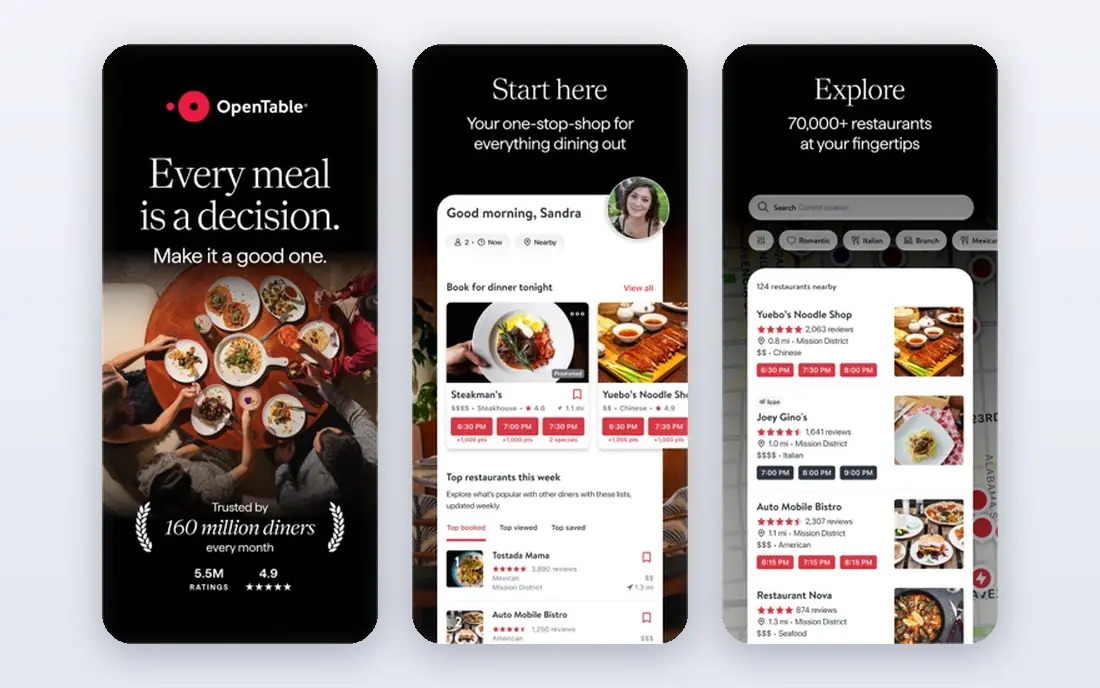
OpenTable remains the default for restaurants that want new diners to find them, not just a tool for existing guests. Its floor plan, waitlist, deposits and guest history tools are proven in busy rooms, and the booking widget works on a restaurant website as well as in the marketplace. For a restaurant in a competitive city, that discovery reach can fill seats that a standalone tool would miss. The cost is the honest catch. The monthly price is only part of the bill, since network bookings carry per-cover fees and prepaid experiences carry a service fee. A restaurant with high network volume should model a busy month, not just the base plan, before it compares OpenTable with a flat-rate rival.
- Largest diner marketplace in the US
- Floor plans, waitlist and guest notes
- POS integrations on higher plans
- Per-cover fees apply to network bookings
- Higher tiers cost much more
- Contract terms need careful reading
Resy suits upscale and popular restaurants where demand, waitlists and guest experience matter more than raw discovery volume. Its table management, reservation and guest tools are built for rooms that turn tables carefully and want control over who books, when and for how long. The American Express link also gives it a distinct diner audience. The limit is geography and price. A neighborhood restaurant outside a major Resy city may get less discovery value for the monthly fee, and the higher tier is needed for the full feature set. Check local diner use before you pay for brand reach you may not get.
- Strong brand with food-focused diners
- Table management and waitlist tools
- No per-cover fees on published plans
- Higher starting price
- Reach is strongest in major cities
- Some features sit on the higher tier
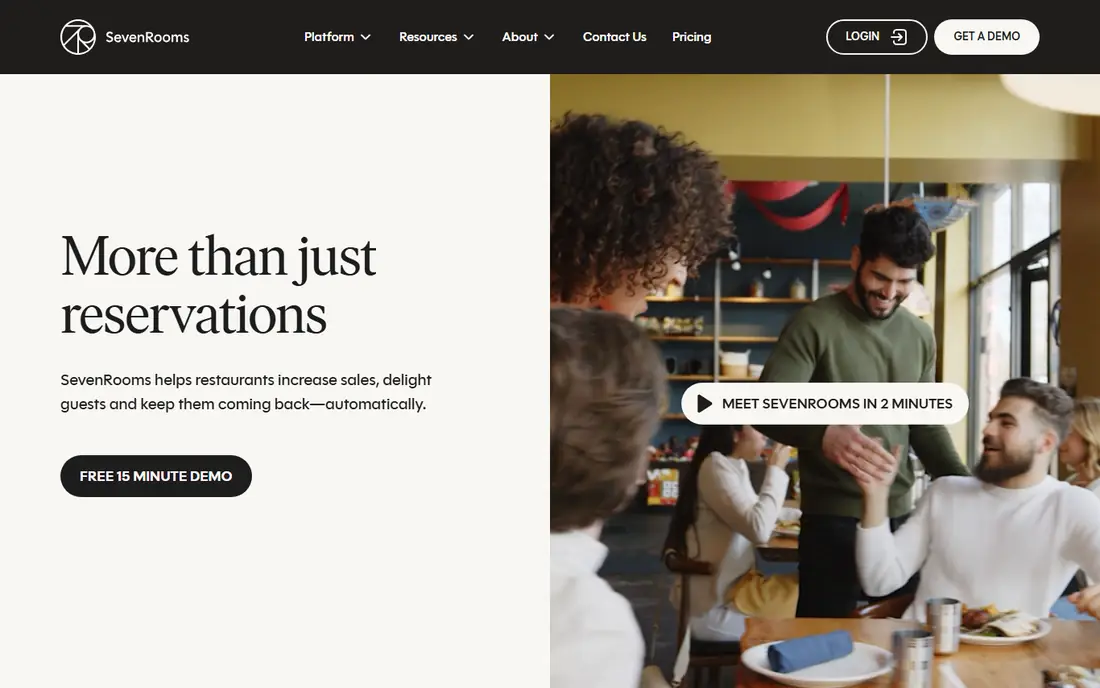
SevenRooms is built around the idea that guest data should belong to the restaurant, not only to a marketplace. Profiles, visit history, preferences and marketing tools sit next to reservations and table management, which helps a restaurant bring regulars back without paying for the same guest twice. Groups, hotels and multi-unit operators get particular value from that setup. The trade-off is complexity and cost clarity. A single small restaurant may not need the full CRM depth, and a quote-based price makes it harder to compare quickly. Ask for a written quote tied to your cover volume and check what happens to guest data if you leave.
- Guest profiles and CRM depth
- Direct booking tools that keep guest data with the restaurant
- Strong for groups and hotels
- Pricing is quote-based, so comparison takes longer
- May be more than a single small restaurant needs
Toast Tables is the practical pick for a restaurant already running Toast. Reservations, waitlists, server rotations and table status connect to orders and payments, so hosts and servers see the same room state. That link reduces double entry and helps staff spot a table that is ready to turn. The limit is obvious: it is not a standalone choice. A restaurant that does not use Toast would need to change POS systems to use it, which is a much larger decision than picking a table tool. Within Toast, though, the lower entry price and flat fees make it easy to justify.
- Native link to Toast POS and table status
- Reservations, waitlist and guest profiles in one system
- Flat monthly pricing with no per-cover fees
- Requires a Toast POS account
- Premium experiences sit on the higher tier
- Less marketplace discovery than OpenTable
Tock stands out when a restaurant sells set menus, events or tasting menus in advance. Prepaid bookings, deposits and ticketed events give the kitchen a firm count and cut no-shows, which matters for high-cost menus. Table management and guest data sit alongside those booking tools, so the host stand and the event plan stay in step. For a casual restaurant with mostly walk-ins, Tock is more tool than needed, and the monthly price reflects that. It earns its place when prepaid demand is a real part of revenue, not just an occasional private event.
- Strong prepaid and ticketed experience tools
- Deposits and card holds reduce no-shows
- Table management included
- Higher starting price
- Prepaid fees apply
- Overkill for a simple walk-in restaurant
Yelp Guest Manager makes sense where diners already find the restaurant on Yelp. Reservations, waitlists and guest management connect to that discovery path, and phone reservations help restaurants that still take many calls. For a US restaurant in a Yelp-heavy market, that link can be worth more than a generic booking widget. The weakness is depth. Basic plans cover the core host stand work, but richer guest management sits higher up. A restaurant that wants deep CRM or multi-unit reporting should compare it directly with SevenRooms or OpenTable Pro before deciding.
- Reservations and waitlist linked to Yelp pages
- Phone booking support
- Useful where Yelp drives discovery
- Guest CRM depth is limited on the basic plan
- Value depends on local Yelp use
- Higher tier needed for full features
Eat App is the value pick for a smaller restaurant that wants proper table management without per-cover fees. The free tier covers low volume, and paid tiers scale by covers rather than by charging for each seated guest. Floor plans, reservations, waitlists and guest tags are included, which is more than many budget tools offer. The catch is discovery. Eat App will not bring the same marketplace traffic as OpenTable, so a restaurant that depends on new diner discovery should not expect it to replace that reach. For a restaurant with a steady local base, the flat price is a clear win.
- Free tier for low cover volume
- Flat pricing with no per-cover fees
- Floor plan, waitlist and CRM tools
- Smaller diner marketplace than OpenTable
- Some advanced features sit on higher tiers
- Support depth varies by plan
Resos suits a small to mid-size restaurant that wants online bookings and table control at low cost. The free tier lets a restaurant test real bookings before paying, and paid plans scale by monthly bookings rather than by cover fees. That model is easy to budget for a seasonal room. The limit is scope. A large group, a hotel restaurant or a fine dining room with complex guest CRM needs may outgrow it faster than SevenRooms or OpenTable. For a single restaurant with straightforward seating, though, it is a practical and low-risk start.
- Free tier with no per-cover fees
- Simple booking and table tools
- Transparent paid tiers for growing restaurants
- Smaller feature set than enterprise tools
- Less marketplace reach
- Newer and less proven at large scale
How we picked these
We compared official pricing and feature pages, plus public documentation, for tools that are live in October 2026 and that cover restaurant floor plans, seating or waitlists as a core function. We left out tools that only take reservations with no table view, and tools that had closed or stopped taking new bookings. Where pricing was not published, we wrote See website rather than repeating an estimate as fact.
What to check before you buy table software
Start with your busiest service, not a quiet demo. Map your floor plan, including shared tables, bar seats, patios and private rooms, and check how the tool handles combines, splits and turn times. A tool that looks neat on a simple grid can slow hosts down when a large party, a late table and a waitlist all hit at once. Next, check the guest journey. Test a website booking, a phone booking, a walk-in and a waitlist join, and see how confirmations, reminders and cancellations work. Staff should be able to see table status, server sections and guest notes without switching screens during service.
Fees and contracts
Add up the monthly price, per-cover fees, prepaid service fees and any setup or contract costs for a busy month. Ask how long the contract runs, what happens at renewal, and whether guest data can be exported in a usable format if you leave.
Staff and service fit
Check device needs, offline behavior and support hours, since a host stand problem at 7 pm needs help at 7 pm. Train hosts on the waitlist, floor plan and turn-time tools before a busy weekend, and agree on who owns the floor plan when sections change.
Frequently asked questions
What is the best table management software for restaurants?
For discovery plus table control, OpenTable is the widest reach, while Resy suits upscale rooms. Toast Tables is best inside Toast, and Eat App or Resos suit smaller restaurants that want flat or free pricing. The right pick follows your cover volume, discovery needs and POS system.
What is table management software?
In this guide, it is restaurant software for floor plans, seating, reservations, waitlists and turn times. It helps hosts seat guests, track table status and manage waits, and it often stores guest notes and visit history.
How much does table management software cost?
Prices in this list run from free tiers at Eat App and Resos to $129 to $269 per month for common paid entry plans, with OpenTable and Resy higher on premium tiers. Per-cover and prepaid fees can add to the monthly price, so model a busy month.
Does table management software need a POS system?
No, most tools in this list work on their own, but Toast Tables requires Toast POS. A POS link helps when table status should match order status, yet many restaurants run table software apart from their POS without a problem.
Is there free table management software?
Yes. Eat App and Resos both offer free tiers for lower volume, though limits on covers or bookings apply. Free tiers suit small rooms, while busy restaurants usually need a paid tier for full waitlist, CRM and reporting tools.
How do I reduce no-shows with table software?
Use confirmations and reminders, deposits or card holds for large parties and prepaid menus, and a waitlist that can fill a cancelled table quickly. Tock and OpenTable both support deposits and prepaid tools, while simpler tools rely on reminders and waitlist alerts.
Sources
See where you really rank - block by block
ProMapRanker scans Google Maps across a grid of your service area. Simple monthly plans from $19, white-label on every plan.
Start freeKeep reading
 who has best internet service
Who Has the Best Internet Service in 2026
Who has best internet service for US homes? We compare fiber, cable, fixed wireless and satellite providers on speed, price, availability and terms today.
Read → which survey tool has the best analytics
Which Survey Tool Has the Best Analytics in 2026
Find which survey tool has the best analytics in 2026, comparing Qualtrics, SurveyMonkey, Typeform, Alchemer, and more on reports, text, and stats today.
Read → which streaming service has the best movies
Which Streaming Service Has the Best Movies in 2026
Answering which streaming service has the best movies, with Netflix, Max, Criterion and more compared on libraries, prices and free options in this guide.
Read →