 ProMapRanker
Best Spanish Translator App in 2026


Free all-round Spanish translation · Pricing starts at: Free
Key takeaways
- Google Translate is our pick for most people: free, fast, and strong for text, camera, speech, and conversation in Spanish.
- DeepL is the best translation app for natural-sounding Spanish text, especially for documents and business writing.
- Apple Translate and Microsoft Translator are strong free options if you already live in Apple or Microsoft tools.
- iTranslate and SayHi suit travelers who need speech and conversation modes on the go.
- For legal, medical, or contract text, use a human translator to check machine output, since errors can change meaning.
Quick comparison
| Pick | Great for | Pricing starts at | Free tier | |
|---|---|---|---|---|
| Google Translate | Free all-round Spanish translation | Free | Yes | Visit |
 DeepL | Natural Spanish document translation | $10.49 per month | Yes | Visit |
 Microsoft Translator | Free Microsoft ecosystem translation | Free | Yes | Visit |
 Apple Translate | Private on-device iPhone translation | Free | Yes | Visit |
 iTranslate | Travel speech and text translation | Free | Yes | Visit |
 Reverso Translate | Context and examples for learners | Free | Yes | Visit |
 SpanishDictionary.com | Spanish learning plus translation | Free | Yes | Visit |
 WordReference | Dictionary and conjugation detail | Free | Yes | Visit |
 SayHi Translate | Simple speech conversation translation | Free | Yes | Visit |
The best spanish translator apps
We compared nine apps on Spanish accuracy, text, speech, camera, conversation, offline use, and price. The best apps for language translation below include free giants and learner-focused tools, so you can pick by trip, study, or work need.
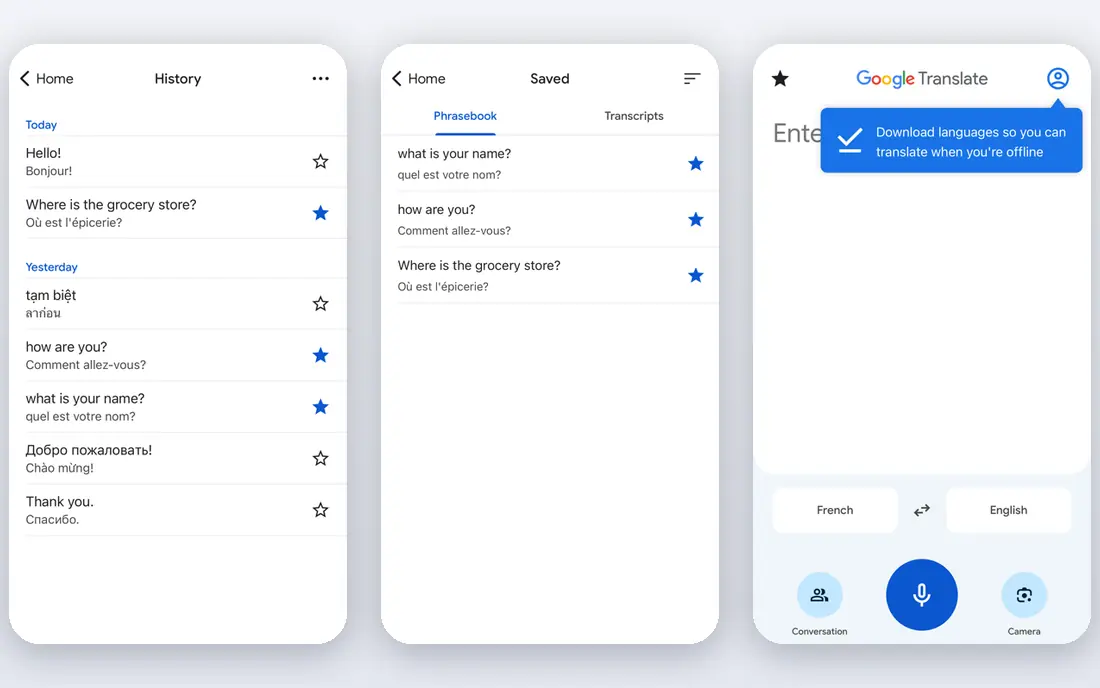
Google Translate is the default best spanish translator app for everyday use, and it is free. You can type text, point your camera at a sign or menu, speak a phrase, or run a conversation mode where two people take turns. That range covers most travel, school, and casual work needs without a subscription.
The weakness shows in polished writing. Translations are usually clear, but formal tone, idioms, and legal phrasing can come out flat or slightly off. For a menu or a chat message, that is fine. For a contract or a published article, have a human check the result. For speed and breadth at no cost, Google Translate is hard to beat.
- Free text, camera, speech, and conversation modes
- Wide language coverage
- Offline packs for travel
- Tone and nuance can be flat for formal writing
- Offline conversation has limits by device
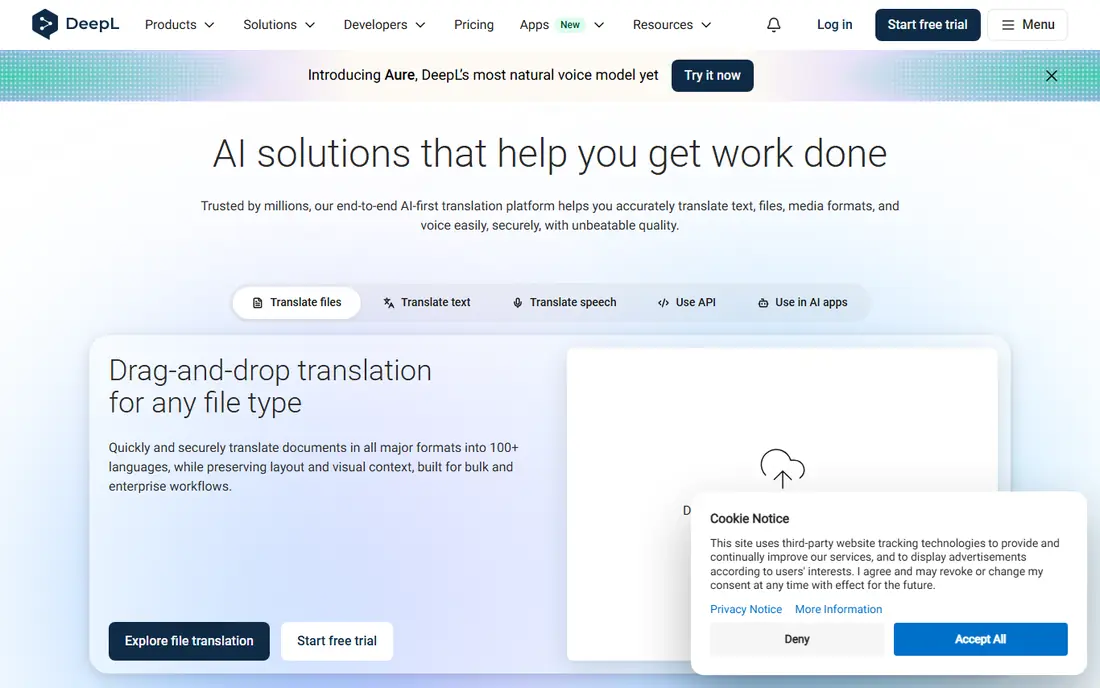
DeepL is our pick when the Spanish text itself matters, such as an email to a client, a report, or a website page. Its translations tend to read more naturally than a word-for-word result, with better handling of sentence flow in European languages. Paid plans add a glossary to lock terms, tone choices, and larger document limits.
The free plan limits characters and files per month, and the app is text-first, not a travel conversation tool. The individual plan is listed at $10.49 per month on monthly billing in recent listings. If you translate Spanish documents for work, DeepL is worth the upgrade over a free-only tool.
- Most natural-sounding Spanish for documents
- Glossary and tone controls on paid plans
- Document translation
- No camera or live conversation focus
- Free plan has character and file limits
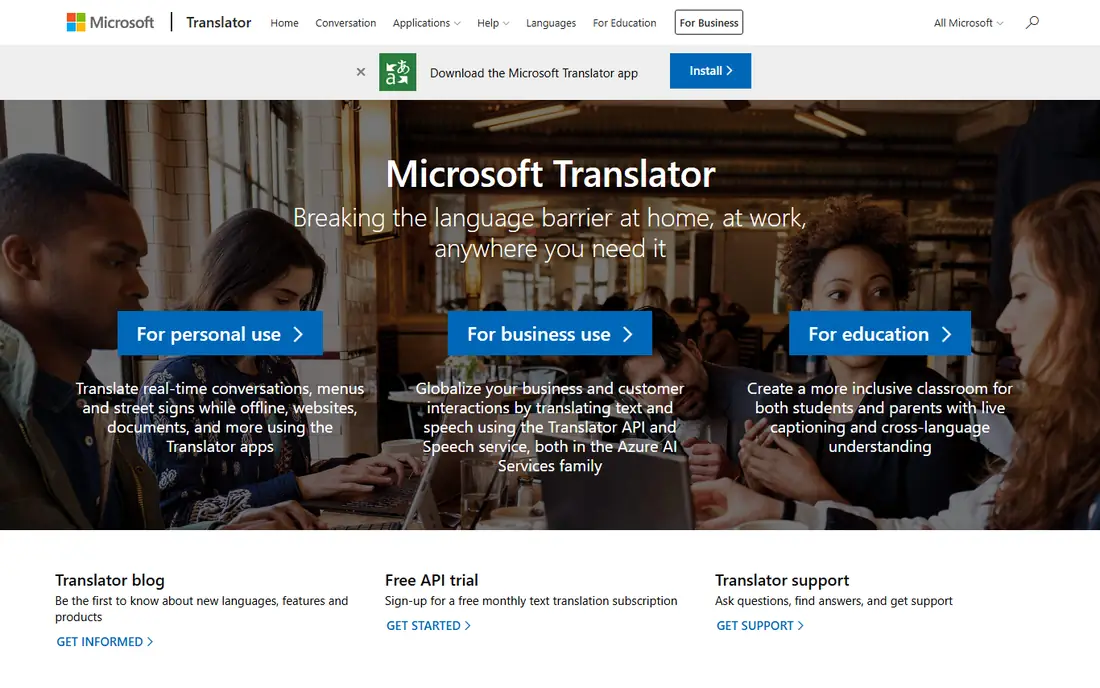
Microsoft Translator is a free consumer app for text, camera, and speech translation, with broad language coverage. It fits well if you already use Microsoft tools, and it can help in meetings and travel where a quick spoken translation is enough. Offline language packs help when Wi-Fi is weak.
Some multi-device conversation features have been retired or changed, so check the current app description before you plan a group conversation around it. For documents, DeepL still reads more naturally. As a free, reliable second translator, Microsoft Translator is a solid best translator app choice.
- Free text, camera, and speech translation
- Works across Microsoft apps
- Offline packs on mobile
- Conversation features have changed over time
- Spanish nuance trails DeepL for documents
Apple Translate is free on compatible iPhones, iPads, and Macs, and it handles text, voice, camera, and conversation translation. On-device translation for downloaded languages is a privacy plus, since your phrases do not need to leave the device for basic use. The interface is simple, which suits travelers who want fast answers.
The limits are platform and coverage. You need an Apple device, and the language count is smaller than Google Translate. For iPhone owners who want a private, simple best speech translator app for Spanish, Apple Translate is an excellent built-in option.
- Free on compatible Apple devices
- On-device translation for privacy
- Text, voice, camera, and conversation modes
- Apple devices only
- Fewer languages than Google Translate
iTranslate is a polished travel companion for Spanish and many other languages. It covers text, speech, and camera translation in a clean interface, with conversation mode for two-way chats. Paid Pro plans in recent listings start around $5.99 per month and add offline mode and fuller camera features.
Free use covers basic translation, but heavy travelers will likely want Pro. It does not match DeepL for long document work, and it is not a dictionary for learners. For a trip to a Spanish-speaking country, iTranslate is a friendly, fast choice.
- Polished travel interface
- Speech, text, and camera modes
- Offline and dialect features on paid plans
- Full features need a Pro subscription
- Free tier has limits
Reverso Translate stands out for learners because it shows translations in context, with example sentences drawn from real texts. That context helps you see how a Spanish word changes meaning in different phrases, which a single-word result hides. Conjugation tables and grammar notes add study value.
It is less of a travel tool than Google Translate or iTranslate, with thinner camera and live conversation support. A premium purchase is listed around $4.99 for one month in store listings, with other offers shown, so confirm the term before you pay. For study, Reverso is one of the best text translator app options.
- Translations with real context examples
- Conjugation and grammar help
- Useful for learners
- Camera and conversation features are limited
- Premium price varies by store
SpanishDictionary.com, from the SpanishDictionary team, pairs translation with learning tools. You get dictionary entries, full verb conjugations, example sentences, and lessons that help you remember words, not just look them up once. That study loop is why many learners keep it beside a fast translator.
Premium plans are listed at $12.99 per month, with longer terms cheaper, and they add lessons and learning features. If you only need a quick travel translation, Google Translate is faster. If you are learning Spanish seriously, SpanishDictionary.com is a top translation software companion.
- Strong dictionary, conjugation, and example sentences
- Lessons and quizzes
- Free core tools
- Premium adds learning features, not just translation
- App is study-first, not conversation-first
WordReference is a dictionary, not a machine translator, and that distinction is its strength. Entries give multiple senses, usage notes, and forum threads where native speakers discuss tricky phrases. For a word you keep getting wrong, that depth beats a one-line machine result.
It will not translate a full conversation or a document for you, and the app needs an internet connection. Use it to check a key word inside a DeepL or Google result. For learners and writers who care about exact meaning, WordReference is an essential free tool.
- Free dictionary with detailed entries
- Forums for tricky phrases
- Conjugation tables
- Dictionary-first, not a full sentence translator
- Needs internet in the app
SayHi Translate focuses on one job: speak in English, hear Spanish, and hear the reply back in English. The interface is simple, which helps in a shop, a taxi, or a clinic where you do not want to hunt through menus. That simplicity is the appeal for travelers who mainly need spoken help.
It lacks the camera, document, and learning depth of the larger tools, and clear speech matters for accuracy. Keep sentences short and speak slowly for best results. As a free, focused best speech translator app, SayHi earns its place for conversation-first travelers.
- Simple speech-to-speech translation
- Easy conversation flow
- Free core use
- Fewer extra features than Google Translate
- Accuracy depends on clear speech
How we picked these
We compared official app pages, store listings, and vendor pricing pages for each app. We favored apps that are actively maintained in October 2026, that translate between English and Spanish well, and that fit a clear need: travel, documents, study, or conversation. We left out API-only services with no consumer app, and general AI chat apps with no dedicated translation modes. Where a store price could not be verified on the day of writing, we noted the recent listing figure only where a public listing supported it, and we used the free tier as the safe starting point.
What to check before you buy
Start with your main task. For travel speech, pick a conversation-first app and test it with short sentences before you leave. For documents, pick DeepL and test it with a real page from your work, checking tone and terms. For study, pick a dictionary-led tool and use it daily, since lookup alone does not build memory.
Check offline needs and privacy. Download Spanish packs before a trip, since rural coverage can fail. If you translate sensitive work text, check whether the app stores your input and whether a paid plan offers different data handling. Finally, never trust machine output alone for legal, medical, safety, or contract text. Use a qualified human translator to review anything where an error could cause harm or loss.
Frequently asked questions
What is the best spanish translator app overall?
Google Translate is the best spanish translator app for most people, because it is free and covers text, camera, speech, and conversation. DeepL is better for polished documents. If you own an iPhone and value privacy, Apple Translate is also a strong free choice.
What is the best translation app for Spanish documents?
DeepL leads for natural Spanish document translation, with glossary and tone controls on paid plans. Google Translate can handle a draft, but DeepL usually reads more naturally for business and published text. For contracts or legal text, have a human translator review the final version.
What is the best speech translator app for Spanish travel?
Google Translate, Apple Translate, iTranslate, and SayHi all handle spoken Spanish well. Google Translate is the most complete free option, Apple Translate is the most private on iPhone, and SayHi is the simplest for back-and-forth speech. Test conversation mode before your trip.
Are there good free Spanish translator apps?
Yes. Google Translate, Microsoft Translator, Apple Translate, Reverso, WordReference, and SayHi all offer free core translation. DeepL and iTranslate also have free tiers. Paid plans mainly add offline use, larger limits, document features, or learning content.
Can I use a translator app offline in Spain or Mexico?
Yes, if you download the Spanish language pack in advance. Google Translate, Microsoft Translator, Apple Translate, and iTranslate Pro support offline use in various forms. Download packs on Wi-Fi before you travel, and test offline mode once before you rely on it.
Is machine translation safe for medical or legal Spanish?
No, not alone. Machine translation can miss nuance, dosage, or legal terms, and an error can cause real harm. Use it for general understanding, then use a qualified human translator for medical instructions, consent forms, contracts, and official documents.
Sources
See where you really rank - block by block
ProMapRanker scans Google Maps across a grid of your service area. Simple monthly plans from $19, white-label on every plan.
Start freeKeep reading
 bitly alternatives
Bitly Alternatives in 2026: 8 Tools Compared
Compare the best Bitly alternatives for branded short links, with free tiers, custom domains, analytics, and pricing that suits creators and small teams.
Read → bill.com alternatives
Best Bill.com Alternatives in 2026
Looking for bill.com alternatives? We compared 9 bill pay and AP automation tools on price, approvals, and accounting sync to help you switch with confidence.
Read → betterhelp alternatives
BetterHelp Alternatives in 2026
We compared BetterHelp alternatives for online therapy, covering Talkspace, Grow Therapy, Rula, Brightside and more on price, insurance and format in 2026.
Read →