 ProMapRanker
Best Soundboard Apps in 2026: 8 Apps Compared

Key takeaways
- Soundpad is the most focused Windows soundboard for hotkey playback into voice chat, while Voicemod adds voice effects in the same app.
- Farrago is the strongest Mac choice for podcast and live show playback, with a grid of tiles and per sound controls.
- Discord built in soundboard is the fastest start for server voice channels, with no extra routing to set up.
- Always check how sound reaches your audience, since a clip that plays locally may not reach Discord, a game, or a stream.
Quick comparison
| Pick | Great for | Pricing starts at | Free tier | |
|---|---|---|---|---|
 Voicemod | Voice effects plus soundboard | Free | Yes | Visit |
 Soundpad | Windows hotkey playback | $4.99 | No | Visit |
 Farrago | Mac podcast and live playback | $55 | Free trial | Visit |
 Discord Soundboard | Built in server voice sounds | Free | Yes | Visit |
 Resanance | Free Windows soundboard | Free | Yes | Visit |
 Clownfish Voice Changer | System wide voice and sounds | Free | Yes | Visit |
 EXP Soundboard | Light portable Windows board | Free | Yes | Visit |
 Soundux | Open source cross platform board | Free | Yes | Visit |
The best soundboard apps
A soundboard plays short clips on demand, from meme sounds and stingers to show cues and game reactions. The best choice depends on where the sound must go: into Discord, into a game chat, into a stream, or only into your own headphones. We compared apps on hotkeys, library handling, volume control, routing, and price.
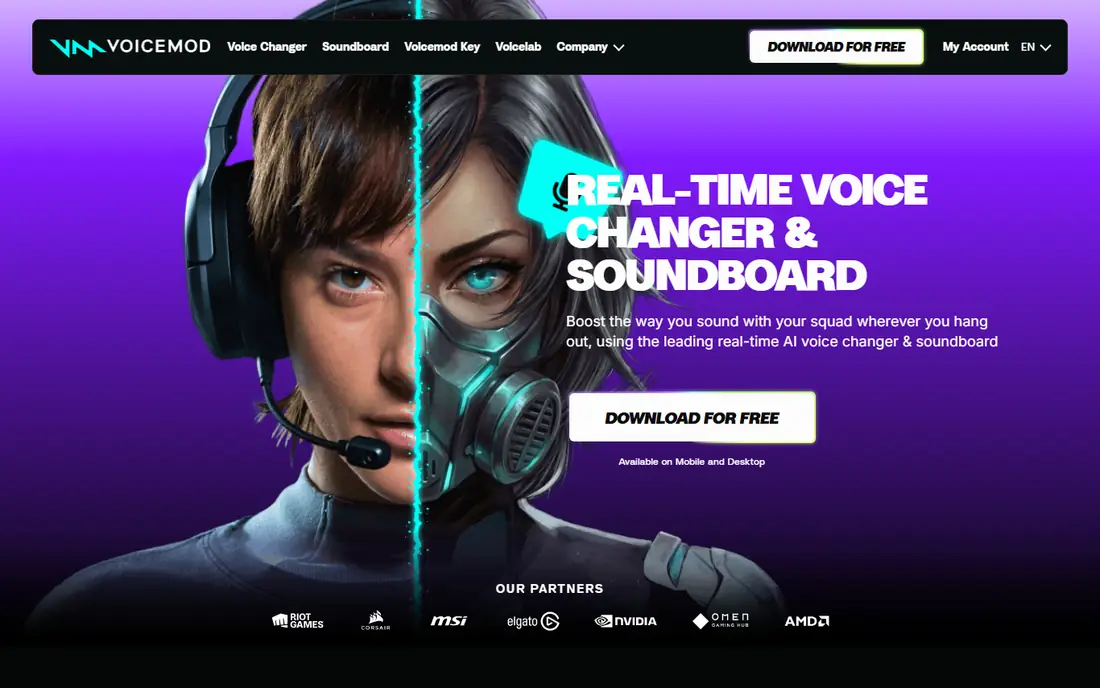
Voicemod is the broadest starting point if you want both a soundboard and a voice changer. You can trigger clips with hotkeys, browse community sounds, and route the output into Discord or a game chat, while also changing your voice in real time. That combination suits streamers and Discord users who want one app for jokes, reactions, and character voices.
The trade off is size and pricing clarity. The free download gives a sample of voices and sounds, while fuller access sits behind paid plans that you need to check in the app. If you only need a few local clips, a lighter board such as Soundpad or Resanance will use fewer resources and stay out of the way.
- Large voice and sound library
- Soundboard with hotkeys
- Works with Discord, games, and OBS
- Paid features are not clearly priced on the homepage
- Heavier than a single purpose board
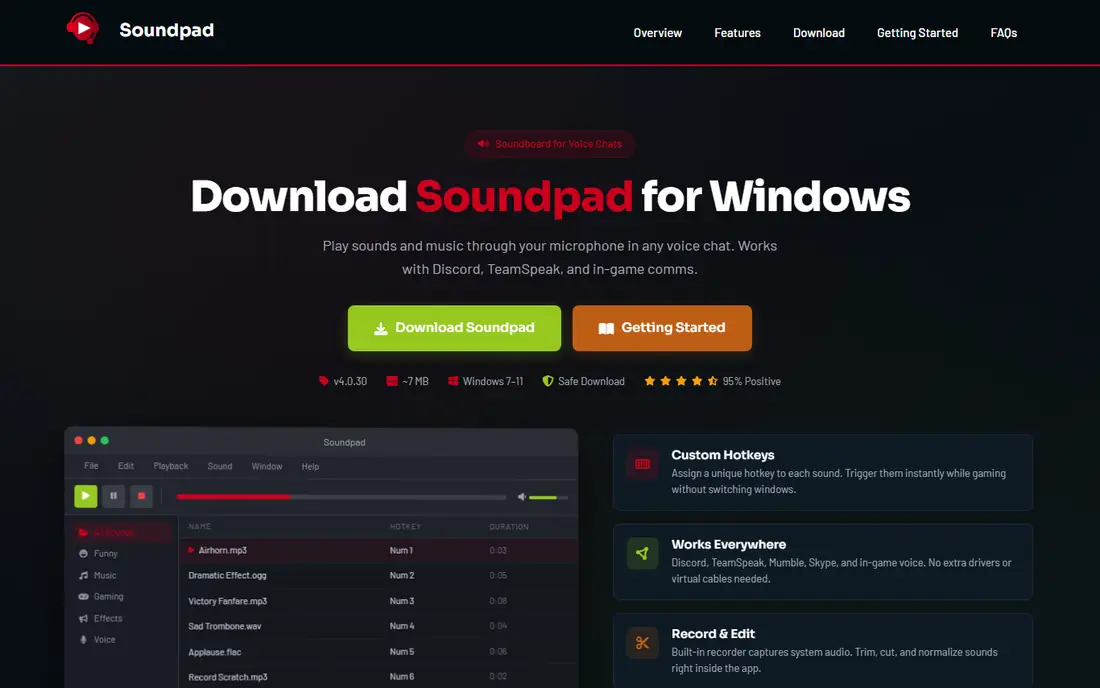
Soundpad is built for one job, and it does that job well on Windows. You add local audio files, assign a hotkey to each clip, normalise volume so one clip does not blast louder than the rest, and play sounds into voice apps while you keep talking. It supports common formats such as MP3, WAV, FLAC, and OGG, and it stays light on system resources.
The price is a one time $4.99 in recent listings, which makes it easy to justify if you use a board daily. The limits are platform and scope: there is no Mac or mobile version, and the built in editor covers trimming and basic fixes rather than full production work. For a large personal library on Windows, it remains the most direct pick.
- Plays local files through the mic path
- Hotkeys and volume normalisation
- Built in recorder and editor
- Windows only
- No mobile version
- Limited audio editing compared with a full editor
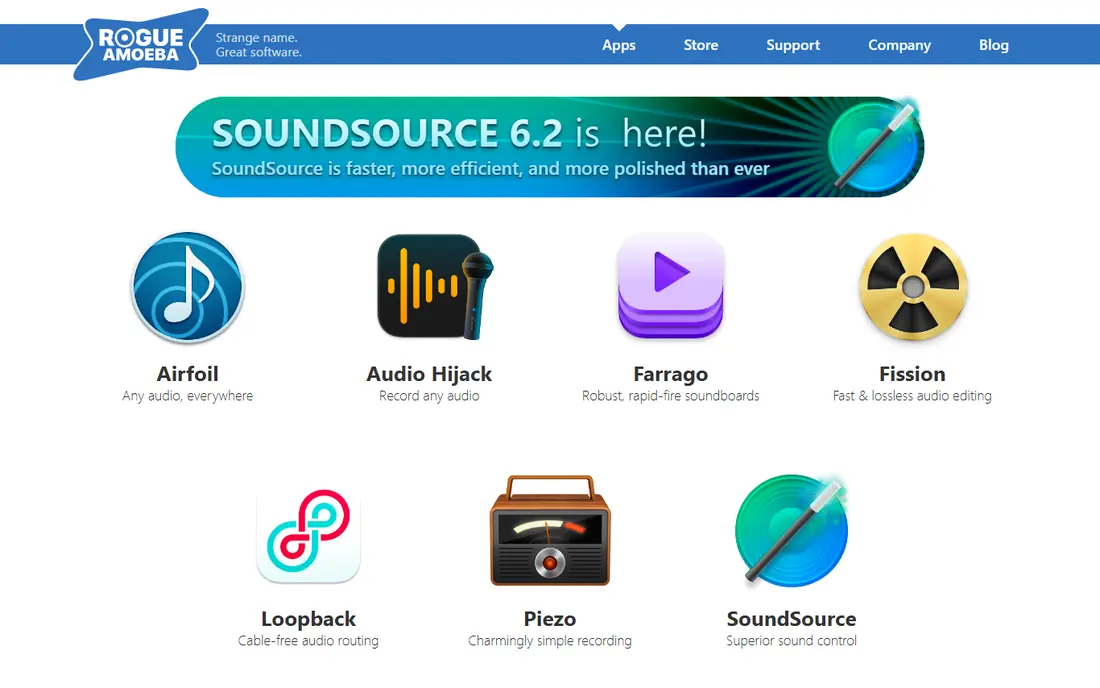
Farrago is the Mac soundboard for podcasters, radio style shows, and live performance. Sounds sit on a grid of tiles, each with its own volume, fade, and playback controls, and you can organise tiles into sets for different shows or scenes. A built in editor lets you trim a clip and add fades without opening another app, which helps when a cue needs a quick fix before air.
The current licence price is $55 on the Rogue Amoeba site, with a fully featured trial that degrades audio after a set number of plays per launch. The main catch is routing: playing a clip so a remote guest can hear it may need a separate routing tool from the same maker. For local playback and recording on a Mac, Farrago is still the cleanest board here.
- Tile grid with per sound controls
- Built in editor with fades
- Search and library handling
- Mac only
- Full routing into calls may need a separate audio routing tool
- Paid licence
Discord built in soundboard is the fastest option if your audience is already in a Discord voice channel. Sounds live on the server, members can trigger them with a click, and permissions control who can add or play sounds. There is no virtual audio device to set up, and it works on mobile as well as desktop, which third party boards often cannot match.
The limits are clip length and slots. Free servers have fewer sound slots than boosted servers, and clips are short by design, so this is not a tool for long stingers or show cues. Use it for quick reactions in a server, and use Soundpad, Voicemod, or Farrago when you need longer clips, hotkeys, or playback outside Discord.
- No extra install or routing
- Works on mobile and desktop
- Server roles can control use
- Short clip limits
- Sound slots depend on server boosts
- No system wide playback outside Discord
Resanance is the best free Windows board for people who want Soundpad style playback without paying. It is open source, supports hotkeys, playlists, drag and drop uploads, and per sound volume control, and it can play into voice channels with low latency. That makes it a strong choice for Discord users on a budget, and for anyone who prefers open source software.
The interface is more plain than Voicemod or Soundpad, and you still need to check that Discord is listening to the right input device. That routing step is the most common reason a board seems silent, so test with a friend before a live session. If you want a polished library and support, Soundpad is worth the small one time price.
- Free and open source
- Hotkeys and playlists
- Low latency voice channel output
- Windows only
- Interface is plainer than paid boards
- Setup needs care with audio routing
Clownfish Voice Changer takes a different route: it changes your voice at system level, so the effect reaches any app that uses your microphone. It also offers basic sound playback, which makes it a useful free fallback when you want a voice effect and a few clips without installing a larger suite. It is light, free, and simple to try.
The soundboard side is basic compared with Soundpad or Resanance, with fewer library and per sound controls. The interface also feels dated next to modern boards. Pick Clownfish if system wide voice changing matters most, and pick a dedicated board if clip management is the main job.
- Free system wide voice effects
- Basic sound playback
- Works across voice apps
- Soundboard features are basic
- Windows focused
- Interface feels dated
EXP Soundboard suits people who want a small, portable board for a handful of favourite clips. It is light on resources, easy to set up with hotkeys, and simple to carry on a USB drive or a second machine. That simplicity is a strength for game nights and casual Discord sessions, where a large library would only slow you down.
The trade off is scale. It lacks the recorder, editor, volume normalisation, and large library handling of Soundpad, and it does not include a ready made sound library, so you need your own files. Use it for a tight set of clips, and move to Soundpad or Resanance when your collection grows.
- Light and portable
- Simple hotkey setup
- Good for a small clip set
- Fewer library features than Soundpad
- Windows only
- No built in sound library
Soundux is the open source pick for users outside the Windows only boards, especially on Linux. It offers hotkey triggered playback, sound organisation, and a community driven codebase, which suits people who want a free board they can inspect and adapt. It is a good match for streamers and gamers who run Linux as their main system.
The catch is polish and support. Setup can be more hands on than a paid Windows board, and some features vary by platform, so check the current release for your system. Community guides are thinner than those for Voicemod or Soundpad. If you want the simplest install, start with a platform native board instead.
- Open source
- Works on Linux as well as other platforms
- Hotkey playback
- Setup can be more hands on
- Feature set varies by platform
- Smaller community guides
How we picked these
We compared vendor feature pages, pricing pages, and recent soundboard roundups, and we kept apps that were still available and maintained in 2026. We favoured boards that play local files, support hotkeys, and explain how audio reaches Discord, games, or streams, over apps that only play sounds locally. Prices come from vendor pages or recent comparisons of those pages, and we wrote See website where a price was not clearly listed.
Choosing the right board for your setup
Start with the destination. If the sound only needs to reach a Discord server, use Discord built in soundboard first, since it needs no routing. If it needs to reach a game chat, a call, and a stream, pick a board that creates a virtual input your apps can select, such as Soundpad, Resanance, or Voicemod. Test the routing with a friend, and check that your own voice still comes through when a clip plays.
Next, count your clips and check your platform. A small set on Windows fits EXP Soundboard or Resanance, a large library fits Soundpad, and a Mac show fits Farrago. Only use sounds you have the right to play, and avoid copyrighted music or clips that could mislead listeners. A board is a tool for timing and humour, not a licence to reuse other work.
Frequently asked questions
What is the best soundboard app?
Soundpad is the best focused Windows soundboard, Voicemod is the best all in one choice with voice effects, and Farrago is the best Mac choice for shows. Discord built in soundboard is best for quick server sounds. Pick by platform and by where the sound must go.
Is there a free soundboard app?
Yes. Discord built in soundboard, Resanance, Clownfish, EXP Soundboard, and Soundux are free, and Voicemod offers a free download with paid extras. Soundpad costs $4.99 as a one time purchase, and Farrago costs $55 for a licence.
What is the best soundboard app for Discord?
Discord built in soundboard is the simplest for server voice channels, since it needs no routing. Soundpad and Resanance are better if you want hotkeys, a large local library, and playback into games as well as Discord. Voicemod adds voice effects on top of the board.
Can I use a soundboard on Mac?
Yes. Farrago is the strongest Mac soundboard for podcasts and live shows. Voicemod also supports Mac, and Soundux covers other platforms. Soundpad, Resanance, and EXP Soundboard are Windows focused, so check platform support before buying.
Do I need my own sounds for a soundboard?
Most boards play your own files, so you need clips you have the right to use. Some boards include a small built in library or community sounds, but a personal library gives you control over volume, length, and licensing. Record your own stingers when you want a clean, original set.
Sources
See where you really rank - block by block
ProMapRanker scans Google Maps across a grid of your service area. Simple monthly plans from $19, white-label on every plan.
Start freeKeep reading
 who has best internet service
Who Has the Best Internet Service in 2026
Who has best internet service for US homes? We compare fiber, cable, fixed wireless and satellite providers on speed, price, availability and terms today.
Read → which survey tool has the best analytics
Which Survey Tool Has the Best Analytics in 2026
Find which survey tool has the best analytics in 2026, comparing Qualtrics, SurveyMonkey, Typeform, Alchemer, and more on reports, text, and stats today.
Read → which streaming service has the best movies
Which Streaming Service Has the Best Movies in 2026
Answering which streaming service has the best movies, with Netflix, Max, Criterion and more compared on libraries, prices and free options in this guide.
Read →