 ProMapRanker
6 Best Software to Remove Filler Words from Videos for 2026

Text-based editing of spoken filler words · Pricing starts at: $16 per person a month
Direct answer
This list puts Descript first for text-based editing of spoken filler words. Listed starting prices: Descript from $16 per person a month and Riverside from $24 a month. If your case is different, DaVinci Resolve suits all-in-one editing, color and audio and Riverside suits recording and editing conversations online. The remaining 3 options are covered below with prices and limits.
Choosing software to remove filler words from videos usually comes down to price, fit and limits. This ProMapRanker guide sets 6 tools side by side on those three points, with the facts kept short and checkable.
Key takeaways
- Descript sits first on this list: text-based editing of spoken filler words.
- Final Cut Pro suits Mac and iPad editors.
- Descript is the lowest-priced starter here at $16 per person per month.
- DaVinci Resolve comes with a trade-off: filler removal is largely manual.
- Free plans exist at 3 of 6 tools (Descript, Riverside, CapCut).
Quick comparison
| Pick | Great for | Pricing starts at | Free tier | |
|---|---|---|---|---|
| Descript | Text-based editing of spoken filler words | $16 per person a month | Yes | Visit |
 DaVinci Resolve | All-in-one editing, color and audio | See website | Not stated | Visit |
 Riverside | Recording and editing conversations online | $24 a month | Yes | Visit |
 CapCut | Fast social video cleanup | See website | Yes | Visit |
 Adobe Premiere Pro | Professional editors wanting manual control | See website | Not stated | Visit |
 Final Cut Pro | Mac and iPad editors | See website | Not stated | Visit |
Tool-by-tool breakdown
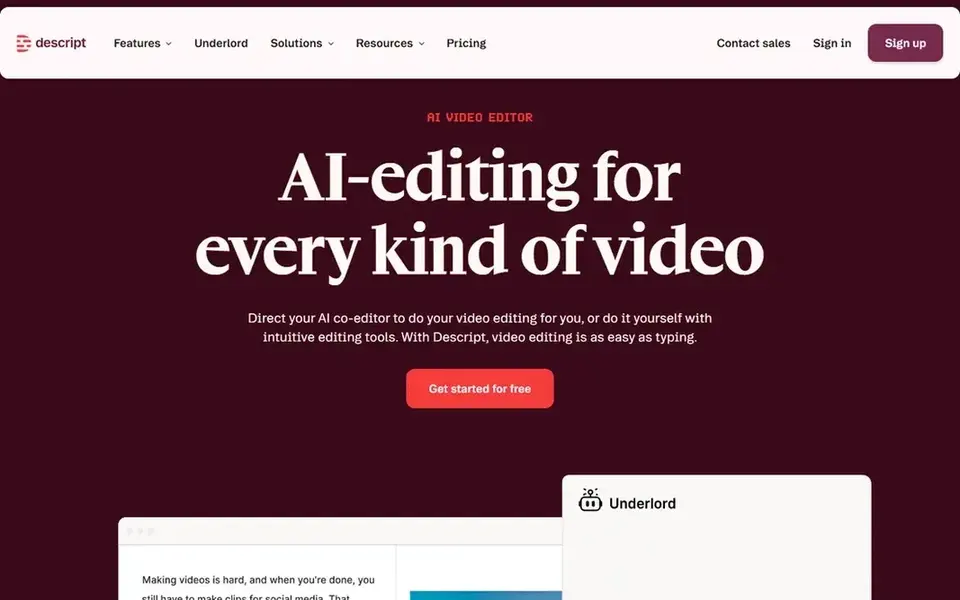
Descript is designed for text-based editing of spoken filler words. Editors who require advanced color, effects or multicam control may prefer a traditional suite.
Downsides: Advanced workflows may feel restricted.
It suits podcasters, course creators and anyone producing talking-head content who wants speed over frame-level precision. Descript cost at the entry level: $16 per person per month. Free access exists with Descript.
- Record
- Edit video by editing text
- Best results need clean audio
Where DaVinci Resolve fits: all-in-one editing, color and audio. Creators who mainly need quick dialogue cleanup may find a text-based editor quicker.
More specifically, choose Resolve when color, audio and editing all belong in one professional suite. The breadth of features means a steeper ramp-up time, and the application is demanding on hardware. DaVinci Resolve shows no starting price here, so confirm the cost on the vendor site. Free options: Not stated.
Best features of DaVinci Resolve: Available on Mac.
Trade-offs to know: Filler removal is largely manual.
- Color and audio in one app
- Deep professional toolset
- Needs capable hardware
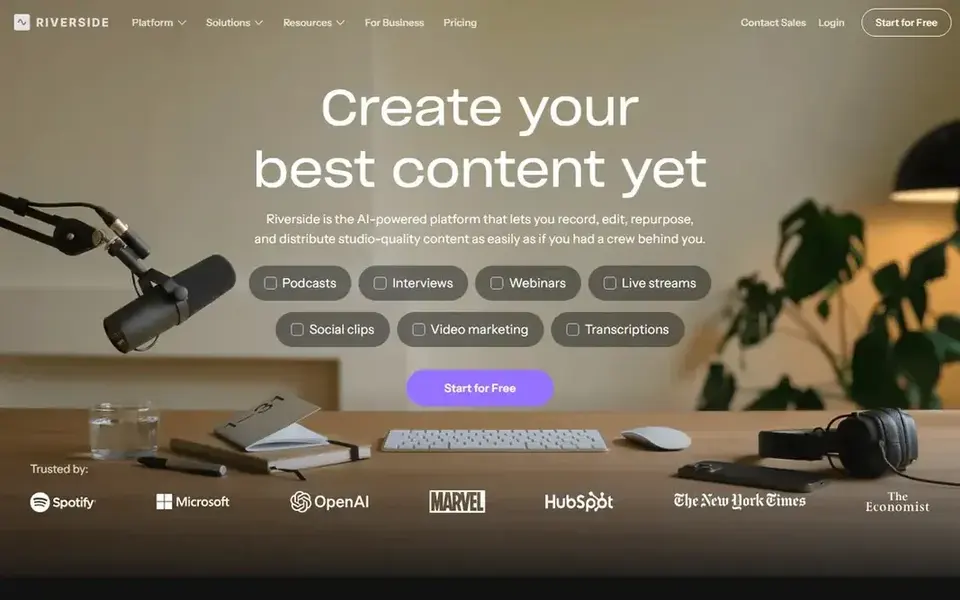
In short, Riverside is for recording and editing conversations online. Riverside is an online studio for high-quality podcast and video recording and editing, powered by AI and aimed at conversations.
Drawbacks to consider: Most useful for interview formats.
Also, Transcript-based tools help identify and remove filler words from recorded conversations. For everyday use, editors with complicated projects may want a dedicated suite. Starting cost for Riverside: $24 per month. Riverside includes a free tier.
- Aimed at podcast and video talk
- AI-assisted editing
- Narrower than full editing suites
CapCut was built for fast social video cleanup. For long interviews or in-depth dialogue cleanup, CapCut can feel less precise than transcript-based or professional tools.
It shines on short, stylized clips. In daily use, CapCut is an AI-powered video editor for YouTube and Instagram content, with smart templates and creative effects across desktop, mobile and online. CapCut shows no starting price here, so confirm the cost on the vendor site. Free access exists with CapCut.
Where it falls short: Less precise for long-form work.
- Mobile and online editing
- Desktop
- Advanced controls are restricted
Adobe Premiere Pro serves professional editors wanting manual control. It suits experienced editors and production teams who want granular control over every cut.
What to check first: Ramp-up time is steep.
As for the details, the depth of the tool includes a ramp-up time, and casual creators may find it heavy for simple talking-head cleanup. Adobe Premiere Pro does not show a starting price in this comparison, so check the vendor site for current pricing. As for free access: Not stated.
- In-depth timeline editing
- Works with numerous file formats
- Filler removal is mostly manual
Think of Final Cut Pro for Mac and iPad editors. Filler word removal is generally handled by trimming clips manually or using transcript-assisted tools where available. It is restricted to the Apple ecosystem, so Windows and Linux users need another choice.
Limits to weigh: Mac and iPad only.
On top of that, automatic dialogue cleanup is not its core focus. Worth adding: Final Cut Pro is Apple's professional editing application, packed with intelligence features that make pro-quality video creation simpler on Mac and iPad. Pick Final Cut Pro when you edit on Apple hardware and want a quick, refined editing experience. No starting price is listed for Final Cut Pro here; confirm pricing on the vendor site. Trial and free access: Not stated.
Best features of Final Cut Pro: Optimized for Apple hardware.
- Quick
- Responsive editing
- Filler removal is mostly manual
How these tools were picked
Each tool was reviewed on what its vendor publishes: price, plan limits, core features and stated drawbacks. We did not run hands-on tests. Where a vendor does not publish a price, the entry says quote. Where a price depends on seats or billing term, the entry says so. The order reflects how well each tool fits the most common buying scenario for software to remove filler words from videos, then price clarity, then free plan access. It is a starting point, not a verdict.
What to confirm before you sign up
- Ask DaVinci Resolve, CapCut, Adobe Premiere Pro and Final Cut Pro for a written quote, since no starting price is shown.
- Look at free plan limits closely: Descript, Riverside and CapCut have one, and the caps decide whether it is usable for real work.
- Read the limits listed for Descript first: best results need clean audio.
- Before you load data into Adobe Premiere Pro, check what an export looks like and who can run it.
- Read the plan comparison for Final Cut Pro carefully; key features often start on a higher tier.
Frequently asked questions
Can I try these tools before paying?
Often, yes. Descript, Riverside and CapCut have a free plan. Use your own data and a real task during the test, and check what the free tier or trial limits before you rely on it.
Do these tools publish their prices?
Not all of them. DaVinci Resolve, CapCut, Adobe Premiere Pro and Final Cut Pro publish no starting price, so expect a quote request for those. The rest, Descript included, show a starting price, though seats and billing terms still change the final cost.
Is Descript the right pick for everyone comparing software to remove filler words from videos?
No single tool suits every team. Descript comes first because it fits text-based editing of spoken filler words, while DaVinci Resolve suits all-in-one editing, color and audio and Riverside suits recording and editing conversations online. Match the tool to your own size, budget and workflow before deciding.
How are the tools for software to remove filler words from videos ordered?
Descript sits first and Final Cut Pro last because the order follows typical fit for software to remove filler words from videos, then price clarity and free access. It is a judgement call, so read each profile for fit and limits.
Sources
See where you really rank - block by block
ProMapRanker scans Google Maps across a grid of your service area. Simple monthly plans from $19, white-label on every plan.
Start freeBrowse all guides
← Best Intelligent Video Analytics Software in 20265 Best Subtitle Editing Software for Video Translators for 2026 →
 best dubbing software
Dubbing Software in 2026: Top 5 Compared
Best dubbing software, compared. 5 tools with published prices, free plans and limits. Our number one: HeyGen, for Avatar-based video creation. Facts only.
Read → best ai video communications software
Best AI Video Communications Software (2026)
5 options for the best AI video communications software, with entry costs, free tiers and the buyer each one serves. Limits and pricing notes included.
Read → best ai podcast hosting platforms
AI Podcast Hosting Platforms: Best Picks of 2026
Best AI podcast hosting platforms, compared. 5 tools with published prices, free plans and limits. Each pick comes with its main catch. Quick to scan.
Read → camtasia alternatives
Best Camtasia Alternatives in 2026
We compared the best camtasia alternatives for recording and editing tutorials, covering free recorders, browser editors and full desktop suites in 2026.
Read → best annotation tools
Best Annotation Tools in 2026
We compared the best annotation tools for image, video, text and audio work, covering free options, team review, pricing and quality checks for 2026 projects.
Read → thundr alternatives
Thundr Alternatives in 2026
We compare Thundr alternatives for moderated random video chat for adults, with clear safety practices, filters, and free plans explained for adults in 2026.
Read →More in Video, Audio & Podcasts · All guides A to Z by date · Latest guides