 ProMapRanker
Best Annotation Tools in 2026


Free, flexible labeling for small teams · Pricing starts at: Free
Key takeaways
- Label Studio and CVAT are the strongest starting points when budget is tight, because both can be run free and cover the core labeling jobs well.
- Labelbox, Encord and V7 suit larger teams that need review steps, model help and a clear audit trail for training data.
- SuperAnnotate, Kili and Dataloop sit in the middle ground, with managed services and automation for teams that want to move faster without building their own tooling.
- The best annotation tool depends more on data type and review needs than on feature count, so test with a real sample before committing.
- Open source tools save license fees but add setup and maintenance work, which should be counted in the real cost.
Quick comparison
| Pick | Great for | Pricing starts at | Free tier | |
|---|---|---|---|---|
| Label Studio | Free, flexible labeling for small teams | Free | Yes | Visit |
 CVAT | Free computer vision labeling at scale | Free | Yes | Visit |
 Labelbox | Enterprise data teams and review workflows | See website | Yes | Visit |
 SuperAnnotate | AI-assisted labeling with managed help | See website | Free trial | Visit |
 Encord | Multimodal data and quality control | See website | No | Visit |
 V7 | Medical and complex vision projects | See website | Yes | Visit |
 Kili | Text, image and video labeling with review | See website | Free trial | Visit |
 Dataloop | Data pipelines and automation | See website | Free trial | Visit |
 Supervisely | Vision teams that want an all-in-one platform | See website | Yes | Visit |
The best annotation tools
We looked at official feature pages, pricing pages, documentation and app listings to compare tools that label data for machine learning. Here are nine that are active and genuinely useful in October 2026.
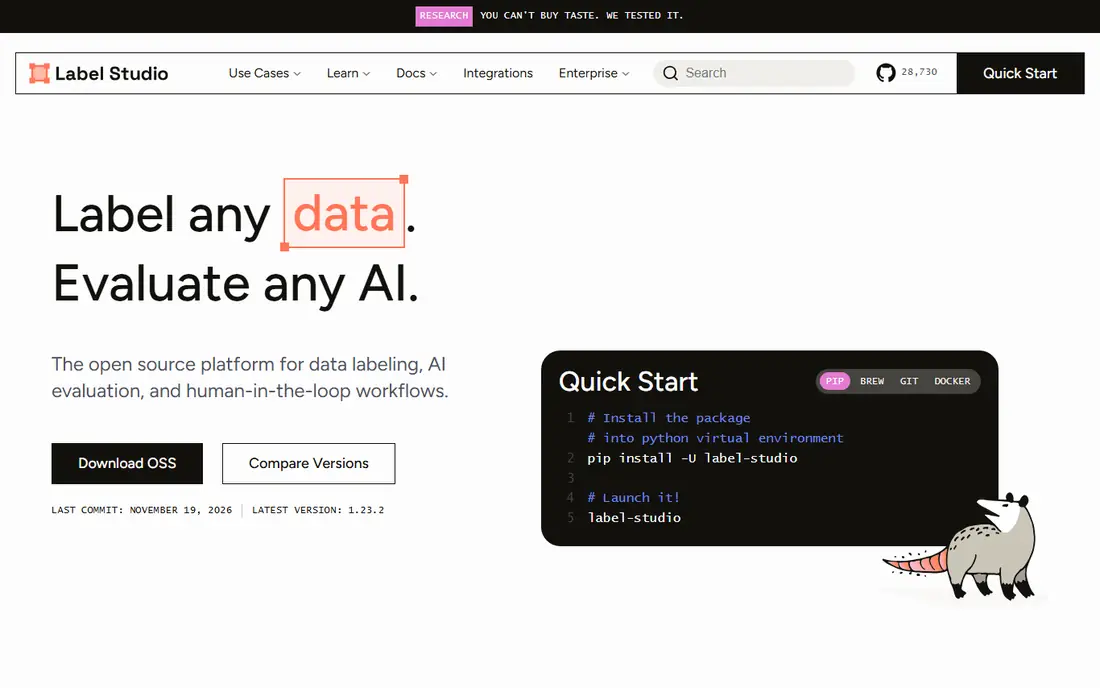
Label Studio is our pick for most small teams that want a capable annotation tool without paying a license fee. It supports boxes, polygons, key points, text spans, audio regions and video frames, and it can be shaped to many tasks with configuration rather than code. That range matters, because a team that starts with images often adds text or audio later, and Label Studio handles the change without a move to a new tool.
The catch is that free does not mean effort free. Self-hosting needs someone to install, update and back up the system, and the paid Human Signal platform is where managed hosting, advanced review and support live. Still, for a research group, startup or internal team with some technical help, it is hard to beat on value.
- Covers image, text, audio and video
- Self-hosted option
- Large template library
- Enterprise features need a paid plan
- Setup takes technical skill

CVAT began as an Intel project and remains one of the most trusted free tools for computer vision work. It handles image and video annotation, interpolation between video frames, and point cloud tasks, which makes it a natural fit for driving, robotics and inspection projects. Teams can run it themselves or use the hosted service when they want less setup.
The interface is built for annotators who label all day, not for casual users, so new team members need a short training period. Model-assisted labeling helps offset that learning curve, because a model can suggest boxes or masks that a person then corrects. For pure vision work on a tight budget, CVAT is a strong default.
- Strong video and 3D support
- Model-assisted labeling
- Active open source project
- Interface can feel technical
- Hosted plans are priced on request
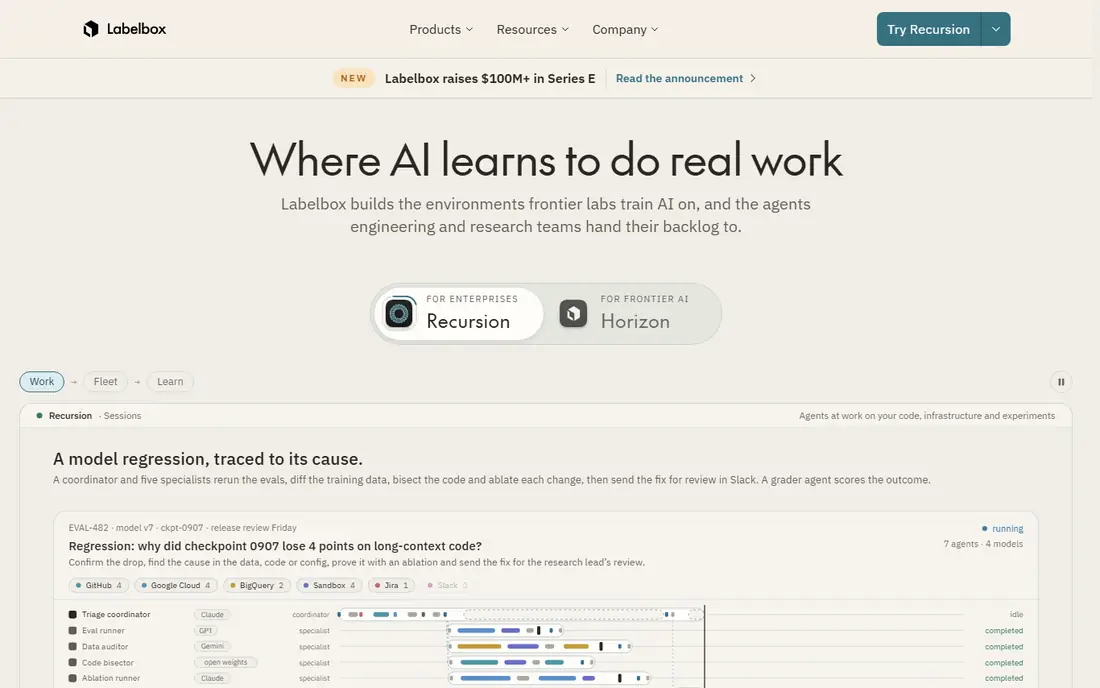
Labelbox is aimed at organisations that treat training data as a production system rather than a side task. It covers images, video, text, audio and documents, and it adds workflows for review, consensus scoring and quality checks that help teams find weak labels before they reach a model. Integrations with common cloud storage and model tools keep data moving without constant manual export.
The free tier lets a small team try the core editor, but serious volume and advanced workflow features sit behind sales-led plans. That makes Labelbox a weaker fit for a one-off project, and a better fit for a team that labels continuously and needs to prove data quality to others in the business.
- Multimodal support
- Structured review and consensus
- Strong integrations
- Pricing is not fully public
- Best suited to larger budgets
SuperAnnotate combines a labeling editor with automation and an optional managed workforce, so a team can hand over some or all of the labeling itself. Its editors cover images, video, text and audio, and its AI tools can pre-label data to speed up human review. For a team under deadline pressure, that combination is attractive, because throughput matters as much as editor quality.
The trade-off is cost clarity. Most pricing is quote based, so a small team should ask for a clear estimate tied to data volume before starting. Teams that already have annotators may also find they pay for platform features they do not fully use, so it pays to trial the editor first.
- AI-assisted annotation
- Managed labeling service
- Python SDK
- Pricing requires a quote for most teams
- Smaller teams may find it heavy
Encord stands out for teams that work with varied and sensitive data, including DICOM medical images and point clouds alongside standard images and video. Its workflow tools support several review stages, automated checks and agreement metrics, which help teams catch errors early. It also offers tools to evaluate model performance against labeled data, so labeling and model work stay linked.
Because there is no free plan and pricing is set by quote, Encord fits funded teams and companies better than hobby projects. Teams should use a trial or demo with their own data type, especially for medical or 3D work, to confirm the editor handles their files as expected.
- Wide data type support including medical imaging
- Multi-stage quality review
- Model evaluation tools
- No free plan
- Pricing is quote based
V7, often called V7 Darwin, is a good choice when the data itself is complex. It supports medical formats, whole slide images and video with tracking, and its auto-annotation tools can speed up repetitive segmentation work. That makes it popular with healthcare and life science teams, as well as vision teams working with detailed imagery.
A free tier exists for trying the platform, but larger medical and enterprise use is priced on request. Teams should check data handling and compliance needs early, since medical projects often have strict rules about where data can be stored and who can see it.
- Medical imaging support
- Auto-annotation tools
- Video tracking
- Advanced plans are quote based
- Some features need training to use well
Kili Technology offers a clean labeling platform with a strong focus on quality control. Annotators, reviewers and managers get distinct roles, and consensus and agreement tools make it easier to spot disagreements. Text labeling is a particular strength, which suits teams working on documents, chat data or language models alongside images and video.
The platform is less of a household name than Labelbox or Encord, but that does not make it weaker for mid-size projects. Pricing is quote based, so teams should compare a Kili quote against the cost of running an open source tool plus staff time, rather than against a free tier alone.
- Clear quality and consensus tools
- Good text support
- API and SDK access
- Pricing is quote based
- Less known for 3D data
Dataloop treats annotation as one step in a larger data pipeline, with tools to move data, trigger automation and manage datasets. That approach suits teams that receive new data constantly and want labeling, review and model feedback to run in a loop. Its editors cover the main vision and text tasks, and automation can reduce the manual work on each new batch.
The breadth can also be a drawback for a simple project. A team that only needs to label a few hundred images may find Dataloop more platform than it needs. It earns its place when data keeps arriving and manual handling would slow the whole project down.
- Pipeline automation
- Model-assisted labeling
- Cloud and on-premise options
- Setup can be involved
- Pricing is not fully public
Supervisely is built around computer vision from end to end, with labeling, dataset management, model training and deployment tools in one place. Teams can extend it with apps from its ecosystem, which helps when a standard editor does not fit a specific task. A free option lets small teams start, while paid plans add team features and higher limits.
Its vision focus is both a strength and a limit. Teams that mainly label text or audio will find better fits elsewhere. For a vision team that wants labeling, training and review in one system, though, Supervisely removes several integration headaches.
- Full vision platform with apps
- Neural network training tools
- Free community option
- Focused mainly on vision
- Paid plans start higher than some rivals
How we picked these
We compared official feature pages, pricing pages, documentation and public listings for tools that are still maintained and in use in October 2026. We favoured tools that cover a clear data type, support human review, and can export labels in a usable form. We left out tools that had closed, stopped being maintained, or only handled a narrow demo task, and we did not count marketing claims without a matching feature page.
What to check before you choose
Start with data type, because no tool does every format equally well. A vision team needs video tracking or 3D support, a language team needs text spans and document handling, and a medical team needs DICOM support and strict access controls. Test with a real sample, including the hardest files, not just clean examples.
Next, look at review and quality tools. Consensus scoring, reviewer roles and audit history matter far more than a long feature list once several people label the same data. Also check export formats, API access and where data is stored, since moving a large labeled dataset later is painful.
Finally, count total cost, not just license price. Open source tools can be free to install but need hosting, updates and support time. Managed platforms cost more up front but can save weeks on setup and workforce management. A short paid trial with real annotators usually reveals which trade-off fits your team.
Questions to ask a vendor
Ask how labels are exported, what happens to your data if you cancel, and how reviewer disagreement is handled. Ask about model-assisted labeling limits, since some tools charge separately for automation. Ask for a written quote tied to your expected volume, and ask whether support covers your time zone.
Frequently asked questions
What is the best annotation tool for a small team?
Label Studio is a strong starting point, because it is free, covers many data types, and can be self-hosted. CVAT is a better pick if the work is mainly computer vision, especially video. Both need some technical setup, so a team with no technical help may prefer a hosted trial from a paid platform instead.
What is the best free annotation software?
Label Studio and CVAT are the leading free annotation software options, and both are open source with active communities. Supervisely also offers a free option for vision work. Free here means no license fee, not no effort, since hosting, updates and training still take time.
What is the best annotation app for image labeling?
CVAT and Supervisely are strong for image and video labeling, while Labelbox and Encord suit larger image projects with strict review needs. The right choice depends on whether you need video tracking, 3D data, medical formats or simple boxes and polygons.
Do annotation tools support text and audio as well as images?
Yes, several do. Label Studio, Labelbox, SuperAnnotate, Kili and Dataloop all support text, and most also support audio. Check the exact task type before buying, because text span labeling, document classification and audio transcription are different features.
How much does annotation software cost?
Open source tools can cost nothing in license fees, while paid platforms are usually priced by quote based on users and volume. Small teams should expect to pay for hosting or support even with a free tool, and larger teams should get a written quote before committing.
Can annotation tools use AI to speed up labeling?
Yes, most paid platforms and several open source tools offer model-assisted labeling, where a model suggests labels that a person checks and corrects. This speeds up repetitive work, but human review stays important, because model suggestions can repeat the same errors across a whole dataset.
Sources
See where you really rank - block by block
ProMapRanker scans Google Maps across a grid of your service area. Simple monthly plans from $19, white-label on every plan.
Start freeKeep reading
 zscaler alternatives
Best Zscaler Alternatives in 2026
Looking for zscaler alternatives? We compare 9 SASE and zero trust platforms on architecture, data protection, pricing, and fit for your network and team.
Read → zapier alternatives free
Best Zapier Alternatives Free in 2026
Nine automation tools for zapier alternatives free in 2026, all with genuinely free tiers, plus free plan limits, starting prices and upgrade paths explained.
Read → which platform is best for online reputation
Which Platform Is Best for Online Reputation in 2026
Wondering which platform is best for online reputation? We compare 8 review, listing, and response tools for small and multi-location businesses and agencies.
Read →