 ProMapRanker
Best Software Product Demo Videos (2026)

Training and onboarding video libraries · Pricing starts at: See website
Direct answer
For training and onboarding video libraries, Panopto is where this list starts. Listed starting prices: Descript from $16 per person per month and Loom from $18 per user per month. Adobe Premiere Pro is the stronger choice for advanced video editing and post-production, while Vidyard suits sales and marketing demo hosting. The full list of 5 tools follows, with prices and free plan facts.
If you are comparing software product demo videos, this page covers 5 tools in one place: what each is best for, what it costs to start, whether it has a free plan, and the main limit to know about.
Key takeaways
- This list starts with Panopto, which is built for training and onboarding video libraries.
- What to know about Descript first: may lack advanced visual effects.
- Loom is the one to check for fast screen recordings and sharing.
- 3 of 5 tools offer a free plan: Vidyard, Descript, Loom.
- The cheapest monthly starting price in the list is $16 per person per month, offered by Descript.
Quick comparison
| Pick | Great for | Pricing starts at | Free tier | |
|---|---|---|---|---|
| Panopto | Training and onboarding video libraries | See website | Free trial | Visit |
 Adobe Premiere Pro | Advanced video editing and post-production | See website | Not stated | Visit |
 Vidyard | Sales and marketing demo hosting | See website | Yes | Visit |
 Descript | Text-based video editing | $16 per person per month | Yes | Visit |
 Loom | Fast screen recordings and sharing | $18 per user per month | Yes | Visit |
Every option for software product demo videos explained
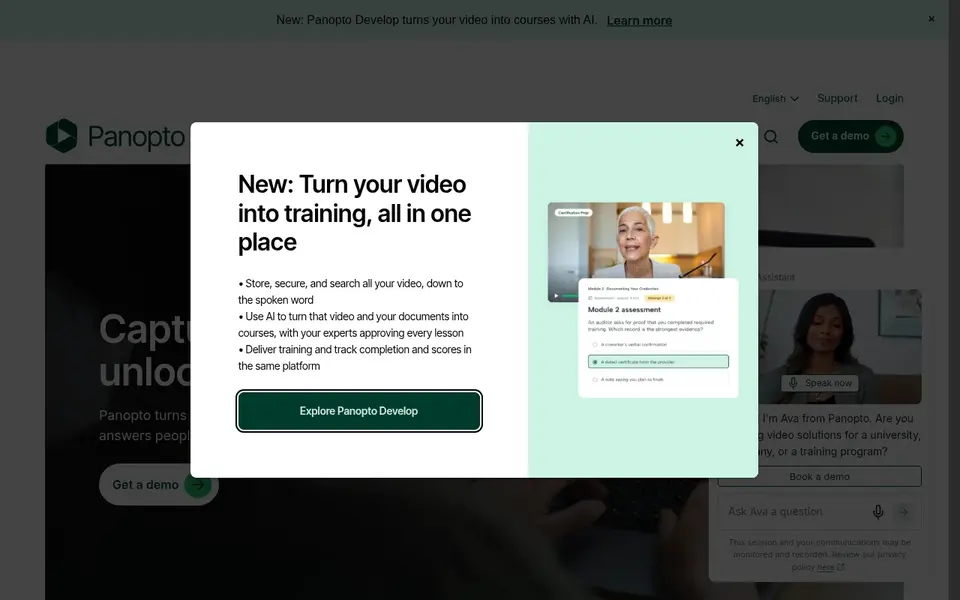
Panopto serves training and onboarding video libraries. Panopto is a video knowledge system made for work and learning environments. Worth adding: consider Panopto when you need a centralized, searchable video repository integrated with learning workflows.
In daily use, Panopto may be more than needed for standalone product demos, as it emphasizes organizational knowledge management. From a buyer's view, for fast, informal demos, Loom could be more appropriate. This comparison lists no price for Panopto; ask the vendor. As for free access: Free trial.
Watch-outs: Centred on learning and training use cases.
- Supports recording, searching, sharing
- Suited for training and lecture capture
- May be complicated for straightforward demo needs
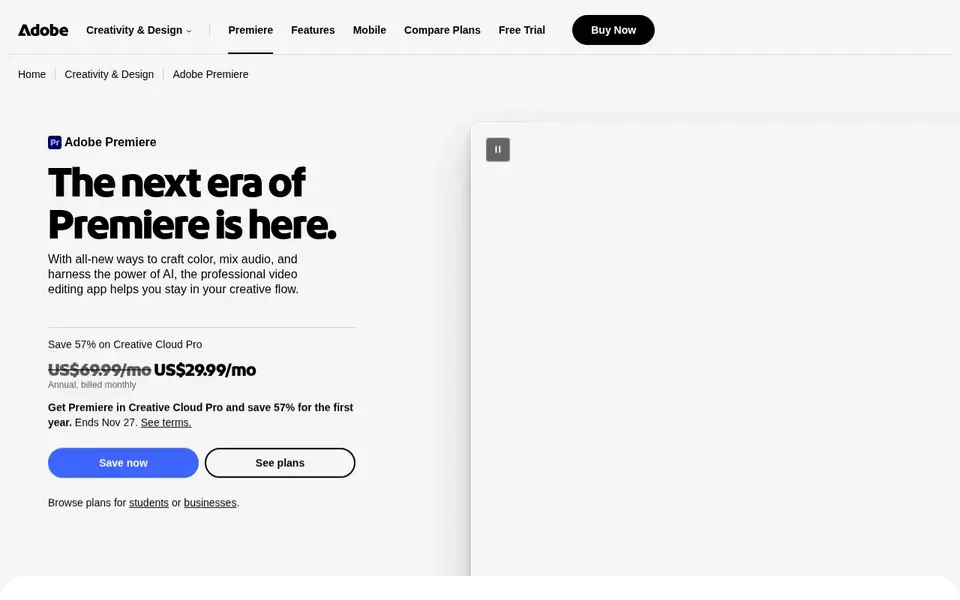
Adobe Premiere Pro works best for advanced video editing and post-production. Adobe Premiere Pro is professional video editing software for post-production. It offers editing, trimming, effects, audio mixing, and more.
Drawbacks to consider: Not a dedicated screen recorder.
Worth adding: choose Premiere Pro when you need advanced editing and have the expertise to use it effectively. Premiere Pro does not contain built-in screen recording, so it must be used with another tool for capturing demos. Adobe Premiere Pro shows no starting price here, so confirm the cost on the vendor site. As for free access: Not stated.
- Industry-standard editing features
- Extensive effects and audio tools
- Needs significant editing expertise
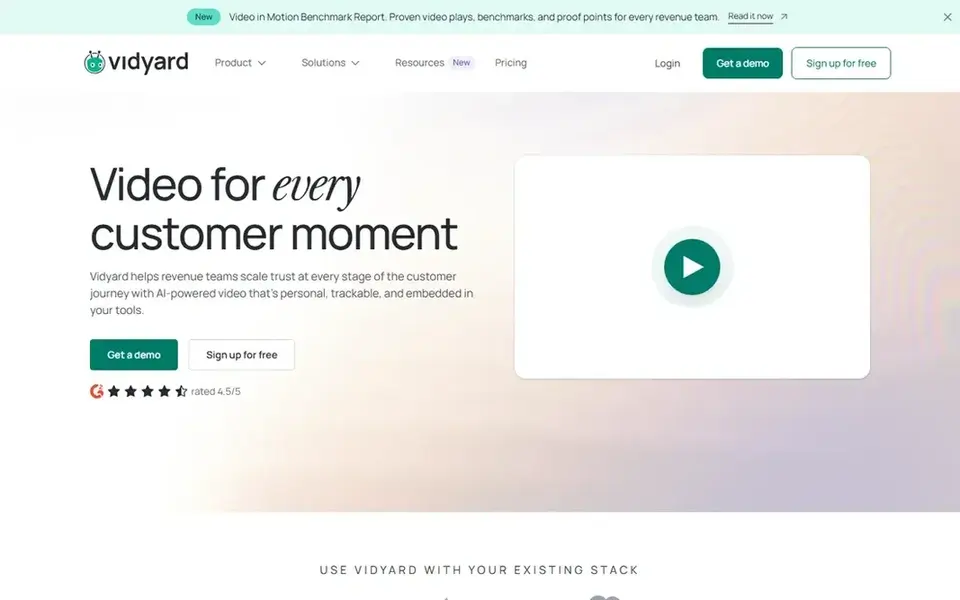
Vidyard is a good fit for sales and marketing demo hosting. Vidyard is an online video system built for business use, focusing on virtual sales and marketing teams.
Trade-offs to know: May be overkill for simple screen recordings.
It lets users to increase leads, accelerate their pipeline, and delight customers through video. In practice, consider Vidyard when video is a central part of your sales and marketing strategy. Check the vendor site for Vidyard pricing; none is listed in this comparison. Free access exists with Vidyard.
- Helps accelerate pipeline with video
- Supports virtual sales and marketing teams
- Needs setup for advanced features
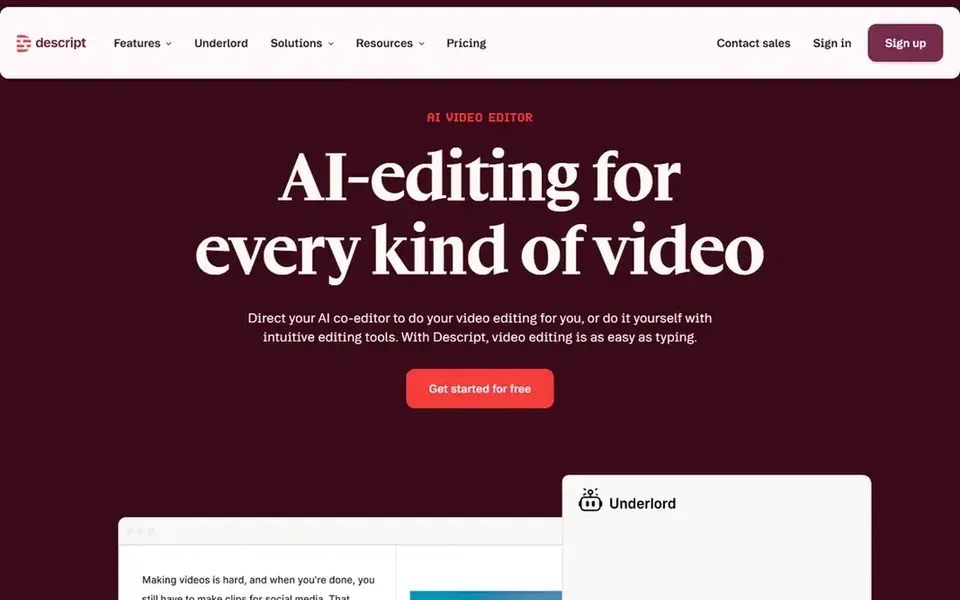
Descript is a good fit for text-based video editing. Descript is an AI video and audio editor that makes editing as simple as editing text.
Where it is weaker: May lack advanced visual effects.
From a buyer's view, choose Descript for its efficient, text-based editing workflow that accelerates demo video creation. Descript may not offer the same depth of visual effects or fine-grained control as traditional editors like Premiere Pro. Price to start with Descript: $16 per person per month. A free plan is available with Descript.
Best features of Descript: Edit video by editing text.
- Bundles recording and transcription
- Eases video production
- Text-based workflow may not suit all editors
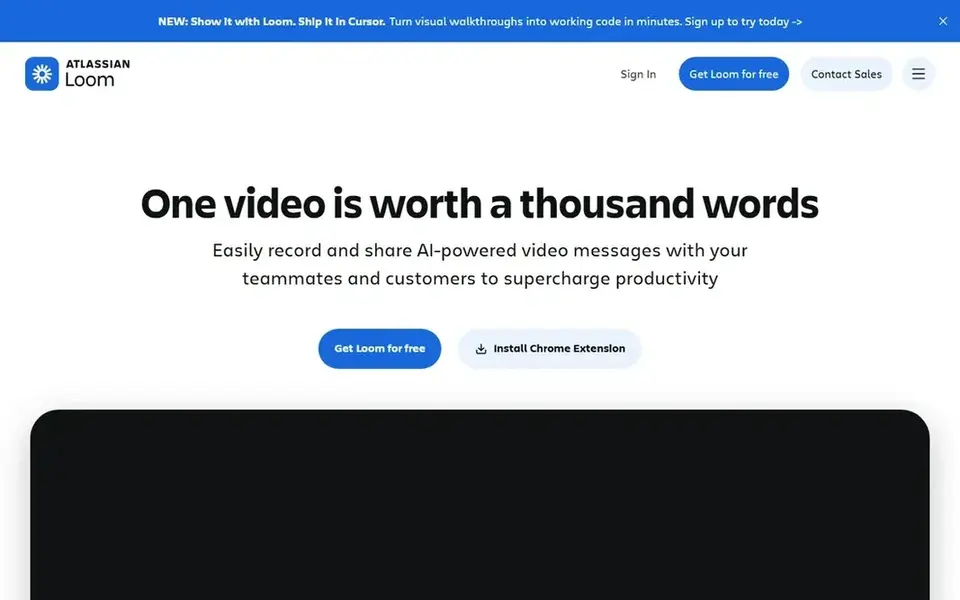
Loom is a good fit for fast screen recordings and sharing. Loom is widely used for asynchronous communication and fast tutorials. As for the details, choose Loom for quick, straightforward demo videos that prioritize speed and simplicity.
Where it falls short: Restricted advanced production features.
Strengths: Straightforward sharing via link.
In practice, if you need in-depth analytics or complicated editing, consider other choices. In daily use, Loom is a screen recording tool for Mac and PC that emphasizes simplicity and fast sharing. It comes with advanced video editing and storage capabilities, making it a good match for teams that require to produce informal product demos or walkthroughs without a steep ramp-up time. Starting cost for Loom: $18 per user per month. A free plan is available with Loom.
- Advanced video editing and storage
- Simple screen recording on Mac and PC
- May lack deep sales integration
Our selection method
ProMapRanker looked at what each vendor publishes: pricing, plan limits, feature coverage for software product demo videos and stated drawbacks. No hands-on testing is claimed. Where a vendor does not publish a price, the entry says quote. Where a price depends on seats or billing term, the entry says so. Position on the page reflects fit for a typical buyer first, with price clarity and free access breaking ties. Treat it as a guide, not a ruling.
What to check before you buy
- Ask Panopto, Adobe Premiere Pro and Vidyard for a written quote, since no starting price is shown.
- Check what the free option really includes: Vidyard, Descript and Loom offer a free plan, and usage caps differ.
- Use real work to test the free trial from Panopto, rather than a demo project.
- Read the limits listed for Panopto first: may be complicated for straightforward demo needs.
- Price Adobe Premiere Pro for your actual team size; headline prices rarely include add-ons or overage.
- Confirm you can export your data from Panopto, so leaving later does not mean losing records.
Frequently asked questions
Is Panopto the right pick for everyone comparing software product demo videos?
No single tool suits every team. Panopto comes first because it fits training and onboarding video libraries, while Adobe Premiere Pro suits advanced video editing and post-production and Vidyard suits sales and marketing demo hosting. Match the tool to your own size, budget and workflow before deciding.
How are the tools for software product demo videos ordered?
The order follows typical fit for software product demo videos, with Panopto first and Loom last, then price clarity and free access. It is editorial judgement, not a score, so another team could rank the tools differently.
What is the cheapest option for software product demo videos in this list?
On published monthly entry prices, Descript is the lowest here at $16 per person per month. Entry price is only part of the cost, because seats, add-ons and billing terms can change the total. Prices, free plan details and limits for all 5 tools in this software product demo videos roundup sit on the individual cards above.
How does Descript's text-based editing work for demo videos?
Descript transcribes your video and lets you edit the text to modify the video, making it simple to remove filler words or mistakes.
Do these tools publish their prices?
Not all of them. Panopto, Adobe Premiere Pro and Vidyard publish no starting price, so expect a quote request for those. The rest, Descript included, show a starting price, though seats and billing terms still change the final cost.
Can I use Vidyard to host and track my demo videos?
Yes, Vidyard is made for hosting and sharing videos with sales and marketing features, including tracking viewer engagement. It helps teams use video to produce leads and accelerate pipeline.
Sources
See where you really rank - block by block
ProMapRanker scans Google Maps across a grid of your service area. Simple monthly plans from $19, white-label on every plan.
Start freeBrowse all guides
← 5 Best Live Streaming Software for Video Podcasts in 2026Best Video Embedding Software for Businesses (2026) →
 wordstream alternatives
5 WordStream Alternatives Compared (2026)
Searching for WordStream alternatives? Here are 5 options with prices and free plans. Price notes and drawbacks come with each one. Current for November 2026.
Read → best webinar tool for partner enablement
Webinar Tool for Partner Enablement in 2026: Top 5 Compared
Weighing the best webinar tool for partner enablement? We lined up 5 products by cost, free access and fit. Caveats come with every verdict. Details below.
Read → best webinar software for electricians
2026 Guide to the Best Webinar Software for Electricians
Best webinar software for electricians, compared. 5 tools with published prices, free plans and limits. Caveats come with every verdict. Full profiles inside.
Read → best ai photo animation tools
Best AI Photo Animation Tools in 2026
Compare the best ai photo animation tools for turning still photos into moving clips, with free plans, prices, and honest limits for every pick in 2026.
Read → best 3d animation company
Best 3D Animation Company in 2026
Compare the best 3d animation company options in 2026, from Pixar and DreamWorks to Weta FX and Framestore, with focus, services, and honest tradeoffs.
Read → best free animation maker tool
Best Free Animation Maker Tool in 2026
Find the best free animation maker tool for your project with our 2026 comparison of free animation apps, pricing, strengths, and honest limits today.
Read →More in Video, Audio & Podcasts · All guides A to Z by date · Latest guides