 ProMapRanker
Best Software for Web Crawling in 2026

Key takeaways
- Web crawling tools split into no-code scrapers, managed APIs and open-source frameworks, and each suits a different skill level and volume.
- No-code tools suit analysts and marketers, while APIs and frameworks suit developers building repeatable data pipelines.
- Credit and usage pricing means the headline monthly fee is rarely the full cost, so model your page volume before you choose.
- Always respect a site terms of service, robots rules and rate limits, and get advice before using scraped data commercially.
Quick comparison
| Pick | Great for | Pricing starts at | Free tier | |
|---|---|---|---|---|
 Octoparse | No-code scraping | $69 per month | Yes | Visit |
 Apify | Ready-made scrapers | See website | Yes | Visit |
 ScrapingBee | Simple scraping API | See website | Free trial | Visit |
 ScraperAPI | Developer API scraping | See website | Free trial | Visit |
 Browse AI | Monitoring pages without code | See website | Yes | Visit |
 ParseHub | Visual scraping for complex pages | See website | Yes | Visit |
 Firecrawl | AI and language-model pipelines | $16 per month | Yes | Visit |
 Bright Data | Large-scale protected sites | See website | Free trial | Visit |
 Scrapy | Large DIY crawls | Free | Yes | Visit |
The best software for web crawling
We compared official feature pages, pricing pages, documentation and public reviews for tools that crawl and extract web data in October 2026. The list mixes no-code tools, APIs and one open-source framework, so you can match the tool to your skills and volume rather than forcing one approach on every job.
Octoparse is the most established no-code crawler in this list, and that maturity shows in its template library and visual builder. Non-developers can point, click and build an extraction task for common sites, then export results to common formats. For a marketer or analyst who needs recurring data without writing code, it is a practical first choice. The catch is pricing structure. The free tier covers local tasks, while cloud scheduling and higher volume sit on paid plans, so a large crawl can cost more than the entry price suggests. Complex or heavily protected sites may also need manual tuning. Still, for template-friendly sites, Octoparse saves a lot of engineering time.
- Many ready-made templates
- Visual task builder
- Cloud scheduling on paid plans
- Costs rise with cloud tasks
- Learning curve for advanced sites
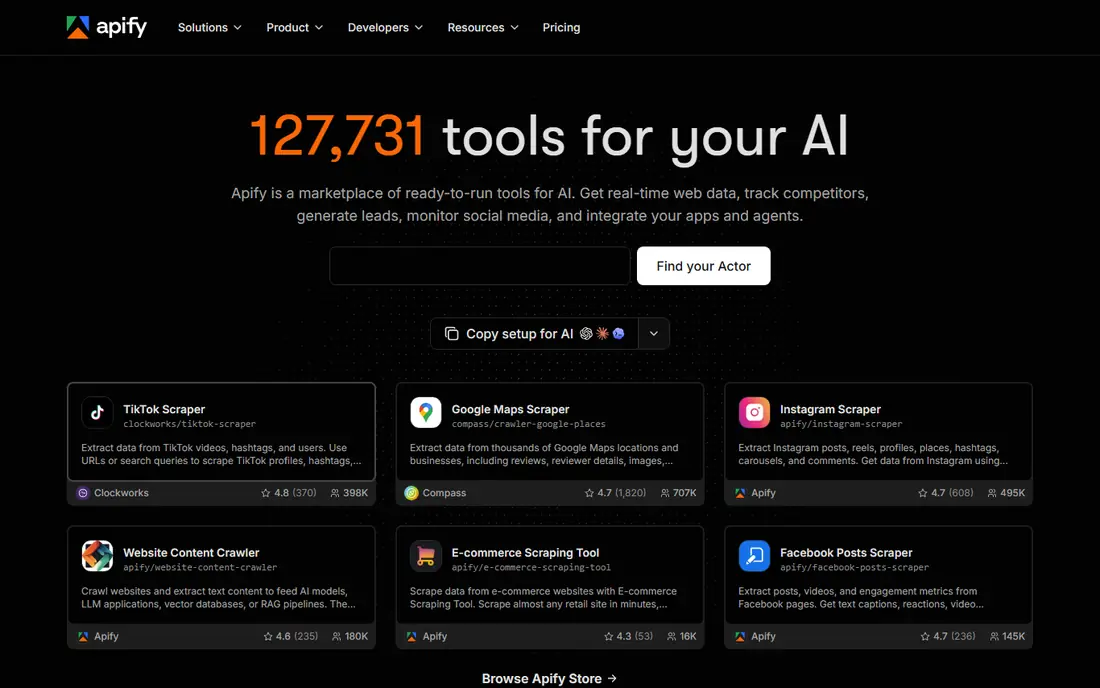
Apify works as a platform plus a marketplace, where ready-made scrapers called Actors handle popular sites and tasks. Developers can also build and run their own Actors in the cloud, schedule them, and pull results through an API. That mix makes it useful for both one-off jobs and ongoing pipelines. The trade-off is cost complexity. Platform usage, compute and individual Actor charges can combine, so a cheap-looking job may cost more at scale. New users should run a small job first and check the usage breakdown. For teams that reuse scrapers across many targets, Apify is still one of the most flexible options.
- Large marketplace of ready-made scrapers
- Scheduling and APIs
- Cloud runs
- Usage and actor fees add up
- Pricing takes care to model
ScrapingBee keeps the developer experience simple: send a URL to its API and get back HTML or extracted data, with proxies and browser rendering handled for you. That removes a lot of the plumbing that makes DIY scraping painful, especially on JavaScript-heavy pages. For a developer who already has a pipeline and just needs reliable fetching, it is a clean fit. The weakness is credit math. JavaScript rendering and premium proxies cost more credits, so the same page can cost different amounts depending on options. There is also no point-and-click builder for non-developers. If you are comfortable with code and want a simple API, ScrapingBee is easy to recommend.
- Simple API model
- Handles JavaScript rendering
- Proxy handling included
- Credits vary with rendering and proxies
- No visual builder
ScraperAPI follows a similar API-first model, with proxy rotation and anti-bot handling built in. Developers can integrate it with a few lines of code and scale requests without managing proxy pools themselves. It also offers structured data features for common use cases, which can shorten a project. As with other APIs, the headline plan is only part of the story, since request volume and features drive the real bill. Teams should estimate monthly requests, including retries, before picking a tier. For general-purpose API scraping, ScraperAPI remains a solid, well-documented choice.
- Straightforward API
- Proxy rotation
- Structured data options
- Usage pricing needs volume planning
- Support varies by plan
Browse AI suits people who want to watch pages and extract lists without code. You train it by clicking the data you want, then it checks the page on a schedule and alerts you to changes. That makes it useful for price tracking, listing monitoring and research tasks that repeat. The limit is granularity. Credit use is tied to pages and rows, so a wide crawl can use credits faster than expected. Developers who need custom logic or very large crawls will likely prefer an API or framework. For monitoring and small extractions, Browse AI is one of the friendliest tools here.
- Point-and-click training
- Page monitoring
- Scheduling included
- Credit use depends on rows extracted
- Less control than code
ParseHub is a visual scraper built for complex, interactive pages that simpler tools struggle with. Its desktop app lets you build a flow by selecting elements and handling clicks, forms and pagination. That control helps on sites where data only appears after interaction. The downside is price. Paid plans are higher than many no-code rivals, and cloud scheduling is not on the cheapest tier. For a one-off complex extraction, the free tier may be enough. For ongoing work, compare its cost against Octoparse and Browse AI before committing.
- Visual builder for interactive sites
- Handles complex page structures
- Desktop app
- Paid plans are costly
- Cloud runs sit on higher tiers
Firecrawl is built for the current wave of AI work, turning web pages into clean Markdown or structured JSON for language-model pipelines. Developers can scrape single pages or crawl whole sites through an API, which fits retrieval and research tools better than raw HTML handling. Its entry price is also lower than many managed APIs. The catch is scale. Credit use grows with pages and output format, so a site-wide crawl can cost more than a small test suggests. It is also a younger company than Bright Data or Apify, so enterprise buyers should check support and limits. For AI pipelines, Firecrawl is a strong modern pick.
- Clean Markdown and JSON output
- Crawl and scrape APIs
- Good for AI workflows
- Per-page credits add up on large crawls
- Newer than older rivals
Bright Data is the enterprise end of this list, combining a large proxy network with scraping APIs and ready-made data collectors. It is built for protected sites and high volumes where smaller tools fail or get blocked. Large teams that need reliability, geographic targeting and compliance support will find its depth useful. For small jobs, that depth is also the problem. Pricing is usage based and can be high, and the platform has more settings than a casual user needs. If you only scrape a few hundred pages a month, a simpler API will be cheaper and faster. At scale, Bright Data earns its place.
- Large proxy network
- Many ready-made scrapers
- Enterprise scale
- Quote and usage pricing can be high
- Complexity for small jobs
Scrapy is the free, open-source Python framework that many serious crawlers are built on. It handles scheduling, concurrency, pipelines and middleware out of the box, which makes it a strong base for large, custom crawls. Because it is free, the only direct costs are hosting and any proxies you add. The trade-off is effort. You need Python skills, and you must handle proxies, JavaScript rendering and anti-bot measures yourself or with add-ons. That makes Scrapy a poor fit for a non-developer, but an excellent fit for a team that wants full control and low license cost. For custom pipelines at scale, it remains a benchmark.
- Free and open source
- Built for large crawls
- Full control over logic
- Requires Python skills
- Proxies and anti-bot work are your job
How we picked these
We compared official feature pages, pricing pages, documentation and public reviews for tools that are live in October 2026 and truly crawl or extract web data. We favored tools with clear output formats, scheduling or API access, and a track record on real sites. Where pricing is usage based or not fully published, we wrote See website rather than presenting a third-party estimate as a vendor price. We did not claim hands-on testing, and we treated legal and terms-of-service limits as part of the selection, not an afterthought.
What to check before you choose a crawling tool
Start by defining the job in numbers: how many pages, how often, and what output format you need. A weekly price check on 50 pages is a different tool than a daily crawl of 500,000 pages. No-code tools win on the first job, while APIs and frameworks win on the second. Write those numbers down before you look at pricing, or credit models will mislead you. Next, test on your hardest target site, not your easiest one. JavaScript rendering, login walls, pagination and anti-bot measures decide whether a tool works in practice. Run a small trial, check the output quality, and count the credits or compute used. A tool that looks cheap on a simple page can be costly on a protected one. Finally, plan for maintenance. Sites change layouts, and scrapers break. Ask who fixes a broken scraper, how alerts work, and how you export your data if you leave. Also confirm that your use respects the site terms, robots rules and applicable law, and get advice for commercial use. A tool that is easy to maintain will save more than a tool that is cheap to start.
Frequently asked questions
What are the best web crawling tools for beginners?
Octoparse and Browse AI are the friendliest starting points, since both offer visual, no-code building and free tiers. Octoparse suits template-based extraction, while Browse AI suits monitoring and small lists. Start with a small job on each before you pay.
What is the best software for web crawling at scale?
Apify, Bright Data and Scrapy suit large crawls, with Apify and Bright Data offering managed infrastructure and Scrapy offering free, full control. The managed options cost more but handle proxies and scaling for you. Scrapy costs less in licenses but needs engineering time.
Are web crawling tools legal?
Scraping public web data can still raise legal and terms-of-service issues, depending on the site, the data and how you use it. Respect robots rules and rate limits, avoid personal data unless you have a lawful basis, and get legal advice for commercial projects. This guide is not legal advice.
How much does web crawling software cost?
Entry prices in this list range from free for Scrapy to $16 per month for Firecrawl and $69 per month for Octoparse, with many APIs and enterprise tools priced by usage or quote. Model your page volume, retries and rendering needs, since those drive the real bill more than the headline price.
Can I crawl JavaScript-heavy websites?
Yes, tools such as ScrapingBee, ScraperAPI, Apify, Firecrawl and Browse AI handle JavaScript rendering, and frameworks such as Scrapy can pair with a browser tool. Test on your target site, since rendering quality and cost vary. A tool that works on a simple page may struggle on a heavily interactive one.
What output formats should I expect?
Most tools export CSV, JSON or spreadsheet formats, and APIs return HTML, JSON or Markdown depending on the tool. Check scheduling, API access and delivery options before you buy, since those decide how easily results feed your next step. Firecrawl is notable for clean Markdown output for AI workflows.
Sources
- https://www.octoparse.com
- https://apify.com
- https://www.scrapingbee.com
- https://www.scraperapi.com
- https://www.browse.ai
- https://www.parsehub.com
- https://firecrawl.dev
- https://brightdata.com
- https://scrapy.org
- https://dataimpulse.com/blog/best-web-scraping-tools/
- https://rankite.com/blog/best-web-data-extraction-tools
See where you really rank - block by block
ProMapRanker scans Google Maps across a grid of your service area. Simple monthly plans from $19, white-label on every plan.
Start freeKeep reading
 who has best internet service
Who Has the Best Internet Service in 2026
Who has best internet service for US homes? We compare fiber, cable, fixed wireless and satellite providers on speed, price, availability and terms today.
Read → which survey tool has the best analytics
Which Survey Tool Has the Best Analytics in 2026
Find which survey tool has the best analytics in 2026, comparing Qualtrics, SurveyMonkey, Typeform, Alchemer, and more on reports, text, and stats today.
Read → which streaming service has the best movies
Which Streaming Service Has the Best Movies in 2026
Answering which streaming service has the best movies, with Netflix, Max, Criterion and more compared on libraries, prices and free options in this guide.
Read →