 ProMapRanker
Best Software for UI UX Design in 2026


Product teams designing together · Pricing starts at: $16 per editor per month
Key takeaways
- Figma is our pick for most product teams, because real-time collaboration and a large plugin ecosystem are hard to match.
- Sketch remains a strong Mac-only choice for designers who want a fast native app and offline work.
- Framer is the best fit when the design output should become a live website rather than a handoff file.
- Axure RP and ProtoPie suit complex prototypes with logic, while Balsamiq suits fast low-fidelity wireframes.
- Penpot and Lunacy are the strongest low-cost routes, with Penpot offering open source self-hosting and Lunacy offering a capable free desktop app.
Quick comparison
| Pick | Great for | Pricing starts at | Free tier | |
|---|---|---|---|---|
| Figma | Product teams designing together | $16 per editor per month | Yes | Visit |
 Sketch | Mac-based product designers | $12 per editor per month | Free trial | Visit |
 Framer | Designs that become live websites | $10 per month | Yes | Visit |
 Axure RP | Logic-heavy enterprise prototypes | $29 per user per month | Free trial | Visit |
 ProtoPie | Realistic interactive prototypes | See website | Free trial | Visit |
 Penpot | Open source design teams | $7 per user per month | Yes | Visit |
 Lunacy | Solo designers on a budget | Free | Yes | Visit |
 Balsamiq | Fast low-fidelity wireframes | $9 per month | Free trial | Visit |
 Uizard | Non-designers needing quick mockups | $12 per creator per month | Yes | Visit |
The best software for ui ux design
We compared interface design, prototyping, collaboration, handoff, and price, so you can pick a tool that matches your team size, your platform, and the kind of design work you do most.
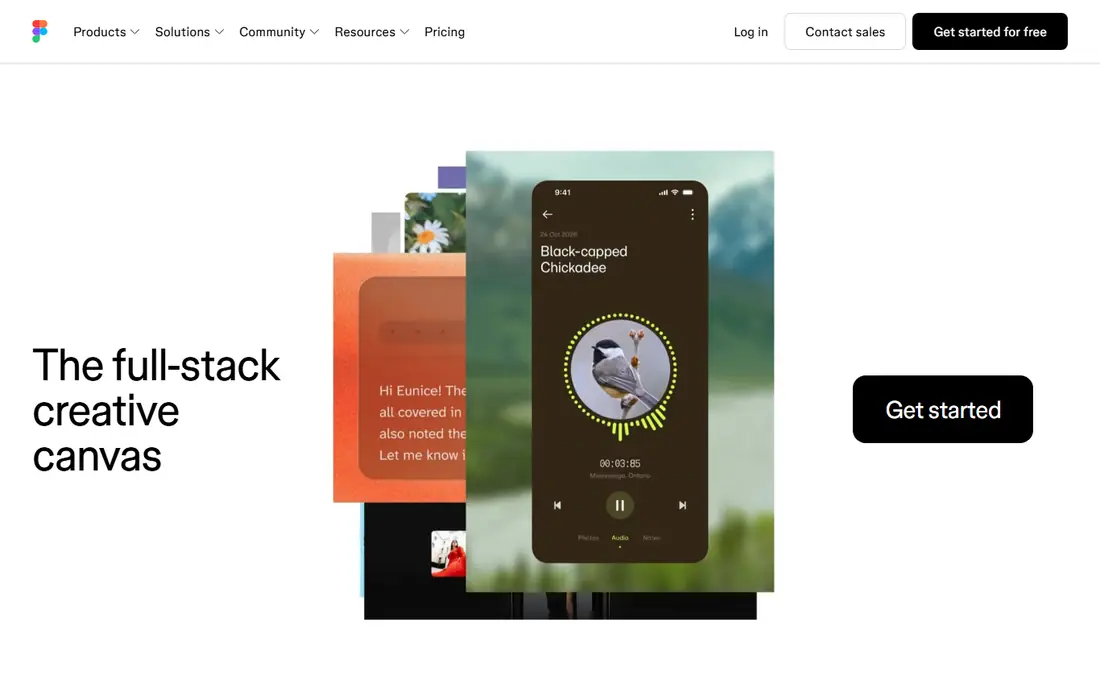
Figma is the safest default for most product teams, because it lets designers, product managers, and developers work in the same file at the same time. Components, variables, and shared libraries make design systems practical rather than theoretical, and the plugin ecosystem covers everything from icon libraries to accessibility checks. Because it runs in the browser, there is no install friction for a new teammate, and comments stay attached to the design itself.
The cost model deserves attention on larger teams, because you pay per editor, and that total grows as more people need edit access. Viewers can usually review for free, but anyone who edits needs a seat, so plan your editor count carefully. Figma also depends on a connection for live collaboration, which can frustrate a designer who works offline often. For most teams, though, the collaboration and ecosystem outweigh those limits.
- Real-time browser collaboration
- Large plugin and component ecosystem
- Strong design system tools
- Needs an internet connection for full collaboration
- Costs rise per editor on larger teams
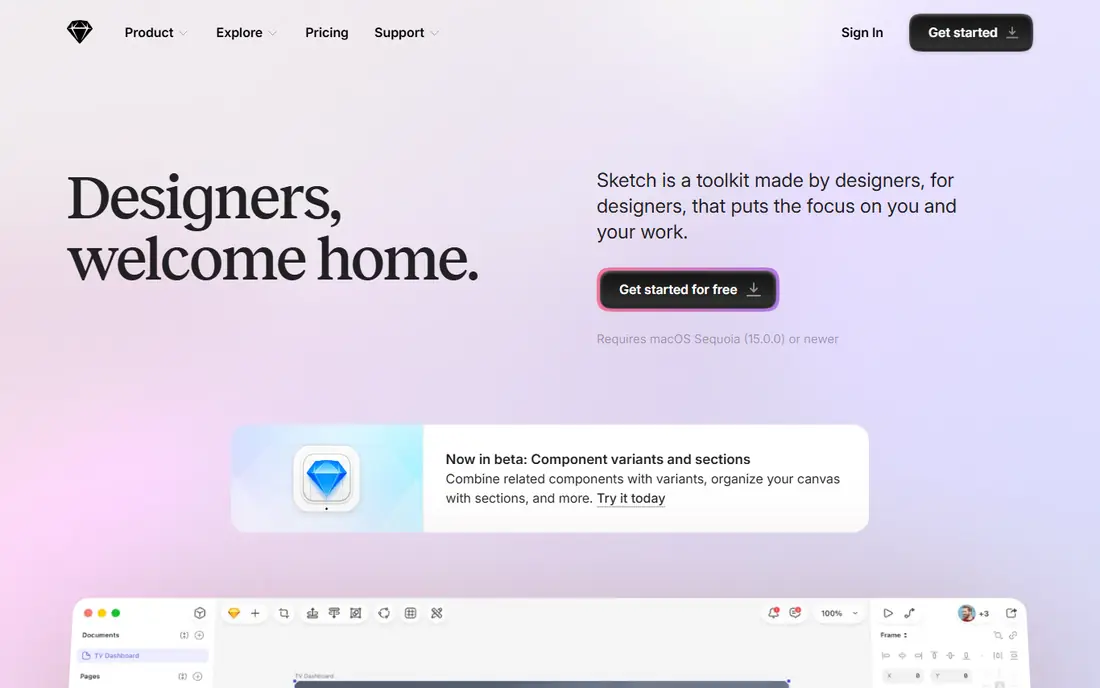
Sketch is the pick for a designer who works on a Mac and wants a fast, focused design app rather than a browser tab. Its native performance feels quick with large files, its symbol and library system is mature, and you can work offline without worrying about a connection. Many long-running design systems were built in Sketch, and its plugin ecosystem still covers a wide range of production tasks.
The obvious limit is platform. Sketch runs on macOS only, so a mixed-platform team cannot standardize on it, and its real-time collaboration is not as fluid as Figma. If your whole design team uses Macs and values speed and offline work, Sketch is still an excellent tool. If your team spans Mac and Windows, or you need live co-editing every day, Figma will fit better.
- Fast native Mac app
- Mature symbol and library system
- Works offline
- Mac only
- Real-time collaboration is weaker than Figma
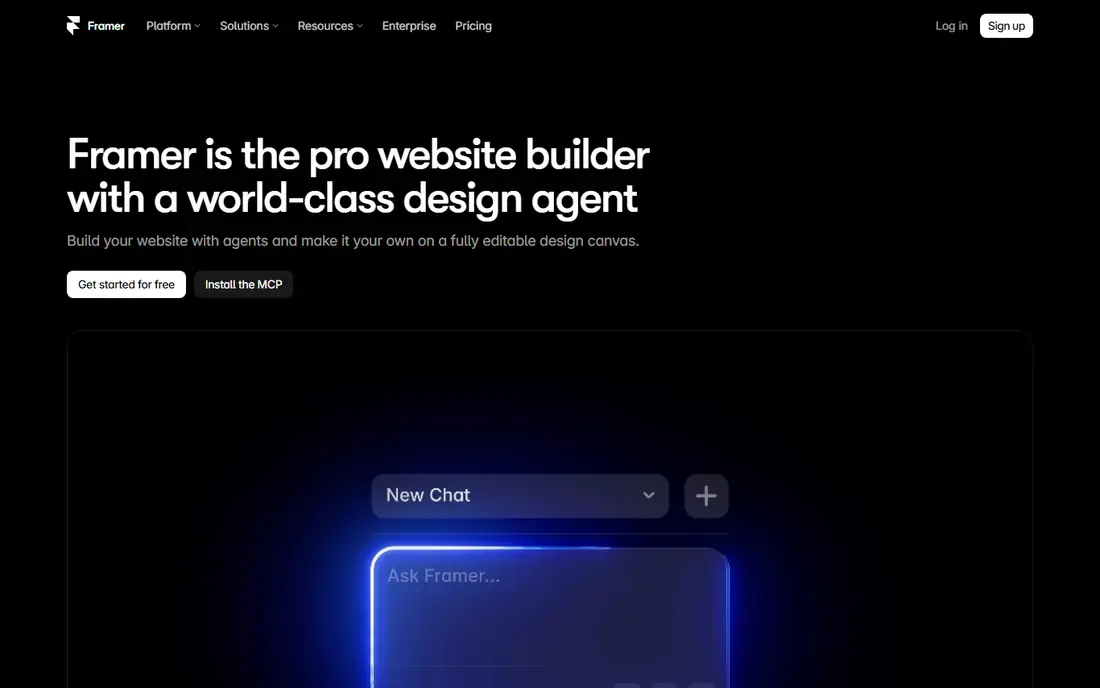
Framer stands out because the end of the design process is a live website, not a file handed to a developer. You can design, add interactions and animations, and publish a site from the same tool, which makes it ideal for marketing sites, landing pages, and product sites where speed matters. Its free tier covers design work, so you can learn the tool and build before you pay for publishing.
That strength is also its limit. Framer is less of a general design system tool for large native mobile apps, and its paid site plans add cost once you publish. A product team with a complex app and a separate web team may still prefer Figma for the app and Framer for the site. For a designer whose output is the website itself, Framer removes a whole handoff step.
- Publishes designs as real websites
- Strong interaction and animation tools
- Free tier for design work
- Less suited to native mobile app design systems
- Site hosting costs add up
Axure RP is the tool for prototypes that need to behave like real software, not just look like it. You can build conditional flows, dynamic panels, data-driven lists, and multi-step forms, and then share a working prototype that stakeholders can click through. That depth makes it valuable for enterprise software, where a flow may branch on user roles, permissions, or data states that a simple click-through cannot show.
The learning curve is real, and Axure does not feel as slick for pure visual design as Figma or Sketch. Most teams use it alongside a visual design tool, building the polished screens elsewhere and the logic-heavy prototype in Axure. If your main need is a realistic, testable flow for a complex product, that extra effort pays off. If you only need simple screens, a lighter tool will be faster.
- Deep conditional logic and dynamic content
- Detailed specifications
- Strong for enterprise flows
- Steeper learning curve
- Visual design feels less modern than Figma
ProtoPie is built for prototypes that need to feel real on a device. You can add touch gestures, device sensors, voice, and multi-screen interactions without writing code, which makes it useful for mobile apps, automotive interfaces, and hardware-adjacent products. It imports designs from Figma and Sketch, so you can keep your visual work where it is and add interaction in ProtoPie.
It is not meant to replace your main design tool, and its pricing should be checked on the vendor site, because plan details have changed over time. For a team that needs to test a realistic interaction with users, though, ProtoPie gives you a prototype that behaves far closer to the final product than a linked set of screens. That realism often reveals problems that a simple click-through would miss.
- No-code sensor and device interactions
- Realistic mobile prototypes
- Works with Figma and Sketch imports
- Pricing varies by plan and needs checking
- Not a full visual design tool
Penpot is the strongest open source option for UI and UX design, and it suits teams that want control over their tools and data. It runs in the browser, supports collaboration and design systems, and can be self-hosted, so your files are not tied to a single vendor's cloud. Its free cloud plan covers small teams, and paid cloud plans add capacity, which makes it easy to start without a large budget.
The ecosystem is smaller than Figma, so you will find fewer plugins and integrations, and some advanced features may feel less polished. For a team that values open formats, self-hosting, and freedom from subscription lock-in, those gaps are acceptable. Penpot is a serious design tool in its own right, not just a free substitute, and it keeps getting closer to the mainstream tools each year.
- Open source and self-hostable
- Browser-based collaboration
- No vendor lock-in for your files
- Smaller plugin ecosystem
- Fewer third-party integrations than Figma
Lunacy is a welcome option for a solo designer, student, or freelancer who needs a capable design app without a monthly fee. It is free for personal and commercial use, it runs as a desktop app, and it can open Sketch files, which helps if you receive files from a Sketch-based team. It also includes built-in graphics and assets, so you can start a project without hunting for stock content.
Collaboration and plugins are more limited than in Figma, and the community is smaller, so you will solve more problems on your own. For a single designer, that trade is often fine, because the core design, prototyping, and export tools are solid. Lunacy proves that a good UI design tool does not have to come with a subscription, and it is a strong starting point for anyone learning the craft.
- Free for personal and commercial use
- Desktop app for Windows and Mac
- Reads Sketch files
- Smaller community and plugin library
- Collaboration is more limited
Balsamiq is deliberately rough around the edges, and that is the point. Its sketch-style wireframes keep stakeholders focused on layout, flow, and content rather than colors and fonts, which is exactly what you want in an early UX conversation. It is fast to learn, fast to use, and it helps a product manager or founder sketch an idea before a designer invests hours in polished screens.
It is not a high-fidelity design tool, and it will not produce the final interface for a product. Teams should treat Balsamiq as an early-stage tool and move to Figma, Sketch, or Penpot once the structure is agreed. Used that way, it saves time and arguments, because it forces the conversation to stay on what the product does before anyone debates how it looks.
- Sketch-style wireframes keep focus on structure
- Very fast for early ideas
- Simple to learn
- Not for high-fidelity visual design
- No real-time collaboration depth
Uizard is aimed at people who need a usable mockup quickly but do not work as designers. You can describe a screen, upload a sketch, and get an editable mockup that you can adjust and share, which makes it useful for founders, product managers, and teams testing an idea. Its free plan covers limited projects and generations, so you can try it before paying.
The output still needs a designer eye before it becomes a real product screen, and you will have less fine control than in Figma or Sketch. Uizard is best as a starting point for a conversation, a pitch, or an early user test, not as the final design system. For that early stage, it can turn a vague idea into something concrete in minutes rather than days.
- Turns text prompts and sketches into editable mockups
- Easy for non-designers
- Fast for early concepts
- Generated mockups need refinement
- Less control than a full design tool
How we picked these
We compared official feature and pricing pages, and we kept only tools that are live and widely used for interface and experience design in 2026. We left out tools that have been shut down or wound down, even when older guides still list them, because a design tool you cannot rely on is not a useful recommendation. We included a mix of collaborative, native, prototyping, wireframing, and low-cost tools, so the list covers a solo designer, a product team, and an enterprise UX group.
What to consider before you choose a UX design tool
Start with who will use the tool every day. A product team that designs together needs real-time collaboration and a shared component library, while a solo designer may care more about speed, offline work, and price. A UX researcher testing complex flows needs prototyping logic, while a founder needs a fast wireframe. Matching the tool to the daily user matters more than picking the most popular name.
Next, check handoff and file control. Ask how developers receive specs, measurements, and assets, and if you can export your work in a usable format if you leave. A tool with a large ecosystem helps here, but so does an open format, and the right answer depends on whether your team values integrations or independence more. Finally, test the tool with a real project, not a demo file, because performance with a large design system, many components, and many collaborators is where weak tools show their limits.
Frequently asked questions
Which software is best for ui ux design for beginners?
Figma is the best starting point for most beginners, because it runs in the browser, has a free plan, and offers a huge library of tutorials and community files. Lunacy is a good free desktop alternative, and Balsamiq suits beginners who want to focus on wireframes first. Start with one tool and learn its component system before adding another.
What is the best ui design software for Mac users?
Sketch is the strongest Mac-native choice, with fast performance and offline work, while Figma also runs well on a Mac through the browser or desktop app. Pick Sketch when you want a native app and work alone or with other Mac users. Pick Figma when your team uses mixed platforms or needs live collaboration.
What is the best ux design software for prototyping?
Axure RP suits logic-heavy prototypes with conditions and dynamic content, while ProtoPie suits realistic device and sensor interactions. Figma also covers standard click-through prototypes well for most products. Choose Axure for complex enterprise flows, ProtoPie for realistic mobile interactions, and Figma for everyday product prototypes.
Is there a good free ui ux design tool?
Yes. Figma has a free Starter plan, Penpot has a free cloud plan and free self-hosting, and Lunacy is free for personal and commercial use. Each has limits on team size, files, or features, but all three support real design work. Start free, and pay only when your team size or file needs exceed the free tier.
What is the best tool for ui ux design for websites?
Framer is the best fit when the design should become a live website, because you can publish directly from the tool. Figma is better when the website is part of a larger product system with shared components. Use Framer for marketing sites and landing pages, and Figma when the site must match a full product design system.
Sources
See where you really rank - block by block
ProMapRanker scans Google Maps across a grid of your service area. Simple monthly plans from $19, white-label on every plan.
Start freeKeep reading
 best tour operator software
Best Tour Operator Software in 2026
Compare the best tour operator software for bookings, channel management, waivers and payments, with pricing models for day tours and multi-day trips.
Read → best time clock app for small business
Best Time Clock App for Small Business in 2026
We compare the best time clock app for small business options, with free plans, GPS clock ins, scheduling and payroll links for hourly teams and payroll help.
Read → best test automation tools
Best Test Automation Tools in 2026
Compare the best test automation tools, from Playwright and Selenium to Cypress, Katalon and BrowserStack, with prices, languages and best uses explained.
Read →