 ProMapRanker
Best Software for Contact Center Scheduling in 2026


Fast standalone scheduling for support teams · Pricing starts at: $250 per month
Key takeaways
- Assembled and Zendesk WFM give smaller and mid-size support teams fast scheduling without enterprise overhead.
- NiCE, Calabrio, and Verint suit large, multi-channel contact centers that need deep forecasting and compliance tools.
- Genesys Cloud and RingCentral-style native WFM cover most needs for teams already on those contact platforms.
- Playvox and CommunityWFM add coaching, quality, and platform-specific scheduling for teams that need more than shifts alone.
- Published entry pricing ranges from $20 to $75 per agent per month, while many enterprise tools are quote-based.
Quick comparison
| Pick | Great for | Pricing starts at | Free tier | |
|---|---|---|---|---|
| Assembled | Fast standalone scheduling for support teams | $250 per month | Free trial | Visit |
 Zendesk WFM | Teams already running Zendesk | $25 per user per month | Free trial | Visit |
 NiCE Workforce Management | Deep forecasting on the CXone stack | $20 per agent per month | No | Visit |
 Calabrio | Quality, analytics, and workforce optimization | $75 per agent per month | Free trial | Visit |
 Verint | Enterprise omnichannel workforce management | $1,500 per month | No | Visit |
 Genesys Cloud CX | Native WFM inside Genesys Cloud | See website | No | Visit |
 Playvox | Coaching and quality alongside scheduling | See website | No | Visit |
 CommunityWFM | Scheduling for RingCX customers | $20 per agent per month | No | Visit |
The best software for contact center scheduling
Contact center scheduling software forecasts contact volume, builds agent schedules, and monitors adherence across voice, chat, email, and social channels. The best contact center scheduling software in this list ranges from scheduling-native tools to full workforce management suites, so leaders can match depth to team size and platform. We compared vendor pages and public reviews for tools that exist today and fit contact center work.
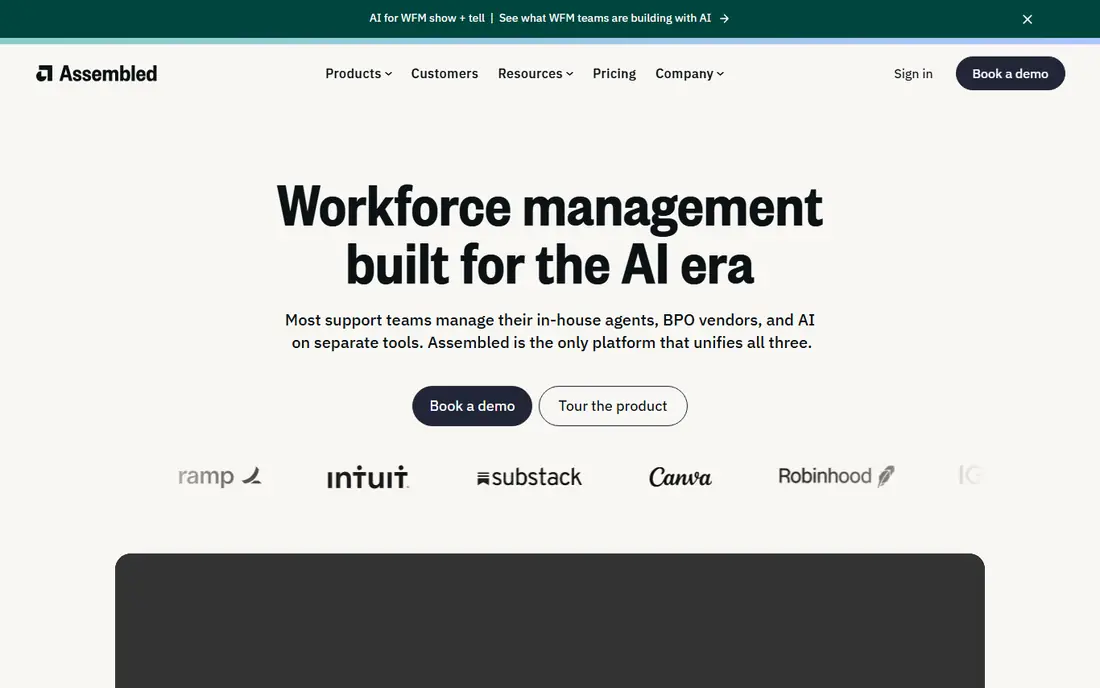
Assembled is a standalone workforce management tool for support and operations teams that want scheduling without adopting a full contact center suite. Managers can build schedules from templates, forecast staffing needs, track time off, and see staffing heatmaps that show coverage gaps by hour and channel. Agents can view schedules, swap shifts, and request time off, which reduces manager chasing.
Pricing starts at $250 per month in vendor comparisons, with a free trial available, which makes budgeting simpler for smaller teams than per-agent enterprise pricing. Assembled suits SaaS, ecommerce, and fintech support teams that live in Zendesk, Intercom, Slack, or Google Calendar. Larger centers with multi-skill, multi-site complexity or deep quality needs may need NiCE, Calabrio, or Verint instead. For fast setup and daily scheduling, Assembled is our pick for most people.
- Intuitive dashboard with schedule templates
- Forecasting and staffing heatmaps
- Integrations with Slack, Google Calendar, Zendesk, and Intercom
- Reporting depth is limited compared with enterprise suites
- Some integrations outside the core set are thin
- Pricing model differs from per-agent tools
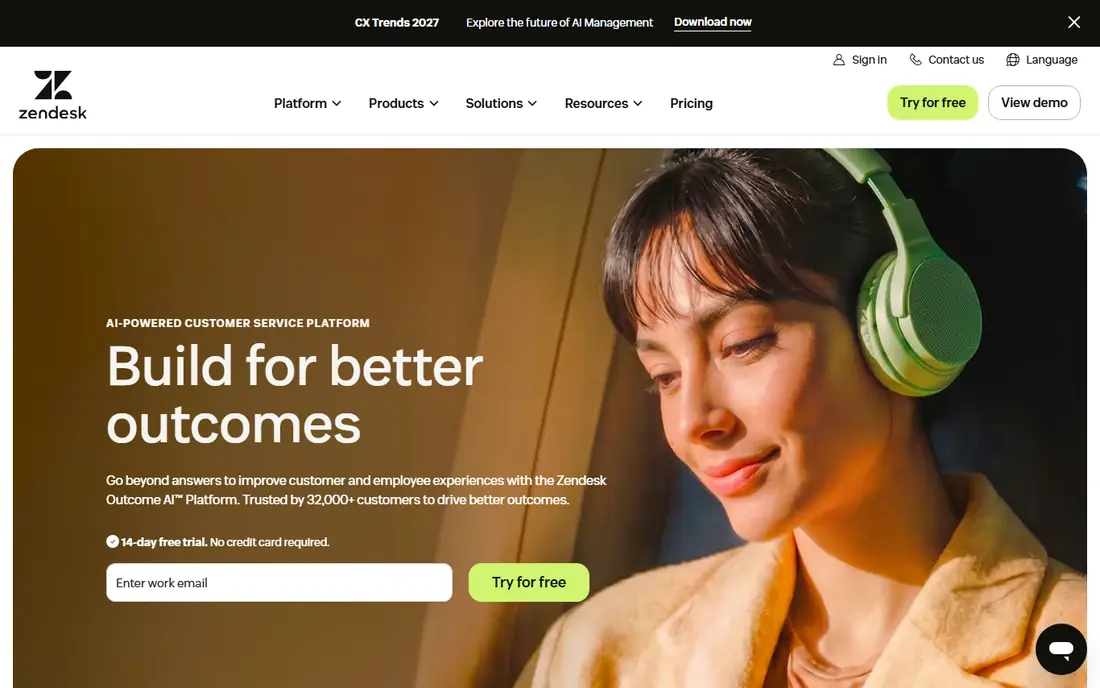
Zendesk Workforce Management, often called Zendesk WFM, adds forecasting, scheduling, and real-time adherence inside the Zendesk workspace. Agents see their shifts, time off, and performance dashboards where they already handle tickets and chats, which keeps daily work simple. AI forecasting helps managers staff for volume across channels, and automated scheduling builds shifts around agent skills, availability, and preferences.
Pricing starts at $25 per user per month in vendor comparisons, with a free trial available. Zendesk WFM suits support teams already committed to Zendesk, since the value comes from staying inside one workspace. Teams on other helpdesk or contact platforms will get less value and should consider Assembled or a platform-native tool instead. For Zendesk teams with straightforward scheduling needs, Zendesk WFM is a fast, well-integrated pick.
- AI forecasting and automated scheduling inside Zendesk
- Agents see shifts and KPIs without switching tools
- Clean interface and short learning curve
- Best fit only for Zendesk shops
- Reporting can feel thin for narrow workstreams
- Sparse public feedback compared with larger suites
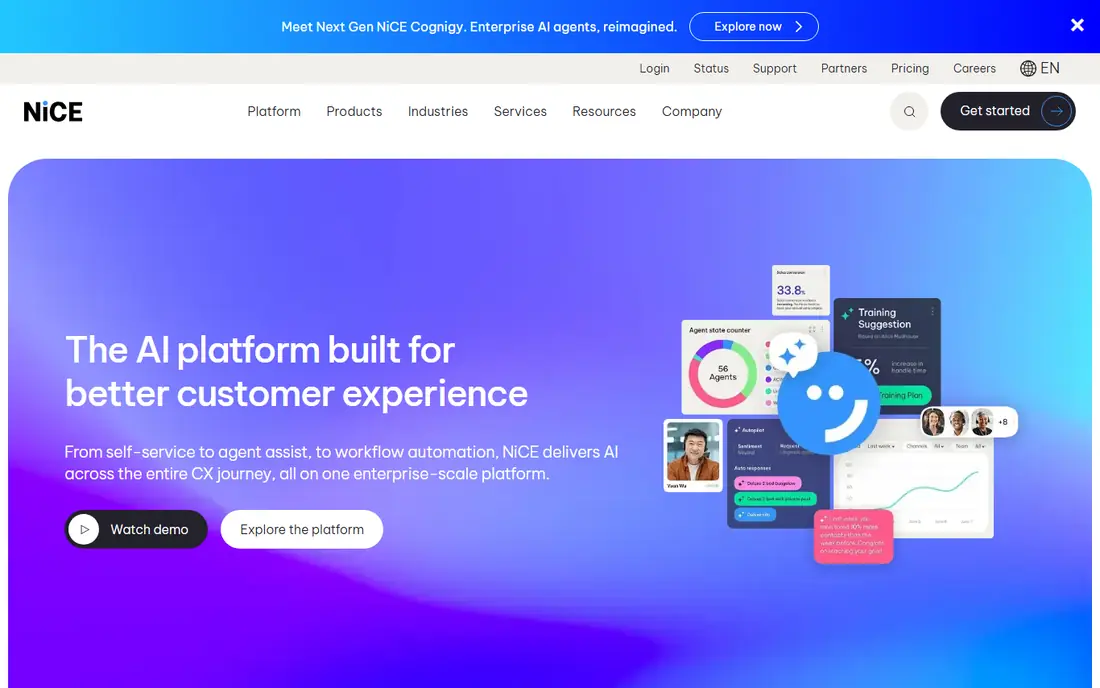
NiCE Workforce Management, formerly NiCE IEX, is a workforce management suite for contact centers that need precise forecasting across voice and digital channels. It runs many forecasting algorithms and uses AI to pick the model that fits current conditions, which helps multi-skill, multi-site centers staff accurately. Scheduling, adherence, time off, and intraday management sit in one system, with reporting for leaders and team leads.
Pricing starts at $20 per agent per month in vendor comparisons, with final cost set by modules, agent count, and customization. NiCE fits best for centers already running NiCE CXone, since integration and data flow are strongest there. Centers on other platforms can still use it, but they should check integration effort. For large centers where forecast accuracy drives cost and service levels, NiCE is a leading choice.
- Deep forecasting with many algorithms and AI model selection
- Multi-skill and multi-site scheduling
- Strong fit for CXone users
- Quote varies by modules and agent count
- Employee engagement features are thinner than some rivals
- Best value only inside the CXone stack
Calabrio combines workforce management with customer experience analytics, quality management, and voice analytics in one platform. Managers can forecast, schedule, and track adherence, while quality teams review calls, run speech analytics, and coach agents from the same data. Gamification and coaching tools help with engagement and retention, which matter in high-turnover contact centers.
Pricing starts at $75 per agent per month in vendor comparisons, with a free trial available on request. That price reflects the fuller analytics and quality stack, but smaller teams may pay for capabilities they never use. Calabrio suits larger, regulated centers in healthcare, finance, and similar fields where compliance, multi-skill staffing, and quality evidence matter. Smaller teams with simple scheduling needs will find Assembled or Zendesk WFM lighter and cheaper.
- Workforce management plus call recording, speech analytics, and quality management
- Omnichannel scheduling across voice, email, chat, and social
- Coaching and gamification tools
- High starting price for small teams
- Interface and setup have a learning curve
- Scheduling flexibility can feel limited for small, fast-changing teams
Verint Workforce Management is built for mid-size to large contact centers that need sophisticated forecasting, compliance, and omnichannel scheduling. It covers voice, email, chat, and other channels, with skills-based routing awareness, automated compliance rules, and intraday tools that adjust staffing as volume changes. AI forecasting helps align staff with demand, though tuning those forecasts takes time and expertise.
Pricing starts at $1,500 per month in vendor comparisons, which signals an enterprise buyer rather than a small support team. Setup is complex, and the interface can feel overwhelming at first, so firms should budget for training and implementation. Verint suits enterprises where compliance, BPO management, or multi-site complexity justify the investment. Smaller centers should start with Assembled or a platform-native tool and move to Verint only when scale demands it.
- Omnichannel forecasting and skills-based scheduling
- Automated compliance monitoring
- Strong fit for mid-size to large enterprises
- High flat starting price
- Complex interface and setup
- Mobile experience is less complete than desktop
Genesys Cloud CX includes workforce management as part of its contact center platform, covering forecasting, scheduling, adherence, and time off for teams already running Genesys. That native fit avoids integration work, keeps agent data in one place, and lets managers adjust schedules based on real contact center data. For teams under a few hundred agents, native scheduling often covers most needs without a separate WFM purchase.
Pricing is See website because it varies by Genesys Cloud tier, user count, and WFM add-on, so firms should get a Genesys quote for their exact configuration. Genesys Cloud suits centers already committed to Genesys that want scheduling without adding a vendor. Centers that need deeper forecasting science, multi-platform independence, or BPO management may still benefit from NiCE, Calabrio, or Verint alongside Genesys. For Genesys shops, start with native WFM before buying standalone.
- Workforce management built into Genesys Cloud CX
- Forecasting, scheduling, and adherence without a separate vendor
- Strong fit for Genesys users
- Pricing varies by Genesys Cloud tier and add-on
- Best value only for Genesys customers
- Standalone WFM depth may be less than specialist suites
Playvox combines workforce management with quality management, coaching, and performance tools for contact centers and support teams. Managers can schedule agents, review quality, run coaching sessions, and track performance in one system, which helps teams link scheduling decisions to coaching and service quality. That combination suits CX leaders who want scheduling plus people development, not just shift coverage.
Pricing is quote-based, so firms should request a quote at their agent count and module needs. Playvox suits mid-size support and CX teams that want coaching and quality alongside scheduling, and that do not need the deepest enterprise forecasting of NiCE or Verint. Scheduling-only buyers may find Playvox broader than needed, but teams that coach heavily will value the combined view. Ask for a demo that shows scheduling, quality, and coaching together on real agent data.
- Workforce management plus quality, coaching, and performance tools
- Agent engagement and feedback in one place
- Good fit for support and CX teams
- Pricing is quote-based
- Breadth needs scoping for scheduling-only buyers
- Smaller footprint than NiCE or Verint in enterprise WFM
CommunityWFM provides workforce management for RingCentral RingCX customers, covering forecasting, scheduling, adherence, and time off at $20 per agent per month in vendor comparisons. That platform fit matters: RingCX teams can add WFM without a separate integration project, and managers can staff based on RingCX contact data. The per-agent price is also clear for smaller centers budgeting by headcount.
CommunityWFM suits small to mid-size centers already on RingCX that need solid scheduling without enterprise overhead. Teams on other contact platforms will get less value, since the integration advantage disappears. Larger centers with complex multi-skill or BPO needs may need a fuller suite, but for RingCX shops, CommunityWFM is a practical, affordable pick that covers the core scheduling job well.
- Workforce management built for RingCX users
- Forecasting, scheduling, and adherence at a clear per-agent price
- Good fit for smaller centers
- Best fit only for RingCX customers
- Smaller vendor than enterprise suites
- Advanced quality features need other tools
How we picked these
We compared official product pages, pricing pages, and public reviews for contact center scheduling and workforce management tools in October 2026. We favored tools that exist today, forecast contact volume, build schedules, and track adherence for contact center agents. We kept both standalone scheduling tools and full WFM suites, plus platform-native options, since team size and existing platform drive the best fit. We marked pricing as See website where vendors set cost by quote or platform tier.
What to check before you buy
Start with channels and skills. List voice, chat, email, and social volumes, agent skills, languages, and sites, and check whether the tool forecasts and schedules by skill and channel, not just by headcount. Test forecasting on your own history, since a forecast that looks good on vendor data may miss your seasonality, promotions, or service changes. Check adherence and intraday tools too, since a schedule that cannot adapt during the day will leave gaps when volume spikes.
Next, check total cost and minimums. Many enterprise tools have minimum agent counts, implementation fees, and add-ons for quality or analytics. Get a written quote at your real agent count, including implementation, training, and renewal terms. Check agent experience as well, since mobile access, shift swaps, and time-off requests affect adoption and retention. A tool agents avoid will not improve adherence, no matter how good its forecast looks.
Test forecasting before signing
Run a trial or proof of concept with three months of your volume data, and compare forecast accuracy by interval and channel. Ask how the vendor handles holidays, campaigns, and outages, since those events break simple forecasts.
Check adherence and intraday work
Confirm how managers see real-time adherence, how they handle unplanned absence, and how they rebalance staff across channels during the day. Those intraday tools separate a scheduling tool from a full WFM suite.
Frequently asked questions
What is the best software for contact center scheduling?
For smaller and mid-size teams, Assembled and Zendesk WFM are strong picks, with Assembled for standalone use and Zendesk WFM for Zendesk shops. For large, multi-channel centers, NiCE, Calabrio, and Verint offer deeper forecasting and compliance tools.
How much does contact center scheduling software cost?
Published entry pricing in this list ranges from $20 to $75 per agent per month, with Assembled from $250 per month and Verint from $1,500 per month. Many enterprise tools are quote-based, so request a quote at your agent count and module needs.
Do I need standalone WFM if my contact platform has scheduling?
Not always. Native scheduling in Genesys Cloud CX, Zendesk WFM, and CommunityWFM for RingCX covers most needs for teams under a few hundred agents. Standalone WFM earns its place when you need deeper forecasting, multi-skill complexity, BPO management, or platform independence.
What is the difference between WFM and WFO?
Workforce management covers forecasting, scheduling, and adherence. Workforce optimization is broader, adding quality management, coaching, analytics, and performance tools around that core. Vendors like NiCE, Verint, Calabrio, and Playvox sell both, while Assembled focuses mainly on the scheduling core.
Can small contact centers afford WFM software?
Yes, if they pick a scheduling-native or platform-native tool. Assembled, Zendesk WFM, and CommunityWFM start at lower, clearer prices than enterprise suites. Check minimum agent counts and implementation fees before signing, since those can price out very small teams.
Sources
See where you really rank - block by block
ProMapRanker scans Google Maps across a grid of your service area. Simple monthly plans from $19, white-label on every plan.
Start freeKeep reading
 who has best internet service
Who Has the Best Internet Service in 2026
Who has best internet service for US homes? We compare fiber, cable, fixed wireless and satellite providers on speed, price, availability and terms today.
Read → which survey tool has the best analytics
Which Survey Tool Has the Best Analytics in 2026
Find which survey tool has the best analytics in 2026, comparing Qualtrics, SurveyMonkey, Typeform, Alchemer, and more on reports, text, and stats today.
Read → which streaming service has the best movies
Which Streaming Service Has the Best Movies in 2026
Answering which streaming service has the best movies, with Netflix, Max, Criterion and more compared on libraries, prices and free options in this guide.
Read →