 ProMapRanker
Social Media Content Creation Tools: Best Picks of 2026

Text to video with stock footage · Pricing starts at: $28 a month (billed annually)
Direct answer
For text to video with stock footage, InVideo is where this list starts. Listed starting prices: InVideo from $28 a month, Descript from $16 per editor/month and Copy.ai from $24 a month. Descript is better for transcript based video and audio editing, and Copy.ai is better for shared AI chat workspace for small teams. The remaining 3 options are covered below with prices and limits.
Short on time? The summary and table above give the quick view of 6 social media content creation tools, and the profiles that follow give the detail behind each entry.
Key takeaways
- This list starts with InVideo, which is built for text to video with stock footage.
- 5 of 6 tools offer a free plan: InVideo, Descript, Visme, CapCut, Canva.
- Starting prices begin at $12.25 per person/month with Visme.
- Canva fits all round social design for one person.
Quick comparison
| Pick | Great for | Pricing starts at | Free tier | |
|---|---|---|---|---|
| InVideo | Text to video with stock footage | $28 a month (billed annually) | Yes | Visit |
 Descript | Transcript based video and audio editing | $16 per editor/month (billed yearly) | Yes | Visit |
 Copy.ai | Shared AI chat workspace for small teams | $24 a month (billed annually) | No | Visit |
 Visme | Infographics, reports and presentations | $12.25 per person/month (billed yearly) | Yes | Visit |
 CapCut | Mobile and desktop short video editing | $19.99 a month (billed monthly) | Yes | Visit |
 Canva | All round social design for one person | $144 per year (billed yearly) | Yes | Visit |
The full social media content creation tools list
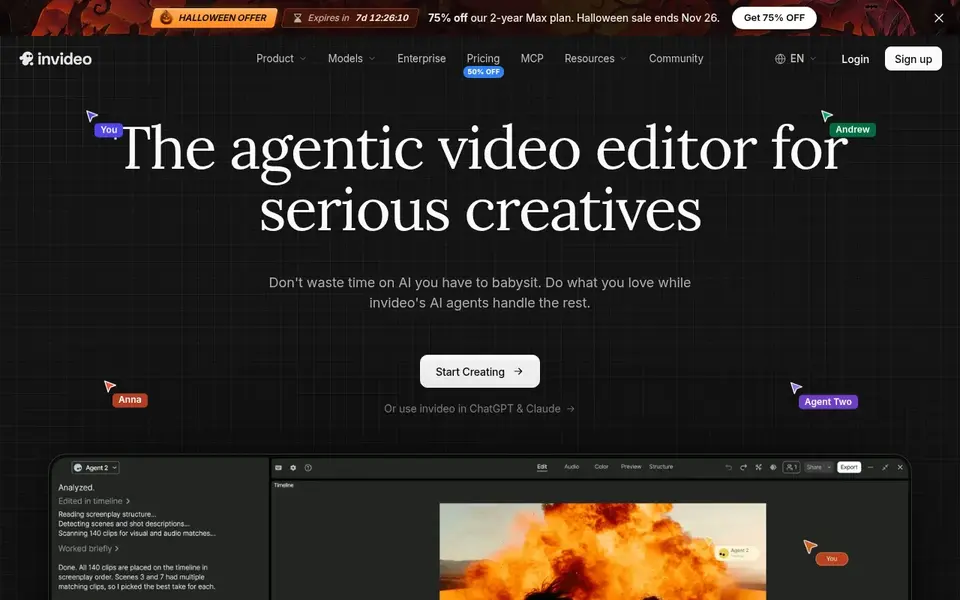
InVideo is a good fit for text to video with stock footage. Plus costs $28 a month billed yearly, which totals $336 a year, or $35 a month billed monthly. Max hands 200 AI minutes, 320 iStock assets, 400 GB, five voice clones and 4K export.
Max costs $48 a month billed yearly, which totals $576 a year. On top of that, choose InVideo if you want a watchable video from a script without filming or editing, and if stock footage and voiceover matter more than manual time More specifically, plus hands 50 AI generation minutes a month, 80 iStock assets a month, 100 GB of storage, two voice clones and 1080p export without a watermark. Also, do not choose InVideo if you need precise frame by frame editing, since CapCut and Descript give you more control over cuts, captions and timing. The starting price for InVideo: $28 per month. Free access exists with InVideo.
Drawbacks to consider: Plus contains only 60 seconds of generative video usage a month in the listed allowance, so heavy generative use needs Max or Generative.
- Plus removes the watermark and brings 50 AI minutes a month
- Turns a text prompt into a finished video with stock footage and voiceover
- Prices and minute allowances change commonly
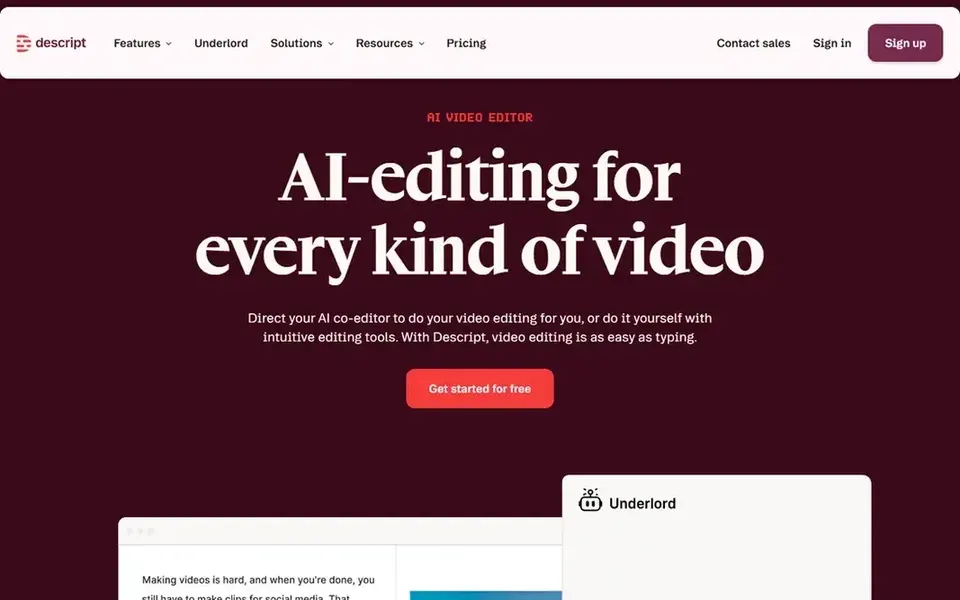
Choose Descript for transcript based video and audio editing. Creator costs $24 and Business costs $50 per editor per month billed yearly, with 30 and 40 media hours, 800 and 1,500 usage units, and 4K export.
Descript Free costs $0 and provides one media hour a month, 100 one time usage units and 720p export with a watermark. The starting price for Descript: $16 per editor/month. Free access exists with Descript.
Drawbacks to consider: the free plan exports at 720p with a watermark; 10 media hours and 400 usage units a month.
- Edit video and audio by editing the transcript
- 4K export on Creator and Business
- Hobbyist cannot buy top ups
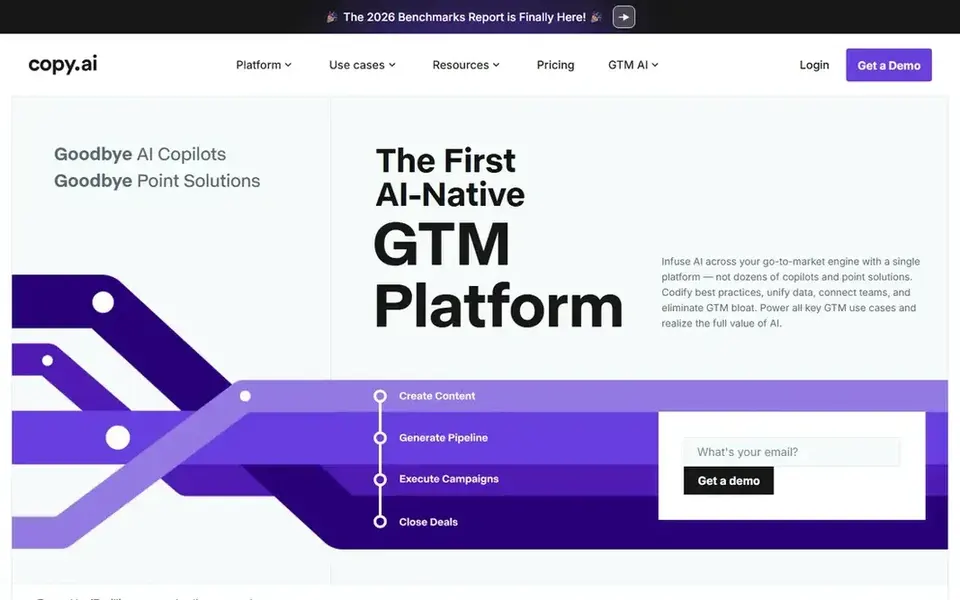
Copy.ai is a good fit for shared AI chat workspace for small teams. Copy.ai Chat costs $24 a month billed yearly, which totals $288 a year, or $29 a month billed monthly.
Downsides: workflow automation opens at Growth, which costs $1,000 a month billed yearly, so the jump from Chat is steep.
Enterprise has no listed price. The starting price for Copy.ai: $24 per month. Copy.ai has no free plan.
- Anthropic and Gemini models
- Unlimited words in Chat with access to OpenAI
- There is no free plan
Think of Visme for Infographics, reports and presentations. Starter layers on 1 GB of storage, 200 monthly usage units and JPG, PNG and PDF downloads. Pro brings 10 GB, 500 monthly usage units, Brand Kit, analytics and PPTX, HTML5, video and GIF downloads.
Pro costs $24.75 per person a month billed yearly, which totals $297 a year. Choose Visme if you turn data into charts, infographics, reports and slide decks for social posts, since its data widgets fit that job better than a On top of that, do not choose Visme as your central short video editor, since it is a visual document tool first. Starting cost for Visme: $12.25 per person/month. Free access exists with Visme.
Where it shines: Starter brings JPG. Drawbacks to consider: Monthly billing is far higher.
- PNG and PDF downloads and removes the watermark
- Data widgets and infographic templates
- The free Basic plan limits downloads and layers on a Visme watermark
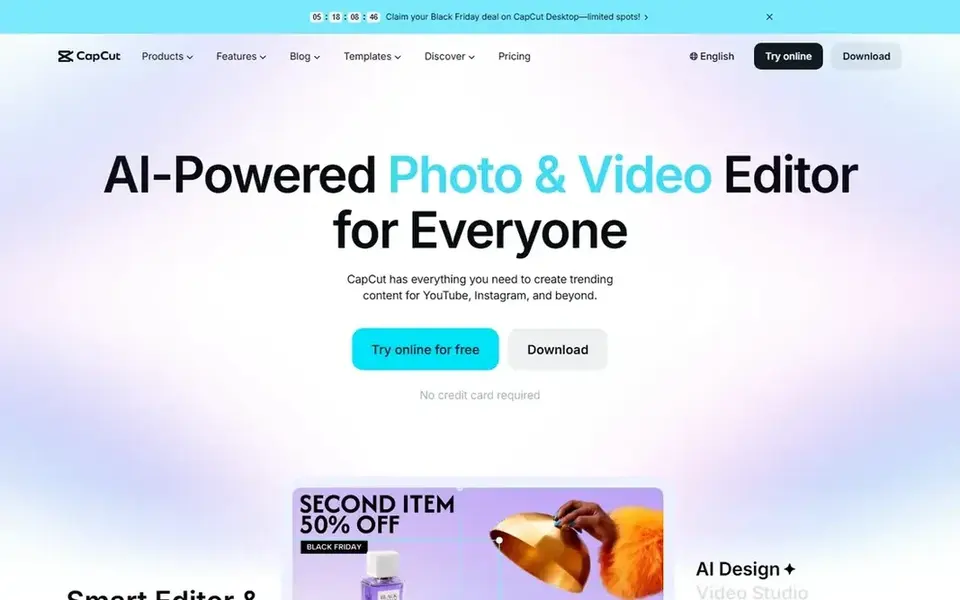
In short, CapCut is for mobile and desktop short video editing. CapCut Free costs $0 and hands you the core editor, entry-level templates and effects, and a restricted amount of cloud storage. Check the price in your own account before you buy, since CapCut states that pricing can vary by region, device and promotion.
Also, Pro contains 1,200 usage units a month, 1 TB of cloud storage, all premium templates and 4K export. Choose CapCut if you edit short video on a phone or a desktop, and if you want a single video tool for TikTok, Reels and Shorts. Pro costs $19.99 a month on monthly billing or $179.99 a year on yearly billing, which works out at $15 a month on the yearly plan and saves $59.89 against 12 monthly payments. On cost, CapCut starts like this: $19.99 per month. Free access exists with CapCut.
Honest limits: Pro pricing varies by region, device and promotion, so the checkout figure can differ from the list price.
- Pro contains 1,200 usage units a month and 1 TB of cloud storage
- Desktop and web editor with premium templates
- The free plan has restricted premium templates and cloud storage
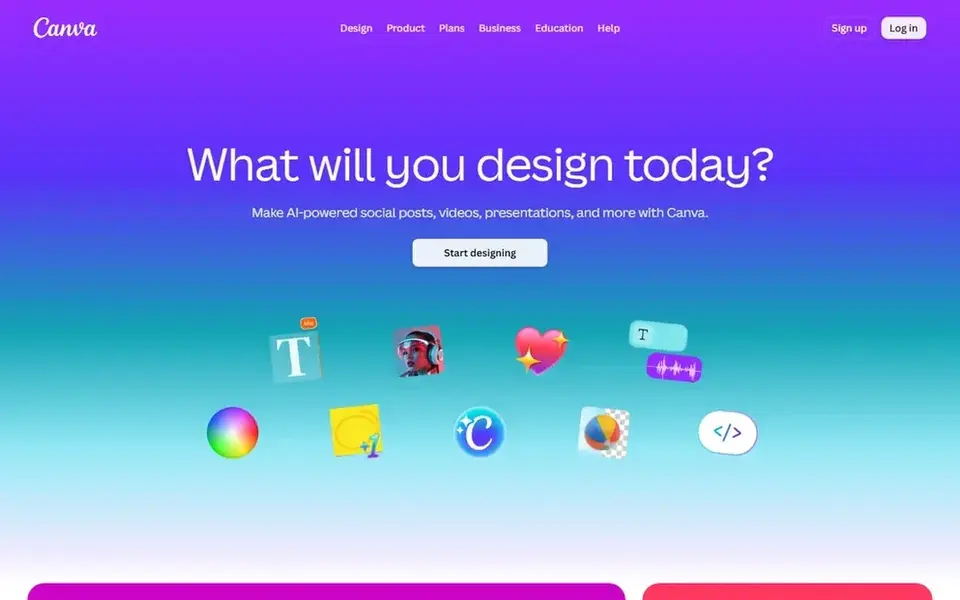
Canva targets all round social design for one person. Canva Free costs $0 and hands one person 5 GB of storage, core templates and a restricted AI allowance.
Strengths: video and documents.
Do not choose Canva as a full video editor if you need multi track timelines or transcript editing, since Descript, CapCut and InVideo deal with those More specifically, Pro layers on 100 GB of storage, five Brand Kits, Magic Resize and background removal. Also, business costs $250 a year per person. Entry price for Canva: $144 per year. Canva offers a free plan. Where it falls short: Pro is for one person, so a team needs Business at $250 a year per person.
- Magic Resize and background removal on Pro
- Brand Kit
- AI use is metered on Pro
Questions to settle before buying
- Check the vendor page for the current price: Visme starts at $12.25 per person/month here, and seats or billing terms can move it.
- Look at free plan limits closely: InVideo, Descript, Visme and others have one, and the caps decide whether it is usable for real work.
- Before choosing InVideo, weigh its main limit: plus bundles only 60 seconds of generative video usage a month in the listed allowance, so heavy generative use needs Max or Generative.
- Before rolling out Descript, verify the integrations your workflow depends on.
- Price Visme for your actual team size; headline prices rarely include add-ons or overage.
Frequently asked questions
What is the cheapest option for social media content creation tools in this list?
On published monthly entry prices, Visme is the lowest here at $12.25 per person/month. Entry price is only part of the cost, because seats, add-ons and billing terms can change the total.
Is InVideo the right pick for everyone comparing social media content creation tools?
No single tool suits every team. InVideo comes first because it fits text to video with stock footage, while Descript suits transcript based video and audio editing and Copy.ai suits shared AI chat workspace for small teams. Match the tool to your own size, budget and workflow before deciding.
Which is a good match for infographics and reports?
InVideo comes first here and is built for text to video with stock footage. Buyers with other needs may prefer Descript (for transcript based video and audio editing) or Copy.ai (for shared AI chat workspace for small teams). Compare costs and limits first.
Which is a good match for AI copy and captions?
InVideo comes first here and is built for text to video with stock footage. Buyers with other needs may prefer Descript (for transcript based video and audio editing) or Copy.ai (for shared AI chat workspace for small teams). Compare costs and limits first.
Do these tools publish their prices?
Yes. Every tool from InVideo to Canva shows a starting price, though seats, add-ons and billing terms still change the final cost.
How are the tools for social media content creation tools ordered?
The order follows typical fit for social media content creation tools, with InVideo first and Canva last, then price clarity and free access. It is editorial judgement, not a score, so another team could rank the tools differently.
Sources
See where you really rank - block by block
ProMapRanker scans Google Maps across a grid of your service area. Simple monthly plans from $19, white-label on every plan.
Start freeBrowse all guides
← Social Content Design Services for SaaS: Best Picks of 20266 Best Social Media Management Tools for Ecommerce Brands for 2026 →
 best social advertising software
7 Best Social Advertising Software for 2026
Searching for the best social advertising software? Here are 7 options with prices and free plans. Each entry gets a plain verdict. See the full list.
Read → best influencer marketing platform in india
Influencer Marketing Platform in India: Best Picks of 2026
6 products for the best Influencer marketing platform in india, ranked by fit, with starting costs and free tiers. Every entry states what it lacks. Facts only.
Read → best facebook ads tools
Facebook Ads Tools in 2026: Top 6 Compared
Compare 6 best facebook ads tools, with prices, free plans and who each fits. Price notes and drawbacks come with each one. Current for November 2026.
Read → best crowdfunding platforms
Best Crowdfunding Platforms in 2026
Compare the best crowdfunding platforms for products, personal causes, and startup equity, with fees, funding rules, risks, and honest guidance for creators.
Read → best social media saas tools review
Top 7 Social Media SaaS Tools Review Picks for 2026, Compared
7 products for the best social media SaaS tools review, ranked by fit, with starting costs and free tiers. Honest caveats for every entry. Plain facts.
Read → best app to download youtube videos
Best App to Download YouTube Videos in 2026
Best app to download YouTube videos for legal use only: 9 tools for your own videos, public domain and Creative Commons content, and offline viewing. in 2026.
Read →More in Social Media & Creators · All guides A to Z by date · Latest guides