 ProMapRanker
Best Small Business Bookkeeping Software in 2026

Most small businesses · Pricing starts at: $38 per month
Key takeaways
- QuickBooks Online is our pick for most small businesses, starting at $38 per month, because it pairs full double-entry bookkeeping with the widest accountant support.
- Xero starts at $27 per month and includes unlimited users, which can make it cheaper than seat-priced rivals for teams of three or more.
- Wave and Zoho Books both offer free plans, so a very small business can start without a monthly subscription and upgrade only when volume grows.
- FreshBooks is built around invoicing and time, so service businesses that bill hours may find it faster than a general ledger tool.
- Bench is different from the rest of this list, because it pairs software with people who do the bookkeeping for you, starting at $199 per month.
Quick comparison
| Pick | Great for | Pricing starts at | Free tier | |
|---|---|---|---|---|
| QuickBooks Online | Most small businesses | $38 per month | Free trial (30 days) | Visit |
 Xero | Teams that need unlimited users | $27 per month | Free trial | Visit |
 FreshBooks | Service businesses that bill time | $23 per month | Free trial (30 days) | Visit |
 Wave | Very small businesses at zero cost | Free | Yes | Visit |
 Zoho Books | Small businesses in the Zoho ecosystem | Free | Yes | Visit |
 Sage Accounting | Established firms that want Sage reporting | See website | Free trial | Visit |
 FreeAgent | Freelancers and owner-managed firms | $27 per month | Free trial (30 days) | Visit |
 Kashoo | Owners who want simple books | $30 per month | Free trial (14 days) | Visit |
 Bench | Owners who want bookkeeping done for them | $199 per month | No | Visit |
The best small business bookkeeping software
We compared the best bookkeeping software for small businesses on price, invoice limits, bank connections, payroll options, and how easy each tool is for a non-accountant to run day to day. Our pick for most people is QuickBooks Online, because accountants know it well and it covers a wide range of business types. If your budget is tight, Wave and Zoho Books deserve a close look first, since both offer genuinely useful free starting points.
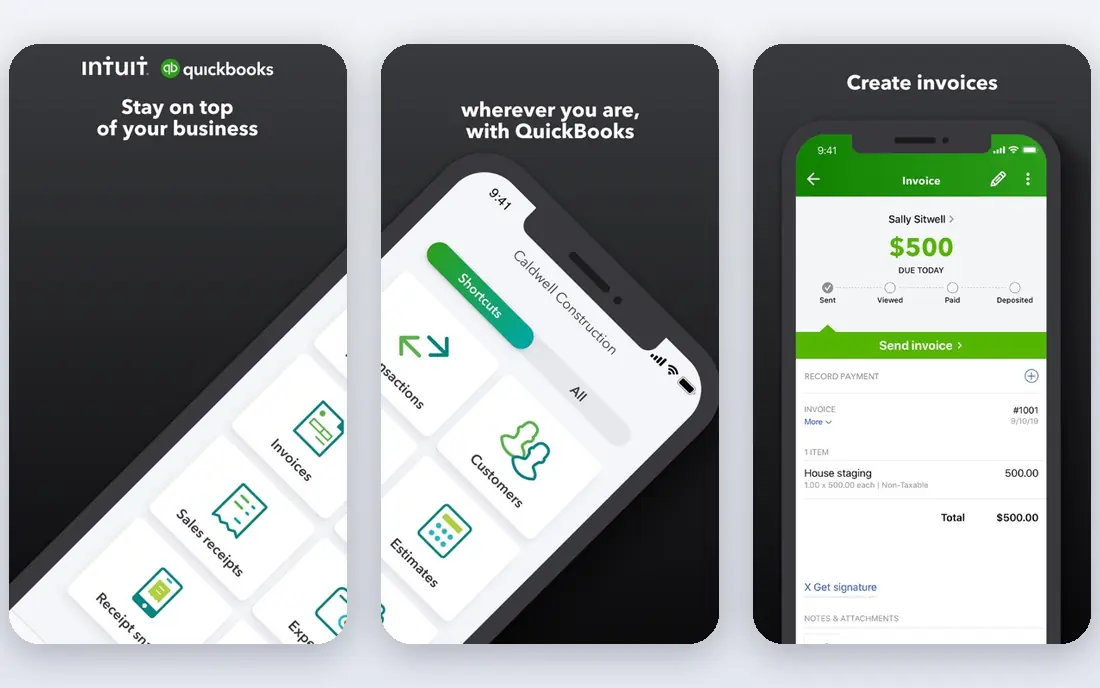
Start here if you want a short answer. QuickBooks Online covers invoicing, expenses, bank feeds, reconciliation, and reporting in a single ledger, and its Plus plan adds inventory and project tracking. Its size is an advantage when you need payroll, payments, or a specialist app, since most of those tools already connect to it.
The catch is cost and complexity, since higher plans jump sharply in price and the settings take time to learn. Check the current plan limits before you pay, since limits on users, invoices, or contacts decide the real cost.
- Full double-entry bookkeeping
- Wide accountant support
- Large integration library
- Price rises on higher tiers
- Simple Start allows only one user
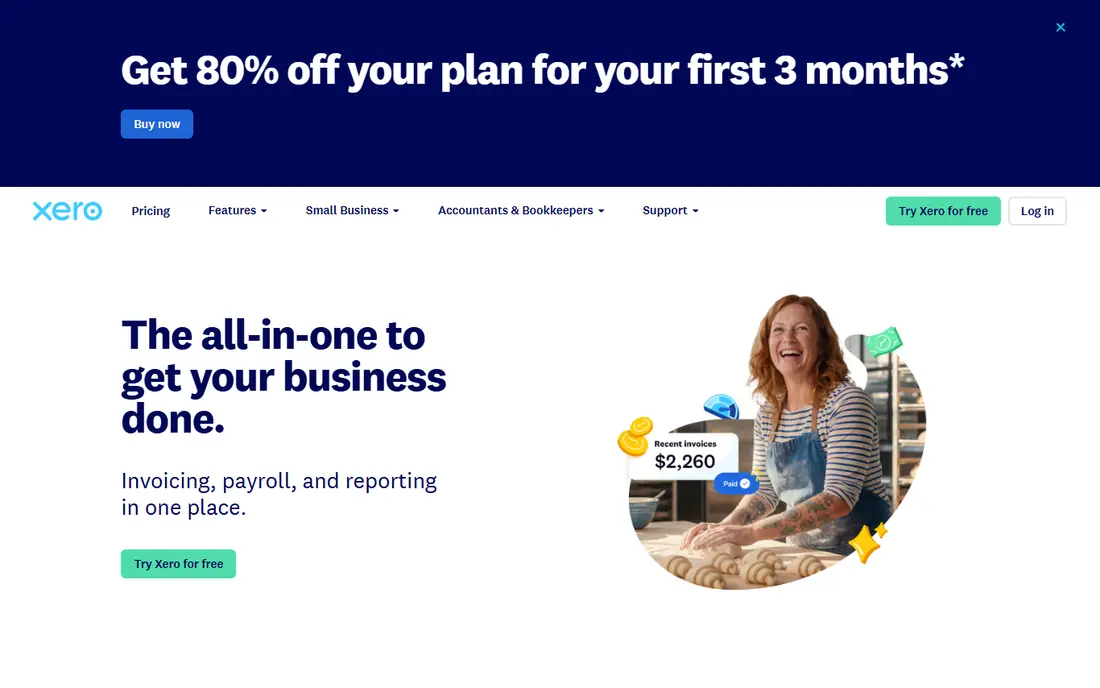
This one earns its place for a clear reason. Xero gives every plan unlimited users without a per-user fee, which changes the math for a team that would pay per seat elsewhere. Bank reconciliation is one of its strongest daily workflows, and the app marketplace covers payroll, payments, and ecommerce tools.
The catch is the Early plan, which caps you at 20 invoices and 5 bills a month, so growing firms usually need the Growing plan at $59 per month. Run a trial with your own data before you commit, and export a sample so you can see how leaving would work.
- Unlimited users on every plan
- Strong bank reconciliation
- Clean reporting
- Early plan caps invoices and bills
- US payroll is a paid add-on
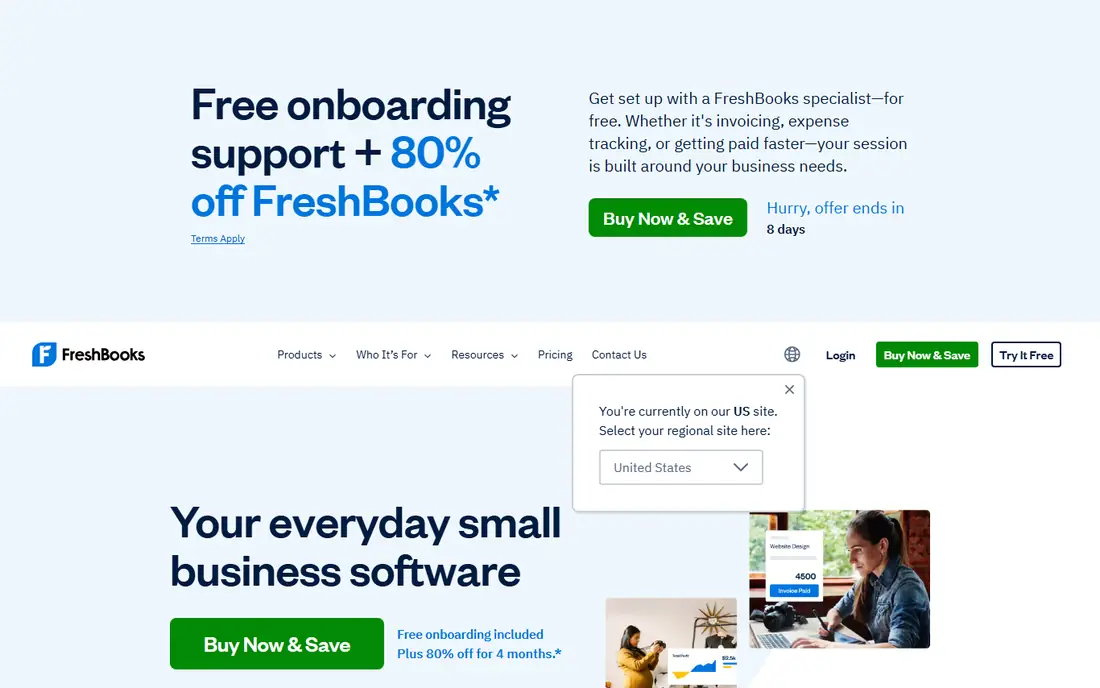
Consider this option when the basics matter more than extras. FreshBooks feels built for people who bill clients rather than for accountants, since time, expenses, and invoices sit in one flow. Creating an invoice from tracked hours takes little time, and automatic reminders help chase late payments without awkward emails.
The catch is the client cap on Lite and the lack of a free plan, so count billable clients before you pick a tier. Compare the total monthly cost, including add-ons and processing fees, rather than the headline price alone.
- Fast invoicing from tracked time
- Simple client billing
- Mileage and expense tracking
- No free plan
- Lite plan allows only 5 billable clients
This pick suits buyers who know what they need and want it done well. Wave covers invoicing, expense tracking, and bookkeeping records on a free Starter plan, which is rare in this category. Setup is quick, and the free plan has no revenue cap, so a side business or new firm can start without a subscription.
The catch is depth, since Wave lacks time tracking and some advanced reporting, and its paid Pro plan at $19 per month adds receipt scanning and bank import features. If the entry plan covers your daily work, stay there for a few months before paying for a higher tier.
- Free invoicing and bookkeeping
- Unlimited invoices
- Simple setup
- No time tracking
- Payroll and payments cost extra
Put this on the shortlist if fit matters more than fame. Zoho Books offers a free plan with up to 1,000 invoices a year, which covers many small firms for a full year. Paid plans add bank feeds, inventory, and project accounting, and the tool fits well beside Zoho CRM and Zoho Inventory.
The catch is setup time, since Zoho's depth means more settings to review before the books feel simple. Ask support a hard question during the trial, since the answer tells you a lot about help when something breaks.
- Free plan for revenue under $50,000
- Strong invoice customisation
- Multi-currency support
- Free plan limits users and invoices
- Setup takes longer than simpler tools
This is a practical choice for a specific kind of buyer. Sage Accounting suits firms that already trust Sage reporting or work with an accountant who prefers Sage tools. It covers invoicing, bank feeds, expenses, and cash flow forecasting, with higher plans adding project tracking.
The catch is pricing clarity, since Sage prices differ by market and plan, so confirm the US price for your tier before you budget. Check the current plan limits before you pay, since limits on users, invoices, or contacts decide the real cost.
- Solid reporting and cash flow tools
- Payroll options
- Long track record with accountants
- Pricing varies by region and plan
- Interface feels dated in places
We include this one because it solves a real problem well. FreeAgent keeps the dashboard simple, with bank accounts, invoices, expenses, and a profit view in one place. Project and time tracking are included, so a solo designer or consultant can see profit per job without a second tool.
The catch is fit, since FreeAgent is built for owner-managed firms, and larger teams usually need a tool with deeper multi-user controls. Run a trial with your own data before you commit, and export a sample so you can see how leaving would work.
- Simple dashboard
- Project and time tracking
- Tax timeline view
- Smaller US integration library than QuickBooks or Xero
- US pricing less prominent
This option stands out for a different reason than the leaders. Kashoo aims at owners who want books done without learning a full accounting system. It covers banking, invoicing, and expense tracking with unlimited users, which keeps team costs predictable.
The catch is the integration library, which is smaller than QuickBooks or Xero, so check your must-have apps before you switch. Compare the total monthly cost, including add-ons and processing fees, rather than the headline price alone.
- Simple invoicing and expense tracking
- Unlimited users
- Easy bank connections
- Limited integrations
- Fewer advanced reports than larger rivals
Do not overlook this one if your needs are narrower than most guides assume. Bench is a service, not just software, since a bookkeeper categorises transactions and prepares monthly reports for you. That model suits owners who fall behind on books or who would rather spend their time on customers than on reconciliation.
The catch is price and control, since you pay from $199 per month and you rely on Bench staff for day-to-day bookkeeping tasks. If the entry plan covers your daily work, stay there for a few months before paying for a higher tier.
- A bookkeeper handles your books
- Monthly reports
- Tax-season support
- Highest starting price here
- Less hands-on control than software-only tools
How we picked these
We checked current pricing pages and plan limits for each vendor, and we compared invoicing, bank feeds, reconciliation, reporting, payroll, and integrations. We left out tools that are desktop only, discontinued, or aimed at large enterprises, and we kept only products that a US small business can buy and use today. Where a vendor quotes a price instead of publishing one, we say so rather than guessing a number.
How to choose bookkeeping software without overpaying
Start with the work you actually do each week. Count your invoices, bills, bank transactions, and payroll runs, then match those counts to plan limits. A low headline price stops being cheap once an invoice cap, a user cap, or a paid add-on pushes you to a higher tier in month two.
Check the limits that cost money later
Invoice caps, bill caps, user caps, and bank connection limits are the four limits that surprise buyers most. FreshBooks Lite, for example, limits billable clients, while Xero Early limits invoices and bills each month. Read those limits on the pricing page and compare them with last month's real counts, not with a guess about next year.
Decide how much help you want
Some owners want software only, and some want a person to handle the books. Software-only tools cost less each month, but they still need your time for categorising transactions and reconciling accounts. A done-for-you service such as Bench costs more, yet it can suit owners who would otherwise fall behind on the books for months at a time.
Test the accountant question early
Ask your accountant or bookkeeper which tools they already use, since their familiarity can save you billable hours. QuickBooks Online and Xero both have large accountant networks in the US, which is a practical advantage that does not show up in a feature table. If you do your own books, prioritise a clear dashboard and bank reconciliation that you can finish in one sitting.
Frequently asked questions
What is the best bookkeeping software for small businesses?
For most small businesses, QuickBooks Online is a strong default because it covers invoicing, expenses, bank reconciliation, payroll add-ons, and reporting in one place, and most accountants know it. Xero is a close alternative for teams that need unlimited users. A very small business with simple needs may do just as well with Wave or Zoho Books at a lower cost.
What is the best bookkeeping software for a small business on a tight budget?
Wave is a strong free starting point, since its Starter plan covers invoicing and bookkeeping records without a monthly fee, though payment processing and payroll cost extra. Zoho Books is also free for businesses with revenue under $50,000 a year, with limits on users and invoices. Compare both against your invoice volume before you choose.
What is the best small business bookkeeping app for service businesses?
FreshBooks suits service businesses well, because it was built around invoicing, time tracking, and client billing. You can turn tracked time into an invoice, send reminders, and accept payments from the same workflow. If you also need inventory or complex job costing, QuickBooks Online Plus is usually a better fit.
Do I need an accountant if I use bookkeeping software?
Software records transactions and produces reports, but it does not replace professional advice on taxes, entity structure, or year-end filing. Many owners handle daily bookkeeping themselves and ask an accountant to review the books quarterly or at year-end. If your books are behind or your tax situation is complex, get help sooner rather than later.
Can I switch bookkeeping software later?
Yes, but switching takes planning, since you need to export customers, vendors, invoices, chart of accounts data, and opening balances. Test an export during the trial, and keep a copy of your old data even after you move. The easiest time to switch is at the start of a month or a quarter, when balances are clean.
Sources
See where you really rank - block by block
ProMapRanker scans Google Maps across a grid of your service area. Simple monthly plans from $19, white-label on every plan.
Start freeKeep reading
 top custom software development company
Top Custom Software Development Company in 2026
Looking for a top custom software development company? We compare 9 firms for web, mobile, and enterprise software, covering strengths and fit for 2026.
Read → tableau alternatives
Tableau Alternatives in 2026
Compare the best Tableau alternatives for 2026, from Power BI to Metabase, with prices, hosting options, and picks for small teams and enterprises today.
Read → microsoft teams alternatives
Best Microsoft Teams Alternatives in 2026
Looking for microsoft teams alternatives? We compare 9 chat and video tools for 2026, covering free plans, pricing, meetings, and integrations for teams.
Read →