 ProMapRanker
Best Slideshow App in 2026: 8 Apps Compared

Key takeaways
- Canva and Adobe Express are the easiest browser picks for photo slideshows with music and text.
- Animoto suits small businesses and real estate listings that need a fast template-driven video.
- Movavi Slideshow Maker and Icecream Slideshow Maker suit desktop users who want offline, one-time pricing.
- PhotoStage offers a free version for non-commercial use, which is rare among desktop slideshow tools.
Quick comparison
| Pick | Great for | Pricing starts at | Free tier | |
|---|---|---|---|---|
 Canva | template slideshows in a browser | Free | Yes | Visit |
 Adobe Express | social slideshows plus graphics in one tool | Free | Yes | Visit |
 Animoto | business, real estate, and school videos | $16 per month | Yes | Visit |
 Movavi Slideshow Maker | desktop slideshows with effects and music | $44.95 | Free trial | Visit |
 Icecream Slideshow Maker | simple offline photo slideshows | $39.95 | Yes | Visit |
 PhotoStage | free desktop slideshows for personal use | Free | Yes | Visit |
 FlexClip | browser slideshows with music and text animation | Free | Yes | Visit |
 Smilebox | cards, invitations, and family slideshows | See website | Yes | Visit |
The best slideshow apps
A slideshow app should turn photos into a watchable video with music, text, and transitions, without forcing you to learn a full video editor. The picks below cover browsers, desktops, and phones.
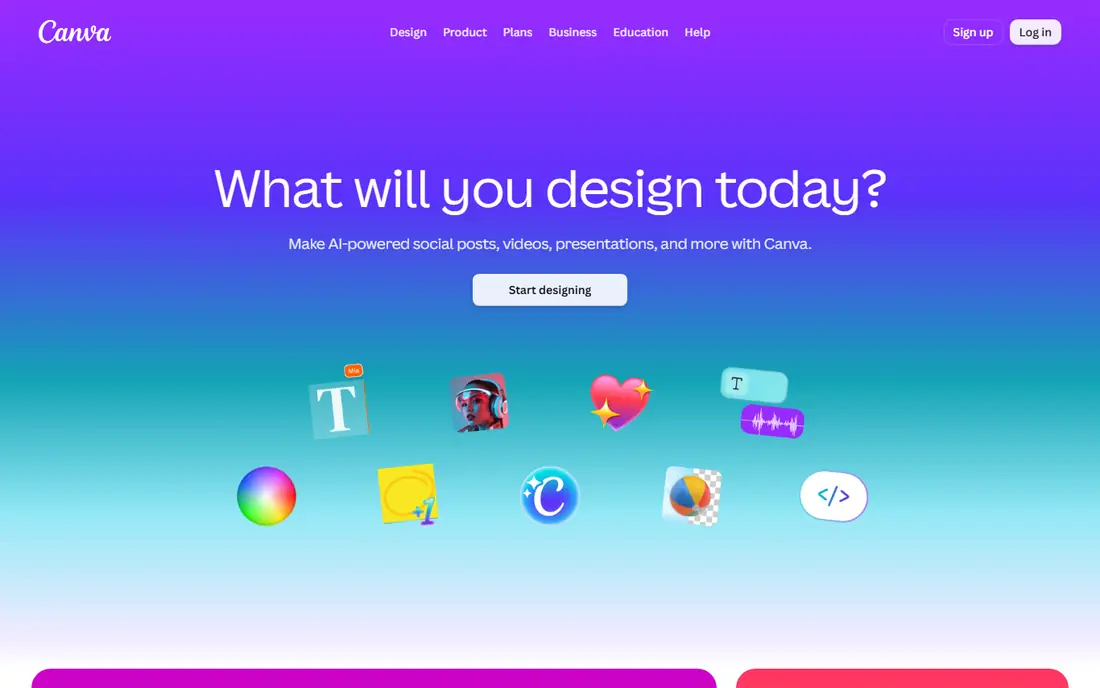
Canva is our pick for most people who want a photo slideshow fast. Pick a slideshow template, drop in photos, add text and music, adjust timing, and export as a video in the right size for social media or a presentation. The free plan covers many templates and basic tools, which is enough for birthdays, trips, and school projects.
Paid plans add fuller stock, brand tools, and background removal, so check current Pro pricing on the Canva site before upgrading. For a polished slideshow in under an hour, with no software to install, Canva is the easiest start in this list.
- Huge template library
- Drag-and-drop editing
- Social sizes and music built in
- Best templates and assets are paid
- Video control is simpler than a desktop editor
- Exports suit social sharing best
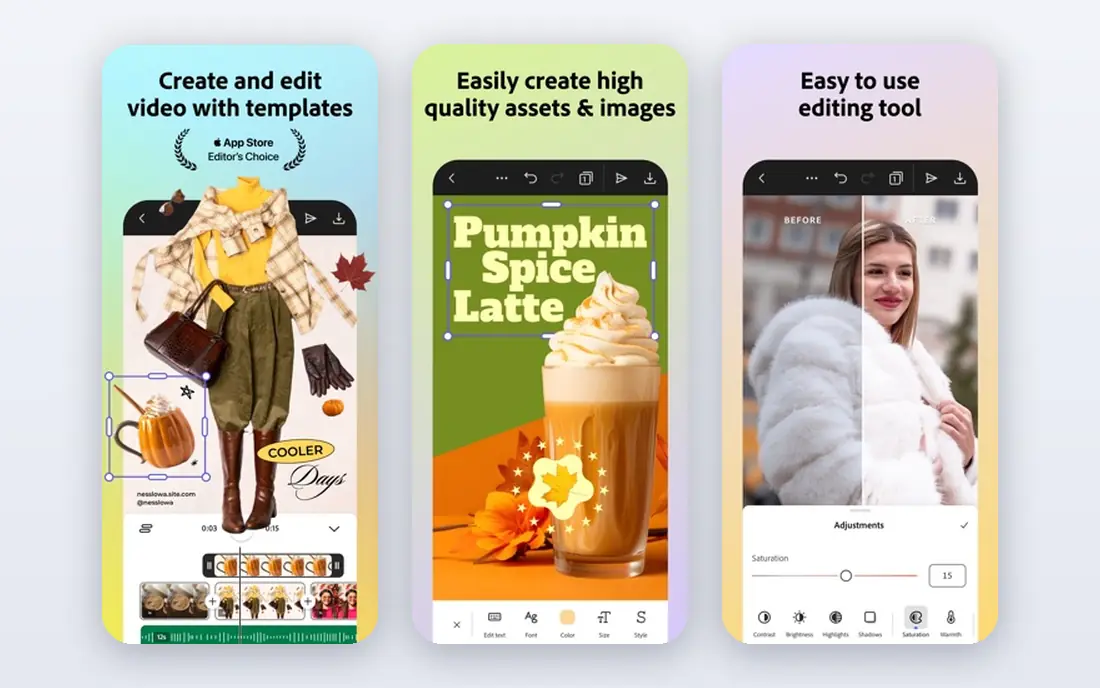
Adobe Express suits people who want slideshows alongside social graphics, flyers, and short videos in one account. Templates cover birthdays, sales, events, and school projects, and Adobe fonts give slideshows a cleaner look than many free tools. The free plan covers core design and video tools, while Premium at $9.99 per month adds fuller stock and features.
It is not a replacement for a full video editor, and long, complex slideshows will feel limited. For short social slideshows that also need matching graphics, Adobe Express is a strong all-in-one pick.
- Free plan with templates
- Adobe fonts and stock access
- Mobile and browser versions
- Premium costs $9.99 per month
- Video tools are simpler than Premiere
- Some assets need a paid plan
Animoto is built for non-editors who need a tidy slideshow video for work. Real estate agents use it for listings, small businesses use it for social ads, and schools use it for event recaps, all from the same template flow: pick a style, add photos and clips, add text, choose licensed music, and export. Plans start near $16 per month, with a free plan that watermarks exports.
Creative control is the trade-off. You cannot build complex motion or layered effects, and heavy template use can make videos look alike. If speed and a professional finish matter more than custom animation, Animoto delivers both.
- Template and storyboard workflow
- Licensed music library with over 1,000 tracks
- Very easy for non-editors
- Free plan adds a watermark to exports
- Limited animation control
- Output can look templated without customization
Movavi Slideshow Maker is the desktop pick for people who want more effects than a browser tool offers, without learning a full editor. Its automatic generator builds a slideshow from photos and music in a few clicks, while manual mode adds titles, transitions, stickers, and audio tracks. The standard version costs $44.95 for one year, with a Plus lifetime version at $99.95.
The trial is useful for testing the interface, but full export needs a paid licence. If you make slideshows often for family, school, or client work, the one-time style pricing and offline workflow justify the cost over browser subscriptions.
- Automatic slideshow generator
- Many titles, transitions, and stickers
- Works on Windows and Mac
- $44.95 for a one-year licence
- Plus version costs $99.95 lifetime
- Trial limits full export
Icecream Slideshow Maker is the no-fuss desktop option. Add photos, set timing, add music, pick a transition style, and export. It works offline, which suits older computers and people who prefer not to upload family photos to a browser service, and it exports in common formats that play on phones, TVs, and computers.
Effects and text options are basic next to Movavi and Canva, and there is no cloud collaboration. For a straightforward family slideshow with music, that simplicity is a strength, not a weakness.
- Very simple interface
- Offline desktop use
- Exports in MP4, AVI, MOV, and WEBM
- $39.95 one-time fee for the full version
- No cloud collaboration
- Fewer effects than Movavi
PhotoStage is the best free desktop slideshow maker for personal projects. The free version for non-commercial use never expires, and it covers transitions, effects, music, and narration, with export to video and disc formats. That makes it a good pick for family archives, school projects, and hobby slideshows where a subscription would be wasteful.
The interface is less modern than Canva or Movavi, and commercial use needs a paid licence. If you only need a solid desktop slideshow tool for personal use, PhotoStage gives the most value at no cost.
- Free version for non-commercial use that never expires
- Transitions, effects, and narration
- DVD and video export options
- Interface looks dated
- Paid version needed for commercial use
- Windows and Mac only
FlexClip suits people who want a browser slideshow maker with a bit more video control than Canva templates alone. Text boxes, built-in text animations, music, and stock assets help turn photos into a short promo or event video, and the free plan covers basic creation. Paid plans start at $4.99 per month, with Plus and Business tiers adding higher resolution and brand tools.
Free exports carry limits on resolution and features, so test a short slideshow before a long project. For quick business and social slideshows without installing software, FlexClip is a flexible middle ground.
- Free slideshow maker in a browser
- Text animations and music
- Templates for social and business
- Paid plans start at $4.99 per month for fuller features
- Free exports carry limits
- Browser workflow suits shorter videos
Smilebox is the pick for occasions rather than marketing. Its templates cover birthday cards, invitations, thank-you notes, and family slideshows, with music and photo layouts that look warm without design skill. Sharing by link or email makes it easy to send a finished slideshow to relatives who do not use video apps.
Business users will find the video tools basic, and full features need a paid plan, so check current pricing on the Smilebox site. For family events and greetings, though, Smilebox feels more personal than a generic video editor.
- Templates for cards and invitations
- Easy photo and music slideshows
- Sharing by link or email
- Paid plans needed for full features and ad-free use
- Video control is basic
- Design leans to family occasions
How we picked these
We compared official pricing pages, free plan terms, and export options for slideshow tools that still work in October 2026 on browsers, desktops, or phones. We favored tools with a real free or trial option, clear export formats, and a beginner-friendly workflow, and we noted where watermarks or paid licences apply.
Making a slideshow people actually watch
Keep it short. A family slideshow of 40 to 60 photos at 3 to 4 seconds each runs about 3 minutes, which holds attention far better than a 10-minute reel. Pick one music track that fits the occasion, keep text to short captions, and use one transition style throughout so the photos, not the effects, carry the video.
Photo order matters more than effects. Start with a strong opening photo, group similar moments together, and end with a warm closing image rather than a random last photo. Export in MP4 at 1080p for social sharing and TV playback, and test the file on a phone before you send it, since small text can be hard to read on a small screen.
Browser or desktop
Browser tools suit one-off slideshows and shared computers, since there is nothing to install and templates speed up the work. Desktop tools suit frequent slideshow makers, offline work, and large photo sets, since they handle bigger projects without upload limits. If you make slideshows monthly, a desktop tool with one-time pricing often costs less over two years than a monthly browser subscription.
Frequently asked questions
What is the best app to make a photo slideshow?
Canva is our pick for most people, because it is free to start, template-driven, and exports video for social and presentations. Movavi Slideshow Maker is better for desktop users who want more effects, while PhotoStage is the best free desktop option for personal use.
What is the best slideshow software for beginners?
Movavi Slideshow Maker and Canva get beginners from photos to a finished video fastest, thanks to templates and guided workflows. If you want it free, PhotoStage and Icecream Slideshow Maker both run usable free versions on desktop.
Can I make a professional slideshow for free?
Yes, with limits. PhotoStage offers a free version for non-commercial use, and Canva, Adobe Express, Animoto, and FlexClip all run free plans. The usual limits are watermarks on exports, lower resolution, and restricted templates or stock assets, so budget for a paid plan for client work.
What video format should I export a slideshow in?
MP4 with H.264 encoding is the safe default, since it plays on phones, TVs, YouTube, and social platforms without conversion. Use 1080p for social and general sharing, and 4K only when the viewing screen justifies the larger file.
Is there a best app for slideshows on a phone?
Canva and Adobe Express both offer mobile apps that handle photo slideshows well, with templates and music built in. For longer desktop projects, Movavi and Icecream give more control than a phone screen allows.
Sources
- https://www.canva.com
- https://www.adobe.com/express/
- https://animoto.com
- https://www.movavi.com/slideshow-maker/
- https://icecreamapps.com/Slideshow-Maker/
- https://www.nchsoftware.com/slideshow/
- https://www.flexclip.com
- https://www.smilebox.com
- https://www.movavi.com/slideshow-maker/buynow.html
- https://rankite.com/blog/best-professional-slideshow-software
See where you really rank - block by block
ProMapRanker scans Google Maps across a grid of your service area. Simple monthly plans from $19, white-label on every plan.
Start freeKeep reading
 bitly alternatives
Bitly Alternatives in 2026: 8 Tools Compared
Compare the best Bitly alternatives for branded short links, with free tiers, custom domains, analytics, and pricing that suits creators and small teams.
Read → bill.com alternatives
Best Bill.com Alternatives in 2026
Looking for bill.com alternatives? We compared 9 bill pay and AP automation tools on price, approvals, and accounting sync to help you switch with confidence.
Read → betterhelp alternatives
BetterHelp Alternatives in 2026
We compared BetterHelp alternatives for online therapy, covering Talkspace, Grow Therapy, Rula, Brightside and more on price, insurance and format in 2026.
Read →