 ProMapRanker
Best SIEM Tools in 2026: 9 Platforms Compared


Large security operations centers · Pricing starts at: See website
Key takeaways
- Microsoft Sentinel suits teams already invested in Microsoft 365 and Azure, since much of that log data can flow in without a separate collector build.
- Splunk Enterprise Security remains the deep-analysis choice for large security operations centers, but its ingest-based pricing needs careful budgeting.
- Elastic Security and Wazuh give smaller or engineering-led teams a lower-cost path, in exchange for more setup and tuning work.
- Most enterprise SIEM pricing is quote-based, so treat any per-gigabyte figure as a starting point for a sales conversation, not a final bill.
- A SIEM only helps if someone tunes it, so shortlist tools your team can actually staff and maintain week after week.
Quick comparison
| Pick | Great for | Pricing starts at | Free tier | |
|---|---|---|---|---|
| Splunk Enterprise Security | Large security operations centers | See website | No | Visit |
 Microsoft Sentinel | Microsoft 365 and Azure shops | See website | No | Visit |
 IBM QRadar SIEM | Regulated and on-premises teams | See website | No | Visit |
 Elastic Security | Engineering-led security teams | See website | Free trial | Visit |
 CrowdStrike Falcon Next-Gen SIEM | CrowdStrike customers adding SIEM | See website | No | Visit |
 Palo Alto Networks Cortex XSIAM | Palo Alto estates and automation | See website | No | Visit |
 Exabeam | Behavior-based threat detection | See website | No | Visit |
 Sumo Logic Cloud SIEM | Cloud-first log analytics | See website | Free trial | Visit |
 Wazuh | Budget teams that can self-host | Free | Yes | Visit |
The best SIEM tools
We compared the leading SIEM platforms on detection depth, deployment options, pricing transparency, and how much day-to-day effort each one demands from a security team.
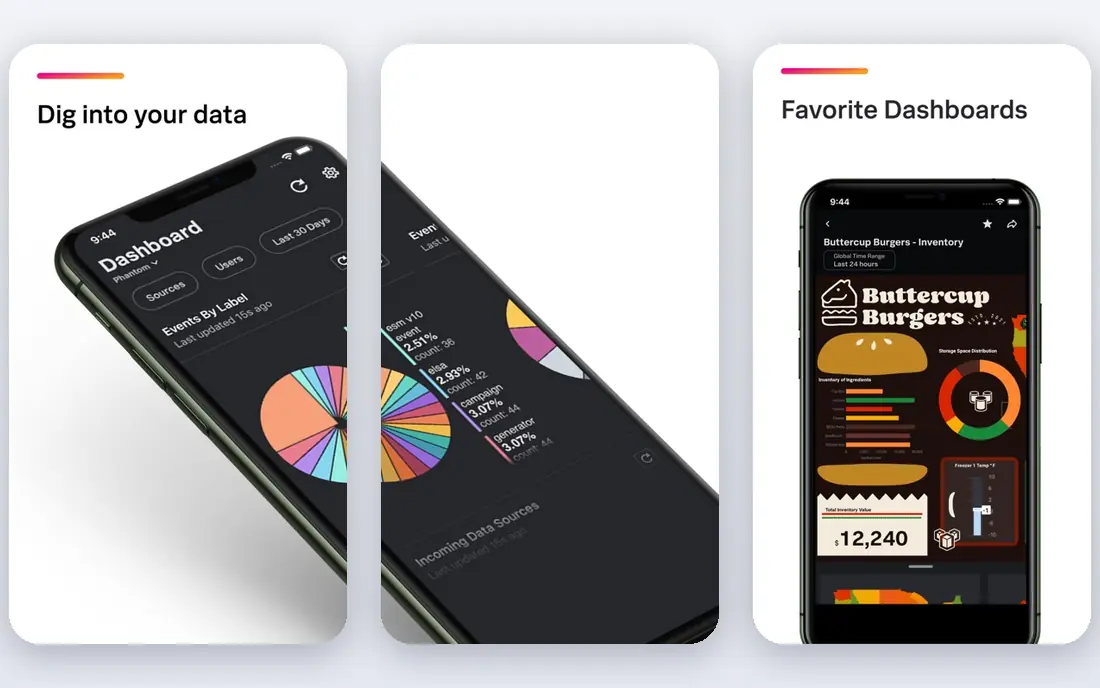
Splunk Enterprise Security builds on the Splunk platform, which many large teams already use to search logs from servers, cloud services, network gear, and applications. Its search language, known as SPL, lets analysts write detailed queries and build custom detections, dashboards, and investigations without waiting for a vendor update. That flexibility is the main reason big security operations centers stay with Splunk even when cheaper tools appear.
The catch is cost and complexity. Splunk pricing is tied to how much data you ingest each day, so a team that sends in everything from every source can face a large bill. Good Splunk teams control this by filtering noisy logs, setting retention rules, and reviewing data volume regularly. If your team lacks a Splunk specialist, setup and tuning will take longer, and alert quality will suffer. For a large team with that skill in house, it is still our pick for depth.
- Deep search language
- Large app and integration catalog
- Mature risk-based alerting
- Ingest pricing can grow fast
- Needs skilled staff to tune and maintain
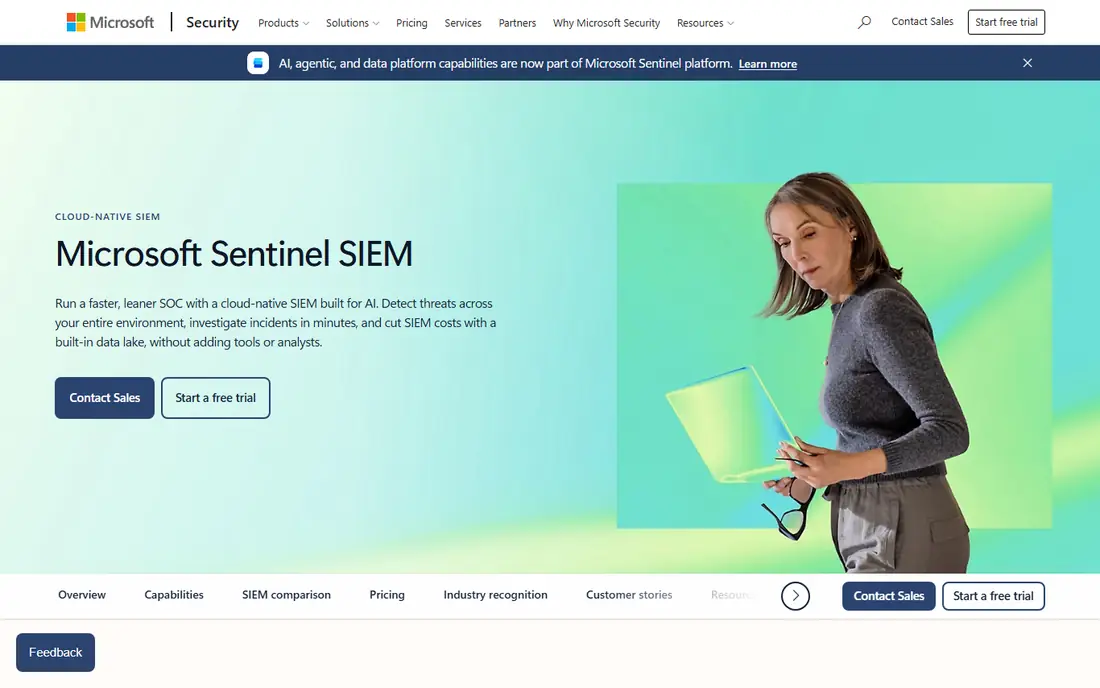
Microsoft Sentinel is a cloud-native SIEM that runs in Azure and pulls in logs from Microsoft 365, Entra ID, Defender, and Azure services with built-in connectors. For a team already on Microsoft 365, that native coverage removes a lot of collector work, and Microsoft-sourced data has historically carried favorable ingestion terms. Sentinel also offers analytics rules, workbooks, notebooks for hunting, and automation playbooks for common responses.
The trade-off is that Sentinel rewards a Microsoft-centered estate. Teams with large amounts of third-party or on-premises data pay ingestion charges on that volume, and costs need active governance through data filtering and commitment tiers. Its query language, KQL, is powerful but takes time to learn for analysts coming from other tools. If your estate is mostly Microsoft, Sentinel is often the simplest SIEM to run well.
- Native Microsoft data connectors
- Cloud-native scaling
- Pay-as-you-go option
- Costs rise with non-Microsoft data volume
- Best value stays inside the Microsoft stack
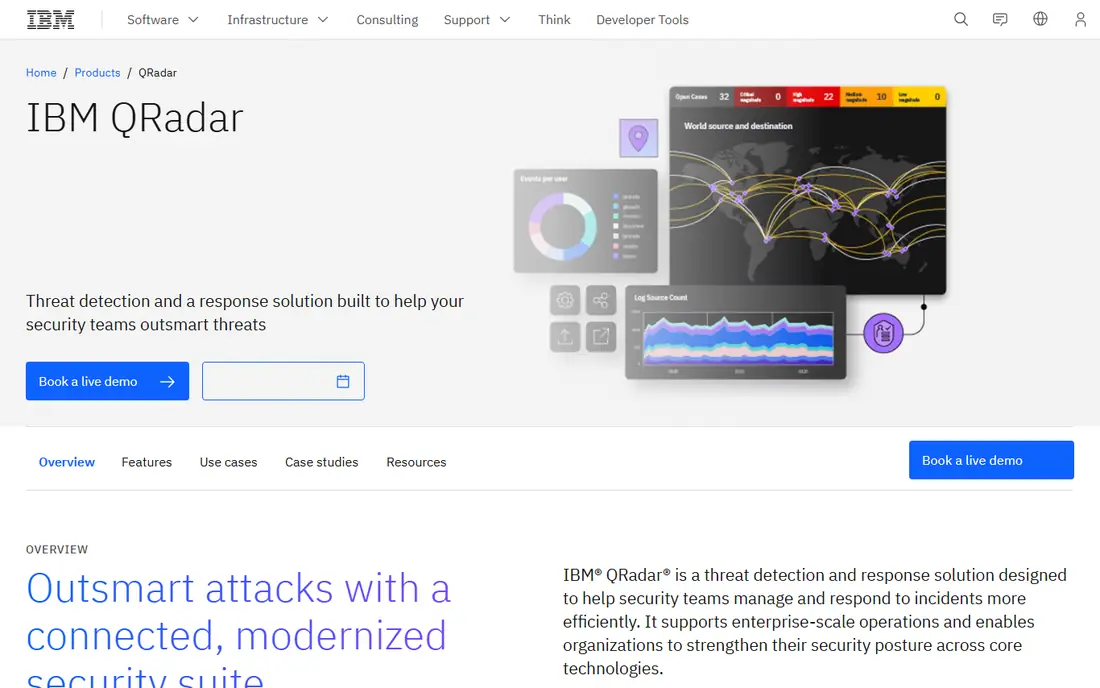
IBM QRadar SIEM has served regulated industries and government teams for years, and its offense model groups related events into a single investigation item rather than flooding analysts with separate alerts. That workflow helps smaller analyst teams work through incidents in priority order. QRadar also offers compliance reporting packs and deployment options that include on-premises installs, which still matter for teams with strict data residency rules.
The downsides are familiar to long-time QRadar users. Pricing is licensed by event throughput and negotiated per deal, so budgeting requires a sales conversation and a clear estimate of events per second. The interface is functional rather than modern, and newer cloud-native tools feel faster to deploy. Teams that already run QRadar, or that must keep data on premises, will find it a steady choice. Teams starting fresh in the cloud should compare it closely with Sentinel and Elastic before committing.
- Correlation and offense workflow
- Strong compliance reporting
- On-premises option
- Quote-only pricing
- Interface feels dated next to cloud-native rivals
Elastic Security builds on Elasticsearch and Kibana, tools many engineering teams already know. Analysts can search logs fast, build custom dashboards, and write detections in a query language that feels natural to developers. Elastic offers both a managed cloud service and self-managed deployment, so teams can choose between control and convenience. Its common schema helps normalize logs from different sources into consistent fields.
Elastic is not a turnkey SIEM for teams that want strong detections on day one. Reviewers often note that its built-in detection content needs more tuning than Splunk or Sentinel provide out of the box. Self-managed Elastic also needs someone to look after cluster health, upgrades, and storage. If your team has engineering depth and wants control over cost and data, Elastic is a strong value pick. If you want a managed detection experience, budget for the managed tier or a partner.
- Flexible search and dashboards
- Open core
- Self-managed or cloud options
- Out-of-box detection needs tuning
- Self-managed installs need operational care
CrowdStrike Falcon Next-Gen SIEM, built on the LogScale engine, pairs endpoint detection data with third-party logs in one search experience. For teams already running Falcon, that pairing is valuable, since endpoint context sits next to firewall, identity, and cloud logs without a separate correlation project. Search speed over large data volumes is a stated strength, and CrowdStrike offers managed detection services alongside the platform for teams that want help triaging alerts.
Standalone buyers should check pricing carefully, since published rates vary by data type and existing Falcon licensing. Teams without Falcon can still use it, but they lose the main advantage that makes it stand out from Sentinel or Elastic. It fits best as an extension of a CrowdStrike estate, or for teams that prioritize search speed and endpoint context above all else.
- Tight Falcon endpoint context
- Fast search over large volumes
- Managed detection links
- Best value for existing Falcon customers
- Standalone pricing is quote-based
Palo Alto Networks Cortex XSIAM
Great for: Palo Alto estates and automation
Palo Alto Networks Cortex XSIAM aims to combine SIEM, automation, and response in one platform rather than bolting automation onto an older SIEM. It ingests logs from Palo Alto firewalls and endpoints plus third-party sources, then uses automation playbooks to triage and respond to common incidents. For teams already standardized on Palo Alto network and endpoint products, that integration reduces the connector work that usually slows a SIEM rollout.
The main caution is scope. XSIAM pricing is quote-based, and its strongest story is told inside a Palo Alto estate. Teams with a mixed vendor estate should test third-party ingestion and detection coverage during a trial before assuming the same results. Automation also needs governance, since a playbook that acts on a false positive can cause more harm than a slow manual response. Used with care, it is a strong pick for automation-minded teams.
- Automation-first design
- Broad Palo Alto integration
- AI-assisted investigation
- Quote-only pricing
- Most compelling inside a Palo Alto estate
Exabeam focuses on behavior analytics, building baselines for users and entities and flagging activity that departs from normal patterns. That approach helps catch insider misuse and compromised accounts that rule-based detections often miss, since the alert is about unusual behavior rather than a single known-bad event. Its timeline views pull related events into one investigation story, which helps analysts explain what happened and when.
Exabeam works best when identity logs, VPN logs, and cloud activity are already flowing in cleanly, since behavior models need reliable data to learn from. Pricing is quote-based, so total cost depends on deployment size and edition. Teams that already have solid log collection and want stronger behavior detection should put Exabeam on the shortlist. Teams still struggling with basic log coverage should fix that first, since no behavior engine can model data it never receives.
- User and entity behavior analytics
- Timeline investigations
- Cloud and hybrid options
- Quote-only pricing
- Detection value depends on good identity and log coverage
Sumo Logic Cloud SIEM runs as a cloud service for log management, analytics, and security detection. Teams can search logs, build dashboards, and run security rules without managing SIEM infrastructure, and its cloud integrations suit teams running workloads across major cloud providers. The query experience will feel familiar to analysts used to log analytics tools, and the platform scales without an on-premises sizing project.
Pricing uses a credit model, which rewards careful data management but can surprise teams that ingest everything without filtering. Buyers should ask for a credit estimate based on their real daily volume and retention needs, and run a trial with production-like data. Sumo Logic fits cloud-first teams that want one platform for both operations logs and security detection, rather than a dedicated security-only SIEM.
- Cloud-native log analytics
- Flexible queries
- Broad cloud integrations
- Credit-based pricing needs monitoring
- SIEM features sit atop a log platform
Wazuh is an open source security platform that combines SIEM-style log analysis with endpoint agents, file integrity monitoring, vulnerability detection, and compliance dashboards. Its agents run on Linux, Windows, and macOS, and its built-in rules cover many common threats mapped to known attack frameworks. For a small team with engineering skill and a tight budget, Wazuh delivers real detection capability without a license fee.
The cost of Wazuh is staff time, not software. Someone must maintain the manager, indexer, and dashboard, tune rules, and handle upgrades. Managed cloud and support options exist for teams that want help, and those carry a fee. Wazuh is our pick for budget-conscious teams that can self-host responsibly. Teams without that operational capacity should compare the total cost of staff time against a managed SIEM before choosing free software.
- No license fee for self-hosted use
- Broad built-in rules
- File integrity and vulnerability checks
- Self-hosting needs skilled upkeep
- Enterprise support and cloud options cost extra
How we picked these
We compared official product pages, pricing pages, and public comparison guides for SIEM platforms active in October 2026. We required each product to be a current, supported SIEM or SIEM-capable platform with real log ingestion, detection, and investigation features, not a single-point tool. We favored platforms with broad connector coverage and clear deployment options, and we marked pricing as See website wherever the vendor sells by quote or by volume terms that vary by deal. We did not claim hands-on testing. Our ranking rests on published features, pricing models, and documented strengths and limits.
What to check before you buy a SIEM
Start with your data, not the demo. List every log source you must collect, from cloud services and identity providers to firewalls, endpoints, and business applications. Estimate daily volume and retention, since those two numbers drive most SIEM bills. A vendor demo on clean sample data will not reveal how a platform handles your noisy firewall logs or your incomplete identity data, so run a trial on real sources where possible.
Next, check detection coverage for the threats you actually face. Ask each vendor how it detects compromised accounts, ransomware activity, and cloud misconfigurations, and whether those detections work without extra paid modules. Review how alerts are grouped, since a tool that creates one alert per event will bury a small team. Ask about automation, too, but keep automation modest at first. Auto-closing low-risk alerts is safe, while auto-isolating hosts needs careful testing.
Staffing decides success more than features do. A SIEM needs someone to tune rules, review false positives, and update detections as threats change. If your team cannot staff that work, consider a managed SIEM service or a managed detection partner alongside the platform. Also confirm deployment and data residency options, export options, and contract terms for data overages. The cheapest quote can become expensive if overage rates are high or if leaving the platform means losing your historical logs.
Frequently asked questions
What is a SIEM tool?
A SIEM collects logs and security events from across your systems, normalizes them, and applies rules and analytics to surface threats. It gives analysts one place to search, investigate, and respond, rather than checking each system separately. Most SIEMs also support alerting, dashboards, and compliance reporting.
Which SIEM is best for a small business?
Small teams often do best with a managed cloud SIEM or an open source option they can staff. Microsoft Sentinel suits Microsoft-centered small teams, while Wazuh suits technical teams on a tight budget. If no one can tune rules regularly, a managed service paired with a SIEM usually beats a powerful platform left untuned.
How much does a SIEM cost?
SIEM cost varies widely by data volume, retention, and deployment model. Some platforms charge per gigabyte ingested, some by event throughput, and some by quote. Always get a written estimate based on your real daily volume before signing, and ask about overage rates and commitment discounts.
Is Microsoft Sentinel a full SIEM?
Yes, Microsoft Sentinel is a cloud-native SIEM with log ingestion, analytics rules, investigation tools, and automation. It works best in Microsoft-centered estates, but it also ingests third-party data through connectors. Teams with large non-Microsoft estates should model ingestion costs carefully.
What is the difference between a SIEM and an XDR tool?
A SIEM collects logs broadly across IT systems and focuses on detection and investigation. An XDR tool focuses on endpoint, network, and cloud telemetry from its own sensors and emphasizes automated response. Many teams now use both, with XDR for deep endpoint response and SIEM for broad log correlation.
Do I need a SIEM if I already have antivirus software?
Antivirus and endpoint protection stop known threats on individual machines, but they do not correlate events across your whole estate. A SIEM helps you spot an attack that touches email, identity, cloud, and endpoints together. Small teams may still choose managed detection instead of running a SIEM themselves.
Sources
See where you really rank - block by block
ProMapRanker scans Google Maps across a grid of your service area. Simple monthly plans from $19, white-label on every plan.
Start freeKeep reading
 free chatgpt alternatives hong kong
Free ChatGPT Alternatives Hong Kong in 2026
Find free ChatGPT alternatives Hong Kong users can access in 2026, from Gemini and Perplexity to DeepSeek and Copilot, with free tiers compared today.
Read → best work management software
Best Work Management Software in 2026
We compared the best work management software for teams, agencies, and small businesses, covering boards, timelines, automation, and current pricing today.
Read → best wiki app paid
Best Wiki App Paid in 2026: 10 Apps Compared
Compare the best wiki app paid options in 2026, with Confluence, Notion, Nuclino, Slab, Guru, and more for teams needing a real knowledge base Plus buying tips.
Read →