 ProMapRanker
Best Shared Calendar App for Couples in 2026


Free shared calendars with comments · Pricing starts at: $4.49 per month
Key takeaways
- TimeTree is the best free shared calendar for most couples, thanks to multiple shared calendars and comments on each event.
- Cupla is the most couple-focused pick, since it merges both partners' calendars and adds date-night planning.
- Google Calendar and Apple Calendar are best if you already live in those systems and want sharing without a new app.
- Cozi and FamCal suit couples who also want shared lists, while Between suits couples who want a private shared space.
Quick comparison
| Pick | Great for | Pricing starts at | Free tier | |
|---|---|---|---|---|
| TimeTree | Free shared calendars with comments | $4.49 per month | Yes | Visit |
 Cupla | Couple-focused planning | $44.99 per year | Free trial | Visit |
 Google Calendar | Sharing inside Google | Free | Yes | Visit |
 Apple Calendar | Sharing inside Apple devices | Free | Yes | Visit |
 Cozi | Calendar plus lists and meals | $39 per year | Yes | Visit |
 FamCal | Simple shared family calendar | $4.99 per month | Yes | Visit |
 Between | Private space for two | See website | Yes | Visit |
 Microsoft Outlook | Calendar plus email sharing | Free | Yes | Visit |
The best shared calendar app for couples
A shared calendar for couples should do one thing well: show both schedules in one place without double entry. The apps below range from plain shared calendars to full couple planners, so pick based on how much extra planning you actually want.
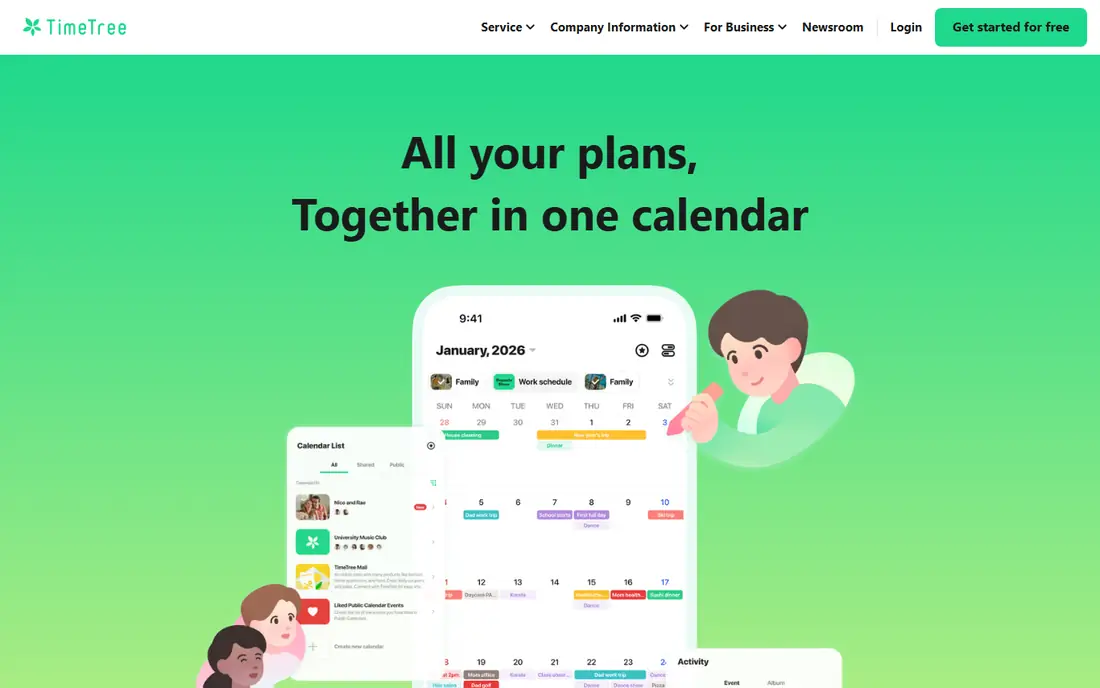
TimeTree is the simplest strong choice for most couples. You create a shared calendar, invite your partner, and both of you can add events, comment on them, and see free time at a glance. Separate calendars for work, home, and trips keep the main view tidy without extra apps.
The free version covers the core well, with Premium removing ads and adding themes. TimeTree does not try to be a full household manager, so couples who want grocery lists and meal plans should pair it with another app or pick Cozi instead.
- Multiple shared calendars
- Comments and photos on events
- Syncs with Google Calendar
- Free version shows ads
- No built-in meal planning or shopping lists
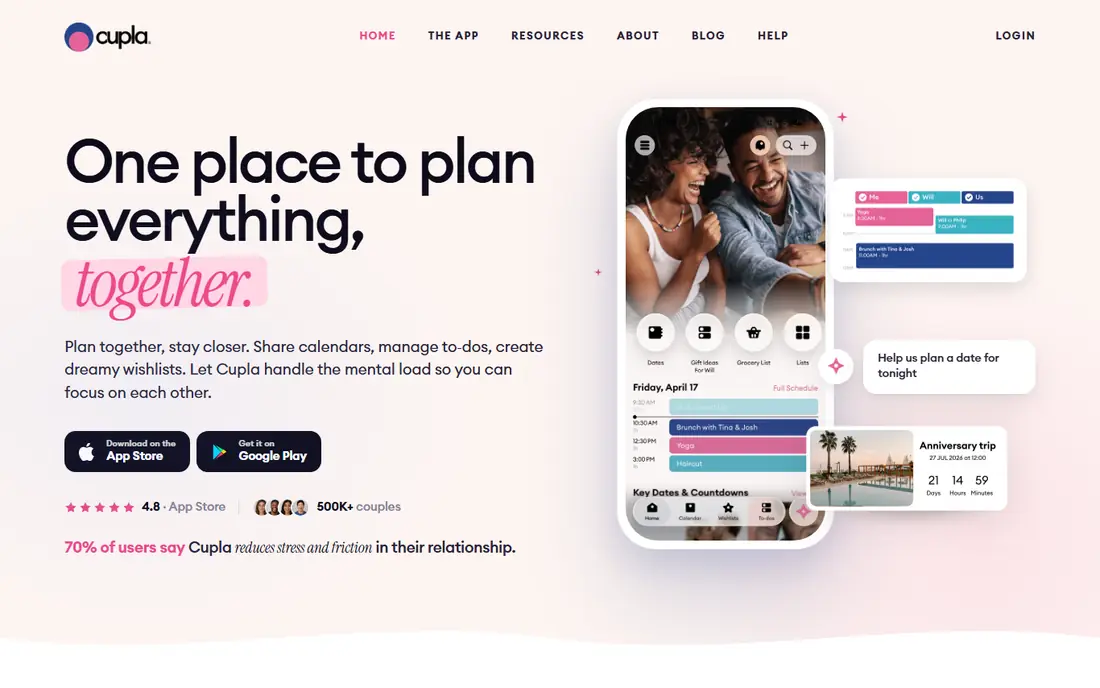
Cupla is built for two people, not for a team or a whole family, and that focus shows. It merges the calendars already on both phones into one couple view, so neither partner has to rebuild a schedule from scratch. Date-night goals and shared to-dos add planning that a plain calendar misses.
The catch is the subscription. The free trial lets you test the merge and the date-night features, but long-term use needs a paid plan. For couples who keep missing time together because work fills every evening, that focus can be worth the cost.
- Merges calendars from Google, Apple, and Outlook
- Date-night planner and goals
- Shared to-dos and wishlists
- Paid plan needed for full features
- Less suited to large family groups
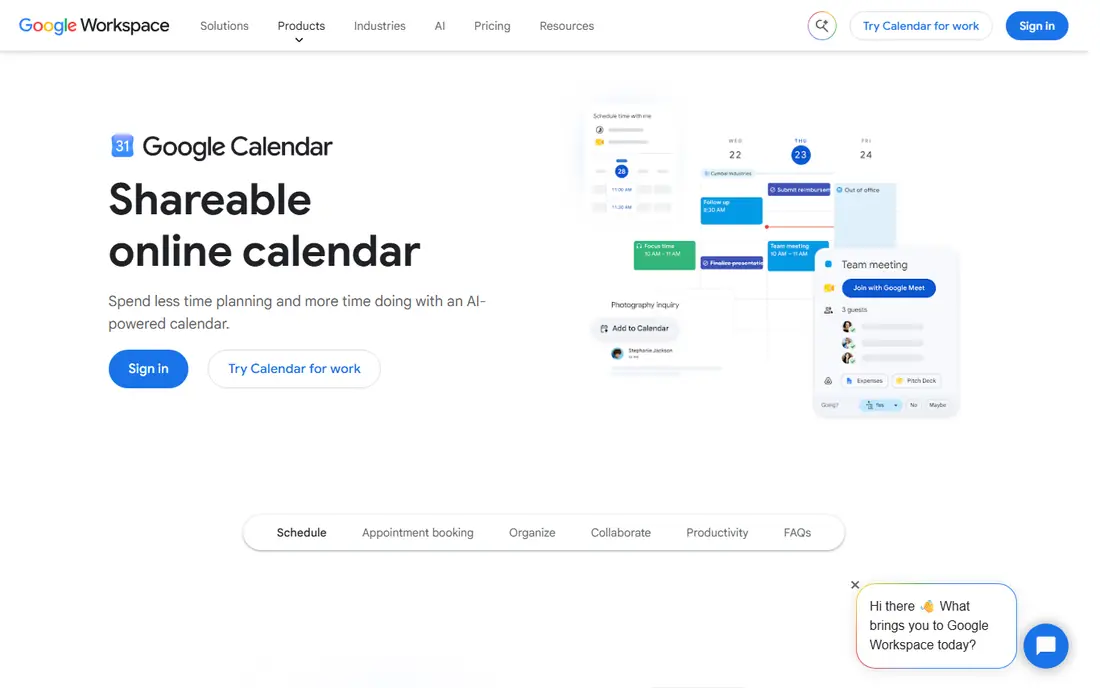
Google Calendar is the practical pick for couples already using Gmail and Android phones. You share a calendar with your partner, choose whether they can view or edit events, and both of you see updates at once. Invitations, reminders, and Meet links work without extra setup.
It lacks the relationship features of Cupla or Between, such as date-night goals or shared memories. If you only need to stop double-booking and see each other's free time, Google Calendar does that cleanly and for free, which is often enough.
- Free sharing with granular permissions
- Gmail and Meet integration
- Works on web, iOS, and Android
- No couple-specific features
- Shared calendar setup can confuse new users
Apple Calendar suits couples who both use Apple devices. Sharing is built in, alerts and widgets keep the day visible, and family sharing can extend the same setup to kids. There is nothing new to install and no subscription to manage.
Mixed-device couples face friction, since sharing with an Android partner is less tidy than sharing inside Apple. Apple Calendar is best when both partners are already in the Apple system and want a calendar that simply works.
- Built into iPhone, iPad, and Mac
- Family sharing support
- Clean alerts and widgets
- Sharing is clumsier with Android partners
- No couple-specific planning tools
Cozi is a household organizer first and a couples calendar second, which suits couples who also run a home together. The shared calendar uses a color per person, and the same app holds shopping lists, to-dos, and a meal planner with recipes. That bundle reduces the number of apps a couple needs to check each day.
The free version is ad-supported, and the design is less modern than TimeTree or Cupla. Couples without kids may find the family features more than they need, but couples who want lists and meals in the same place will appreciate the all-in-one flow.
- Color-coded shared calendar
- Shared shopping and to-do lists
- Meal planner and recipe box
- Free version shows ads
- Design feels dated next to newer apps
FamCal keeps shared scheduling simple and visual. Each person gets a color, events are easy to scan, and shared tasks, notes, and lists sit beside the calendar. Birthday and anniversary reminders help couples who forget dates, not just appointments.
It is less connected than Google or Apple Calendar, so couples who rely on work calendars in those systems may face some double entry. FamCal is best for couples who want a dedicated shared calendar with lists, and who are happy to keep it as their main household calendar.
- Color-coded events per person
- Shared tasks, notes, and lists
- Birthday and anniversary reminders
- Free version shows ads
- No direct sync with Google or Apple Calendar in some setups
Between is a private app for a couple, with a calendar inside a shared space for chat, photos, and notes. That mix suits couples who want planning to feel personal, not just logistical. Date nights, anniversaries, and small reminders live beside the messages and memories that go with them.
As a pure calendar, Between is thinner than TimeTree or Google Calendar, and it does not sync with those systems. Pick Between if the private shared space matters to you, and pick a plain calendar app if strict scheduling and work-calendar sync matter more.
- Private chat, photos, and memories for two
- Shared calendar with reminders
- Simple, warm design
- Calendar is simpler than TimeTree or Google
- No sync with Google or Apple Calendar
Outlook suits couples where one or both partners already use it for work or email. You share a calendar, send invitations, and manage mail in the same app, which keeps work and home planning in one place. The free web version covers the basics well.
It is a work tool at heart, so it has no date-night planning or couple extras. For couples who want a dependable shared calendar without learning a new app, Outlook is a solid, free option, especially on mixed devices.
- Free calendar sharing
- Email and calendar in one app
- Works on web, iOS, and Android
- No couple-specific features
- Interface can feel work-focused
How we picked these
We compared official app pages and app store listings for calendar apps that support sharing between two people in October 2026. We kept apps with a real shared-calendar flow, not just a personal calendar with a share link that never updates. We mixed free general calendars with couple-focused apps, so readers can choose between simplicity and extra planning features.
How to set up a shared calendar that actually gets used
Agree on one home calendar before you add features. If work events live in Google or Outlook, share from there or use an app that merges those calendars, such as Cupla, rather than asking both partners to retype events. Give both partners edit rights on shared events, and keep private work details in a separate calendar that only shows busy times.
Add a weekly check-in habit. A five-minute review on Sunday, looking at the week ahead, catches clashes that no app can fix on its own. Use colors for each person, set reminders for shared events, and put recurring dates such as anniversaries in as soon as you set up the app. A shared calendar only helps if both partners trust it, so keep it updated and retire any second calendar that causes confusion.
Frequently asked questions
What is the best calendar app for couples?
TimeTree is best for most couples who want a free, simple shared calendar. Cupla is best for couples who want date-night planning and a merged view of both partners' calendars. Google Calendar is best if you already use Google tools.
What is the best free shared calendar app for couples?
TimeTree offers a strong free tier with multiple shared calendars and event comments. Google Calendar and Apple Calendar are also free and work well inside their own systems, while Cozi offers a free ad-supported tier with lists.
What is the best app to share a calendar with a spouse?
Google Calendar, Apple Calendar, and TimeTree all share well with a spouse, with edit permissions for shared events. Cupla is the most spouse-focused option, since it merges both partners' existing calendars into one view.
Can couples share a calendar across iPhone and Android?
Yes. TimeTree, Cupla, Cozi, FamCal, and Google Calendar all work across iPhone and Android. Apple Calendar sharing is smoothest when both partners use Apple devices, so mixed-device couples should pick a cross-platform app.
Does Cupla sync with Google Calendar?
Yes, Cupla is designed to sync and merge calendars from Google, Apple, Outlook, and other sources into a single couple view. Check the current sync options in the app before subscribing, since connected sources can change.
Is Between a good calendar app for couples?
Between is good for couples who want a private shared space with chat, photos, and a simple calendar. It is less strong as a pure scheduling tool than TimeTree or Google Calendar, and it does not sync with those calendars.
Sources
See where you really rank - block by block
ProMapRanker scans Google Maps across a grid of your service area. Simple monthly plans from $19, white-label on every plan.
Start freeKeep reading
 venmo alternatives
Venmo Alternatives in 2026: 8 Apps Compared
Venmo alternatives compared for sending money to friends, paying businesses and sending abroad, with fees, speed, limits and free plans explained here.
Read → splunk alternatives
Splunk Alternatives in 2026: 8 Tools Compared
Splunk alternatives compared for log search, observability and security analytics, with open source and managed options, free tiers and prices for teams.
Read → microsoft access alternatives
Microsoft Access Alternatives in 2026
Looking for microsoft access alternatives? We compare 8 database tools for teams that need web access, sharing, and apps without old desktop limits in 2026.
Read →