 ProMapRanker
Best Security Software for Small Business in 2026


Value endpoint protection · Pricing starts at: See website
Key takeaways
- Bitdefender GravityZone is a strong value pick for prevention focused endpoint protection with a central console.
- Microsoft Defender for Business is the simplest choice for teams already on Microsoft 365, at about 3 dollars per user per month standalone.
- Norton Small Business suits non-technical teams that want simple setup, while Sophos and SentinelOne suit teams that need deeper investigation tools.
- Pricing models differ, per device, per user, and per year, so compare total cost for your actual device and staff count.
- A tool alone does not secure a business, so pair it with updates, backups, strong passwords, and multi factor sign in.
Quick comparison
| Pick | Great for | Pricing starts at | Free tier | |
|---|---|---|---|---|
| Bitdefender GravityZone | Value endpoint protection | See website | Free trial | Visit |
 Norton Small Business | Simple setup | See website | Free trial | Visit |
 Sophos Intercept X | Endpoint plus investigation | See website | Free trial | Visit |
 Microsoft Defender for Business | Microsoft 365 teams | $3 per user per month | Free trial | Visit |
 Malwarebytes for Business | Fast cleanup and deployment | See website | Free trial | Visit |
 ESET PROTECT | Cross platform fleets | See website | Free trial | Visit |
 Avast Business | Windows and server coverage | See website | Free trial | Visit |
 Trend Micro Worry-Free | Small teams without IT staff | See website | Free trial | Visit |
The best security software for small business
Small business security software should protect workstations and servers, give one place to see problems, and stay manageable without a full IT team. These eight cover that job in different ways.
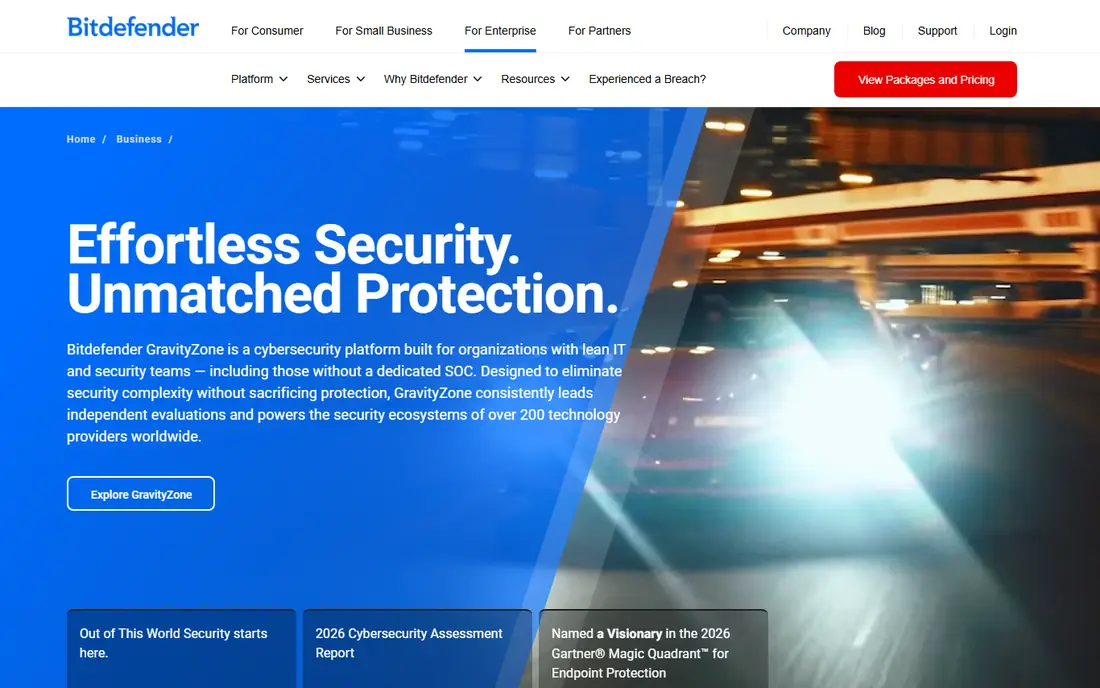
Bitdefender GravityZone is a frequent value pick in small business comparisons, thanks to prevention focused endpoint protection and a central console for managing devices. It covers malware, ransomware mitigation, web threats, and device controls, and the cloud console lets a small admin team see status across workstations without visiting each machine. For a team that wants solid protection at a manageable price, it is a sensible starting point.
The main caution is setup. Initial policies, exclusions, and reports take time to tune, and some advanced features sit in higher tiers. Start with a trial on a small group of machines, test your core apps for conflicts, and only then roll it out to the whole team. Check the vendor store for your device count, since pricing varies by deployment size and term.
- Strong malware prevention
- Central cloud console
- Low system impact in reviews
- Setup can feel complex at first
- Advanced features may need higher tiers
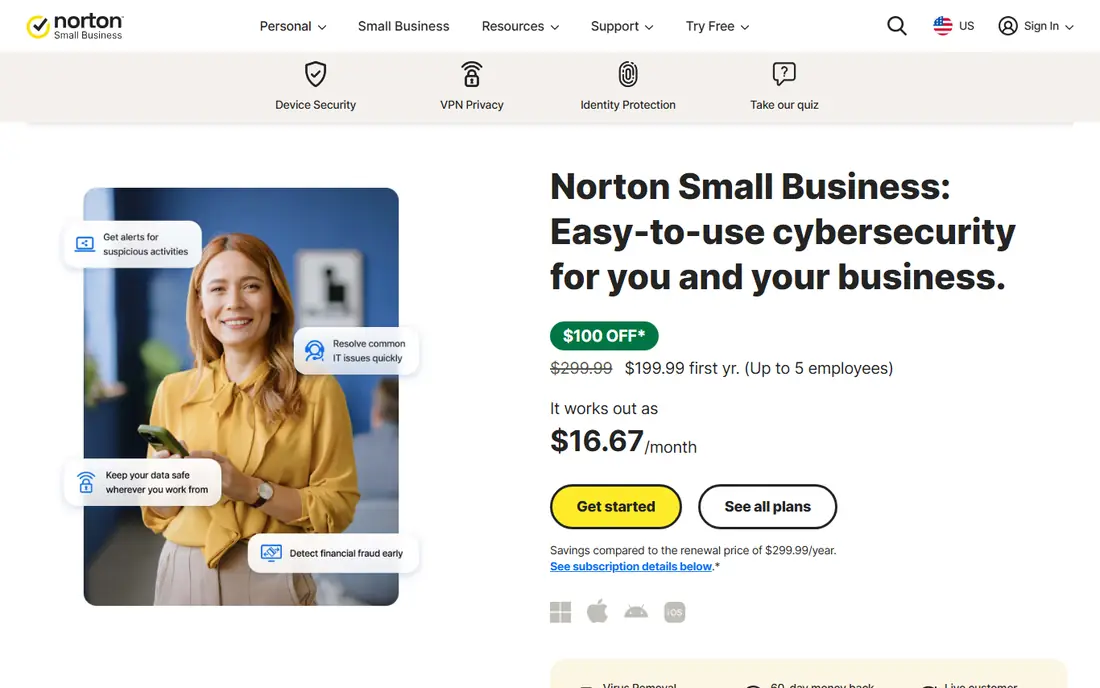
Norton Small Business is built for owners who do not have an IT department. Setup is straightforward, the dashboard is easy to read, and some plans bundle extras such as a VPN and password manager, which can replace separate subscriptions. For a team of five to twenty people who mainly need reliable antivirus, firewall, and web protection, that simplicity is worth a lot.
The limit is depth. If you need detailed threat hunting, forensic timelines, or a managed response team, Sophos, SentinelOne style tools, or a managed service will fit better. Norton is best viewed as strong everyday protection, not as a full incident response platform, and that distinction matters when you compare it with EDR focused products.
- Simple setup for non-technical teams
- Bundled extras in some plans
- Central management
- Fewer deep investigation tools than EDR focused rivals
- Price varies by device count
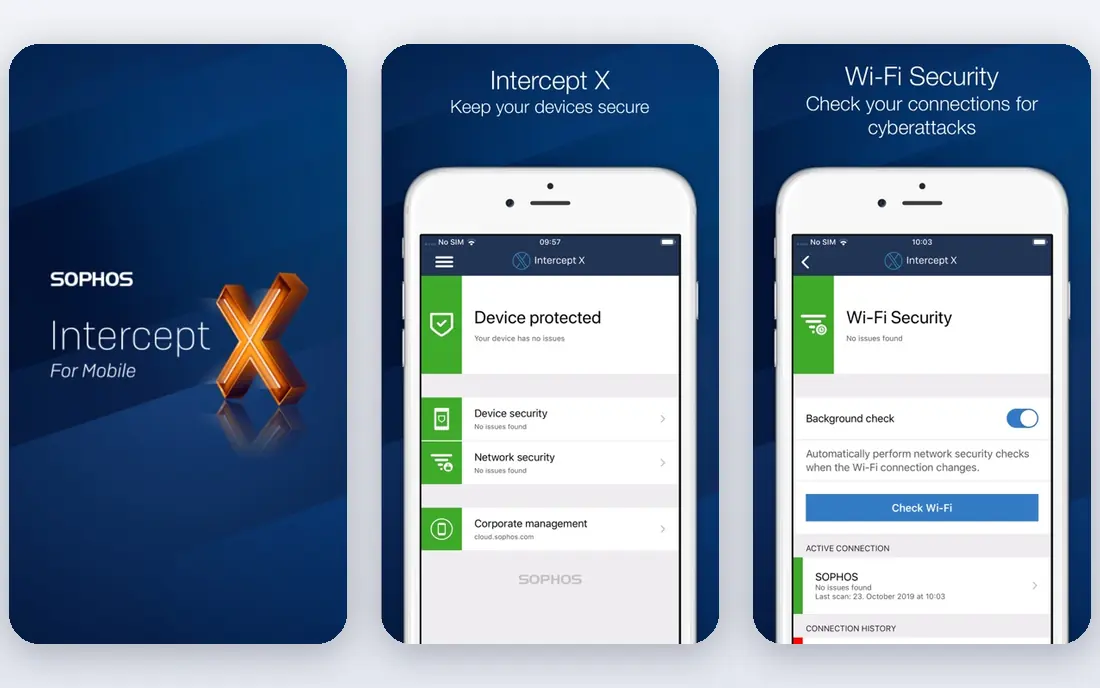
Sophos Intercept X pairs endpoint protection with investigation tools. Deep learning and behavioral analysis aim to catch novel threats, dedicated ransomware protection watches file activity, and EDR options let a team trace how an incident moved across machines. Management runs through the Sophos cloud console, which also covers firewall and other Sophos products for teams that standardize on the vendor.
Pricing is the friction point. Sophos does not publish standard dollar pricing for many endpoint plans on its site, so you will usually need a quote based on users and servers. That makes direct comparison harder, and per user licensing needs care when staff use several devices. Get a written quote for your exact user and server count before you judge value.
- Deep learning detection
- Ransomware protection
- EDR and XDR options
- Pricing is quote based in many cases
- Heavier learning curve for new admins
Microsoft Defender for Business is the path of least resistance for a team already on Microsoft 365. It is included in Business Premium and listed at about 3 dollars per user per month as a standalone add on in recent comparisons, and it is managed from the familiar Microsoft 365 admin area. Endpoint protection, attack surface rules, and device controls sit alongside the email and identity tools many small firms already use.
The catch is ecosystem fit. If your team runs mainly on Google Workspace or mixed systems, a vendor neutral tool such as Bitdefender or ESET may manage devices more evenly. Also check which response features your plan includes, since deeper investigation and managed response options sit in higher tiers or separate services.
- Included in Microsoft 365 Business Premium
- Simple for Microsoft shops
- Central Microsoft 365 admin view
- Less useful outside Microsoft 365
- Advanced response features need higher plans
Malwarebytes for Business is known for fast deployment and cleanup. Teams often adopt it when an infection needs removing quickly, or when they want a second layer alongside an existing antivirus. The business console covers endpoint protection, ransomware rollback features, and threat reports, and setup is lighter than some enterprise consoles.
Check coverage before you treat it as your only product. Some teams use Malwarebytes as their main endpoint tool, while others layer it with another vendor, and the right choice depends on your risk profile and compliance needs. Run a trial on machines that match your real workload, and confirm what the plan you pick includes for servers as well as workstations.
- Fast deployment
- Strong cleanup and ransomware rollback in its pitch
- Simple console
- May need pairing with another antivirus for full coverage in some setups
- Price varies by tier
ESET PROTECT suits mixed fleets with Windows, macOS, and Linux machines, plus servers and mobile devices in some tiers. The platform offers layered protection, including file, web, and network controls, and a central console for policies and reports. Teams with technical admins often like the control it gives over exclusions, update timing, and device groups.
That control comes with a learning curve. New admins may find the console dense at first, and tier differences matter, so confirm which features your tier includes for ransomware, encryption, and mobile management. For a cross platform team with someone comfortable tuning policies, ESET is a steady, long standing choice.
- Cross platform coverage
- Layered protection
- Flexible console options
- Interface can feel technical
- Pricing varies by tier and device count
Avast Business covers workstations and, in higher tiers, file and email servers, which matters for small firms that still run a local server for files or mail. The central console manages policies and alerts, and the product line scales from basic antivirus to fuller endpoint suites. For a Windows heavy shop with a server to protect, that coverage is a practical reason to shortlist it.
Tier choice needs care. Basic tiers lack server and advanced controls that higher tiers include, so map your server count and mail setup against the tier table before you buy. Also confirm the business product, not the consumer product, since support and management differ between the two lines.
- Windows and server coverage
- Email and file server protection in higher tiers
- Central console
- Feature set varies sharply by tier
- Some teams report heavy upsell prompts on consumer products
Trend Micro Worry-Free, now sold under Trend Micro small business lines, is aimed at teams without dedicated IT staff. The cloud console is simple, protection covers workstations and servers depending on tier, and setup does not demand deep security knowledge. That focus makes it a good fit for a small office that wants managed protection without a complex console.
The limit is investigation depth. If you need full EDR timelines and threat hunting, a dedicated EDR product will go further. For everyday prevention, web protection, and ransomware controls on a small fleet, Worry-Free covers the core job with less admin overhead than enterprise tools.
- Designed for small teams
- Simple cloud console
- Covers workstations and servers in its tiers
- Advanced investigation tools are limited
- Pricing varies by user count
How we picked these
We compared vendor feature pages, pricing models, and recent small business security comparisons, and we kept only products with a clear business offering and a central management console. We favored tools that cover current Windows and macOS workstations, offer a trial, and publish enough tier detail to compare fairly. Where pricing was quote based or varied by device count, we wrote See website rather than invent a figure. We did not claim hands-on testing.
What else to check before you buy
Count devices, users, and servers separately
Some vendors price per device, some per user, and some price servers separately. List your workstations, laptops, servers, and mobile devices, plus how many devices each staff member uses, then ask each vendor for a total at that exact count. A per user plan can be cheaper for multi device staff, while a per device plan can be cheaper for shared machines.
Test on your real apps
Install the trial on machines that run your accounting, design, or line of business apps, not just on a spare laptop. Watch for slow scans, blocked updates, and false positives during a normal work week. A security tool that slows a core app will get disabled by staff, which defeats the purpose.
Plan for incidents, not just prevention
Choose who gets alerts, how a suspect machine is isolated, and where backups live. Keep backups offline or in a separate account, require multi factor sign in for email and admin accounts, and write down the first three steps your team takes when an alert arrives. Prevention tools help, but a clear response plan is what limits damage.
Frequently asked questions
What is the best security software for small business?
Bitdefender GravityZone is a strong value pick for prevention, Microsoft Defender for Business is best for Microsoft 365 teams, and Norton Small Business is best for simple setup. Sophos Intercept X suits teams that also want investigation tools.
What is the best antivirus software for small business?
For antivirus alone, Norton Small Business, Bitdefender GravityZone, and ESET PROTECT are all strong picks. The best choice depends on device count, operating systems, and whether you need server protection as well as workstation protection.
Is Microsoft Defender enough for a small business?
For many Microsoft 365 teams, Defender for Business covers core endpoint protection well, especially when paired with updates, backups, and multi factor sign in. Teams with higher risk, compliance needs, or mixed platforms may still prefer a dedicated vendor or a managed response service.
How much does small business security software cost?
Costs vary widely by pricing model. Some plans are a few dollars per device or user per month, while EDR and managed response options cost more. Always compare total cost for your device, user, and server count, including any server licenses.
Do small businesses need EDR or just antivirus?
Antivirus stops known and common threats, while EDR records activity and helps investigate incidents that get past prevention. A small team without IT staff can start with strong antivirus plus backups and multi factor sign in, and add EDR or a managed service as risk or compliance needs grow.
Sources
- https://www.bitdefender.com/business/
- https://us.norton.com/small-business
- https://www.sophos.com/en-us/products/endpoint-antivirus
- https://www.microsoft.com/en-us/security/business/endpoint-security/microsoft-defender-business
- https://www.malwarebytes.com/business
- https://www.eset.com/us/business/
- https://www.avast.com/business
- https://www.trendmicro.com/en_us/business/products/small-business/worry-free.html
See where you really rank - block by block
ProMapRanker scans Google Maps across a grid of your service area. Simple monthly plans from $19, white-label on every plan.
Start freeKeep reading
 best user research tools
Best User Research Tools in 2026
Best user research tools compared for 2026: eight live platforms for testing, interviews, recruiting, and research synthesis to help your team choose wisely.
Read → best spa booking software
Best Spa Booking Software in 2026
Looking for the best spa booking software? We compare eight spa and salon booking tools on price, marketplace fees, and features for spas in 2026 today.
Read → best software for editing video podcasts
Best Software for Editing Video Podcasts in 2026
Best software for editing video podcasts compared for 2026: eight live editors for recording, transcript edits, and polished episodes for creators today.
Read →