 ProMapRanker
Best Search Software for Websites in 2026

Key takeaways
- Algolia suits teams that want managed search with strong business controls and are willing to pay usage-based prices.
- Typesense and Meilisearch suit developers who want fast search without per-query fees, with self-hosting or cloud options.
- Elasticsearch suits large, complex search and analytics workloads, but it needs more engineering care.
- Coveo and Site Search 360 suit teams that want search plus merchandising or a simple site search widget.
- Test relevance with your real content and queries, since speed alone does not make search useful.
Quick comparison
| Pick | Great for | Pricing starts at | Free tier | |
|---|---|---|---|---|
 Algolia | Managed site and product search | Free | Yes | Visit |
 Elasticsearch | Large search and analytics | See website | Free trial | Visit |
 Typesense | Fast open source search | Free | Yes | Visit |
 Meilisearch | Easy developer search | Free | Yes | Visit |
 Coveo | Enterprise search and relevance | See website | Free trial | Visit |
 AddSearch | Simple site search widget | See website | Free trial | Visit |
 Site Search 360 | No-code site search | See website | Free trial | Visit |
 SearchWP | WordPress site search | See website | Free trial | Visit |
 Expertrec | Search for stores and sites | See website | Free trial | Visit |
The best search software for websites
We compared official feature pages, pricing pages, and documentation for tools that add search to a website, store, or docs site. The list covers managed services, open source engines, and plug-and-play widgets, so a solo developer and an enterprise team can both find a fit.
Algolia is the managed search service many product and content teams choose first. It offers fast search with typo tolerance, faceting, filtering, and relevance controls that merchandisers and content teams can tune without code changes for many tasks. Analytics and A/B testing help a team see which queries fail and which results convert. The free tier covers a small number of searches and records per month, which suits testing and small sites.
The catch is usage pricing. Paid plans charge by searches and records, so a busy site or a large catalogue can become costly, and advanced features may sit on higher tiers. Algolia is also cloud-only, so teams that need self-hosting must look elsewhere. If you want managed search with strong business controls and can model usage, Algolia is our first pick.
- Fast managed search
- Strong relevance controls and analytics
- Wide SDK and integration support
- Usage-based pricing can grow fast
- Paid features add cost
- No self-hosting option
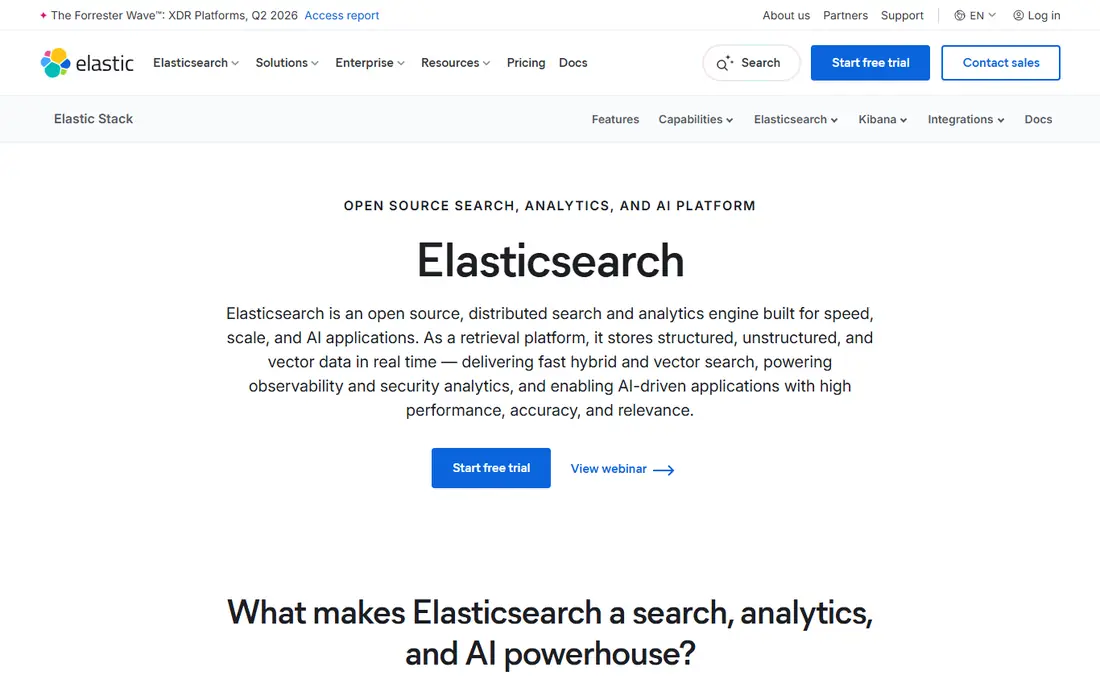
Elasticsearch is a distributed search and analytics engine used for site search, product search, logs, and large document collections. It offers rich query options, aggregations, and scaling for large data sets, and it works with Kibana for dashboards and analysis. Teams can run it themselves or use Elastic Cloud, which adds managed hosting and support. That flexibility suits organisations with complex search needs and engineering capacity.
The drawback is operational weight. Cluster sizing, relevance tuning, upgrades, and monitoring need ownership, and licence and hosting choices have changed over time, so read the current terms. A small site will find Elasticsearch heavier than a widget or a simple engine. If your search workload is large or tied to analytics, Elasticsearch is a powerful choice.
- Very flexible search and analytics
- Scales to large data sets
- Large ecosystem and tooling
- Needs engineering care for clusters and relevance
- Hosting and licence choices need reading
- Setup is heavier
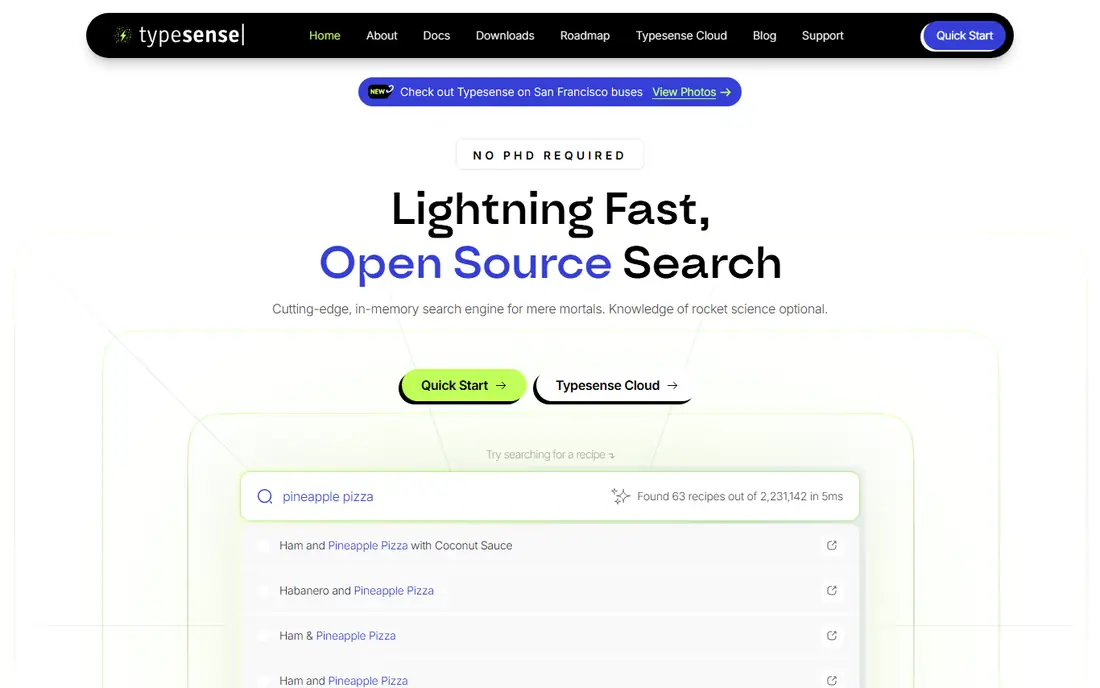
Typesense is an open source search engine built for speed and simplicity. It offers typo tolerance, faceting, filtering, and vector search in a single binary, with a clear API that developers learn quickly. Self-hosting is free under its licence, while Typesense Cloud charges by cluster resources, starting from a small hourly rate, with no per-query fee. That resource model makes costs more predictable for sites with many searches.
The catch is memory and tooling. Typesense keeps much of its index in RAM, so a large catalogue needs a larger instance. Business-user merchandising tools are also thinner than Algolia, so merchandising work may need developer help. If your team can host or manage a cloud cluster and wants predictable pricing, Typesense is a strong pick.
- Fast typo-tolerant search
- Simple API and setup
- Cloud pricing by resources, not per query
- Needs enough RAM for large indexes
- Business-user tooling is thinner than Algolia
- Self-hosting needs care
Meilisearch is known for how quickly a developer can get search running. It needs no schema declaration for many cases, offers typo tolerance and filtering, and ships as a single binary or as a cloud service. The open source version is free, while Meilisearch Cloud offers usage-based and resource-based billing, with plans starting around 20 dollars per month and a free trial. That mix suits small teams that want to start free and move to cloud hosting later.
The drawback is scale and business tooling. Very large catalogues and complex merchandising rules need more tuning and may suit Algolia or Coveo better. Cloud pricing models also need reading, since usage and resource plans behave differently. If developer speed and simple setup matter most, Meilisearch is an excellent first choice.
- Very easy setup
- Fast search with typo tolerance
- Cloud and self-hosted options
- Large-scale operations need tuning
- Business tooling is thinner than enterprise rivals
- Cloud pricing varies by model
Coveo is an enterprise search platform for websites, stores, service portals, and internal content. It combines search relevance with personalisation, recommendations, and analytics, so a large team can tune results for different audiences and goals. Merchandising and content teams get controls for boosting, rules, and testing, while developers get APIs and integrations. That breadth suits organisations where search drives revenue or support deflection.
The trade-off is cost and effort. Coveo is priced by quote, and implementation takes more time than a simple widget. A small site will pay for depth it does not use. If search is a core revenue or support channel and you need enterprise controls, Coveo belongs on the shortlist.
- Strong relevance and personalisation
- Covers sites, stores, and internal content
- Analytics and merchandising
- Pricing is quote-based
- Implementation is heavier
- Small sites may not need the depth
AddSearch offers hosted site search that a team can add to a website without building a search backend. It crawls or indexes site content, provides a search widget and results page, and includes analytics on popular queries and no-result searches. That simplicity suits content sites, business sites, and small stores that need better search than a basic database query. A free trial lets a team test relevance on its real pages.
The catch is depth. AddSearch will not match Algolia or Elasticsearch for complex product merchandising or large-scale custom ranking. Pricing also needs checking by site size and query volume. If you want working site search this week with minimal code, AddSearch is a practical choice.
- Easy to add to a site
- Hosted search with analytics
- Useful for content and business sites
- Less depth than a full search engine
- Pricing needs checking
- Custom relevance work is limited
Site Search 360 is a hosted, no-code site search tool for websites that need search without developer work. You can index a site, add a search box, set filters and synonyms, and view analytics on what visitors search for and what they miss. That approach suits marketing teams, publishers, and small businesses that want to improve site search without a project. A free trial helps a team test relevance before paying.
The drawback is customisation limits. Complex product ranking, merchandising rules, and large catalogue tuning are better served by Algolia, Coveo, or an open source engine. Pricing also varies by plan and volume, so confirm the tier for your page count. If no-code setup matters most, Site Search 360 is a good fit.
- No-code setup for many sites
- Hosted search with filters
- Analytics on queries and results
- Custom ranking is limited
- Pricing varies by plan
- Large product catalogues may need a stronger engine
SearchWP is a WordPress plugin that replaces basic WordPress search with a fuller search engine for posts, pages, products, media, and custom fields. Site owners can weight fields, set relevance rules, and search content that default WordPress search misses. That focus makes it a strong pick for WordPress sites, blogs, membership sites, and WooCommerce stores that want better on-site search without leaving WordPress.
The catch is scope. SearchWP only works on WordPress, and performance depends on your hosting and index size, since search runs on your own site rather than a hosted service. Large sites should test indexing and query speed on their real hosting. If your site runs on WordPress, SearchWP is the most direct upgrade.
- Built for WordPress
- Searches posts, pages, products, and custom fields
- Relevance controls for site owners
- WordPress-only
- Performance depends on hosting
- Large sites need care with indexing
Expertrec offers hosted search for e-commerce stores and websites, with faceted search, filters, and voice search options on some plans. It aims to improve product discovery without requiring a team to build a search backend. Setup is relatively quick for standard stores, and analytics help a team see popular queries and gaps. A free trial lets a store test relevance on its real catalogue.
The drawback is ecosystem and pricing clarity. Expertrec has a smaller integration ecosystem than Algolia, and pricing is quote-based in many cases, so a store must ask for a plan that matches catalogue size and traffic. Advanced merchandising also needs checking against your needs. If you want hosted store search with a quick setup, Expertrec is worth a trial.
- Hosted search for stores and sites
- Voice and faceted search options
- Relatively quick setup
- Pricing is quote-based in many cases
- Smaller ecosystem than Algolia
- Advanced merchandising is limited
How we picked these
We compared official feature pages, pricing pages, and documentation, and we kept only tools that exist and work in October 2026 and that truly add search to a website. We favoured tools with typo tolerance, faceting, and relevance controls, and we noted free, trial, and self-hosted options where they exist. Where a vendor did not publish a price, we wrote See website rather than guessing. We did not claim hands-on testing that did not happen.
How to test search before you buy
Start with your real content and your real queries. Collect the top 50 queries from analytics or support, plus 20 queries that currently return poor results. Run those queries in each trial and judge relevance, not just speed. Check typo handling, synonym handling, filter behaviour, and what happens when a query has no good match. A search box that returns fast but wrong results will not help visitors.
Next, check indexing and cost. How often does content update, how are products and prices synced, and what happens when a page is removed. Model cost at your current traffic and at double traffic, since usage pricing can surprise a growing site. Finally, check analytics and control. Can a non-developer fix a bad query with a synonym or a boost, and can you see no-result queries each week. Those controls decide whether search keeps improving after launch.
Frequently asked questions
What is the best search software for websites for a small site?
For a small site, AddSearch or Site Search 360 suit teams that want a quick hosted setup, while Meilisearch suits developers who want a free, easy engine. WordPress sites should shortlist SearchWP. Pick based on who will maintain search and how often content changes.
What is the best website search software for a large store?
Algolia and Coveo suit large stores that need merchandising, relevance controls, and analytics, while Typesense and Elasticsearch suit teams with engineering capacity. Model usage cost for Algolia and resource cost for Typesense before deciding, since the pricing models differ.
What is the best website search tool for developers?
Typesense and Meilisearch are strong developer picks, because both offer simple APIs, fast setup, and self-hosting. Elasticsearch suits developers with complex query and analytics needs. Choose the engine your team can run and tune, not just the fastest demo.
Do open source search engines cost nothing?
The software itself can be free, but hosting, monitoring, backups, and staff time still cost money. Cloud versions add a monthly fee. Compare total cost, including engineering time, with a managed service before assuming self-hosting is cheaper.
How do I keep search results relevant over time?
Review no-result queries weekly, add synonyms for common terms, and boost key pages or products where needed. Keep the index fresh when content or prices change. Relevance work is ongoing, so pick a tool your team will actually tune.
Can site search help with sales and support?
Yes, when results are relevant. Good product search helps shoppers find items faster, and good docs search helps customers solve problems without contacting support. Track search success, no-result rates, and clicks on results to judge impact.
Sources
See where you really rank - block by block
ProMapRanker scans Google Maps across a grid of your service area. Simple monthly plans from $19, white-label on every plan.
Start freeKeep reading
 who has best internet service
Who Has the Best Internet Service in 2026
Who has best internet service for US homes? We compare fiber, cable, fixed wireless and satellite providers on speed, price, availability and terms today.
Read → which survey tool has the best analytics
Which Survey Tool Has the Best Analytics in 2026
Find which survey tool has the best analytics in 2026, comparing Qualtrics, SurveyMonkey, Typeform, Alchemer, and more on reports, text, and stats today.
Read → which streaming service has the best movies
Which Streaming Service Has the Best Movies in 2026
Answering which streaming service has the best movies, with Netflix, Max, Criterion and more compared on libraries, prices and free options in this guide.
Read →