 ProMapRanker
Best School Management Software in 2026


Large districts and connected K-12 systems · Pricing starts at: See website
Key takeaways
- PowerSchool and Blackbaud suit large districts and private schools that need a connected system for students, learning, billing, and reporting.
- Alma, Gradelink, and QuickSchools give smaller schools a simpler path, with attendance, grades, and parent portals without a large enterprise setup.
- Classter and FACTS cover a wider mix of admissions, billing, and learning tools in one system, which helps schools that want fewer separate logins.
- Infinite Campus and Skyward are strong for districts that need state reporting, scheduling, and district-wide student records in one place.
- Most enterprise pricing is quoted per school or district, so ask for a written quote that includes implementation, training, and support.
Quick comparison
| Pick | Great for | Pricing starts at | Free tier | |
|---|---|---|---|---|
| PowerSchool SIS | Large districts and connected K-12 systems | See website | No | Visit |
 Blackbaud Education Management | Private K-12 schools with admissions and billing | See website | No | Visit |
 Alma | Smaller schools that want a clear SIS | See website | No | Visit |
 Gradelink | Small schools that need grades and attendance fast | See website | Free trial | Visit |
 QuickSchools | Small schools with simple setup | See website | Free trial | Visit |
 Classter | Schools that want admissions, billing, and learning together | See website | Free trial | Visit |
 FACTS | Private and faith-based schools with billing and aid | See website | No | Visit |
 Infinite Campus | Districts that need strong state reporting | See website | No | Visit |
 Skyward | Districts that want student and finance tools together | See website | No | Visit |
The best school management software
We compared systems that handle core school work, such as student records, attendance, grades, schedules, billing, and parent communication, rather than single-purpose classroom apps.
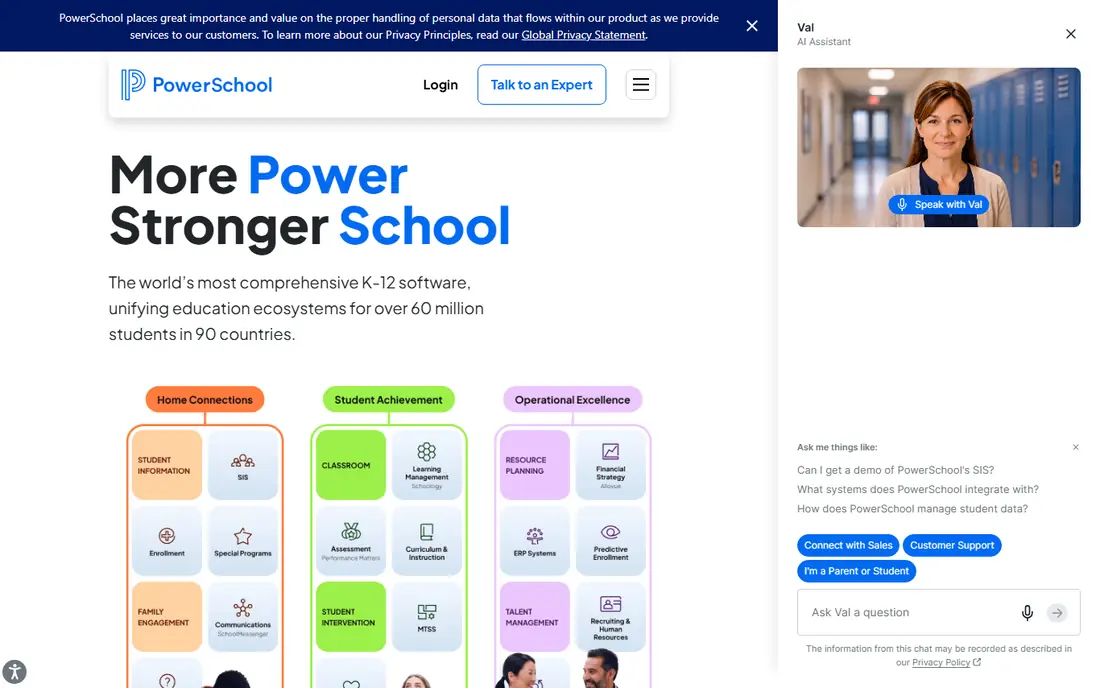
PowerSchool SIS is built for districts that need one student record across many schools. It covers enrollment, attendance, grades, schedules, and reporting, and it connects to other PowerSchool tools for learning and analytics. That connected design helps a district keep data consistent instead of reconciling several separate systems.
The size that makes it strong also makes setup demanding. A district should plan time for data migration, training, and state reporting checks. For a large district, that effort is often worth it. For a single small school, a simpler system may be faster to adopt.
- Wide K-12 ecosystem with learning and analytics options
- Strong district reporting
- Parent and student portals
- Implementation can be long for large districts
- Pricing is quoted, so budgeting needs a sales conversation
Blackbaud Education Management
Great for: Private K-12 schools with admissions and billing
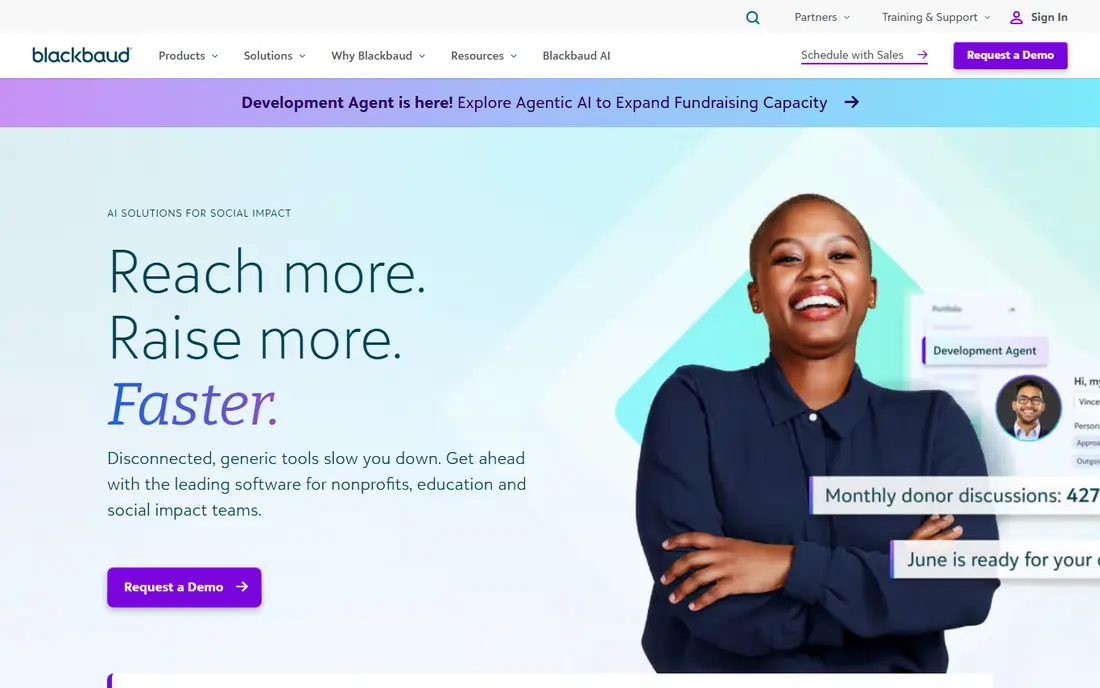
Blackbaud Education Management suits a private school that wants admissions, learning, tuition, and fundraising data in one place. A family can move from inquiry to enrollment to billing without staff re-entering the same details in several tools. That flow is especially useful for schools with active admissions and advancement work.
Smaller schools should weigh the scope carefully. The system is broad, and a school that only needs attendance and grades may not use its full range. For a private school with complex billing and admissions, the connected design is a clear advantage.
- Connected admissions, academics, tuition, and advancement tools
- Strong fit for private school workflows
- Parent portal included
- Quoted pricing and setup effort
- May be more system than a very small school needs

Alma appeals to schools that want a modern student information system without enterprise complexity. Teachers can record attendance and grades, families can follow progress through a portal, and leaders can pull reports without building custom exports each time. The design feels approachable for staff who are new to a full SIS.
Districts with very complex scheduling or state reporting needs should test those workflows during a demo. For a single school or a small group of schools, Alma offers a good balance of depth and ease of use.
- Clean interface for attendance, grades, and schedules
- Parent and student portals
- Reporting tools for school leaders
- Quoted pricing
- Some advanced district features need a check against larger systems
Gradelink is a practical pick for a small school that needs to move from spreadsheets to a proper system quickly. It covers the daily essentials, such as attendance, grades, report cards, and parent messages, without a long implementation project. Staff can usually learn the core workflows in a short training session.
Larger schools may outgrow it as reporting and integration needs grow. For a small school with a focused set of needs, its simplicity is the point, and it avoids paying for features that will sit unused.
- Fast setup for small schools
- Gradebook, attendance, and parent communication in one place
- Simple pricing structure for schools
- Less depth for large district reporting
- Some advanced integrations are limited
QuickSchools uses a modular approach, which lets a small school start with attendance and grades and add admissions or other tools later. That flexibility helps a school that is growing and does not want to commit to a full enterprise system on day one. Families get online access to progress and school communication.
The modular model needs careful budgeting. Each added module changes the total cost, so a school should map its full wish list before choosing. Used in a focused way, QuickSchools keeps setup simple and costs under control.
- Modular design so schools pay for needed parts
- Attendance, grades, and admissions tools
- Online access for staff and families
- Modules can add up as needs grow
- Reporting depth varies by module
Classter aims to replace several separate tools with one platform. It covers admissions, student records, billing, scheduling, and learning tools, which can reduce duplicate data entry across departments. Schools that run K-12, higher education, or training programs can configure it to their own structure.
That breadth brings a setup cost in time. A school should assign a clear project lead and test admissions and billing flows before go-live. When that work is done, the single-system view can save staff hours each term.
- Wide coverage from admissions to billing and learning
- Configurable for different school types
- Portals for students, parents, and staff
- Wide scope can mean a longer setup
- Pricing is quoted and depends on configuration
FACTS is well known among private and faith-based schools for tuition management and financial aid. Families can manage payment plans and aid applications in a system designed for school billing, rather than a generic payment tool. It also offers student information and learning tools that sit beside the financial side.
A school that mainly needs a gradebook and attendance system may find the financial focus less central. For a private school where billing, aid, and enrollment are daily work, FACTS matches those workflows closely.
- Strong tuition management and financial aid tools
- Student information and learning options
- Experience with private school needs
- Quoted pricing
- Some schools may need separate tools for specific academic workflows
Infinite Campus serves districts that need reliable state reporting and consistent student records across schools. It handles enrollment, attendance, grades, schedules, and behavior data in one district system, which helps when state reports must match across many sites. Staff can work from the same record rather than merging files.
The trade-off is scale. It is built for districts, so a single small school may find the setup heavier than needed. For a district leader, the reporting strength and single record are the main reasons to choose it.
- District-wide student records
- Strong state reporting and compliance tools
- Parent and student portals
- Enterprise setup and quoted pricing
- Interface can feel dense for new users
Skyward covers both student management and school business work, including finance and human resources tools in its business suite. That pairing helps a district keep student data and budget data in one vendor relationship, rather than managing two separate contracts. Scheduling, grading, and attendance sit inside the student suite.
As with other district systems, adoption depends on training. A district should plan role-based training for teachers, office staff, and administrators. When staff use the same workflows, the system pays back in fewer manual reconciliations.
- Student and business suites in one vendor system
- Scheduling, grading, and finance tools
- District reporting options
- Quoted pricing and implementation time
- Training is important for full adoption
How we picked these
We compared official product pages, feature lists, and public documentation for systems that are live in October 2026 and that cover core school management, not just one classroom feature. We kept a mix of district systems and small-school systems, so readers can match size and budget to the right type. Where pricing was quoted rather than published, we wrote See website and advised readers to request a written quote.
How to choose school management software
Start with a list of must-have workflows, not a feature wish list. Attendance, grades, schedules, billing, and parent communication cover most daily work. Add state reporting if you are a district, and add admissions and aid if you are a private school. A system that covers those must-haves well will serve you better than a broader system that covers them poorly.
Run a real workflow in the demo
Ask the vendor to run your own process in the demo, such as taking attendance for one class, posting grades, and sending a parent message. Watch how many clicks each task takes and who can see what. A demo with sample data can hide permission problems and reporting gaps that appear with real classes.
Check data migration and training
Ask what data the vendor will migrate, how long migration takes, and what training is included. A school that moves mid-year needs a clear cutover plan, including report card timing and billing cycles. Get those items in writing, with dates and named contacts, before signing.
Protect student data
Check how the vendor handles student privacy, data access, and backups. Ask about role-based permissions, audit logs, and compliance with US student privacy rules that apply to your school. A clear privacy policy and a data processing agreement matter more than a long marketing page.
Frequently asked questions
What is the best school management software for small schools?
Gradelink, QuickSchools, and Alma are strong options for small schools, because they cover attendance, grades, and parent portals without a large district setup. The best choice depends on how much billing and admissions work you also need.
What is the top school management system software for districts?
PowerSchool SIS, Infinite Campus, and Skyward are built for districts, with district-wide records, scheduling, and state reporting. A district should demo reporting and scheduling with its own data before choosing.
Is there free school management software?
Most full school management systems in this list use quoted or paid plans, not a free plan for a whole school. Some offer a free trial, and open-source options exist, but they usually need technical support to run well.
What does school management software include?
It usually includes student records, attendance, grades, schedules, report cards, billing, and parent communication. Larger systems add admissions, learning tools, analytics, and finance features.
How much does school management software cost?
Costs vary widely by school size, student count, and modules, and many vendors quote a price after a demo. Ask for a written quote that includes implementation, training, support, and any per-student fees.
Sources
See where you really rank - block by block
ProMapRanker scans Google Maps across a grid of your service area. Simple monthly plans from $19, white-label on every plan.
Start freeKeep reading
 twitch alternatives
Twitch Alternatives in 2026
Explore the best Twitch alternatives in 2026 for live streaming, with free platforms, monetisation options, audiences, chat tools, and tips for new streamers.
Read → firebase alternatives
Best Firebase Alternatives in 2026
Looking for Firebase alternatives? We compare 9 backend platforms for auth, databases, realtime, storage, functions, self-hosting, and pricing for your app.
Read → companies with best work life balance
Companies With Best Work Life Balance in 2026
See companies with best work life balance in 2026, ranked by employee ratings, with flexible work options, benefits, and what to check before applying.
Read →