 ProMapRanker
Best Scheduling Software for Auto Repair Shops

Key takeaways
- Shopmonkey and Tekmetric are the strongest all-round picks, because scheduling sits beside estimates, invoices, and customer messaging in the same shop system.
- Most auto repair scheduling tools are quote only, so a shop should ask for a written price that covers the number of users and bays.
- Online booking and text reminders matter more than a fancy calendar, since they cut no-shows and fill empty slots without a phone call.
- Small shops with one or two bays do fine on a light tool like RepairShopr, while multi-bay shops need the capacity planning in Tekmetric or Shop-Ware.
- The best pick depends on the shop system you already run: a scheduling add-on inside your shop software beats a separate calendar that nobody updates.
Quick comparison
| Pick | Great for | Pricing starts at | Free tier | |
|---|---|---|---|---|
 Shopmonkey | All-in-one shop scheduling | quote only | No | Visit |
 Tekmetric | Multi-bay capacity planning | quote only | No | Visit |
 AutoLeap | Scheduling plus customer texts | quote only | No | Visit |
 Mitchell 1 Manager SE | Scheduling inside a full shop system | quote only | No | Visit |
 Shop-Ware | Cloud scheduling for modern shops | quote only | No | Visit |
 Protractor | Scheduling for independent shops | quote only | No | Visit |
 AutoFluent | Scheduling plus shop reporting | quote only | No | Visit |
 RepairShopr | Light scheduling for small shops | quote only | Free trial (14 days) | Visit |
The best scheduling software for auto repair shops
A repair shop calendar is not a simple diary. Each booking ties to a bay, a technician, a parts order, and a promised pickup time, and one missed slot can idle a lift for an hour. The eight tools below handle that mix, from light schedulers for small shops to full shop systems with capacity planning.
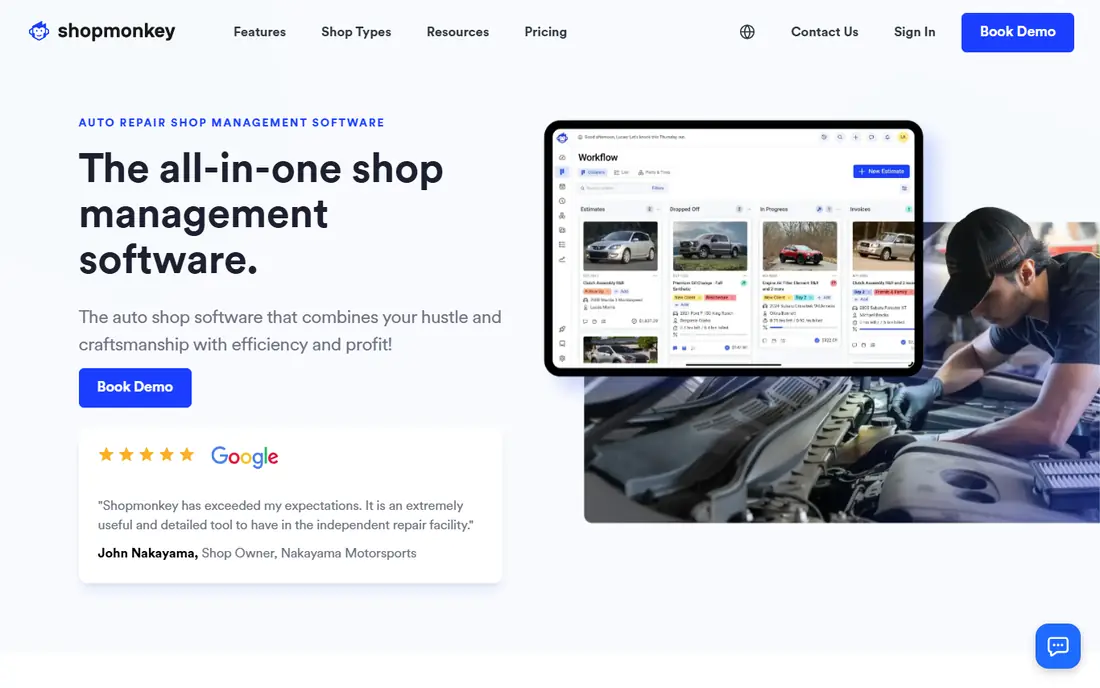
Shopmonkey puts the calendar at the center of the shop. A booking can carry the vehicle, the customer history, the estimate, and the inspection, so the technician sees the full job when the car arrives. Online booking lets customers pick a slot, and text updates keep them informed while the work runs.
The trade-off is scope and price. Shopmonkey is a full shop management system, not just a calendar, and the price comes by quote, so a one-bay shop may find it more than it needs. For a shop that wants scheduling, estimates, and payments in one system, it is the strongest pick in this list.
- Scheduling links to estimates, invoices, and inspections
- Online booking and text updates in one place
- Quote-only pricing, so a small shop cannot see the cost upfront
- The full system takes time to set up
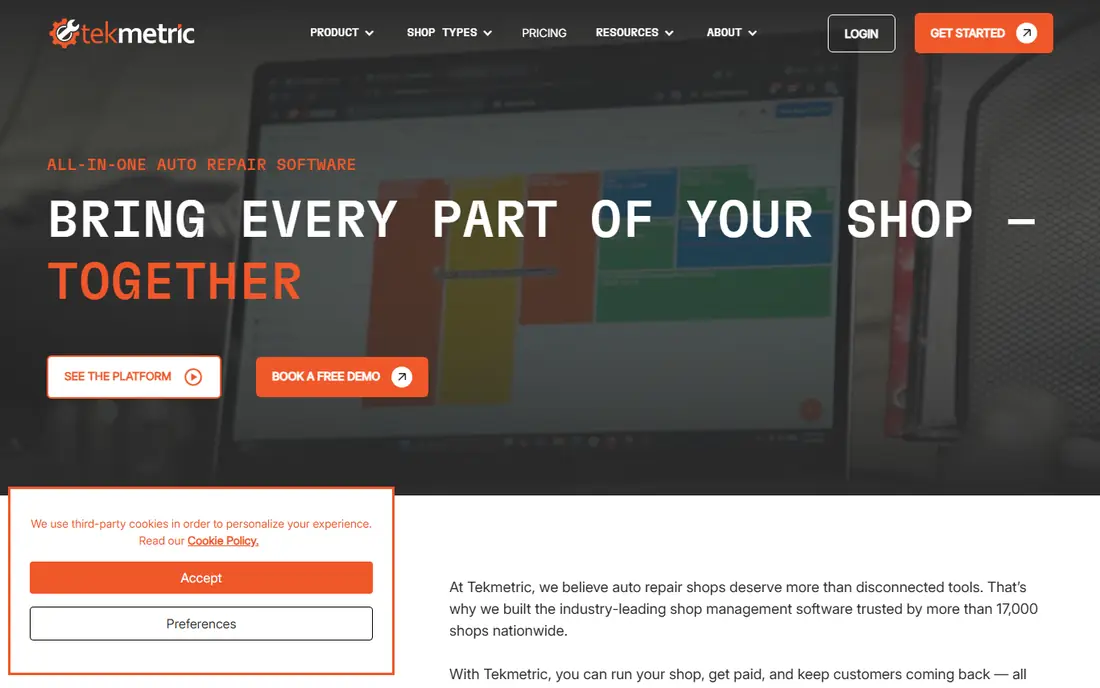
Tekmetric is built for shops that juggle several bays and technicians at once. The calendar shows who is free, which bay is open, and how long each job should take, so the service writer can book work without double-booking a lift. Estimates, inspections, and invoices live in the same system, which keeps the job moving from booking to payment.
That depth comes with a quote-only price and a setup process that suits a busy multi-bay shop. A small shop with one technician may not use the capacity tools, and a lighter scheduler would cost less. For a shop with three or more bays, Tekmetric is hard to beat.
- Calendar shows bay and technician capacity
- Scheduling connects to estimates and digital inspections
- Quote-only pricing
- The feature set suits larger shops more than a one-bay operation
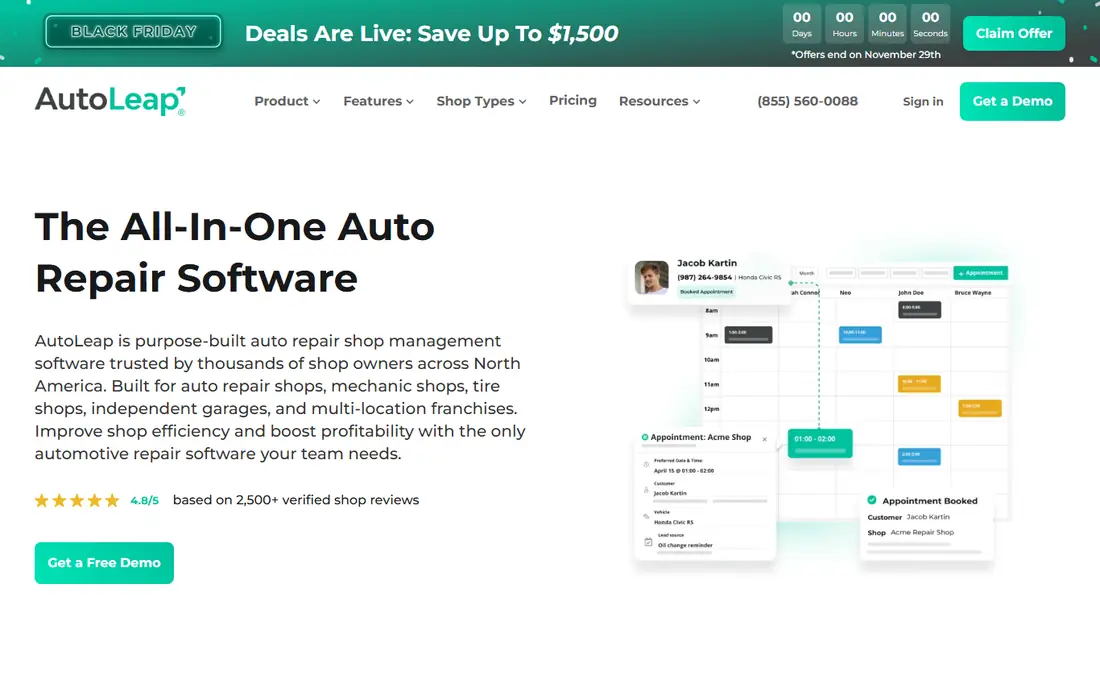
AutoLeap pairs a shop calendar with customer messaging. A booking triggers a confirmation text, a reminder before the visit, and a follow-up after the work is done, which keeps no-shows down and brings customers back for the next service. The calendar also links to estimates and invoices, so the front desk works from one screen.
The price is by quote, and some reporting features sit on higher tiers, so a shop should confirm what the quoted plan includes. AutoLeap fits shops that want scheduling plus steady customer contact, and it is a good middle ground between a light scheduler and a full enterprise system.
- Text reminders and online booking cut no-shows
- Scheduling ties into estimates and invoicing
- Quote-only pricing
- Some advanced reporting needs a higher tier
Mitchell 1 Manager SE has served repair shops for years, and scheduling sits inside a complete shop system with repair orders, parts catalogs, and invoicing. A booking can pull vehicle history and prior work, so the writer knows what was done last time. The link to Mitchell 1 repair data helps technicians find labor times and procedures.
The interface feels older than cloud tools like Shopmonkey or Shop-Ware, and the price comes by quote. Shops that already run Mitchell 1 for repair data will find the scheduling a natural fit, while a new shop may prefer a more modern cloud calendar.
- Scheduling inside a proven shop management system
- Repair data and labor guides in the same product family
- Quote-only pricing
- The interface feels older than cloud-first rivals
Shop-Ware is a cloud shop system with a calendar that service writers pick up fast. Customers can book online, the shop can confirm by text, and the job flows into a digital inspection and an invoice without retyping. The interface is cleaner than older desktop shop systems, which shortens training for new staff.
The price is by quote, and Shop-Ware is a full system rather than a standalone scheduler, so a shop that only needs a calendar will pay for more. It suits modern shops that want scheduling, inspections, and payments in one cloud product.
- Cloud calendar with online booking and digital inspections
- Clean interface that service writers learn fast
- Quote-only pricing
- Best suited to shops that want a full cloud system, not just a calendar
Protractor targets independent repair shops, and its calendar reflects that. Bookings link to work orders, parts, and customer history, so a small team can run the day from one screen. The product is simpler than Tekmetric or Shopmonkey, which suits a shop that wants scheduling without a long setup.
The drawback is scale and integrations. Protractor has a narrower integration list than the larger shop systems, and the price comes by quote. For an independent shop with one or two bays, it is a solid fit, and the simpler setup is a real advantage.
- Calendar built for independent repair shops
- Scheduling links to work orders and parts
- Quote-only pricing
- Smaller vendor with a narrower integration list than the big shop systems
AutoFluent combines a shop calendar with reporting on bay use, technician output, and job profitability. A shop owner can see which bays sit idle, which technicians finish jobs on time, and which days book out first. Scheduling links to work orders and invoices, so the calendar reflects real work, not just appointments.
The interface is more functional than polished, and the price comes by quote. AutoFluent suits owners who want scheduling plus clear numbers on shop performance, and it is less suited to a shop that only needs a simple booking page.
- Scheduling with shop reports on bay use and technician output
- Work orders and invoicing included
- Quote-only pricing
- The interface is more functional than polished
RepairShopr is a light option for small repair shops. Scheduling sits beside tickets, invoices, and customer records, and the 14-day trial lets a shop test the calendar before paying. Setup is fast, and a small team can run bookings, reminders, and invoices from one account.
The limit is depth. Capacity planning and bay management are thinner than in Tekmetric or Shop-Ware, so a busy multi-bay shop will outgrow it. For a small shop that needs a simple calendar with invoicing, RepairShopr is the easiest start in this list.
- Light setup with a 14-day trial
- Scheduling beside tickets, invoices, and customer records
- Quote-only pricing beyond the trial
- Capacity planning is thinner than Tekmetric or Shop-Ware
Pick by shop size
| Shop size | Best fit | Why | Budget note | | 1 bay, 1 to 2 staff | RepairShopr, Protractor | Fast setup, low overhead | Quote only, ask for a single-user price | | 2 to 3 bays | AutoLeap, Shop-Ware | Online booking plus texts | Quote only, confirm what the plan includes | | 4 plus bays | Tekmetric, Shopmonkey | Capacity planning across bays and techs | Quote only, get a per-user written quote | | Franchise or group | Mitchell 1, AutoFluent | Consistent system with reporting | Quote only, ask for a multi-shop price |
How we chose
We compared vendor pricing pages, product pages, and documentation for each tool, and we checked that every homepage loads. We looked at calendar capacity, online booking, reminders, links to estimates and invoices, and how well each tool fits a repair shop day. Prices are quote only across this list because none of these vendors publish a starting price, and we did not invent figures. We did not test the tools hands-on and we did not run a shop pilot.
What to check before you buy
Ask for a written quote that lists the price per user, the number of bays covered, and any setup or training fee. Test online booking from a customer phone, and check that reminders go out by text as well as email. Confirm the calendar blocks a bay for the full job time, not just the drop-off slot, and that it links to your estimate and invoice tools. Ask how a new technician or a new bay is added to the price, and read the contract term before signing.
Frequently asked questions
What is the best scheduling software for an auto repair shop?
Shopmonkey is the best all-round pick for most shops, because scheduling links to estimates, inspections, invoices, and customer texts in one system. Tekmetric is better for multi-bay shops that need capacity planning, while RepairShopr suits a small shop that wants a fast, light start.
How much does auto repair scheduling software cost?
Every tool in this list is quote only, so there is no published starting price to compare. A shop should ask each vendor for a written quote that covers the number of users, bays, and locations, plus any setup or training fee, and compare those quotes side by side.
Can customers book repair appointments online?
Yes. Shopmonkey, Shop-Ware, AutoLeap, and Tekmetric all offer online booking, so a customer can pick a slot without calling the shop. Check that the booking page shows real bay availability, and that it asks for the vehicle details your technicians need before the visit.
Do these tools send appointment reminders?
Yes, most of them send text and email reminders before the visit, and several send a follow-up after the work is done. Reminders cut no-shows, which matters in a repair shop, since an empty bay loses money for every hour it sits idle.
Should scheduling sit inside my shop management system?
In most cases, yes. Scheduling inside Shopmonkey, Tekmetric, or Mitchell 1 means the booking, the estimate, the inspection, and the invoice share one record. A separate calendar can work for a very small shop, but it adds double entry and the calendar is the first thing that stops being updated.
Sources
See where you really rank - block by block
ProMapRanker scans Google Maps across a grid of your service area. Simple monthly plans from $19, white-label on every plan.
Start freeKeep reading
 best scheduling software for med spas
Best Scheduling Software for Med Spas in 2026
Compare the best scheduling software for med spas, with real prices and calendar features, so you can run staff schedules and waitlists without double bookings.
Read → best scheduling software for law firms
Best Scheduling Software for Law Firms
Compare the best scheduling software for law firms, with real 2026 prices, intake forms, and calendar sync, so clients can book easily without phone tag.
Read → best scheduling software for gyms
Best Scheduling Software for Gyms in 2026
Compare the best scheduling software for gyms, with real prices and timetable features, so you can run classes, coaches and waitlists without double bookings.
Read →