 ProMapRanker
Best Scheduling Software for Law Firms


Solo attorneys and small teams that want a simple link · Pricing starts at: Free; $10 per user/month (billed annually)
Key takeaways
- Calendly is the cheapest entry point for a solo attorney, with a free plan and Standard at $10 per user per month on annual billing.
- Acuity charges a flat monthly fee per account, not per user, so it gets cheaper than Calendly once several staff members take bookings.
- Law firms need intake forms, reminders, and conflict-safe booking, not just a calendar link, so check those features before choosing.
- Tools bundled with Microsoft 365 or Google Workspace can cost nothing extra for firms that already pay for those suites.
- Payment collection at booking works on Calendly Standard and on every Acuity plan, which cuts no-shows for consultations.
Quick comparison
| Pick | Great for | Pricing starts at | Free tier | |
|---|---|---|---|---|
| Calendly | Solo attorneys and small teams that want a simple link | Free; $10 per user/month (billed annually) | Yes | Visit |
 Acuity Scheduling | Firms where several staff take bookings | $16 per month (billed annually) | Free trial (7 days) | Visit |
 SimplyBook.me | Firms that want bookings, forms, and payments together | Free; $11.90 per month (billed annually) | Yes | Visit |
 Setmore | Small firms that want a low-cost start | Free; $5 per user/month | Yes | Visit |
 Microsoft Bookings | Firms already on Microsoft 365 | Included with Microsoft 365 Business Basic, $6 per user/month | No | Visit |
 Google Workspace | Firms already on Google Workspace | Included with Business Starter, $7 per user/month | No | Visit |
 HubSpot Meetings | Firms already using HubSpot CRM | Free | Yes | Visit |
 Doodle | Firms that schedule group meetings and polls | $6.95 per user/month | Free | Visit |
The best scheduling software for law firms
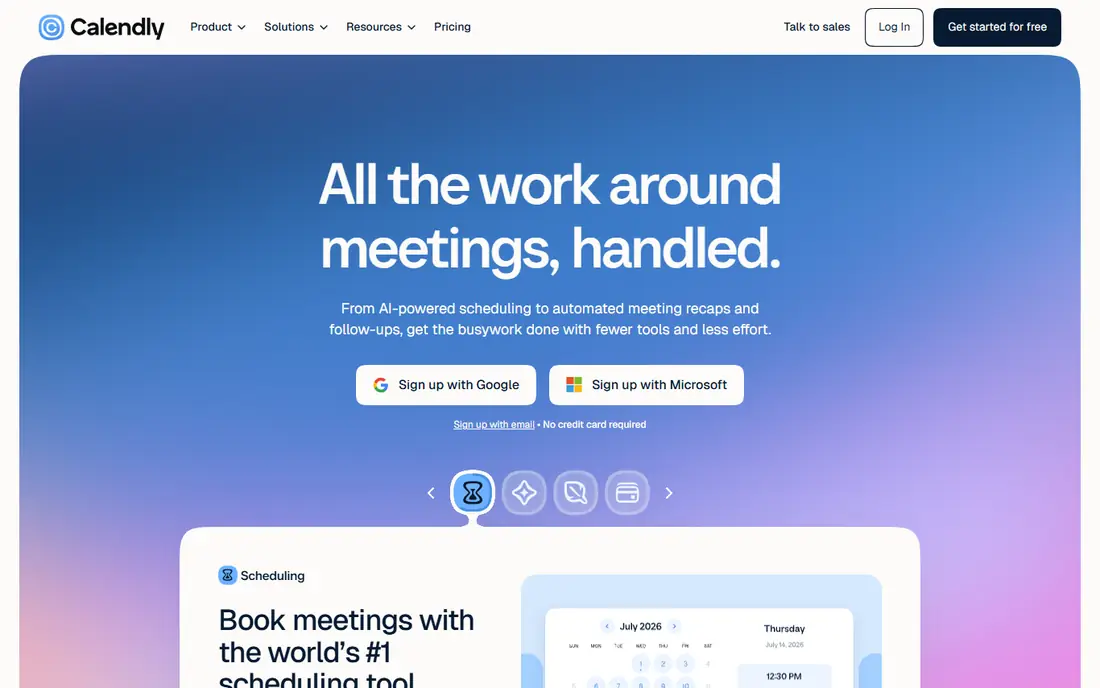
Calendly is the simplest way for a law firm to let clients book a consultation without phone tag. The firm sets its hours, shares a booking link, and the client picks a time that fits both calendars. The free plan covers one event type, one calendar connection, and unlimited one-on-one meetings, which is enough for a solo attorney who offers a single consultation type. Standard costs $10 per user per month billed annually, or $12 billed monthly, and adds unlimited event types, up to six calendar connections, automated reminders, and payment collection through Stripe and PayPal.
The limits show up as the firm grows. Round-robin distribution, routing forms, and the Salesforce sync all need the Teams plan at $16 per user per month billed annually. A firm that wants intake forms with conditional questions will also find Calendly light, since its forms are basic next to Acuity or SimplyBook.me. For a small firm that mainly needs a clean booking link and reminders, Calendly is the fastest option to set up and the cheapest to run.
- Free plan covers one event type with unlimited one-on-one meetings
- Payment collection from the Standard plan
- Round-robin and Salesforce sync need the Teams plan at $16 per user per month
- The free plan allows only one event type
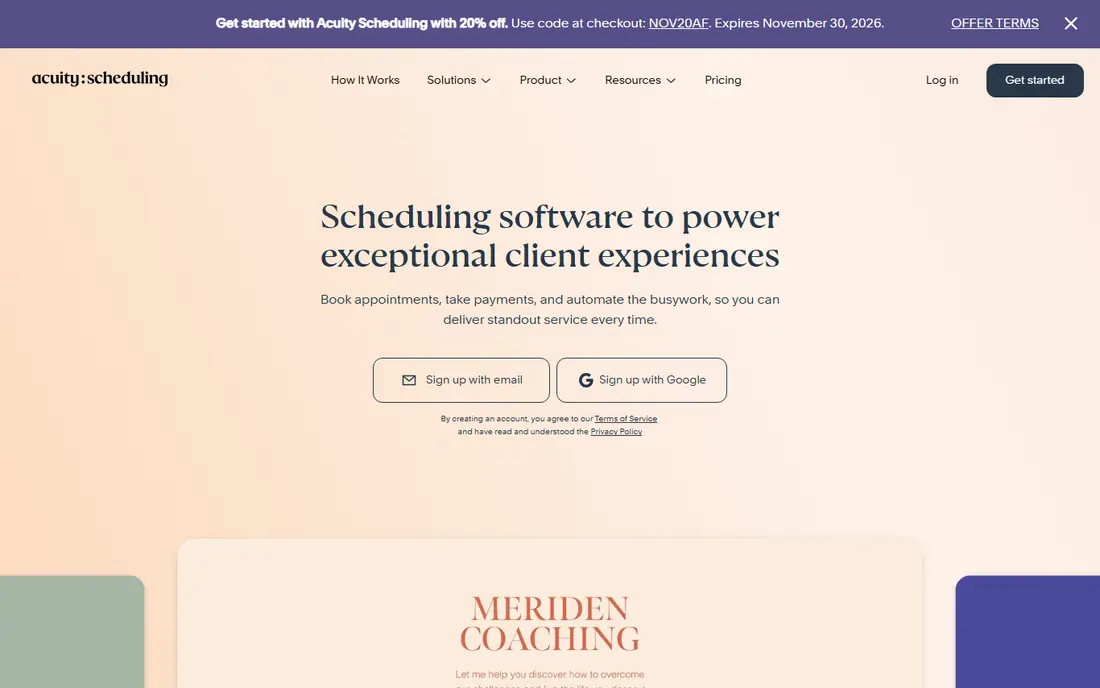
Acuity suits firms where several people take bookings, because it charges one flat monthly fee per account rather than per user. Starter costs $16 per month on annual billing, or $20 billed monthly, and covers one calendar. Standard costs $27 per month on annual billing and covers up to six calendars, adding SMS reminders, a waitlist, and memberships, packages, and gift certificates. Premium costs $55 per month on annual billing and covers up to 36 calendars, adding an AI booking assistant and a signed HIPAA business associate agreement.
The intake forms are stronger than Calendly, with custom questions that capture the details a firm needs before a consultation, and payment collection through Stripe, Square, and PayPal works on every plan. That matters for firms that charge for initial consultations, since a client who has already entered card details is far less likely to miss the meeting. The entry plan covers only one calendar, so a firm with several attorneys should price Standard or Premium rather than Starter.
- Flat per-account pricing covers the whole firm
- Intake forms, payments, and packages on every plan
- No free plan, only a 7-day trial
- The entry plan covers only one calendar
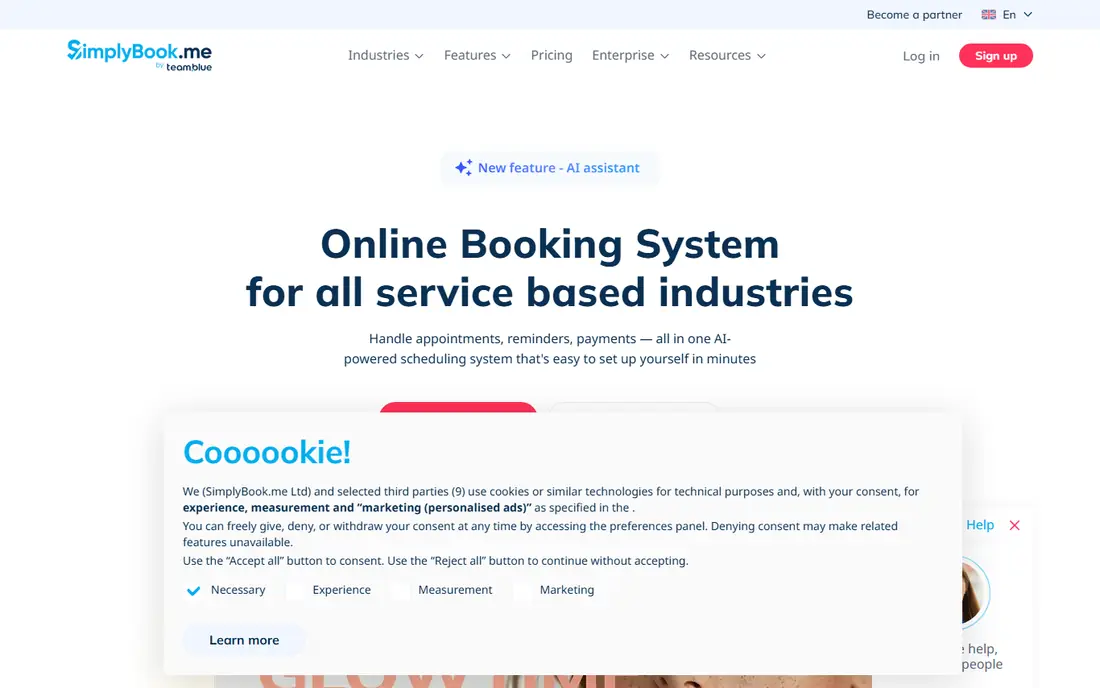
SimplyBook.me gives a law firm bookings, intake forms, payments, and a client login in one tool, which makes it a good fit for firms that run consultations, mediation sessions, or recurring client meetings. The free plan covers 50 bookings a month with one provider, which is enough for a solo attorney to test the system properly. Basic costs $11.90 per month on annual billing, or $13.90 billed monthly, and Standard costs $24.90 per month on annual billing with more providers and features.
The strength is the breadth of the booking page. Clients can pick a service, answer intake questions, pay a deposit, and log in later to change or cancel, all without staff help. The weakness is the learning curve, since the settings pages cover many options and the firm has to work through them before the first booking goes live. Firms that want a simple link will find Calendly faster, but firms that want forms and payments in the same place will get more from SimplyBook.me.
- Free plan covers 50 bookings a month
- Intake forms, payments, and client login included
- The interface packs in many options and takes time to learn
- Higher tiers are needed for more providers
Setmore is a low-cost option for a small firm that wants online booking without a monthly bill. The free plan covers unlimited appointments for up to four staff members, with a booking page, email reminders, and integrations for Zoom and Google Meet. Premium costs $5 per user per month and adds SMS reminders, two-way calendar sync, recurring appointments, and the ability to take payments at booking.
The free plan is genuinely usable, which is rare in this category, but it has limits a law firm should know about. Intake forms are basic, so a firm that needs detailed pre-consultation questions will want a tool with stronger forms. SMS reminders and payment collection also need the Premium plan. Even so, a firm with four or fewer staff that mainly needs a booking page and email reminders can run on Setmore for nothing, which makes it the cheapest real option here.
- Free plan covers unlimited appointments for up to four staff
- Low-cost Premium plan
- Intake forms are basic
- Advanced features such as two-way calendar sync need Premium
Microsoft Bookings is the scheduling tool inside Microsoft 365, and for a firm that already pays for the suite it costs nothing extra. Business Basic costs $6 per user per month and includes Bookings alongside Outlook, Teams, and OneDrive. Staff create booking pages, clients pick a time, and the appointment lands in the Outlook calendar with a Teams link if the meeting is remote. Reminders go out by email automatically.
The trade-off is that Bookings is a simple tool. Intake forms are basic, there is no built-in payment collection, and the whole setup only makes sense for a firm that already lives in Microsoft 365. A firm that wants deposits at booking or detailed intake questions should look at Acuity or SimplyBook.me instead. But a firm already paying for Microsoft 365 that wants booking pages for each attorney can switch it on today with no new bill and no new login.
- No extra cost for firms already on Microsoft 365
- Booking pages sync with Outlook calendars
- Only available inside a Microsoft 365 subscription
- Intake forms and payment options are limited
Google Workspace includes appointment booking inside Google Calendar, and for a firm that already pays for the suite it costs nothing extra. Business Starter costs $7 per user per month and covers Gmail, Calendar, Meet, and Drive. Attorneys create booking pages with their available hours, clients pick a slot, and the meeting appears on the calendar with a Meet link and an email confirmation. Buffer time and booking windows keep back-to-back meetings from piling up.
Like Microsoft Bookings, the tool is simple by design. There is no payment collection at booking, intake forms are limited to a few questions, and the firm must already be on Google Workspace to use it. A firm that charges for consultations or needs detailed intake should pair it with a separate form tool or pick Acuity. But a firm already on Google Workspace that wants a clean booking link for each attorney can use it today with no new cost and no new system to learn.
- Appointment scheduling built into Google Calendar
- No extra cost for Workspace firms
- Only available inside a Google Workspace subscription
- No payment collection or advanced intake forms
HubSpot Meetings is the scheduling tool inside the free HubSpot CRM, and it suits a firm that already tracks leads in HubSpot. The attorney shares a booking link, the client picks a time, and the meeting lands in the contact record with the full history of emails and calls alongside it. That single record is the real value, since the firm can see every touch with a lead before the consultation starts.
The limits are the same as the CRM itself. HubSpot Meetings only makes sense inside HubSpot, intake forms are basic, and there is no payment collection at booking. A firm that does not use HubSpot will get more from Calendly, and a firm that charges for consultations will want a tool with Stripe or PayPal built in. But a firm already on HubSpot CRM can add meeting links for its whole team at no extra cost, which is hard to argue with.
- Free with the HubSpot CRM
- Bookings land straight in the contact record with full history
- Only useful inside HubSpot
- Intake forms and payment options are limited
Doodle is best known for group polls, and that is where it helps a law firm most. When a meeting needs several attorneys, a client, and an expert witness, a Doodle poll finds the slot that suits everyone without a long email thread. The booking page covers one-on-one meetings too, with calendar sync and reminders, and the Pro plan costs $6.95 per user per month with branding removed and more features.
Doodle is not a legal intake tool. It has no serious intake forms, no payment collection, and no link to matter files, so a firm that needs those should look at Acuity or Calendly instead. But as a second tool for group scheduling, or as a cheap booking page for a solo attorney who mainly needs polls and simple links, Doodle earns its place. The free plan is enough to test it, though the Doodle branding on the page is a visible limit.
- Group polls find a time that suits everyone
- Simple booking pages for one-on-one meetings
- Not built for legal intake, so forms and payments are weak
- The free plan carries Doodle branding
What scheduling costs by firm size
| Firm size | Cheapest honest setup | Mid-range setup | What changes the bill | | Solo attorney | Calendly free, or Setmore free | Calendly Standard, $10 per user/month | Payment collection and round-robin needs | | 5 attorneys | Acuity Standard, $27 per month flat | Calendly Teams, $80 per user/month for 5 seats | Per-seat vs flat pricing decides the winner | | 15 attorneys | Acuity Premium, $55 per month flat | Calendly Teams, $240 per user/month for 15 seats | Calendar count and staff count |
The table shows why the pricing model matters more than the headline price. Calendly charges per seat, so a 15-attorney firm on Teams pays $240 a month, while Acuity Premium covers 36 calendars for $55 a month flat. Firms already on Microsoft 365 or Google Workspace can use Bookings or Calendar appointment scheduling with no extra bill at all. Ask each vendor whether SMS reminders, payments, and intake forms sit on the tier you priced, since those are the features that most often cost extra.
How we chose
We compared vendor pricing pages, product documentation, and plan feature lists read in November 2026, and we checked which prices each vendor actually publishes. Tools made the list only if a law firm can use them to let clients book consultations, with calendar sync and reminders included. We left out tools built only for internal meetings with no client-facing booking page. Where a vendor publishes no price we say quote only, and where a tool is bundled inside a suite we give the suite price. We did not run hands-on tests, and we did not count review scores as evidence.
What to check before you buy
First, test the intake form with the questions your firm actually asks before a consultation, since a weak form means staff still chase details by phone. Second, check reminders. Email reminders are standard, but SMS reminders cut no-shows further and often need a higher tier. Third, confirm payment collection if you charge for consultations, since a client who has already entered card details rarely misses the meeting. Fourth, check the calendar link. Two-way sync prevents double bookings, and a firm that runs on Outlook should pick a tool that syncs with Outlook cleanly, not one that only works well with Google Calendar.
Frequently asked questions
What is the best free scheduling software for law firms?
Calendly free covers one event type with unlimited one-on-one meetings, Setmore free covers unlimited appointments for up to four staff, and HubSpot Meetings is free inside the HubSpot CRM. Google Workspace and Microsoft Bookings cost nothing extra for firms already on those suites. Free plans usually lack SMS reminders, payment collection, and detailed intake forms, so a firm that needs those should budget for a subscription tier.
Should a law firm charge for initial consultations through scheduling software?
Many firms do, and scheduling tools make it easy. Calendly collects payment from the Standard plan, Acuity collects on every plan, and SimplyBook.me collects from its Basic plan. A deposit or full fee at booking cuts no-shows sharply, since clients who have entered card details rarely miss the meeting. Firms that offer free consultations should still use reminders, since a free booking with no reminder is the easiest one to forget.
Does scheduling software work with Clio or MyCase?
It depends on the tool. Calendly connects to Clio and other practice systems through native integrations or Zapier, and Acuity and SimplyBook.me connect through Zapier as well. HubSpot Meetings links to HubSpot CRM, which in turn connects to Clio and MyCase. Check the exact integration during the trial, since a connection listed on a marketing page can still need a higher tier or a third-party connector.
How do reminders reduce no-shows for law firms?
Reminders work because most no-shows are forgotten appointments, not cancelled ones. Email reminders help, and SMS reminders help more, since clients read texts faster than email. Acuity includes SMS reminders from its Standard plan, Calendly includes automated reminders from Standard, and Setmore adds SMS on Premium. Send one reminder a day before and one an hour before the meeting for the best result.
Can clients reschedule or cancel on their own?
Yes, on most tools in this list. Calendly, Acuity, SimplyBook.me, Setmore, and Doodle all let clients reschedule or cancel from the confirmation email, which frees staff from phone calls about changed plans. Set a cancellation window, such as 24 hours before the meeting, so a late cancellation still leaves time to fill the slot. Check that cancelled slots reopen on the booking page automatically.
Sources
- https://www.calendly.com/pricing/
- https://www.acuityscheduling.com/pricing/
- https://www.simplybook.me/pricing/
- https://www.setmore.com/pricing/
- https://www.microsoft.com/en-us/microsoft-365/business/
- https://www.workspace.google.com/pricing/
- https://www.hubspot.com/pricing/sales/
- https://www.doodle.com/pricing/
See where you really rank - block by block
ProMapRanker scans Google Maps across a grid of your service area. Simple monthly plans from $19, white-label on every plan.
Start freeKeep reading
 best scheduling software for med spas
Best Scheduling Software for Med Spas in 2026
Compare the best scheduling software for med spas, with real prices and calendar features, so you can run staff schedules and waitlists without double bookings.
Read → best scheduling software for gyms
Best Scheduling Software for Gyms in 2026
Compare the best scheduling software for gyms, with real prices and timetable features, so you can run classes, coaches and waitlists without double bookings.
Read → best scheduling software for dentists
Best Scheduling Software for Dentists in 2026
Compare the best scheduling software for dentists, with real 2026 prices, chairside features and booking tools, so you can pick the system your practice needs.
Read →