 ProMapRanker
Best Scheduler Software in 2026

Key takeaways
- Calendly is the easiest team scheduler for most firms, while Cal.com offers the best free plan for solo users.
- Acuity Scheduling suits service businesses that need client forms and payments, especially inside Squarespace.
- Doodle is the pick for finding a time by group poll, not for running a booking page.
- Check calendar sync, buffer times, time zones and cancellation rules before you publish a booking link.
Quick comparison
| Pick | Great for | Pricing starts at | Free tier | |
|---|---|---|---|---|
 Calendly | Team meeting scheduling | $10 per month | Yes | Visit |
 Cal.com | Free solo scheduling with control | Free | Yes | Visit |
 Acuity Scheduling | Client appointments and payments | $16 per month | Free trial | Visit |
 Setmore | Staff teams and service bookings | $5 per month | Yes | Visit |
 Doodle | Group availability polls | $14.95 per month | Yes | Visit |
 YouCanBookMe | Simple calendar booking pages | $9 per month | Yes | Visit |
 Zoho Bookings | Low-cost bookings for Zoho users | $6 per month | Yes | Visit |
 SavvyCal | Polished one-to-one booking links | $10 per month | No | Visit |
The best scheduler software
We compared official feature pages, pricing pages, app store listings, privacy policies and public reviews. We judged each tool on booking pages, calendar sync, availability rules, reminders, payments, team routing and ease of use for guests, because a scheduler must serve both the host and the person booking.
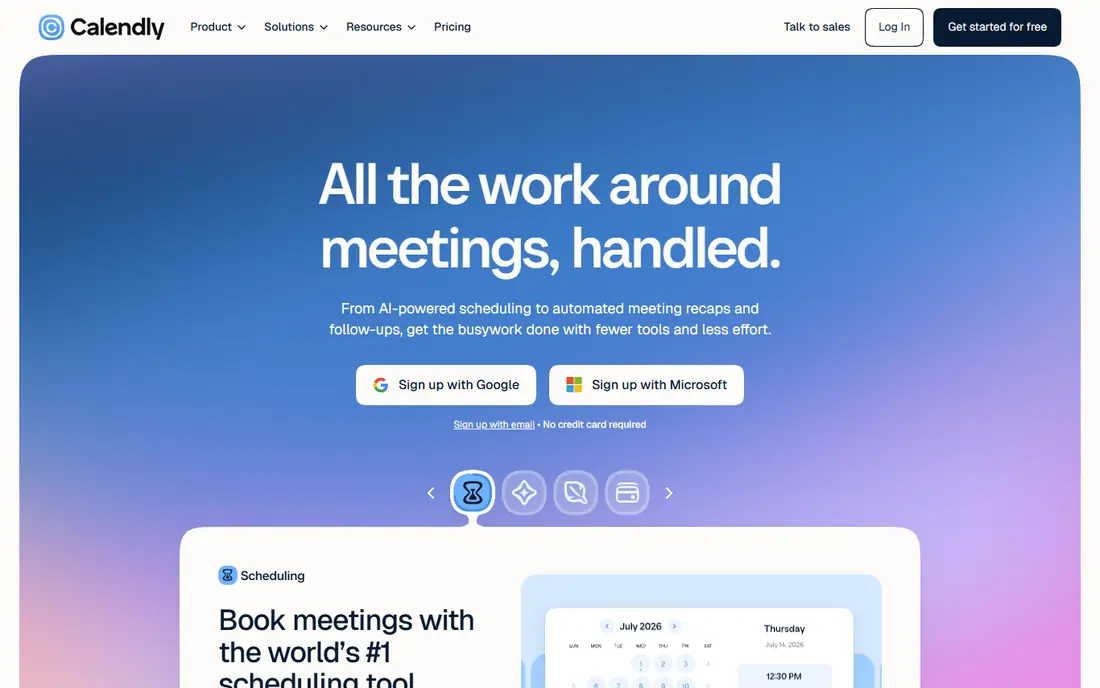
Calendly is the scheduler most guests already know, which is a real advantage: a booking link from Calendly rarely needs explaining. Hosts can set event types, buffers, limits and reminders, while teams get round-robin routing, routing forms and CRM sync on higher plans. The free plan covers one event type and one calendar, which is enough to test the flow.
The limit is the free tier and team pricing. Paid Standard seats cost $10 per seat per month billed yearly, and routing forms and deeper team features sit on higher plans. Solo users who need many event types for free should look at Cal.com first.
- Very easy to set up and share
- Strong team routing and CRM links
- Widely recognised by guests
- Free plan allows only one event type
- Advanced routing needs higher tiers
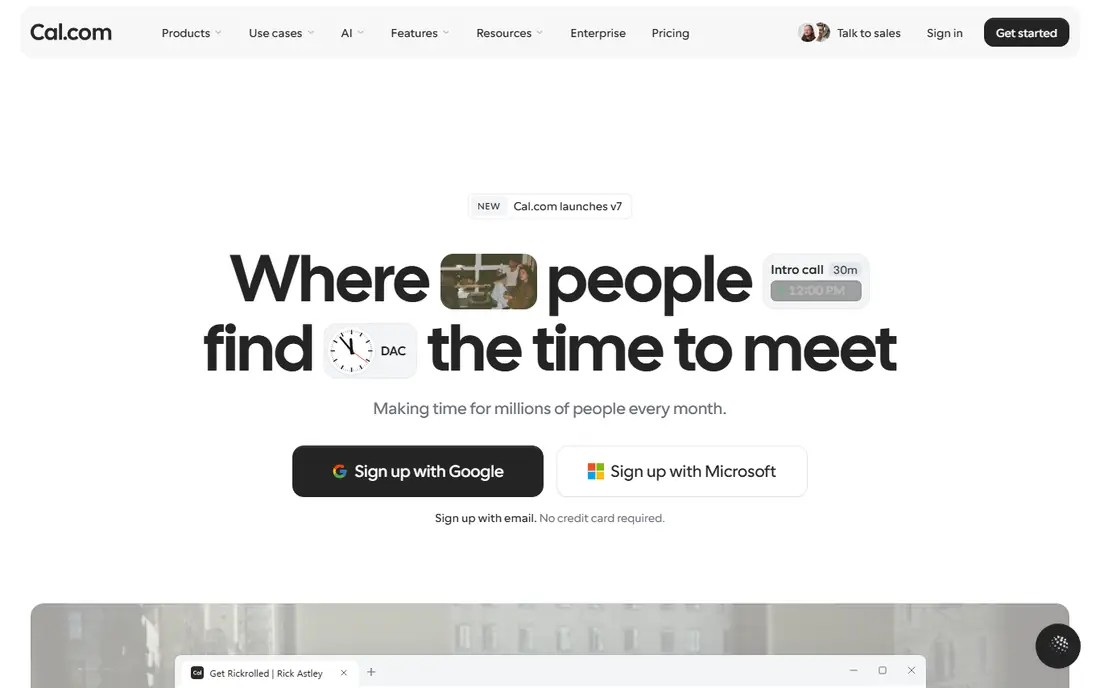
Cal.com is the best free scheduler for a solo host, because its free plan allows unlimited event types for one user, unlike Calendly free. It also supports payments, calendar sync and booking pages, and because it is open source, teams can self-host it for full control over data and branding. That mix suits freelancers, consultants and privacy-minded firms.
The trade-off is team polish. Teams plans cost $12 per user per month billed yearly, and some team routing and admin features feel less finished than Calendly. For a single user, though, Cal.com offers more for free than any rival here.
- Free plan allows unlimited event types for one user
- Open source and self-hostable
- Payments on the free plan
- Team features need paid Teams seats
- Interface can feel less polished than Calendly
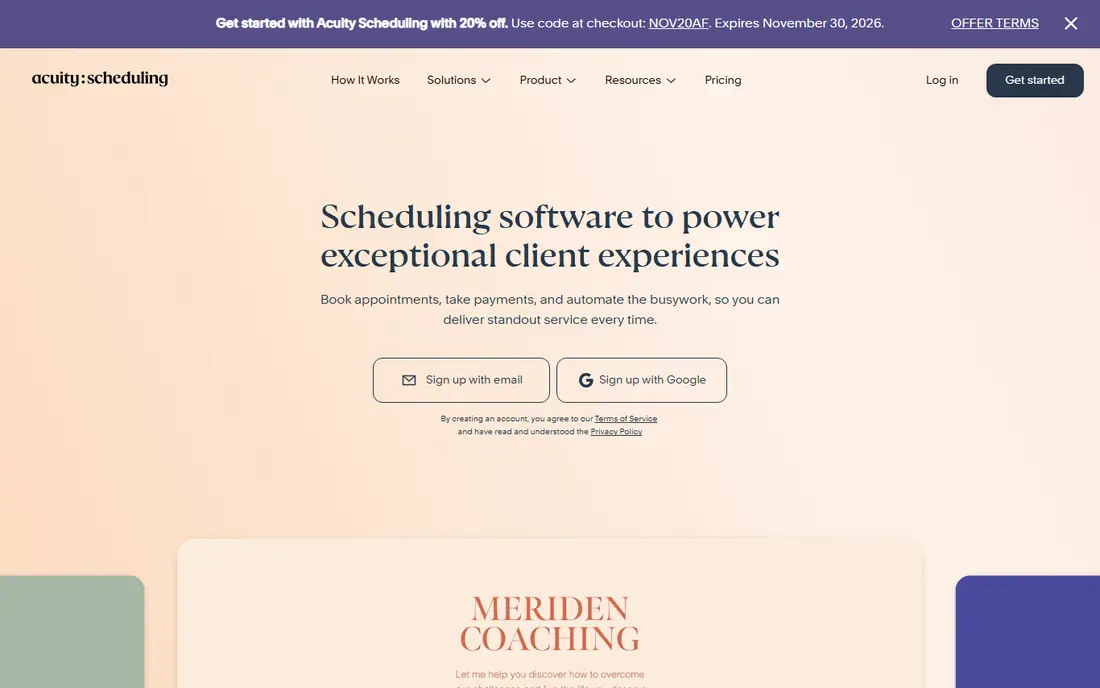
Acuity Scheduling, part of Squarespace, suits service businesses that book client appointments with forms, payments and packages. Hosts can collect intake details, sell packages and gift certificates, send reminders, and sync calendars, all from a booking page that fits a service website. That depth suits coaches, clinics, salons and consultants.
The downside is cost and trial limits. There is no free plan, only a trial, and the Starter plan costs $16 per month billed yearly. Teams that need API access or deeper routing will pay more, so check those tiers if you plan to integrate Acuity with other tools.
- Strong client forms and intake questions
- Payments and packages
- Native Squarespace link
- No free plan, only a trial
- Pricing rises with team and feature needs
Setmore suits a staff-based service business that needs to book by person, service and location. Its free plan covers basic booking, while Pro plans from $5 per user per month billed yearly add payments, reminders, reviews and deeper staff controls. That low entry price makes it easy for a small team to start without a large bill.
The limit is polish. Setmore looks older than Calendly or Cal.com, and some features that rivals include earlier sit on higher tiers. For a service team that values staff scheduling and low cost over modern design, that trade is acceptable.
- Low paid entry price
- Staff scheduling and service booking
- Payment and review tools
- Interface feels older than Calendly
- Some advanced features need higher tiers
Doodle solves a different problem from Calendly: finding a time that works for a group. Hosts send a poll with time options, guests vote without an account, and the winning time becomes the meeting. That flow suits committees, interview panels and social groups where no single host controls the calendar.
The weakness is booking depth. Doodle is less complete than Acuity or Setmore for paid client appointments, packages and intake forms, and Pro pricing at $14.95 per user per month is higher than Setmore. Use Doodle for group decisions, and a dedicated booking tool for client services.
- Best group polls for finding a meeting time
- Simple for guests with no account
- Booking pages included
- Less strong as a full client booking system
- Paid price is higher than some rivals
YouCanBookMe suits freelancers and small teams that want a clean booking page tied directly to a Google or Microsoft calendar. Setup is quick, guests see real availability, and hosts can add buffers, reminders and custom questions. The free plan lets a solo host test the core flow before paying $9 per month for a paid plan.
The limit is team scale. Routing, round-robin and CRM depth are thinner than at Calendly or Cal.com Teams, so a sales team that routes leads by territory or product will likely outgrow it. For simple one-to-one and small-team booking, it is a solid low-friction pick.
- Clean booking pages synced to Google or Microsoft calendars
- Simple setup
- Free plan for testing
- Team routing is thinner than Calendly
- Some integrations need paid plans
Zoho Bookings is the low-cost pick for teams already using Zoho CRM, Mail or other Zoho apps. It covers booking pages, staff scheduling, service booking, reminders and payments, with native links into Zoho that save manual data entry. Entry pricing from $6 per user per month billed yearly undercuts most rivals here.
The catch is ecosystem fit. Outside Zoho, its integrations are less deep than Calendly, and published pricing can vary by region, so confirm the US figure at checkout. For a Zoho team, though, the price and native sync make it an easy choice.
- Low entry price
- Native Zoho CRM and app links
- Staff and service booking support
- Pricing pages vary by region
- Best value shows inside the Zoho stack
SavvyCal focuses on a polished one-to-one booking experience, with a calendar overlay that shows guests when a host is free without forcing them to guess. That transparency reduces back-and-forth for consultants, coaches and salespeople who book many individual calls. The interface is clean, and booking pages look professional on a personal site.
The downside is the lack of a free plan and narrower team features. Basic seats cost $10 per seat per month billed yearly, and a team that needs heavy routing should compare Calendly or Cal.com Teams first. For solo hosts who value booking polish, SavvyCal earns its price.
- Calendar overlay lets guests see host availability
- Polished booking experience
- Good for consultants
- No free plan
- Team and routing features are narrower than Calendly
How we picked these
We compared official feature pages, pricing pages, app store listings, privacy policies and public reviews, and we kept only schedulers that exist and work in October 2026 and truly handle meeting or appointment booking. We excluded pure calendar apps without a guest booking page and pure project tools with only a task due date. Where yearly billing changed the monthly figure, we used the yearly rate.
How to choose a tool for scheduling meetings
Start with who books. A solo consultant needs a clean link and payments, a service business needs staff, forms and packages, and a sales team needs routing and CRM sync. Picking the wrong type leads to workarounds, such as manual routing or separate payment links, that cost time every week.
Next, check the guest experience and the calendar rules. Test time zones, buffers between meetings, daily booking limits, cancellation and rescheduling, and reminder emails. A scheduler that double-books, ignores a buffer, or sends a confusing confirmation will create more work than it saves, no matter how low its price.
Frequently asked questions
What is the best scheduler software for most people?
Calendly is the easiest team pick, thanks to familiar booking links and strong routing, while Cal.com is best for solo users who want a free plan with unlimited event types. Acuity suits service businesses, and Doodle suits group polls.
What is the best tool for scheduling meetings with a team?
Calendly and Cal.com Teams handle team routing best in this list, with round-robin assignment and shared availability. Setmore and Zoho Bookings suit staff-based service teams, where booking is by person and service rather than by sales rep.
Is there a free scheduler software option?
Yes. Cal.com, Calendly, Setmore, Doodle, YouCanBookMe and Zoho Bookings all offer free plans, though each limits event types, users or features. Cal.com free is the most generous for solo users, since it allows unlimited event types.
Can scheduler software take payments?
Yes, on most tools here. Acuity, Cal.com, Setmore, Zoho Bookings and others support payments for paid sessions, deposits and packages, usually through Stripe or PayPal. Check transaction fees and refund handling before you sell through a booking page.
Do I still need a scheduler if I use Google Calendar or Microsoft 365?
Not always. Google Calendar appointment schedules and Microsoft Bookings cover basic booking for existing subscribers. A dedicated scheduler adds routing, forms, payments and CRM sync that those built-in tools do not match, so check what you already pay for first.
Sources
See where you really rank - block by block
ProMapRanker scans Google Maps across a grid of your service area. Simple monthly plans from $19, white-label on every plan.
Start freeKeep reading
 who has best internet service
Who Has the Best Internet Service in 2026
Who has best internet service for US homes? We compare fiber, cable, fixed wireless and satellite providers on speed, price, availability and terms today.
Read → which survey tool has the best analytics
Which Survey Tool Has the Best Analytics in 2026
Find which survey tool has the best analytics in 2026, comparing Qualtrics, SurveyMonkey, Typeform, Alchemer, and more on reports, text, and stats today.
Read → which streaming service has the best movies
Which Streaming Service Has the Best Movies in 2026
Answering which streaming service has the best movies, with Netflix, Max, Criterion and more compared on libraries, prices and free options in this guide.
Read →