 ProMapRanker
Best Schedule App in 2026: 8 Apps Compared


Everyday scheduling for most people · Pricing starts at: Free
Key takeaways
- Google Calendar and Outlook Calendar remain the best free starting points, because most people already have an account and a calendar that others can use.
- Calendly and Cal.com are booking tools first, so pick them when other people need to book time with you without a long email thread.
- Reclaim is the strongest pick for protecting focus time, because it works inside your existing Google or Outlook calendar.
- Motion suits people who want tasks and calendar planning in one place, but it costs more and has no free plan.
- The best schedule app is the one your team and clients will actually use, so check sharing, time zones, and calendar support before you pay.
Quick comparison
| Pick | Great for | Pricing starts at | Free tier | |
|---|---|---|---|---|
| Google Calendar | Everyday scheduling for most people | Free | Yes | Visit |
 Microsoft Outlook Calendar | Microsoft 365 teams | Free | Yes | Visit |
 Calendly | Booking links for clients | Free | Yes | Visit |
 Cal.com | Flexible booking pages | Free | Yes | Visit |
 Reclaim | Focus time protection | Free | Yes | Visit |
 Motion | Tasks plus automatic scheduling | See website | No | Visit |
 Fantastical | Apple users who want a fast calendar | $4.75 per month | Yes | Visit |
 Sunsama | Guided daily planning | See website | Free trial | Visit |
The best schedule app
Scheduling covers three different jobs, and no single app does all three equally well. Some apps store your calendar, some let other people book time with you, and some plan your day around tasks and focus time. We compared all three types, so you can pick the layer that solves your actual problem.
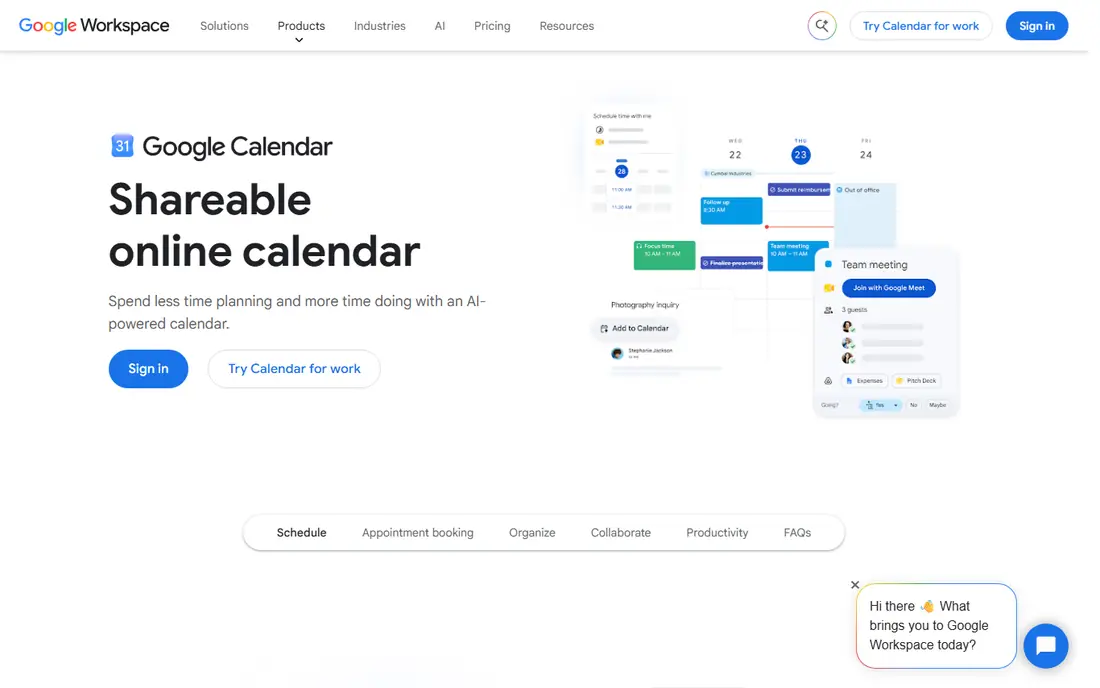
Google Calendar is the default for a reason. It is free with a personal Google account, it handles invites, shared calendars, reminders, and time zones well, and almost everyone you meet already knows how to use it. Appointment schedules let you share a simple booking page, and working hours help colleagues see when you are actually available.
The limits show up when your week gets busy. Google Calendar does not automatically defend focus time, reschedule tasks when meetings move, or offer the routing and form options that dedicated booking tools provide. For most individuals and small teams, though, it is the right base layer, and you can add Calendly, Cal.com, or Reclaim on top only if you need that extra layer.
- Free with a Google account
- Easy sharing and invites
- Works on web, Android, and iOS
- Booking pages are basic
- Focus protection needs another tool on top
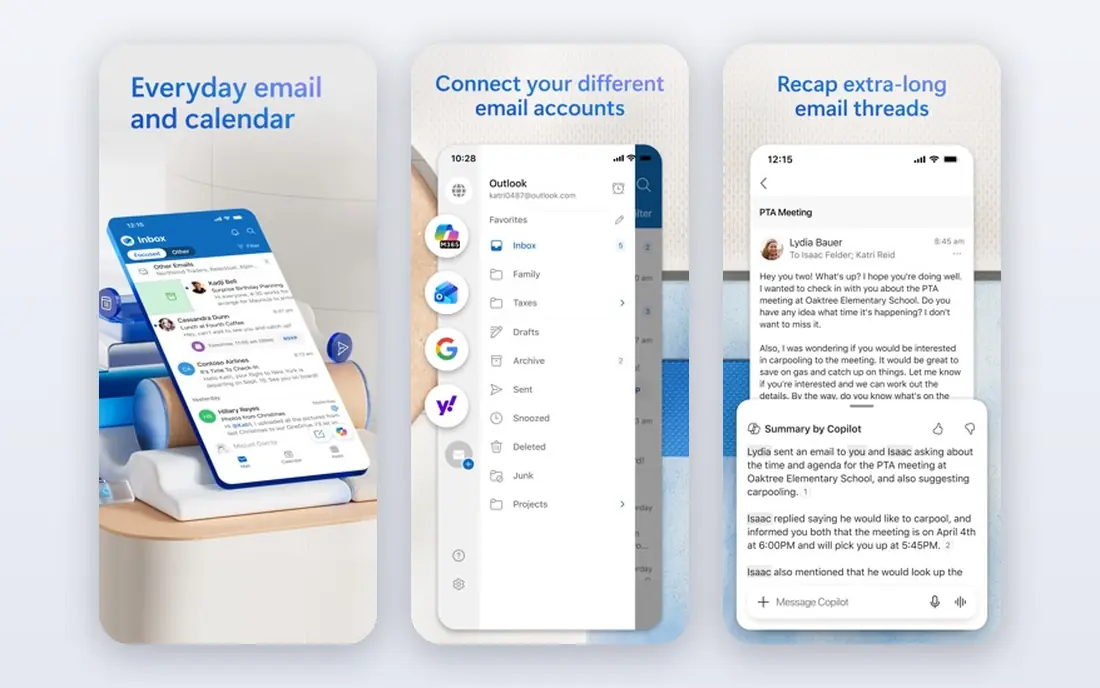
Outlook Calendar is the natural pick if your work already runs on Microsoft 365. It shares free and busy times across an organisation, works closely with Teams meetings and email, and handles scheduling for large teams in a way that feels built in rather than bolted on. A free Outlook account also gives you a usable calendar without a paid plan.
The trade-off is ecosystem fit. If your clients and team live in Google Calendar, Outlook adds friction, and some booking and scheduling features depend on which Microsoft plan you hold. Still, for companies that standardise on Microsoft tools, Outlook Calendar keeps scheduling, email, and meetings in one place, which reduces the number of tools people must check each day.
- Strong fit with Teams and Microsoft 365
- Org-wide free and busy times
- Solid mobile apps
- Booking features vary by plan
- Best experience needs a Microsoft account and ecosystem
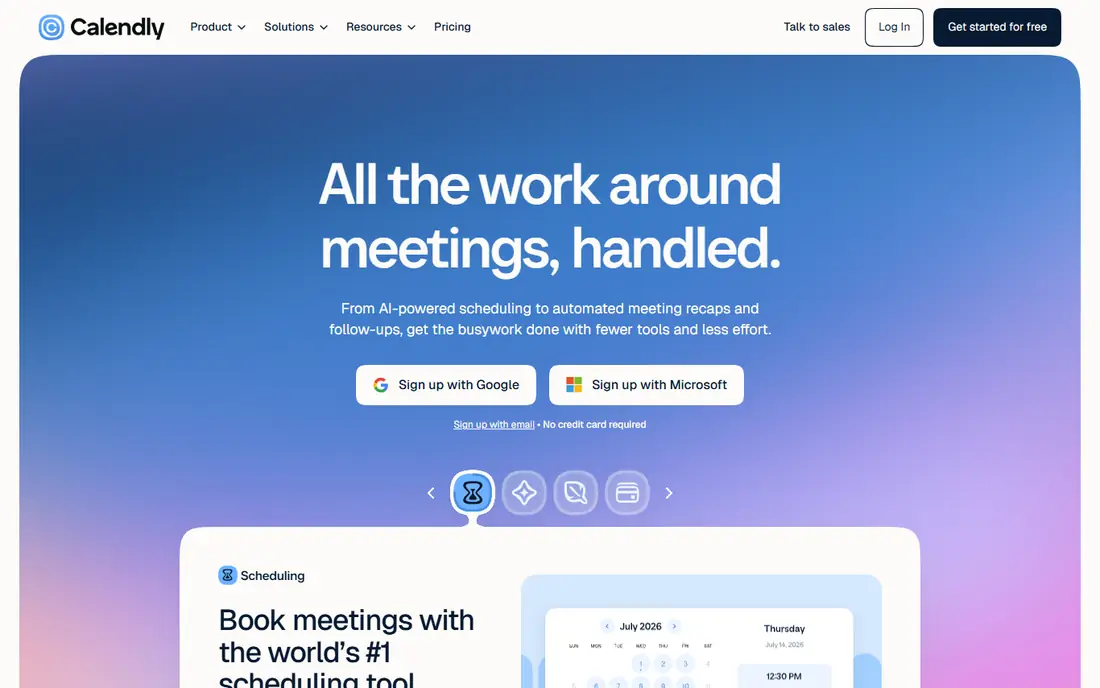
Calendly solves one problem very well. Instead of trading emails to find a time, you share a link, the other person picks a slot from your real availability, and the meeting is booked with video details included. Standard paid plans add more event types, team routing, workflows, and integrations, while the free plan is enough to test whether booking links suit your work.
The free plan limit is real, since one event type runs out fast if you offer calls, demos, and interviews. Paid pricing is per seat, so a growing team should check the total cost before rolling it out to everyone. For solo consultants, sales staff, and support teams who book many external meetings, Calendly remains the simplest booking layer to set up and explain to clients.
- Fast booking links
- Clear availability rules
- Wide calendar and video integrations
- Free plan allows only one event type
- Paid plans charge per seat, so team costs add up
Cal.com is a strong alternative to Calendly, especially for solo users. The free plan covers unlimited event types and bookings for one user, which removes the single-event limit that frustrates Calendly free users. Teams can use paid plans, and organisations that want more control can explore self-hosting, though that route needs technical care.
Cal.com is not quite as instant as Calendly for a first-time user, because its flexibility means more settings to review. The booking pages are clean, the calendar connections are solid, and the open source core gives technical teams a level of control that closed tools do not offer. If price and flexibility matter more than the fastest possible setup, Cal.com deserves a trial.
- Free solo plan with unlimited event types
- Open source core
- Team plans and self-hosting options
- More setup than plug-and-play rivals
- Team features need a paid plan
Reclaim works inside the calendar you already use, which is its main advantage. It blocks focus time, schedules tasks and habits around meetings, and offers scheduling links that respect your priorities, so a busy week does not push deep work to the margins. The free Lite tier lets you test the core idea before paying, and paid plans add more links, habits, and team features.
Reclaim does not replace your calendar, and it does not support Apple Calendar, so Apple-only users should look elsewhere. The free tier also has limits on range and features that can feel tight for long-range planning. For Google and Outlook users who keep losing focus time to meetings, Reclaim is the most practical fix on this list.
- Auto-schedules tasks and habits
- Defends focus time on Google and Outlook calendars
- Free Lite tier
- No Apple Calendar support
- Free tier covers a shorter scheduling range than paid plans
Motion takes a different approach from the other apps here. Instead of adding a layer to your calendar, it tries to plan your day for you, placing tasks and meetings on your calendar and rebuilding the plan when something moves. For people with many deadlines, projects, and shifting priorities, that automatic planning can save a daily planning session.
The cost and commitment are higher. Motion has no free tier, only a trial, and its price reflects a full workspace rather than a single calendar feature. You also need to move tasks and projects into Motion for the planning to work well, which is a bigger change than adding a booking link. Try it only if you will use it as your main workspace, not as a side tool.
- Combines tasks, projects, calendar, and docs
- Auto-schedules work when plans change
- Strong for deadline-heavy days
- No free plan
- Price is higher than a calendar or booking tool alone
- Switching your whole workflow takes effort
Fantastical is a calendar client, not a booking platform, and it shines for Apple users who want a faster way to view and enter events. You can type an event in plain words, see multiple calendars in clear day, week, and month views, and use widgets that keep the next few events visible. The basic version is free, and the premium plan adds more features at a monthly price when billed annually.
Fantastical will not defend focus time like Reclaim or route bookings like Calendly, so pair it with one of those tools if you need that layer. Its strength is daily use. If you open your calendar many times a day, check events on the move, and value speed over automation, Fantastical makes that routine feel lighter.
- Fast natural-language event entry
- Clean Apple device apps
- Good calendar views and widgets
- Premium features need a subscription
- Scheduling and booking depth is thinner than Calendly or Reclaim
Sunsama is a daily planner that sits on top of your calendar and task tools. Each day, you pull tasks from connected apps into a single plan, estimate how long each one will take, and place them on your calendar. The guided flow helps people who feel busy but unfocused, because it forces a choice about what will actually get done today.
Sunsama only works if you do the ritual. On days you skip it, the app adds little, and the lack of a permanent free plan means you should use the trial properly before paying. For people who like a short morning planning habit and want tasks and calendar in one view, Sunsama is a thoughtful alternative to a purely automatic scheduler like Motion.
- Guided daily planning ritual
- Pulls tasks from other tools into one day plan
- Calm, focused layout
- No permanent free plan
- Only helps on days you actually do the planning ritual
How we picked these
We compared official pricing pages, feature pages, and app listings, and we left out tools that have closed, including Clockwise, which shut down in March 2026. Each app here is still active in October 2026, covers at least one clear scheduling job, and states its free or trial terms. We weighed price, calendar support, booking quality, focus protection, and ease of setup, so a strong tool in one layer was not marked down for lacking a different layer.
How to choose the right scheduling layer
Start by naming the problem. If people struggle to book time with you, you need a booking tool such as Calendly or Cal.com. If meetings keep eating your focus time, you need a defence tool such as Reclaim. If your task list and calendar never match, you need a planner such as Motion or Sunsama. If none of those problems is pressing, Google Calendar or Outlook Calendar alone is enough, and adding more tools will only add noise.
Next, check the basics that cause most failures. Confirm the app connects to the calendar your team uses, handles your time zones, and lets guests book without creating an account where that matters. Test sharing with a colleague and a client before you pay, because a tool that works well alone can still fail when other people must use it.
Finally, count the full cost. Per-seat pricing looks small for one person and grows fast for a team, while a free solo plan can be perfect for an individual. Start free where possible, run a two-week trial with real meetings, and only pay for the layer that clearly saved time during that trial.
Frequently asked questions
What is the best schedule app for most people?
Google Calendar is the best starting point for most people, because it is free, widely used, and easy to share. Add Calendly or Cal.com for booking links, or Reclaim for focus time, only when you have a clear need for that extra layer.
What is the best schedule app for booking meetings with clients?
Calendly is the simplest choice for client bookings, while Cal.com is a strong, lower-cost alternative with a more generous free solo plan. Pick Calendly for the fastest setup and widest familiarity, and Cal.com when unlimited free event types and flexibility matter more.
Can a schedule app protect my focus time?
Yes, Reclaim is built for that job on Google and Outlook calendars, by blocking focus time and scheduling tasks around meetings. Google Calendar and Outlook Calendar alone do not offer the same automatic defence, so they work best when paired with a tool like Reclaim.
Is there a free schedule app that is actually useful?
Yes. Google Calendar, Outlook Calendar, Calendly, Cal.com, and Reclaim all offer free tiers that cover real daily use. The limits usually sit in event types, scheduling range, or advanced team features, so check those limits against your actual week before you upgrade.
What happened to Clockwise?
Clockwise shut down in March 2026 after its team joined Salesforce, so it is no longer a safe pick for new users. Reclaim is the closest practical replacement for focus protection on Google and Outlook calendars, and former Clockwise users should export any data they still need from their own calendars.
Should I use one schedule app or several together?
Use one app per layer and no more. A base calendar plus one booking tool or one focus tool is a sensible stack, while stacking several tools from the same layer creates conflicts over who owns your calendar. Keep the stack small, and drop any tool that does not save time in a two-week trial.
Sources
- https://calendar.google.com
- https://outlook.live.com
- https://www.calendly.com
- https://cal.com
- https://reclaim.ai
- https://www.usemotion.com
- https://www.fantastical.com
- https://www.sunsama.com
- https://reclaim.ai/blog/scheduling-apps
- https://dev.to/shaam_ai/best-ai-scheduling-assistant-compared-reclaim-wins-on-value-4dld
See where you really rank - block by block
ProMapRanker scans Google Maps across a grid of your service area. Simple monthly plans from $19, white-label on every plan.
Start freeKeep reading
 bitly alternatives
Bitly Alternatives in 2026: 8 Tools Compared
Compare the best Bitly alternatives for branded short links, with free tiers, custom domains, analytics, and pricing that suits creators and small teams.
Read → bill.com alternatives
Best Bill.com Alternatives in 2026
Looking for bill.com alternatives? We compared 9 bill pay and AP automation tools on price, approvals, and accounting sync to help you switch with confidence.
Read → betterhelp alternatives
BetterHelp Alternatives in 2026
We compared BetterHelp alternatives for online therapy, covering Talkspace, Grow Therapy, Rula, Brightside and more on price, insurance and format in 2026.
Read →