 ProMapRanker
Best Ringtone App in 2026: 8 Apps Compared

Key takeaways
- Zedge is the simplest all-round pick for ready-made ringtones, wallpapers, and notification sounds on both Android and iPhone.
- iPhone users need M4R files or an app that handles iPhone setup, while Android users can usually set an MP3 directly.
- Making a tone from your own music needs a cutter such as GarageBand or InShot, not just a download library.
- Free ringtone apps include ads and some paid extras, so check the format and the price before downloading a large set.
Quick comparison
| Pick | Great for | Pricing starts at | Free tier | |
|---|---|---|---|---|
 Zedge | All-round ringtone and wallpaper discovery | Free | Yes | Visit |
 Tones7 | Fast downloads in MP3 or M4R | Free | Yes | Visit |
 Mobcup | Simple ringtone and wallpaper browsing | Free | Yes | Visit |
 Phoneky | A broad catalog for many phone types | Free | Yes | Visit |
 Mobile9 | Community ringtones and phone themes | Free | Yes | Visit |
 GarageBand | Making custom iPhone ringtones | Free | Yes | Visit |
 InShot MP3 Cutter | Precise trimming and fades on Android | Free | Yes | Visit |
 Audiko | Finding and trimming music clips online | Free | Yes | Visit |
The best ringtone apps
We compared catalog size, creation tools, platform support, file formats, and cost. The list mixes app libraries, web download sites, and cutters, because no single tool does every job well.
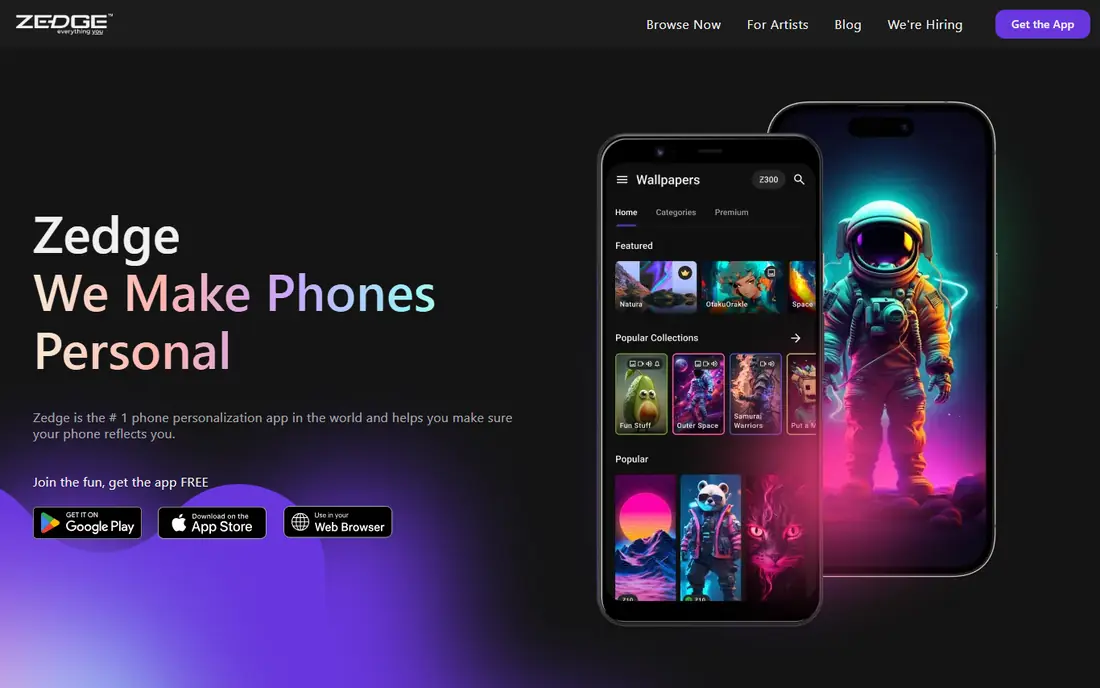
Zedge is our pick for most people who simply want a new ringtone without making one. Browsing by category, previewing a tone, and saving favourites feels quick, and the same app also covers wallpapers and notification sounds. That breadth is why it appears at the top of so many ringtone lists.
The free version includes ads, and premium content sits behind a paid plan. Android users can usually set a downloaded tone directly, while iPhone users should follow the app guidance for getting the tone into Settings. For ready-made choice with little effort, Zedge remains the easiest starting point.
- Large catalog of ringtones and wallpapers
- Easy preview before download
- Works on Android and iPhone
- Ads in the free version
- Some content needs a paid premium plan
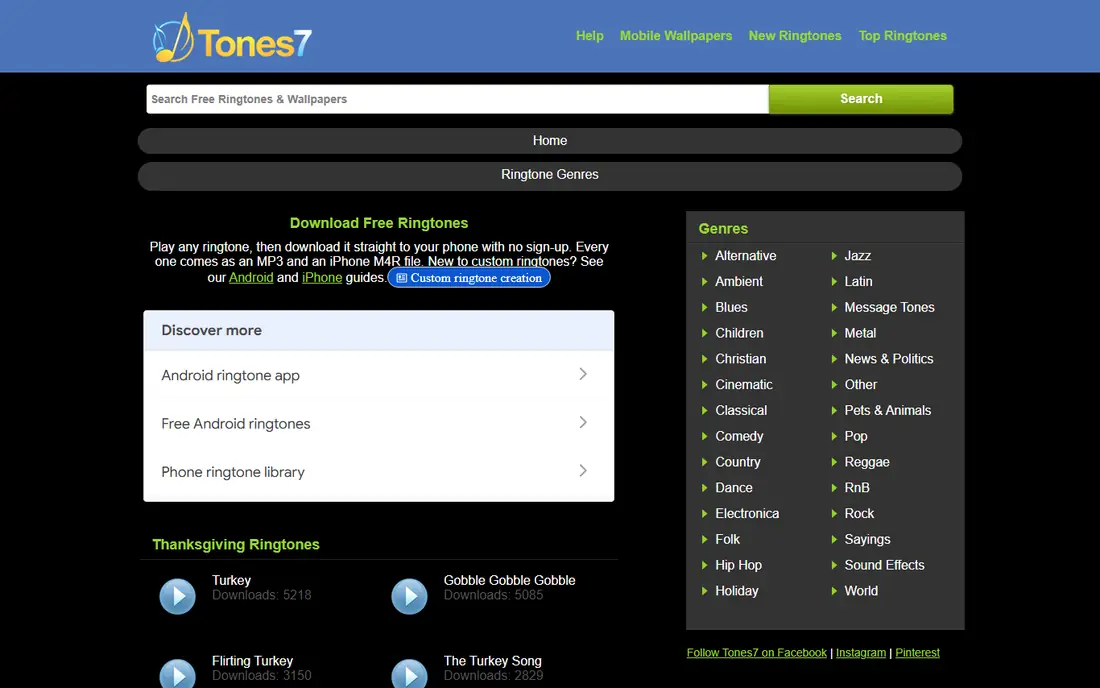
Tones7 suits users who want one tone quickly and do not want to install another app. Search, preview, and download take only a few taps, and the M4R option helps iPhone users who often struggle with Android-focused tools. It is a practical backup when an app library does not have the exact sound wanted.
The trade-off is that Tones7 is mainly a download site. It does not trim your own songs or manage a phone theme library. Use it for ready-made tones, and pair it with a cutter when you want a custom clip from your own audio.
- No account needed for basic downloads
- Offers M4R for iPhone
- Simple search and preview
- Web-based rather than a full app experience
- No built-in editing tools
Mobcup is a useful second library when Zedge or Tones7 does not have a particular tone. The layout is simple, categories are easy to scan, and downloads work from a browser on phone or computer. For users who like to collect a few tones at once, that simplicity matters.
It is not a maker tool, and the browsing experience is less polished than a dedicated app. Check the file type before downloading, especially on iPhone, and avoid any page that asks for unusual permissions or extra installs.
- Straightforward browsing
- Ringtones plus wallpapers
- Works in a browser
- Ads and site quality can vary by page
- Limited editing features
Phoneky has been around for years, and its catalog reflects that history. Users with older phones, or users looking for classic tones and themes, may find options that newer apps no longer carry. It works in a browser, so there is no need to install anything to browse.
The site design feels older than Zedge, and newer trending tones may be easier to find elsewhere. Treat Phoneky as a deep archive and a backup library, not as the only source for current sounds.
- Long-running catalog
- Content for many devices
- Categories for ringtones and wallpapers
- Older design
- Some content feels dated
Mobile9 suits users who enjoy community content and want more than a short list of popular tones. Uploads from many users widen the range, and the site also covers wallpapers and themes for a fuller phone setup. Browsing in a browser keeps the process light.
Community uploads mean quality is uneven, so preview every tone before setting it. Some pages carry ads, and the best experience comes from searching for a specific sound rather than browsing at random.
- Community uploads add variety
- Ringtones, wallpapers, and themes in one place
- Browser access
- Quality varies between uploads
- Site experience varies by device
GarageBand is the strongest maker option for iPhone users who want a tone from their own music or recording. It offers trimming, volume control, and editing in one app, and Apple provides guidance for exporting a project as a ringtone. That control beats any quick download when the goal is a personal clip.
It is not available for Android, and the process takes more steps than picking a ready tone. GarageBand fits users who enjoy editing and want an exact 30-second section, not users who want a new sound in under a minute.
- Free on Apple devices
- Full audio editing
- Exports tones for iPhone use
- IPhone and Apple devices only
- Takes longer than downloading a ready tone
InShot MP3 Cutter, from the makers of InShot, fits Android users who already own the audio they want to use. Trimming to a chorus, adding a fade, and saving an MP3 gives a clean custom tone without a large download library. The controls are more precise than a basic trim tool.
It does not solve iPhone file handling on its own, since iPhone ringtones still need the right format and transfer method. Android users get the smoothest result here, while iPhone users may prefer GarageBand for the full process.
- Waveform trimming and fade controls
- Works with local audio files
- Fast for custom clips
- Android-focused
- Some features may need a paid upgrade
- IPhone setup still needs a transfer step
Audiko remains useful as a website for searching music clips and trimming them online. Users who know the song they want can find a clip, adjust the section, and download it without installing a desktop editor. That search-first approach sets it apart from pure catalog sites.
We list it with a clear warning. Recent guides note that the Android app has not shipped an update since 2020 and the iPhone app is no longer in the App Store, so do not rely on the apps. Use the website only, check the current listing before paying for anything, and confirm the file format for your phone.
- Search by song and artist
- Online trimming tools
- No need to own editing software
- Android app has not been updated since 2020 and the iPhone app was removed, so use the website with care
- Ads on free use
How we picked these
We compared official sites, app store listings, and recent ringtone guides, and we checked platform and format support rather than assuming every app works the same on Android and iPhone. We kept tools that still offer ringtones or cutting in October 2026, and we noted where an app is out of date instead of quietly listing it as current. We did not claim hands-on testing that did not happen; our notes rest on published features, format details, and public listings.
Choosing the right ringtone app for your phone
Start with your phone type. Android users can pick almost any option here, since MP3 tones usually set directly from Settings. iPhone users should favour Zedge, Tones7, or GarageBand, because M4R support and the transfer step matter more than catalog size alone.
Next, decide between downloading and making. Download libraries suit users who want a finished tone fast. Cutters suit users who want a specific song section, a voice clip, or a fade at the start and end. Many people end up with one of each: a library for discovery and a cutter for personal tones. Always preview at full volume, since a tone that sounds fine on a speaker may be too quiet or too harsh as a ringtone.
Frequently asked questions
What is the best free ringtone app?
Zedge is the best free starting point for most users, thanks to its large catalog and easy previews. Tones7 is a strong free backup for quick downloads without an account.
What is the best ringtone app for iPhone?
Zedge and Tones7 work well because they offer iPhone-friendly options, and GarageBand is the best maker for custom iPhone tones. Android-only cutters can still help, but iPhone users need the M4R format and the right transfer step.
What is the best ringtone app for Android?
Zedge covers discovery, while InShot MP3 Cutter covers custom trimming from local music. Android users can usually set an MP3 tone directly, which keeps the process simple.
Can I make a ringtone from my own song?
Yes. GarageBand on iPhone and MP3 cutters on Android let you trim a song to a short clip. Use music you own or have the right to use, and keep the clip short so it works well as a ringtone.
Are free ringtone apps safe?
Stick to well-known apps and sites, preview before downloading, and avoid pages that ask for extra installs or unusual permissions. Free apps often include ads, and some content may need a paid plan.
Why does my iPhone ringtone not show up?
iPhone ringtones need the M4R format and must be added through the correct transfer method for your device. Check the format first, then follow the app or Apple guidance for adding the tone to Settings.
Sources
See where you really rank - block by block
ProMapRanker scans Google Maps across a grid of your service area. Simple monthly plans from $19, white-label on every plan.
Start freeKeep reading
 venmo alternatives
Venmo Alternatives in 2026: 8 Apps Compared
Venmo alternatives compared for sending money to friends, paying businesses and sending abroad, with fees, speed, limits and free plans explained here.
Read → splunk alternatives
Splunk Alternatives in 2026: 8 Tools Compared
Splunk alternatives compared for log search, observability and security analytics, with open source and managed options, free tiers and prices for teams.
Read → microsoft access alternatives
Microsoft Access Alternatives in 2026
Looking for microsoft access alternatives? We compare 8 database tools for teams that need web access, sharing, and apps without old desktop limits in 2026.
Read →