 ProMapRanker
Best Review Request Software for Medical Clinics in 2026

Requests plus private patient feedback · Pricing starts at: See website
Direct answer
GatherUp is my top pick for medical clinics because it sends review requests by text and email after a visit and lets staff route unhappy patients to a private form first. It has no free plan stated, so check its pricing page. Trustpilot fits clinics that want a public review profile, and Uberall suits multi-location practices that need listing and review management in one place.
I compared these tools from vendor documentation and public sources, not from hands-on tests. I looked at how each one fits the way a clinic actually works: appointments, front-desk staff, patient consent and multiple providers under one roof. The list below is ordered by fit for a typical clinic, not by size or marketing budget.
Key takeaways
- Clinics need review requests tied to the appointment, not to a generic mailing list, so timing and patient matching matter more than extra features.
- A private feedback step before the public review link is the safest way to hear complaints without pressuring patients.
- Text message requests usually reach patients faster than email, but you need consent and a clear opt-out.
- Multi-location practices should check whether the tool handles separate profiles, staff permissions and location-level reporting.
- No tool can guarantee reviews, and asking only happy patients for reviews breaks Google's rules.
Quick comparison
| Pick | Great for | Pricing starts at | Free tier | |
|---|---|---|---|---|
| GatherUp | Requests plus private patient feedback | See website | No free plan stated | Visit |
 Trustpilot | A public review profile patients recognise | See website | Free plan | Visit |
 Uberall | Multi-location clinics managing listings and reviews | See website | No free plan stated | Visit |
 Birdeye | Reviews plus patient messaging in one tool | See website | No free plan stated | Visit |
 Podium | Front-desk teams that text patients | See website | No free plan stated | Visit |
 NiceJob | Small clinics starting with review requests | See website | No free plan stated | Visit |
 Semrush Local | Clinics already using Semrush | See website | No free plan stated | Visit |
The best review request software for medical clinics compared
GatherUp is a review and feedback tool built around sending a request after a customer interaction. For a clinic, that maps well to the visit: the front desk or the practice management system triggers a request once the appointment is closed, and the patient gets a short message with a link. It suits single-location practices and small groups that want one place to see requests, responses and reviews.
The workflow detail that matters most for medical clinics is the private feedback step. Instead of sending every patient straight to a public review page, the tool can ask how the visit went first and route a low score to an internal form. That gives the practice a chance to call the patient back before a complaint lands in public. Staff can also send requests in batches or on a schedule, which helps when several providers finish clinics at the same time.
The limits are mostly about scale and integration. If your practice management system is not on the supported list, someone has to upload patient contacts or trigger requests manually, and that adds front-desk work. Clinics that need deep two-way integration with a specific EHR should confirm support before buying.
- Sends requests by text and email
- private feedback form before the public link
- simple dashboard for front-desk staff
- No free plan stated
- pricing needs a quote
Trustpilot is a public review platform rather than a clinic workflow tool. Its value for a medical practice is the profile itself: patients who search the clinic name see a review page with a recognisable brand, and the practice can reply to reviews in public. It fits clinics that want a review presence outside Google and are willing to invite patients by email.
For review requests, Trustpilot provides invitation tools on its paid plans, and you can import customer lists or connect through integrations. A clinic can send invitations after appointments, but the process is less tied to the visit than a dedicated request tool. There is no private feedback step in the same sense, so a patient with a complaint may go straight to the public page.
Skip Trustpilot if your main goal is Google reviews or if you need requests triggered automatically from appointment data. It works best as a second profile alongside your Google Business Profile, not as the only review channel.
- Widely recognised review brand
- free plan to start
- invitation tools on paid plans
- Free plan is limited
- less built around appointment data
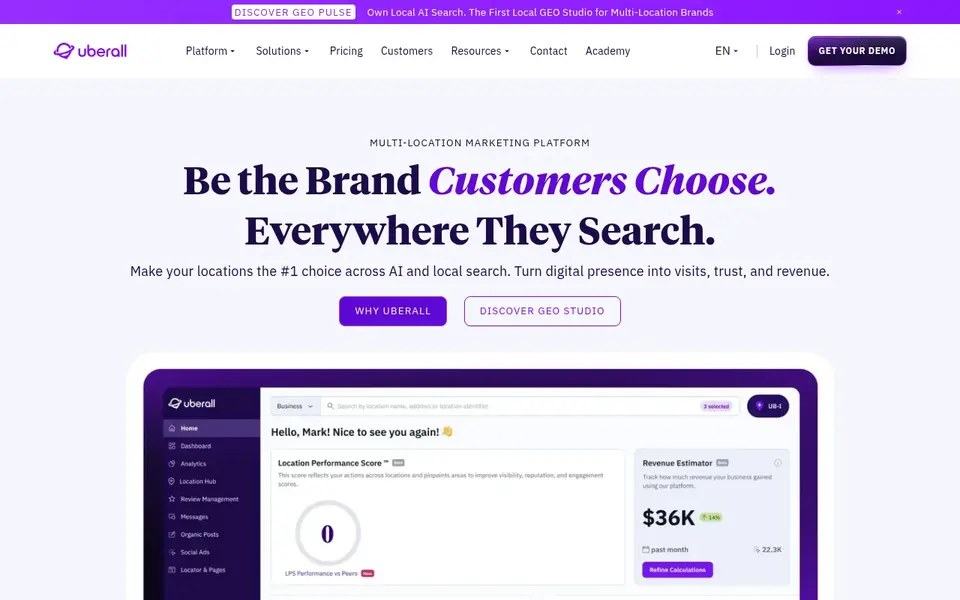
Uberall is a location marketing platform that handles business listings, local pages and review management across many locations. A clinic group with several sites, or a practice with providers at different addresses, can keep each profile consistent and see reviews in one dashboard. It is a better fit for groups than for a single small practice.
On the review side, Uberall collects reviews from major platforms and lets a central team reply. Some plans include review request tools, and the platform can connect to other systems for customer data. For a clinic, the practical gain is consistency: opening hours, address and phone stay the same everywhere, which supports local search as well as reviews.
The limits are cost and complexity. Setup takes more planning than a standalone request tool, and a one-room practice will pay for features it does not use. Small clinics should start elsewhere and revisit Uberall when they add locations.
- Manages listings and reviews together
- built for multiple locations
- central replies to reviews
- No free plan stated
- aimed at larger businesses
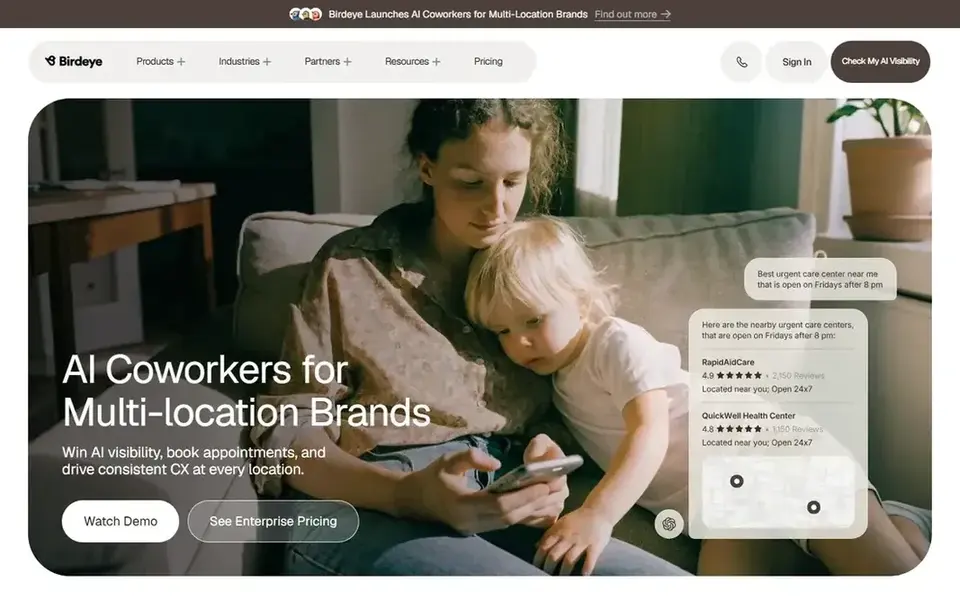
Birdeye combines review management with messaging, listings and survey tools. For a clinic, that means the same system can send an appointment reminder, ask for a review after the visit and collect feedback in one thread. Front-desk teams that already answer texts from patients may find the single inbox useful.
The review request flow is similar to other tools in this list: a contact list or integration triggers a request, and the patient lands on a review page or a private survey. Birdeye also supports review responses and reporting across locations, which helps a group spot a provider or site with repeated complaints.
The main caution is scope. A small clinic that only needs review requests will pay for messaging, listings and other modules it may never configure. Ask for a demo focused on the review workflow before committing.
- Review requests by text and email
- inbox for messages and reviews
- works across locations
- No free plan stated
- broad suite takes time to set up
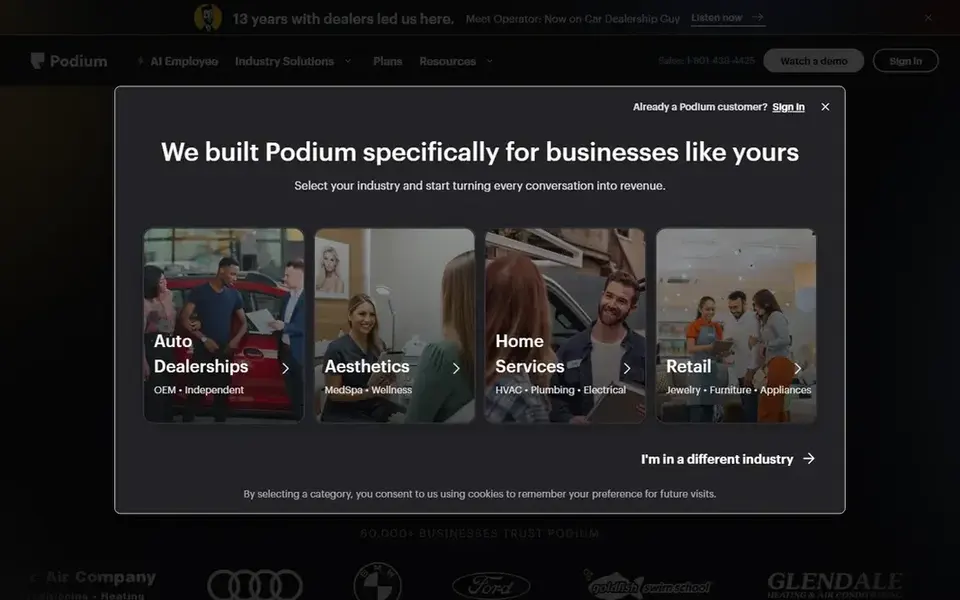
Podium is built around text messaging between a business and its customers. Clinics use it to answer questions, confirm appointments and send a review invite after the visit. Because patients already text the front desk, the review request arrives in a channel they check often, which tends to produce faster responses than email.
For a medical practice, the appeal is that one inbox covers patient messages and review invites. Staff can send a request manually after a visit or set up an automated sequence. Podium also offers review monitoring and responses, so the practice can reply without logging into each platform.
The trade-off is price and fit. Podium is priced for businesses that use messaging heavily, and a clinic that only wants review requests may find it expensive. Small practices should compare it with a dedicated request tool before choosing.
- Text-first communication
- review invites in the same inbox
- payments and messaging add-ons
- No free plan stated
- cost grows with locations and volume
NiceJob is a review and reputation tool aimed at small local businesses, including clinics and service providers. Setup is straightforward: add contacts, pick a request message and let the tool send invites by text or email. A single-location practice with one or two front-desk staff can run it without much training.
The tool also offers a feedback step and review monitoring, so the practice can see new reviews and reply. For a clinic, the useful part is the automation: requests go out on a schedule after visits, and reminders follow if the patient does not respond. That reduces the manual work of chasing reviews.
The limits show up as the practice grows. Groups with several locations and separate provider pages may need more reporting and permissions than NiceJob offers. Check whether it supports the number of locations you plan to run.
- Simple setup for small teams
- automated request campaigns
- review monitoring
- No free plan stated
- fewer options for large groups

Semrush Local is the local marketing add-on inside the Semrush platform. It manages business listings, monitors reviews and supports review requests, which makes it a reasonable choice for a clinic that already pays for Semrush for keyword or site work. Everything sits in one login.
For review requests, the tool can send invites and track responses alongside listing accuracy. A clinic that runs its own marketing in-house may like seeing local rankings, listings and reviews in one dashboard. The review request features are less specialised than a dedicated tool, so the private feedback step and appointment triggers need checking.
Skip it if you do not use Semrush elsewhere. The value comes from combining tools, and a clinic that only wants review requests will get more from a focused product.
- Listings and review management in one place
- fits an existing Semrush workflow
- location-level reporting
- No free plan stated
- review requests are one part of a wider platform
How I chose
I built this list from vendor documentation and public sources: product pages, help centres, feature lists and published integration details. I did not run hands-on tests, so I am describing what each vendor says its product does, not what I measured myself. Where a vendor does not publish pricing, I say so and point you to the pricing page.
I judged each tool on fit for a clinic rather than on feature count. That means appointment-based triggers, a private feedback step, consent handling for text messages, and support for multiple providers or locations. I also noted where a tool is broader than a small practice needs, because paying for modules you will not use is a common mistake.
What to check before you buy
- Confirm the tool can trigger a request from your practice management system, or plan for manual uploads and the staff time they cost.
- Check that requests go out after the visit is closed, not at booking, so patients are asked about care they have already received.
- Ask how the tool handles consent and opt-outs for text messages, and keep a record of consent for every patient you text.
- Make sure there is a private feedback path so unhappy patients reach the practice before they post in public.
- Check permissions so front-desk staff can send requests without seeing clinical notes or full patient records.
- Ask how reviews and responses are reported per location and per provider if you run more than one site.
Frequently asked questions
Can a medical clinic ask patients for reviews?
Yes, a clinic can ask patients for reviews as long as it asks everyone in the same way and does not offer incentives. Google's rules prohibit selectively asking only happy patients and prohibit review gating, where you screen out negative feedback before the public link. A private feedback step is fine when every patient can still leave a public review if they choose.
Is it allowed to text patients a review link?
Texting is allowed where you have consent and follow messaging rules, including a clear opt-out. Clinics should collect consent at intake, keep a record, and avoid sending clinical details in the message. A short request with a link and an opt-out line is the usual approach. Check the rules that apply to your practice before you start.
Should the review request come from the doctor or the front desk?
Most clinics send from the practice name, with the provider named in the message. That keeps the sender consistent and avoids tying a request to one person's phone. Patients recognise the clinic, and the message can mention the provider they saw. Consistency also helps when staff change.
How soon after a visit should the request go out?
A short delay of a day or two gives the patient time to recover from the visit and still remember it. Sending during the appointment is too early, and waiting weeks lowers response rates. Test one timing, keep it the same for all patients, and adjust only if response rates stay low.
Do I need a separate tool if I already use my practice management system?
Some systems include a review request feature, so check before buying anything. If the built-in option cannot send texts, handle consent or route feedback privately, a dedicated tool fills the gap. Many clinics run both: the practice system holds records and the review tool sends requests.
Sources
See where you really rank - block by block
ProMapRanker scans Google Maps across a grid of your service area. Simple monthly plans from $19, white-label on every plan.
Start freeBrowse all guides
← Best Review Request Software for Ice Cream Shops in 2026Best Review Request Software for Recording Studios in 2026 →
 best review request software for demolition contractors
Best Review Request Software for Demolition Contractors in 2026
A demolition contractor's guide to review request software in 2026, comparing tools for automated asks, review monitoring and local visibility.
Read → best review request software for bed and breakfasts
Best Review Request Software for B&Bs in 2026
A practical guide to the best review request software for bed and breakfasts in 2026, compared from vendor documentation and public sources.
Read → best review management software for taxi companies
Best Review Management Software for Taxi Companies in 2026
A guide to the best review management software for taxi companies in 2026, compared from vendor documentation and public sources, with limits noted.
Read → google business profile audit
Google Business Profile Audit: A Free 30-Point Checklist
Run a free Google Business Profile audit with this 30-point checklist to find quick wins.
Read → accuranker alternatives
AccuRanker Alternatives in 2026
Compare the best AccuRanker alternatives for 2026, from full SEO suites to focused rank trackers, with pricing, keyword limits, and team fit for small teams.
Read → local seo for driving schools
Local SEO for Driving Schools
A local SEO guide for driving schools: Google Business Profile setup, reviews, and teen-driver and adult-student local SEO.
Read →More in Local SEO & Google Maps · All guides A to Z by date · Latest guides