 ProMapRanker
Best Review Request Software for B&Bs in 2026

Simple review collection for small properties · Pricing starts at: See website
Direct answer
My top pick for a bed and breakfast is Trustmary, because it is built around collecting and showing reviews with simple request flows that suit a small guesthouse team. It has a free plan, so you can start without committing to a paid tier. If you want a review platform with a wider reputation feature set, look at Grade.us, and if your main need is a guest feedback and reputation dashboard, Reputation.com is the other option worth comparing.
I compared these tools from vendor documentation and public sources rather than running hands-on tests. For a B&B the question is narrow: can the software get a polite request to a departing guest at the right moment, send them to the right review platform, and let a small team reply without a lot of admin? That is the lens I used here.
Key takeaways
- A B&B gets most of its bookings from a short list of review and map surfaces, so the request tool should push guests to the platform that matters most to you.
- Timing matters more than wording: a request sent at checkout or the morning after departure usually lands better than one sent a week later.
- Small properties need software that a two-person team can run from a phone, not a system that needs a marketing department.
- Review requests must follow Google's guidelines, which means no incentives, no review gating and no asking only happy guests.
- Check how each tool handles guest data and consent before you connect it to your booking system.
Quick comparison
| Pick | Great for | Pricing starts at | Free tier | |
|---|---|---|---|---|
| Trustmary | Simple review collection for small properties | See website | Free plan | Visit |
 Grade.us | Review campaigns run by agencies | See website | Free trial | Visit |
 Reputation.com | Reputation dashboards for larger groups | See website | Not stated | Visit |
 Birdeye | Review requests plus guest messaging | See website | Not stated | Visit |
 Podium | Guest texting with review requests | See website | Not stated | Visit |
 NiceJob | Simple review campaigns for small teams | See website | Free trial | Visit |
 Semrush Local | Listings and reviews alongside SEO | See website | Not stated | Visit |
The best review request software for bed and breakfasts compared
Trustmary is a review and social proof platform. It collects reviews through request links and forms, then lets you display selected quotes on your website. For a bed and breakfast that is a sensible split: the request side brings in fresh guest comments, and the display side gives your rooms page something more convincing than a stock photo of a breakfast table.
In practice you would create a request flow, add the link to your booking confirmation or departure email, and point guests to the review platform you care about. Because the free plan exists, a small B&B can test whether guests actually respond before paying for anything. The display widgets are useful for a site that lists rooms, breakfast details and local walks.
The limits are mostly about depth. If you run several properties and need a shared inbox, role permissions and reporting across locations, Trustmary is not the heaviest option. A single B&B or a small guesthouse with two or three rooms will find it sufficient.
- Review request flows are easy to set up
- Widgets let you show guest quotes on your site
- Free plan to test the basics
- Less known than the big reputation suites
- Advanced automation sits on paid tiers
Grade.us is a review management platform that agencies use to run campaigns for local clients. If your B&B works with a small SEO or marketing agency, this is the kind of tool that agency may already have, which saves you from buying and learning another system.
The workflow is campaign-based: you set up a request, choose the destination, and the platform tracks who was asked and who responded. For a B&B that hands its marketing to an agency, that structure keeps guest requests consistent across the season. The reporting also helps an agency show what it did, which matters if you pay monthly.
The trade-off is that the interface assumes a marketer. An owner who wants to send a request from a phone after checkout may find it more than needed. Skip it if you want something you can run entirely yourself with minimal setup.
- Built for review campaign management
- Supports multiple locations and clients
- Reporting aimed at marketers
- Designed with agencies in mind
- Less hospitality-specific than innkeepers might want
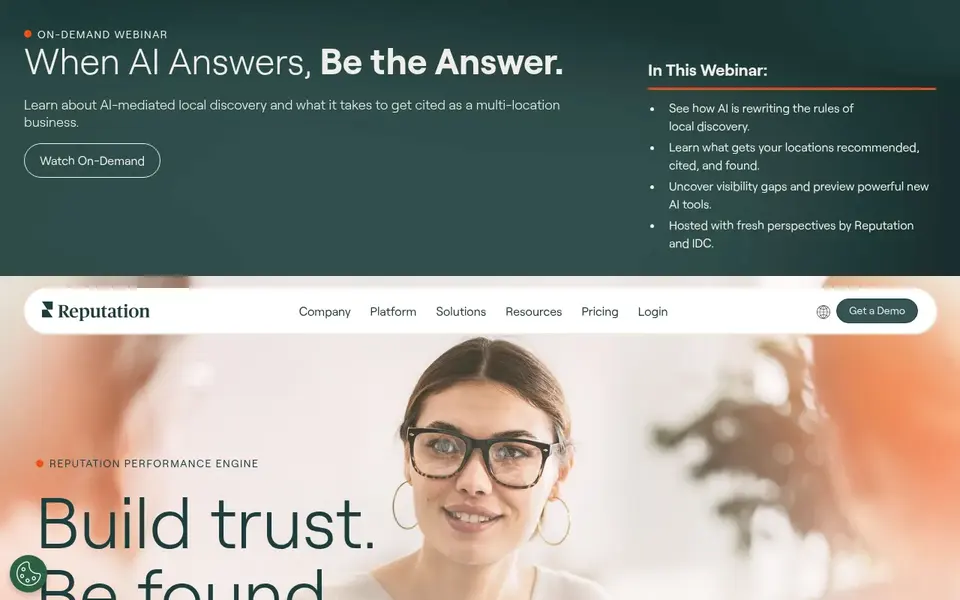
Reputation.com is a reputation management platform used by larger businesses, including hospitality groups. It brings reviews, surveys and customer feedback into one dashboard. For a B&B that is part of a small group or a collection of cottages, that central view can be useful.
For review requests, the platform can trigger asks after a stay and route guests to the review sites you choose. The value for a B&B group is consistency: every property asks in the same way, and head office can see response rates without chasing each innkeeper. Guest feedback surveys also give you a private channel for complaints before they become public reviews.
For a single property with four rooms, this is more system than you need. The setup usually involves a sales conversation, and the feature set is aimed at teams. Skip it unless you are running several properties and want one dashboard.
- Broad reputation management feature set
- Suited to multi-property operations
- Reporting for management
- Heavy for a single B&B
- Setup and pricing need a sales conversation
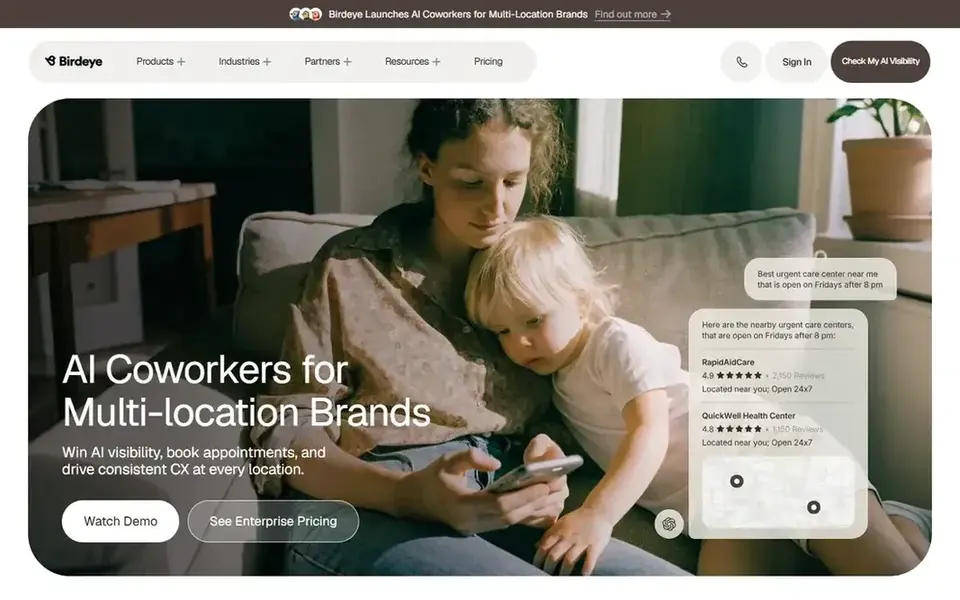
Birdeye is a reputation and customer experience platform that pairs review requests with messaging. For a B&B, the messaging side is the interesting part: a guest can text a question about check-in time or parking, and the same inbox can carry the review request after the stay.
That combination reduces the number of tools a small team juggles. You can ask for a review in the same thread where you answered a question, which feels more natural than a separate email. The platform also tracks requests and responses so you know which guests were contacted.
The downside is scale. Birdeye is built for businesses with steady customer volume, and a B&B with a short season may not use most of it. The pricing is quote-based, so ask for a clear breakdown before you commit.
- Combines review requests with messaging
- Inbox for replies in one place
- Broad integrations
- Large feature set to learn
- Pricing is quote-based
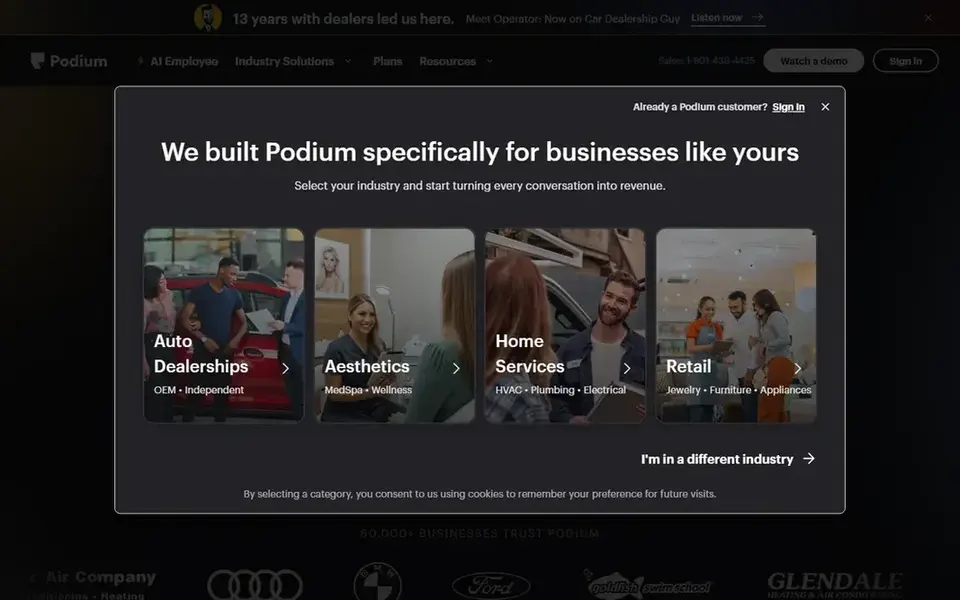
Podium is a messaging platform that local businesses use to text customers, collect payments and request reviews. For a B&B, texting fits the way guests already behave: they send a message about a late arrival, and you reply from your phone.
The review request can follow the same conversation after checkout. That is a natural sequence for a small property, and it avoids the problem of an email landing in a spam folder. The inbox keeps guest threads together so you are not hunting through personal messages.
Podium is priced by quote and built for businesses with a lot of customer contact. A tiny B&B may find the cost hard to justify against a simpler review tool. Ask about contract length and what happens in the quiet season before you sign.
- Text-based guest communication
- Review requests fit into the same thread
- Good for quick replies on the go
- Quote-based pricing
- Aimed at higher-volume businesses
NiceJob is a review and reputation tool aimed at small local businesses. It focuses on getting more reviews and putting them to work on your website and social profiles. The setup is deliberately simple, which suits an owner who does not want a training session.
For a B&B, you would add guest contacts after checkout, either manually or through an integration, and let the campaign send the request. The tool then helps you show the resulting reviews on your site. That is a practical loop for a property that wants fresh proof on its rooms page each season.
The limits show up if you need guest messaging or a shared inbox. NiceJob is about reviews, not conversations. If your main guest contact happens by text, a messaging-first tool may fit better.
- Straightforward campaign setup
- Built for small local businesses
- Review display options for your site
- Not hospitality-specific
- Fewer guest messaging features
Semrush Local is the local marketing part of the Semrush platform. It covers business listings, review monitoring and review requests. For a B&B that already uses Semrush for its website SEO, keeping local work in the same account avoids another login.
The review request feature sits alongside listing management, so you can fix your address and hours on the directories that matter and ask guests for reviews from the same dashboard. That is a tidy setup for an owner who handles their own marketing and wants one place to work.
One limitation is the platform. If you do not need keyword research or site audits, you are paying for a lot you will not use. A dedicated review tool is cheaper and simpler for a property that only wants guest requests.
- Listings management in the same place as SEO tools
- Review monitoring and requests
- Useful if you already use Semrush
- Part of a larger SEO platform
- Overkill if you only want review requests
How I chose
I started from vendor documentation and public sources, then filtered for how a bed and breakfast actually operates. A B&B has a short guest relationship: booking, stay, departure. The software has to fit that window, work from a phone, and be simple enough that whoever is cleaning rooms can also send a request. Tools built for agencies or large groups were judged on whether a small property could use a slice of them without paying for the rest.
I also looked at limits. Review gating, incentives and selective asking are out, because they break Google's review guidelines and put your profile at risk. I noted where a tool leans on messaging, where it leans on dashboards, and where pricing needs a sales call. I did not run hands-on tests, so treat the notes as a starting point and check current features on each vendor's site.
What to check before you buy
- Confirm which review platforms the tool can send guests to, and make sure Google and the travel sites your guests actually use are covered.
- Check that the request can be triggered after checkout, not only at booking, so the guest has stayed before being asked.
- Ask how guest contact details are stored and whether the tool supports consent and deletion requests.
- Test the owner experience on a phone, since most requests will be sent between checkouts.
- Confirm there is no review gating or incentive feature switched on by default, and turn it off if there is.
- Ask about contract length and off-season pricing if your B&B closes for part of the year.
Frequently asked questions
Do review requests to B&B guests break Google's rules?
No, as long as you ask every guest in the same way and do not offer discounts, upgrades or gifts in exchange for a review. Do not filter out unhappy guests before asking. Google's guidelines prohibit incentives and review gating, and a profile that looks manipulated can lose visibility in Maps.
Should I ask guests for a review at checkout or after they leave?
After they leave is usually better. At checkout the guest is rushed and thinking about the journey home. A request sent the morning after departure, or with your thank-you email, reaches them when they have had time to reflect on the stay.
Can I use the same tool for Google and travel site reviews?
It depends on the tool. Some send guests to Google, Facebook and a few directories, while travel platforms often have their own request systems. Check the destination list before you buy, and use the tool for the platforms it supports rather than forcing every guest through one link.
How many review requests should a small B&B send?
One polite request per stay is enough. A reminder a few days later is reasonable if the first went unanswered. More than that feels like pressure and can annoy a guest who might otherwise have written something positive on their own.
Do I need review software if I only have a few rooms?
Not always. A handwritten note with a review link works for a very small property. Software helps when you want consistent timing, a record of who was asked, and a simple way to show reviews on your website without editing pages by hand each month.
Sources
See where you really rank - block by block
ProMapRanker scans Google Maps across a grid of your service area. Simple monthly plans from $19, white-label on every plan.
Start freeBrowse all guides
← Best Review Management Software for Taxi Companies in 2026Best Review Request Software for Demolition Contractors in 2026 →
 best review management software for pediatric dentists
Best Review Management Software for Pediatric Dentists in 2026
A practical guide to the best review management software for pediatric dentists in 2026, compared from vendor documentation and public sources.
Read → best review management software for limo services
Best Review Management Software for Limo Services in 2026
A guide to the best review management software for limo services in 2026, compared from vendor documentation and public sources by Shihab Mia.
Read → best review management software for framing shops
Best Review Management Software for Framing Shops in 2026
A practical guide to the best review management software for framing shops in 2026, compared from vendor documentation and public sources.
Read → google business profile suspended
Google Business Profile Suspended? How to Get Reinstated
Profile suspended? Learn why GBP suspensions happen and the exact steps to get reinstated quickly.
Read → google my business categories
Google Business Profile Categories: How to Choose the Right Ones
Your GBP category is a top ranking signal. Learn how to pick the right primary and secondary categories.
Read → best llm rank tracker software
Best LLM Rank Tracker Software in 2026
Best llm rank tracker software compared on model coverage, prompt limits and price, including free options, so teams can track AI search visibility clearly.
Read →More in Local SEO & Google Maps · All guides A to Z by date · Latest guides