 ProMapRanker
Best Review Management Software for Pediatric Dentists in 2026

Reviews plus front-desk phone and messaging · Pricing starts at: See website
Direct answer
Weave is my top pick for pediatric dental practices because it combines review requests with the phone and messaging tools a front desk already uses every day. Pricing is quote-based, so you need to request a quote from the vendor. Reviewshake suits practices that want a focused, standalone review platform, and Signpost fits offices that want review requests handled alongside other front-desk follow-up.
I compared these tools from vendor documentation and public sources, not from hands-on tests. I looked at how each one handles review requests, replies, monitoring, and the front-desk workflow a pediatric dental office actually runs. The order below reflects fit for this audience, and pricing should always be confirmed with each vendor.
Key takeaways
- Pediatric practices get most reviews from parents, so the request has to reach the parent who books and pays, not just the patient.
- Software that sends requests by text after the appointment tends to fit the front-desk workflow better than email-only tools.
- Review monitoring matters because parents often mention wait times, sedation, and how staff handled a nervous child.
- A reply workflow with saved templates helps staff answer parents quickly without sounding scripted.
- Keep every request and reply inside Google's review policies: ask all parents, do not filter by expected rating, and never offer incentives.
Quick comparison
| Pick | Great for | Pricing starts at | Free tier | |
|---|---|---|---|---|
| Weave | Reviews plus front-desk phone and messaging | See website | Not stated | Visit |
 Reviewshake | Standalone review campaigns across sites | See website | Free trial | Visit |
 Signpost | Automated review requests with front-desk follow-up | See website | Not stated | Visit |
 Birdeye | Multi-location review and messaging | See website | Not stated | Visit |
 Podium | Text-based review requests and messaging | See website | Not stated | Visit |
 NiceJob | Simple review requests for small teams | See website | Free trial | Visit |
 Localo | Google Business Profile and review replies | See website | Free trial | Visit |
The best review management software for pediatric dentists compared

Weave is a communication platform for small healthcare and dental offices, and reviews are one part of it. For a pediatric practice, the value is that the same system handles missed calls, texts, and review requests, so the front desk is not juggling separate logins. It suits offices that want reviews connected to how they already talk to parents.
In practice, a request can go out by text after a visit, and replies land in a shared inbox where staff can answer parents who mention a long wait or a child who was scared. That reply habit is what turns a mixed review into a useful conversation. Because requests run through the same messaging channel parents already use, they are easy to act on.
The limit is scope. If you only want review software and already have a phone system you like, Weave is more than you need, and the quote process adds time before you can compare costs.
- Review requests tied to phone and messaging
- one inbox for patient conversations
- fits a busy front desk
- Quote-based pricing
- more product than a review-only practice needs
Reviewshake is a dedicated review management platform. It fits a pediatric practice that wants reviews handled well without replacing its phone or practice management setup. You connect your review profiles, load parent contacts, and run request campaigns on a schedule.
For this audience, the useful part is control over timing. A practice can send a request a day or two after the visit, when a parent has settled and is more likely to write. Templates can mention the child's visit in general terms without asking for a specific rating, which keeps the process within Google's guidelines. Replies are managed from the same dashboard.
Skip it if you want reviews bundled with texting and calls, since Reviewshake is narrower and works best alongside tools you already have.
- Sends requests to many review sites
- campaign scheduling
- reply tools in one dashboard
- Fewer phone and messaging features
- needs a clean patient contact list
Signpost focuses on automated customer communication, with review requests as a core piece. It fits pediatric offices that want requests to go out without someone remembering to send them, and it can follow up when a parent does not respond the first time.
The workflow is built around your patient list. New visits trigger a request, and the system tracks who has reviewed and who has not. For a practice with a steady stream of well-child visits and first dental appointments, that automation removes a manual step from a busy front desk. Monitoring shows new reviews so staff can reply while the visit is still fresh.
The main caution is integration. How cleanly it connects depends on your practice management system, so confirm that before you commit.
- Automated request sequences
- review monitoring
- follow-up messaging
- Setup depends on your patient system
- quote-based pricing
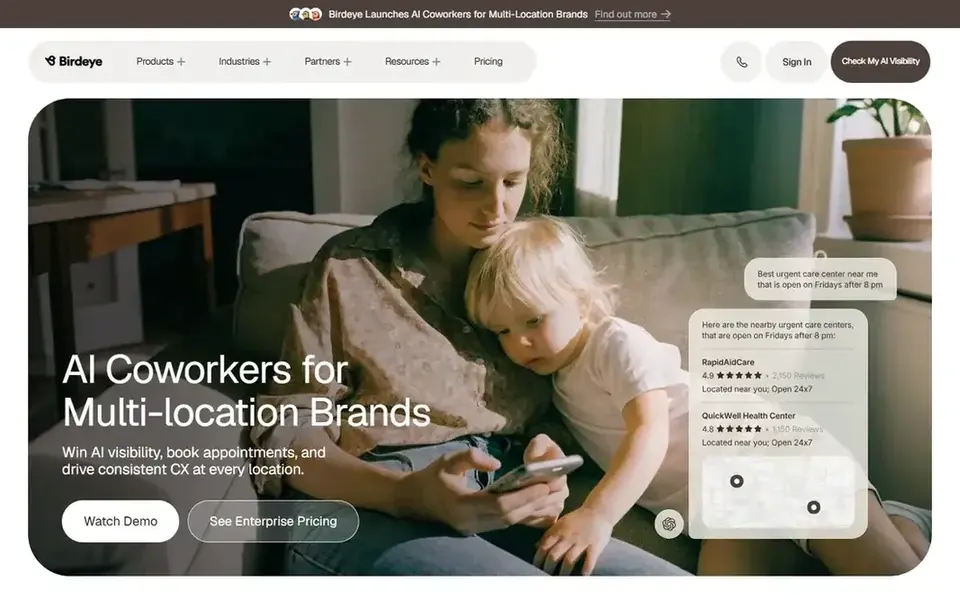
Birdeye is a reputation and messaging platform used by businesses with several locations. A pediatric dental group with two or three offices can use it to keep review requests and replies consistent across sites, rather than each office running its own process.
For a group, the value is oversight. You can see which location is collecting reviews, which is falling behind, and where parents are raising the same complaint, such as parking or wait times. Replies can be handled centrally or delegated to each office. Requests go out by text or email and can be scheduled around appointment types.
A single-location practice will likely find it oversized and should compare it against a simpler tool before booking a demo.
- Review requests across locations
- unified inbox
- reporting by location
- Larger product than one office needs
- quote-based pricing
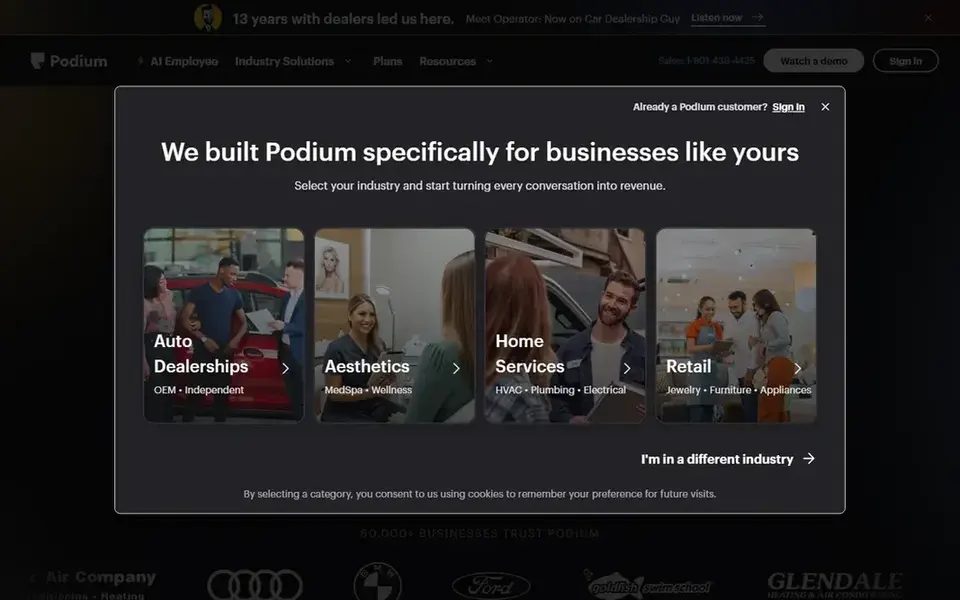
Podium is built around text messaging, with review requests as a central feature. It fits pediatric practices where parents already prefer texting, and it keeps review requests and general questions in one place so nothing gets lost between channels.
For this audience, the text-first approach matters. A parent who books for a toddler is often managing the visit from a phone, so a short text with a review link is easier to act on than an email. Staff can reply to questions and review responses from the same inbox, which keeps the tone consistent. Templates help new front-desk staff answer without writing from scratch.
The trade-off is that it is a broader messaging product, so a practice that only wants review requests may pay for features it will not use.
- Text-first review requests
- shared inbox for parent messages
- review monitoring
- Quote-based pricing
- needs staff training to use well
NiceJob is a review and reputation tool aimed at small businesses, and it suits a single pediatric office with a small front-desk team. The setup is simple: add contacts, choose when requests go out, and watch reviews come in.
For a pediatric practice, the appeal is low overhead. Staff do not need a long training session to send requests or reply to a review. The tool can also show which requests led to reviews, so the office can adjust timing. It works well as a first review system for a practice that has never asked parents systematically.
If you run several offices or want reviews tied into phone and messaging, NiceJob will feel limited, and a larger platform is a better fit.
- Straightforward request campaigns
- review monitoring
- easy for small teams to learn
- Less depth in multi-location reporting
- fewer messaging features
Localo is a local marketing tool centered on Google Business Profile. It fits a pediatric practice that wants to manage its profile and reviews in one place, especially one that gets most of its new patients from Google Maps searches like "pediatric dentist near me."
For reviews, it shows new Google reviews and gives you a place to reply. That matters for a practice because parents often read the replies before booking, and a calm, specific answer to a concern about a nervous child can do more than the review itself. Profile management also lets you keep hours, photos, and services current, which supports the same local search visibility.
The limit is that it centers on Google. If you want requests sent automatically after visits or reviews collected on other sites, you will need another tool alongside it.
- Google Business Profile management
- review monitoring and replies
- local rank tracking
- Narrower than a full messaging suite
- focused mainly on Google
How I chose
I built this list from vendor documentation and public sources, including each product's own pages and help content. I did not run hands-on tests, so I am not claiming first-hand experience with any of these tools. Instead I looked at what each vendor says it does and matched that to how a pediatric dental office actually works: parents book and pay, children are the patients, and the front desk is the busiest point of contact.
The second filter was fit and limits. A tool that bundles reviews with phone and messaging suits an office that wants one system, while a standalone review platform suits a practice that already has its front-desk tools in place. I also checked whether each product supports monitoring and replies, since a review request without a reply workflow leaves half the job undone. Where pricing was not public, I noted it rather than guessing.
What to check before you buy
- Confirm the tool can send requests to the parent or guardian on file, not just the child's contact details.
- Check whether requests go out by text, email, or both, and whether you can set the delay after a visit.
- Ask how replies are handled: shared inbox, saved templates, and who on staff can respond.
- Confirm the tool follows Google's review policies, including no review gating and no incentives for reviews.
- Check integration with your practice management system so request lists stay current without manual exports.
- Ask about setup help and training for front-desk staff, since adoption decides whether requests actually go out.
Frequently asked questions
What is the best review management software for pediatric dentists?
Weave is my top pick because it connects review requests with the phone and messaging a front desk already uses. Reviewshake and Signpost are good alternatives if you want a more focused review tool or automated request sequences. The right choice depends on whether you want reviews bundled with communication tools or kept separate.
How should a pediatric dental practice ask for reviews?
Ask every parent after the visit, using a neutral request that does not filter by expected rating. Send it by text or email a day or two later, and keep the message short. Do not offer discounts, gift cards, or prizes for reviews, and do not ask staff to write reviews on a parent's behalf. Google's policies apply to every request.
Can we reply to negative reviews about a child's visit?
Yes, and you should. Reply calmly, avoid discussing clinical details, and invite the parent to contact the office directly. Keep the reply short and specific to the concern, such as wait time or communication. A measured reply shows other parents how the practice handles problems, which matters when they are choosing a dentist for a child.
Do review tools work for a practice with several offices?
Yes, but check the reporting. Multi-location tools like Birdeye let you see reviews by office and keep replies consistent. For a small group, confirm that each location has its own Google Business Profile linked correctly, since requests and replies depend on the right profile being connected.
Is a free trial enough to judge review software?
A trial helps you see the request flow and reply dashboard, but it may not show how the tool handles a full month of visits. Use the trial to test sending a request, replying to a review, and exporting a contact list. Then ask the vendor how setup and staff training work before you decide.
Sources
See where you really rank - block by block
ProMapRanker scans Google Maps across a grid of your service area. Simple monthly plans from $19, white-label on every plan.
Start freeBrowse all guides
← Best Review Management Software for Limo Services in 2026Best Review Management Software for Taxi Companies in 2026 →
 best review management software for framing shops
Best Review Management Software for Framing Shops in 2026
A practical guide to the best review management software for framing shops in 2026, compared from vendor documentation and public sources.
Read → best review management software for car rental companies
Best Review Management Software for Car Rental Companies in 2026
A guide to the best review management software for car rental companies in 2026, covering review requests, reputation monitoring and local listings.
Read → best review management software for asphalt contractors
Best Review Management Software for Asphalt Contractors in 2026
A practical guide to the best review management software for asphalt contractors in 2026, covering review requests, replies, and Google Business Profile tools.
Read → google local rank tracker
Google Local Rank Tracker: Track Maps and Organic Local Together
Track both Google Maps and organic local rankings in one place with a geo-grid Google local rank tracker.
Read → bright local seo
Bright Local SEO: A Complete Guide
Everything you need to know about bright local seo: what it is, why it matters for local SEO, and exactly how to act on it.
Read → best local seo experts
Best Local SEO Experts: A Complete Guide
Everything you need to know about best local seo experts: what it is, why it matters for local SEO, and exactly how to act on it.
Read →More in Local SEO & Google Maps · All guides A to Z by date · Latest guides