 ProMapRanker
Best Review Request Software for Carpet Cleaners (2026)

Job-based review requests for small crews · Pricing starts at: See website
Direct answer
NiceJob is my top pick for carpet cleaners because it is built around the job-completion moment, which is exactly when a carpet cleaning customer is most willing to leave a review. It offers a free trial, so you can test the request flow before committing. For teams that want review requests folded into a wider local marketing stack, Semrush Local and GatherUp are the two alternatives I would look at first.
I put this comparison together from vendor documentation and public sources, not from hands-on testing. I looked at how each tool fits the way carpet cleaning businesses actually book, schedule and finish jobs, and where each one stops being a good match.
Key takeaways
- Carpet cleaning reviews work best when the request goes out within a few hours of the technician leaving, while the clean carpets are still fresh in the customer's mind.
- Software that pulls customer details from your job management tool saves the front desk from retyping names and phone numbers after every job.
- A short request with a direct link to your Google Business Profile review form converts better than a long email asking for feedback first.
- You need a way to route unhappy customers to a private complaint channel, but you must never filter or gate who gets asked for a public review.
- Text message requests usually suit carpet cleaners better than email because most bookings are made by phone and the customer's mobile number is already on file.
Quick comparison
| Pick | Great for | Pricing starts at | Free tier | |
|---|---|---|---|---|
| NiceJob | Job-based review requests for small crews | See website | Free trial | Visit |
 Semrush Local | Reviews plus listings for multi-van operators | See website | No free plan | Visit |
 GatherUp | Collecting reviews across several platforms | See website | Free trial | Visit |
 Grade.us | Managing review flow across service areas | See website | Free trial | Visit |
 Whitespark | Citation and review work through an agency | See website | No free plan | Visit |
 Podium | Texting and reviews in one inbox | See website | No free plan | Visit |
 Jobber | Carpet cleaners already running jobs through field software | See website | Free trial | Visit |
The best review request software for carpet cleaners compared
NiceJob is designed for service businesses that finish a job and want a review request to follow it automatically. For a carpet cleaner, that maps neatly onto the end of a visit: the technician marks the job done, and the customer gets a short message with a link to your Google review form. It suits owner-operators and small crews who want one clear workflow rather than a full marketing platform.
The workflow detail that matters for carpet cleaning is timing. Jobs are usually booked days ahead, so the customer record already exists before the van arrives. When the job is closed out, the request can go out the same afternoon. Because most carpet cleaning customers are residential and contact you by mobile, text requests tend to fit better than email. NiceJob supports both, and it keeps a record of who was asked so you do not pester the same household twice.
The limit is scale and complexity. If you run several vans and want reviews tied to individual technicians, or you want review requests combined with a full local listings audit, you will outgrow it. Solo cleaners with only a handful of jobs a month may also find the value thin.
- Built around completed jobs
- simple text and email requests
- tracks who has reviewed
- Review features work best once you send after every job
- less useful for businesses with very few jobs per week
Semrush Local bundles review management with local listing management, which helps carpet cleaners who serve several towns and want their business details consistent across directories. If you are growing from one van to three and adding service areas, keeping name, address and phone consistent matters as much as collecting reviews, and this tool covers both in one place.
For review requests, the practical use is a steady ask after each completed job plus a dashboard that shows how review volume and rating move over time. That helps an owner spot a month where requests quietly stopped going out. It also suits an agency running local SEO for cleaning companies, because one login can hold several client profiles.
Skip it if you are a one-person operation that only wants a simple post-job text. The product is broader than that job, and there is no free plan to try it out casually.
- Combines review management with local listings
- useful reporting for owners
- fits agencies managing several cleaning businesses
- Bigger product than a single-van owner needs
- no free plan
GatherUp is a review collection and customer feedback tool. For carpet cleaners, its value is that it can ask for a review on Google and other platforms, so customers who prefer Yelp or Facebook still have a route. It also gives you a private feedback step, which is useful when a customer is unhappy about a stain that came back or a drying time that ran long.
The workflow fits a cleaning business that wants a repeatable process: job completed, customer added, request sent, response tracked. You can set up templates that mention the specific service, such as pet stain treatment or a deep clean, which reads better than a generic ask.
The trade-off is setup effort. You need to decide when requests go out and how follow-ups work, and the interface is aimed at marketers rather than technicians. A very small cleaner may find it heavier than needed.
- Sends requests by email and text
- collects feedback before directing customers to a public review
- supports multiple review sites
- Request timing needs planning
- interface has a learning curve
Grade.us runs review campaigns and lets you manage several locations from one account. That suits a carpet cleaning company with more than one branch or a franchise covering several towns, where each location needs its own review link and its own request schedule.
For the day-to-day, you can build a campaign that asks for a review after each completed job and route low ratings to a private form first. That is a guideline-friendly way to catch problems early without blocking anyone from leaving a public review. It also keeps a record of who was contacted.
The limit is that it feels like a marketer's tool. If your office manager just wants to send a text after each job, the campaign setup will feel like extra work.
- Campaign-based review requests
- supports multiple locations
- feedback routing before a public review
- Built with marketers in mind
- not aimed at field technicians
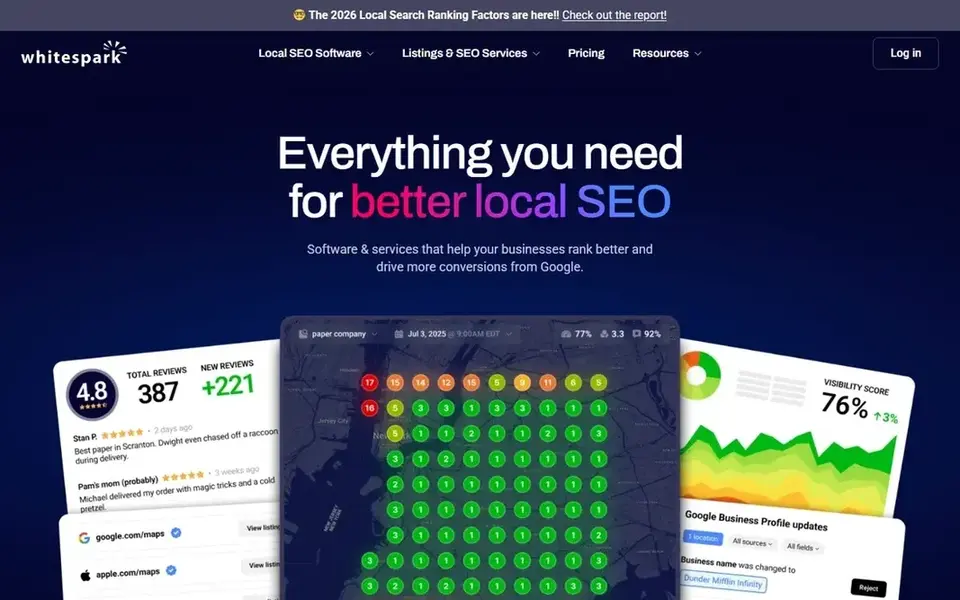
Whitespark is known for local citation building and local SEO tools, and it also offers review software aimed at agencies. For a carpet cleaner, the realistic use is through an agency that handles your listings and review requests together, rather than as a tool you log into yourself after each job.
If you run a cleaning business and also do your own local SEO, the citation side is genuinely useful: consistent business details across directories support the review profile you are building. The review component fits an agency workflow where one person manages requests for several clients.
Skip it if you want a simple post-job text tool. It is aimed at people doing local SEO work, not at a technician closing out a job.
- Strong citation and local listing tools
- review software for agencies
- well known in local SEO
- Not a self-serve request tool for a solo cleaner
- no free plan
Podium combines business texting with review invites. Carpet cleaners often get bookings by text and send arrival updates the same way, so having messages and review requests in one place avoids juggling two systems. When a job wraps up, the review invite can go out in the same thread the customer already used.
That continuity matters for a service where the customer is at home waiting for a van. A short text after the technician leaves, in the same conversation, feels natural rather than like a marketing blast. It also keeps a record of the conversation if a complaint follows.
The limit is cost and fit. It is built for businesses with a steady flow of messages, and a small cleaner who only wants review requests may be paying for a lot of features they do not use. There is no free plan.
- Text messaging built in
- review invites by text
- one inbox for customer conversations
- Priced for steady message volume
- more than a review tool
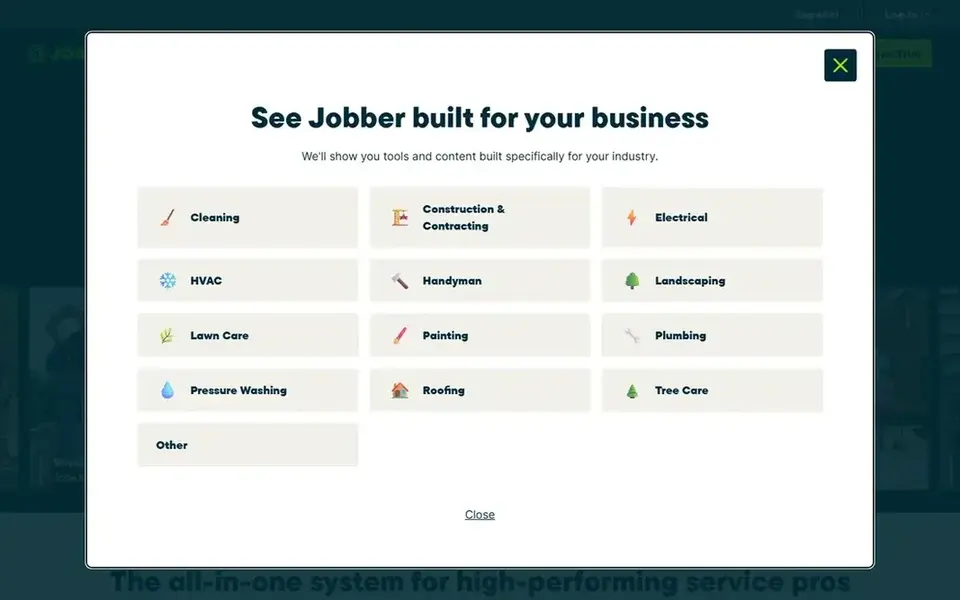
Jobber is field service software for scheduling, invoicing and customer records, and it includes review request features. If your carpet cleaning business already runs jobs, quotes and invoices through it, adding a review request after each completed job means no new system and no retyping customer details.
The workflow advantage is that the job record already knows the customer, the address and the service. When the job is marked complete, a request can follow. For a cleaner who wants one place for the whole job lifecycle, that is simpler than bolting a separate review tool onto the side.
The limit is that reviews are one feature among many. If reviews are your main goal and you already have scheduling sorted, a dedicated tool will give you more control over request timing and templates. There is a free trial.
- Scheduling, invoicing and review requests in one system
- customer records already in place
- fits field service work
- Review features are part of a bigger suite
- not a dedicated review tool
How I chose
I compared these tools from vendor documentation and public sources, not from hands-on testing. I started with the way carpet cleaning businesses actually operate: bookings by phone, jobs scheduled days ahead, a technician on site for a few hours, and payment at the end. Tools that fit that rhythm, especially ones that trigger a request when a job is closed out, ranked higher than general marketing suites.
I also weighed limits honestly. A one-van owner does not need a multi-location campaign builder, and an agency running local SEO for several cleaning companies does not want a tool built only for technicians. I noted where each product is broader than the job, where setup takes real effort, and where a free plan or trial exists so you can check fit before paying.
Finally, I kept the recommendations to practices that follow Google's guidelines: ask every customer, do not filter who gets asked, do not offer incentives for reviews, and do not stuff keywords into your business name. Any tool that encourages review gating or bought reviews is out, regardless of features.
What to check before you buy
- Confirm the tool can send a request by text, because most carpet cleaning customers book by phone and rarely check email.
- Check whether it can trigger a request when a job is marked complete in your scheduling or field software, so nobody has to remember.
- Make sure it links directly to your Google Business Profile review form rather than a generic landing page.
- Ask whether it supports several service areas or branches if you cover more than one town.
- Confirm it does not gate reviews, meaning every customer can be asked and every customer can reach the public review form.
- Check how it handles a negative response, so complaints reach you privately without blocking a public review.
Frequently asked questions
What is the best review request software for carpet cleaners?
NiceJob is my top pick because it is built around completed jobs, which matches how carpet cleaning works. Semrush Local suits multi-van operators who also want listing management, and GatherUp fits cleaners who want reviews collected across several platforms. All three are compared here from vendor documentation and public sources.
When should I send a review request after a carpet cleaning job?
Send it the same day, ideally a few hours after the technician leaves. The clean carpets are still fresh in the customer's mind, and the payment conversation has just happened. Waiting a week loses the moment, and waiting until a follow-up visit is too late for most residential customers.
Should I ask by text or email?
Text usually works better for carpet cleaners because bookings come in by phone and the mobile number is already on file. Email still has a place for commercial clients and property managers. Many tools let you use both, so match the channel to how the customer contacted you.
Can I offer a discount for leaving a review?
No. Google's guidelines prohibit offering incentives in exchange for reviews, and that includes discounts, gift cards and entries into a prize draw. Ask every customer the same way and let the review stand on its own. Software cannot fix a policy problem like that.
Do I need review software if I only do a few jobs a week?
Not always. At very low volume, a saved text template and a direct link to your Google review form can work. Software earns its place when you want requests to go out automatically after each job, when several staff close out jobs, or when you want a record of who was asked.
Sources
See where you really rank - block by block
ProMapRanker scans Google Maps across a grid of your service area. Simple monthly plans from $19, white-label on every plan.
Start freeBrowse all guides
← Best Review Request Software for Bike Shops in 2026Best Review Request Software for Dance Studios in 2026 →
 best review request software for appliance repair companies
Best Review Request Software for Appliance Repair Companies (2026)
A practical guide to review request software for appliance repair companies, comparing real tools on request workflows, SMS, follow-ups and local SEO fit.
Read → best review management software for veterinarians
Best Review Management Software for Veterinarians in 2026
A practical guide to the best review management software for veterinarians in 2026, compared from vendor documentation and public sources.
Read → best review management software for tree service companies
Best Review Management Software for Tree Services in 2026
A practical guide to the best review management software for tree service companies in 2026, compared from vendor documentation and public sources.
Read → local seo for daycare centers
Local SEO for Daycare and Childcare Centers
A practical local SEO playbook for daycare and childcare centers: GBP setup, parent reviews, and ranking near you searches.
Read → google business profile photos
Google Business Profile Photos: How Many, Which Types, and How Often
A practical guide to GBP photos: which types to upload, ideal counts, and how a fresh photo cadence helps rankings.
Read → how to show up on google maps
How to Show Up on Google Maps: A Beginner's Guide for Local Businesses
New to Google Maps? Learn how to get your business listed, verified, and visible to nearby customers searching for you.
Read →More in Local SEO & Google Maps · All guides A to Z by date · Latest guides