 ProMapRanker
Best Review Management Software for Urgent Care Clinics in 2026

Text-first review requests and patient messaging · Pricing starts at: See website
Direct answer
Podium is my top pick for urgent care clinics because it puts review requests, two-way texting and a shared inbox in one place, which matches how walk-in patients actually communicate. Podium has no free plan stated, so check its pricing page before you commit. GatherUp is a strong second for clinics that want simple feedback-first requests, and Birdeye fits multi-location groups that need review and reputation reporting across sites.
I compared these tools from vendor documentation and public sources, not from hands-on tests. I looked at how each one handles review requests, replies, patient messaging and multi-location reporting, then matched that to how urgent care clinics actually operate: walk-in traffic, short visits and front-desk staff who change shifts.
Key takeaways
- Urgent care runs on walk-ins and short visits, so software that sends a review request by text within minutes of checkout usually fits better than email-only tools.
- Review requests should never be filtered by star rating; Google's guidelines forbid review gating, so pick tools that ask every patient the same way.
- A shared inbox matters because front-desk staff rotate shifts and need to see which patient messages and reviews are already answered.
- Multi-location groups need location-level dashboards, since one clinic's reviews should not be mixed into another's reporting.
- Any tool you shortlist should let you reply to Google reviews from inside the app and keep a record of who replied.
Quick comparison
| Pick | Great for | Pricing starts at | Free tier | |
|---|---|---|---|---|
| Podium | Text-first review requests and patient messaging | See website | No free plan stated | Visit |
 GatherUp | Feedback-first review requests on a budget | See website | Free plan | Visit |
 Birdeye | Multi-location reputation reporting | See website | No free plan stated | Visit |
 NiceJob | Small clinics that want automated campaigns | See website | No free plan stated | Visit |
 Grade.us | Agencies managing several clinic clients | See website | Free trial | Visit |
 Local Falcon | Checking map visibility around each clinic | See website | Free plan | Visit |
 Uberall | Listings plus reviews for multi-site groups | See website | No free plan stated | Visit |
The best review management software for urgent care clinics compared
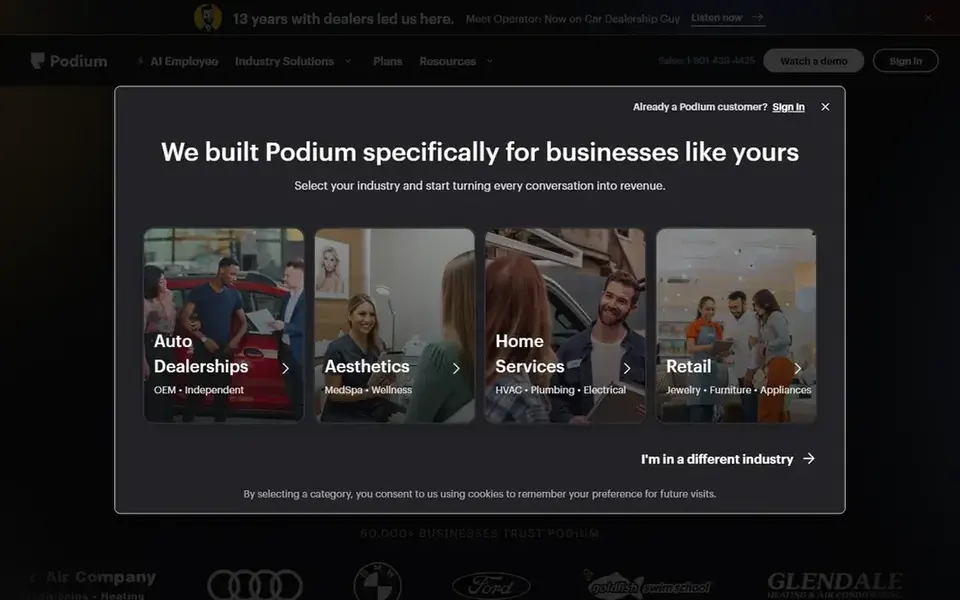
Podium is built around texting, which fits urgent care well because most patients carry a phone and check it within minutes of leaving. The platform combines review invitations, a shared inbox for patient messages and review reply tools, so the front desk is not jumping between apps during a busy walk-in period.
For an urgent care clinic, the useful part is timing. A request sent shortly after checkout catches the patient while the visit is fresh, and the shared inbox means the next shift can see what was already answered. Review replies stay inside the same tool, which keeps a record of who responded to which review.
The limit is cost and scope. Podium is quote-based, and a single-location clinic may pay for messaging features it does not use. Skip it if you only want a simple review request link and nothing else.
- Review requests go out by text right after a visit
- shared inbox keeps patient conversations in one place
- review replies can be handled inside the app
- Quote-based pricing
- more features than a single clinic may need
GatherUp focuses on the request itself. You set up a campaign, it sends the patient a request by email or text, and it can ask for private feedback first. That feedback-first step is useful for urgent care because a patient who had a long wait can tell you directly instead of only posting publicly.
The workflow is straightforward: import or connect patient contact details, choose a template, and let the campaign run. Replies to Google reviews can be handled from the dashboard, and the reporting shows which requests turned into reviews.
The limit is breadth. GatherUp is not a patient messaging platform, so if you want two-way texting with patients you will need something else. It suits a single clinic or a small group that wants review requests done well without a large stack.
- Asks for private feedback before directing patients to Google
- simple campaign setup
- works well for single clinics
- Fewer patient messaging features
- less depth for large multi-site groups
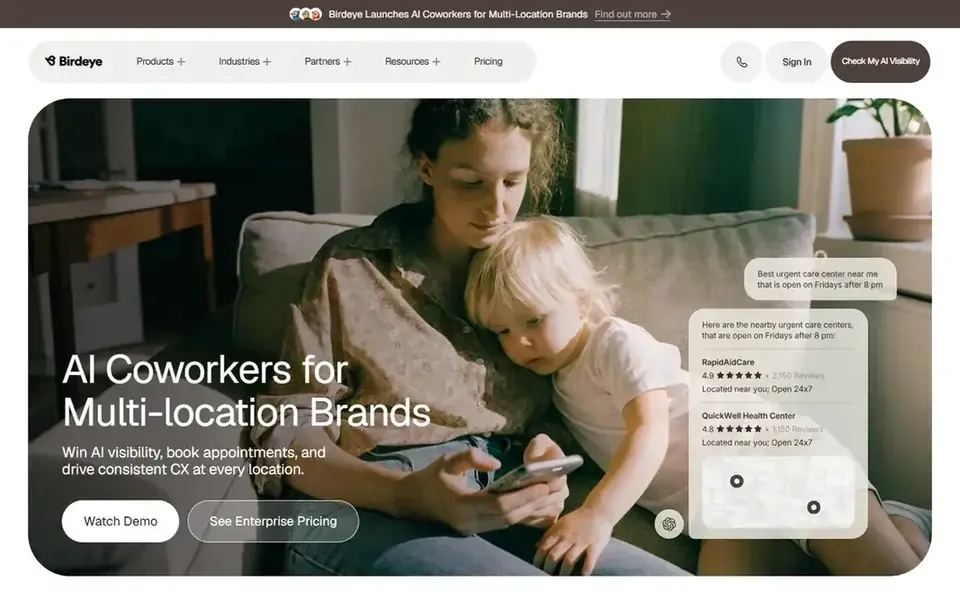
Birdeye is a reputation platform with strong reporting across locations. For an urgent care group with several clinics, that means each site can see its own review volume and replies without mixing data between locations.
The workflow covers review requests, review monitoring and replies, plus messaging features. A group operations lead can compare how each clinic is doing and spot a site that has gone quiet on reviews.
The limit is setup effort. Birdeye has more configuration than a single clinic needs, and pricing is quote-based. Skip it if you run one location and want something you can switch on in an afternoon.
- Location-level review dashboards
- review requests by text and email
- reply tools with team roles
- Setup takes more time
- quote-based pricing
NiceJob is aimed at small local businesses, and an urgent care clinic with one or two sites fits that profile. You connect your customer list, set a campaign, and the tool sends review requests on a schedule.
For urgent care, the appeal is low effort. The front desk does not need to remember to ask; the campaign runs and the dashboard shows what came back. Review monitoring and replies are included.
The limit is depth. NiceJob is not a patient messaging platform and its reporting is simpler than the larger reputation suites. Skip it if you need location-level dashboards across many clinics.
- Automated review campaigns
- simple dashboard
- good fit for a single front desk
- Less built for inbound patient texting
- fewer enterprise reporting options
Grade.us is a review management tool with agency features, which matters if an SEO agency runs review programs for several urgent care clients. It supports campaigns, monitoring and replies, and the white-label option lets an agency present it under its own brand.
For a clinic working with an agency, the practical benefit is that the agency can run the review requests and report back. The clinic still owns the Google Business Profile and the replies.
The limit is polish. The interface is older than newer tools, and it is not a patient messaging system. Skip it if you want a modern all-in-one platform and do not need agency features.
- White-label options for agencies
- campaign templates
- review monitoring and replies
- Interface feels dated
- fewer messaging features
Local Falcon is a map rank tracking tool, not a review platform. I include it because urgent care competition is local: patients search "urgent care near me" and pick from the map pack, and reviews influence that choice.
The tool shows a grid of map rankings around a location, so you can see whether a clinic is visible across the surrounding area or only at its own address. That context helps you judge whether review work is translating into map visibility.
The limit is scope. Local Falcon does not send review requests or manage patient messages. Use it alongside a review tool, not instead of one.
- Grid-based map rank checks
- useful for spotting where a clinic is visible
- simple reports
- Not a review request tool
- review features are limited
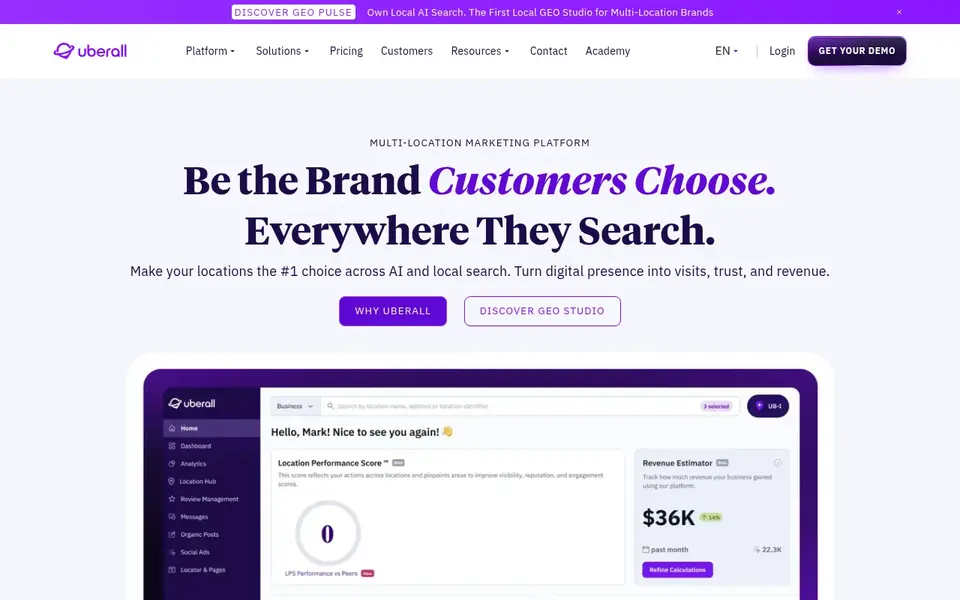
Uberall combines listings management with review features, which suits an urgent care group that needs consistent hours, addresses and review handling across many sites. Location data and reviews sit in the same platform.
For a group, the value is consistency. Each clinic's listing details and review replies can be managed from one place, and a central team can keep an eye on all locations.
The limit is scale. Uberall is designed for larger organizations, and pricing is quote-based. Skip it if you run one clinic and do not need listings management.
- Listings management and review tools in one
- location-level control
- fits larger groups
- Built for larger organizations
- quote-based pricing
How I chose
I started from vendor documentation and public sources for each tool, then checked how the features map to urgent care. The questions I asked were practical: can it send a review request by text after a walk-in visit, can staff reply to Google reviews from inside the app, and can a group see each clinic separately? Tools that only did one of those were ranked lower for this audience.
I also weighed limits. Some tools are strong on review requests but weak on patient messaging, and some are built for groups rather than single clinics. I did not run hands-on tests, so treat this as a fit comparison rather than a performance review, and confirm current features and pricing on each vendor's site before you buy.
What to check before you buy
- Confirm the tool sends review requests by text, since urgent care patients often do not check email after a visit.
- Check that review requests go to every patient the same way; review gating violates Google's guidelines.
- Ask whether replies to Google reviews can be sent from inside the app and whether replies are logged by staff member.
- For a group, confirm location-level dashboards so each clinic's reviews stay separate.
- Check how patient contact data is handled and whether the vendor's process fits your privacy obligations.
- Test the setup time; a front desk with walk-in traffic cannot spend a week on configuration.
Frequently asked questions
Does review management software help an urgent care clinic get more Google reviews?
It can help by making the request consistent. A tool that texts a request shortly after checkout reaches patients while the visit is fresh, and a dashboard shows which requests turned into reviews. The software does not create reviews; it removes the manual step of asking.
Is review gating allowed for a clinic?
No. Asking only happy patients for a public review, or filtering out low ratings before they reach Google, goes against Google's review policies. Pick tools that send the same request to every patient and use private feedback as an addition, not a filter.
Can one tool handle reviews for several clinic locations?
Yes, several of the platforms here support multi-location accounts with location-level reporting. Birdeye and Uberall are the clearest fits for groups, while Podium and GatherUp work for smaller setups. Confirm the location limits on the vendor's pricing page.
Do I need patient messaging as well as review requests?
Not always. If the front desk already handles patient messages elsewhere, a review-focused tool like GatherUp or NiceJob is enough. If you want texting and reviews in one inbox, Podium and Birdeye cover both.
How long should I try a tool before deciding?
Run it for a few weeks on one clinic and compare the request volume with the reviews that arrive. Check that replies are easy to send and that staff actually use the dashboard. If setup drags or the front desk avoids it, the tool is wrong for your workflow.
Sources
See where you really rank - block by block
ProMapRanker scans Google Maps across a grid of your service area. Simple monthly plans from $19, white-label on every plan.
Start freeBrowse all guides
← Best Review Management Software for Plumbers in 2026Best Review Request Software for Carpet Cleaning (2026) →
 best review management software for pest control companies
Best Review Management Software for Pest Control Companies in 2026
A practical guide to the best review management software for pest control companies in 2026, compared from vendor documentation and public sources.
Read → best review management software for orthodontists
Best Review Management Software for Orthodontists in 2026
A practical guide to review management software for orthodontists, comparing request workflows, HIPAA-aware messaging and Google review tools.
Read → best review management software for optometrists
Best Review Management Software for Optometrists in 2026
A practical comparison of review management software for optometrists, covering request automation, replies, listings and how each tool fits an eye care practice.
Read → local seo for locksmiths
Local SEO for Locksmiths
A local SEO guide for locksmiths: Google Business Profile setup, reviews, and 24/7 emergency locksmith service listings.
Read → local seo for optometrists and eye doctors
Local SEO for Optometrists and Eye Doctors
A local SEO guide for optometrists and eye doctors: Google Business Profile setup, reviews, and eye exam booking and insurance-focused SEO.
Read → local seo ranking report metrics
Local SEO Ranking Report Metrics: A Glossary for Clients
A plain-English glossary of local SEO ranking report metrics so clients understand every number.
Read →More in Local SEO & Google Maps · All guides A to Z by date · Latest guides