 ProMapRanker
Best Review Management Software for Optometrists in 2026
Direct answer
For most independent optometry practices, Podium is my first pick because it combines review requests, two-way texting and webchat in one inbox that front-desk staff can run without training. It has no free plan stated, so check its pricing page before you commit. If you want a lower-cost review-first tool, look at NiceJob, and if you mainly need to fix your Google Business Profile and directory listings, Yext is the stronger fit.
I compared these tools from vendor documentation and public sources, not from hands-on testing. I looked at how each one handles review requests, replies, listings and the daily workflow of an eye care front desk, then noted where each tool stops being a good fit for a practice that sees patients all day.
Key takeaways
- Optometry reviews usually come from patients who just picked up glasses or contacts, so the request timing matters more than the wording.
- A tool that sends requests by text tends to fit eye care better than email-only tools, because most patients read texts the same day.
- You need reply templates that avoid mentioning a patient's prescription, diagnosis or treatment, since that information is sensitive.
- Listings accuracy matters as much as reviews for optometrists, because patients search for "eye doctor near me" and compare map results.
- Any tool that offers review gating, incentives or filtered requests should be skipped, because those practices break Google's review policies.
Quick comparison
| Pick | Great for | Pricing starts at | Free tier | |
|---|---|---|---|---|
 Podium | Reviews plus texting in one inbox | See website | Not stated | Visit |
 NiceJob | Simple review requests for small practices | See website | Not stated | Visit |
 Birdeye | Multi-location eye care groups | See website | Not stated | Visit |
 GatherUp | Controlling request timing and follow-ups | See website | Not stated | Visit |
 Grade.us | Agencies managing several practice clients | See website | Not stated | Visit |
 Local Falcon | Checking map rankings around the practice | See website | Not stated | Visit |
 Yext | Fixing listings and Google Business Profile data | See website | Not stated | Visit |
The best review management software for optometrists compared
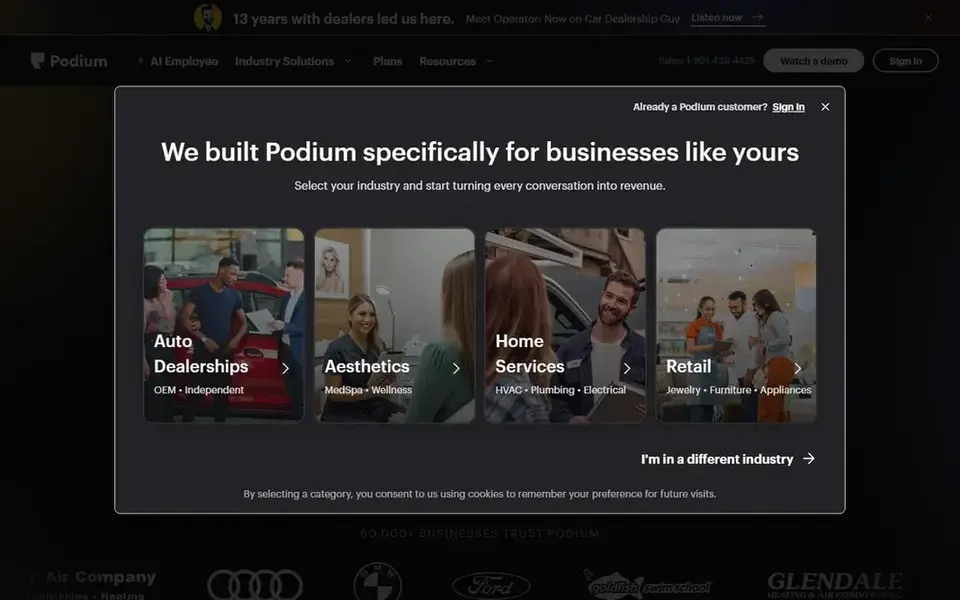
Podium is a messaging platform built around text conversations, and reviews are one part of it. For an optometry practice this fits the way patients actually communicate: they get a text after their exam or frame pickup, they reply, and the front desk sees it in the same place where appointment questions arrive. It suits practices that want one tool for reviews, reminders and enquiries rather than three separate logins.
In practice, you set up a request that goes out after an appointment is marked complete, and staff can reply to reviews from the shared inbox. Because the same inbox handles texts, a patient who asks about a lens order can be moved into a review request later. That single-thread view is the main reason I put it first for busy front desks.
The limit is cost and complexity. A single-location practice with one receptionist may not need webchat or a full messaging suite, and pricing is quote-based, so ask for a written quote for one location before you decide.
- Text-based review requests
- shared inbox for staff
- webchat for new patient enquiries
- Quote-based pricing
- more features than a small practice may use
NiceJob focuses on getting reviews and turning them into marketing content. For an optometrist, that means a request after a visit, a nudge if nothing comes back, and a way to show recent reviews on the practice website. It is a reasonable choice if the goal is reviews only and you do not want to change how the front desk handles phone and text.
The workflow is a contact list plus a campaign. You import patients from your practice management system, choose when the request goes out, and the tool follows up. Staff can reply to reviews and share positive ones to social profiles, which helps a practice that wants to post more often without writing everything from scratch.
Skip it if you need two-way texting, webchat or detailed listing management. It is a review tool first, and practices with several offices will find the reporting thinner than the larger suites.
- Straightforward request campaigns
- social sharing of reviews
- simple dashboard
- Fewer messaging features
- less depth for multi-location groups
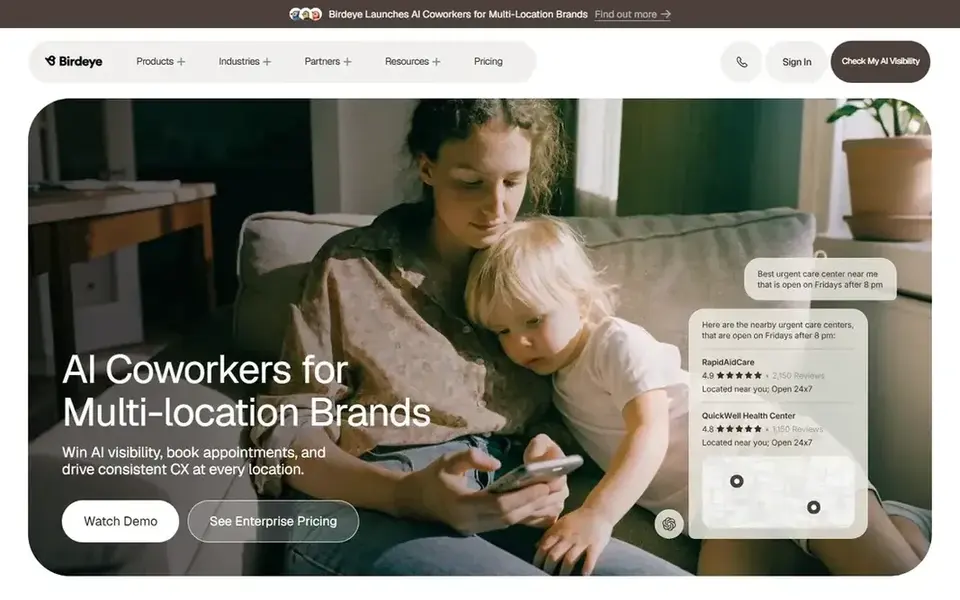
Birdeye is a broad reputation and customer experience platform used by multi-location businesses. For an eye care group with several offices, the value is location-level control: each practice gets its own review flow, its own listings, and its own reporting, while head office sees everything in one place. It is more than a single practice needs.
The review side covers requests by text and email, a unified inbox for replies, and monitoring across Google and other sites. Listings sync keeps opening hours and addresses consistent, which matters when patients search for the nearest branch and compare map results.
The trade-off is setup effort. Expect to spend time mapping locations, users and request rules, and expect quote-based pricing. A solo optometrist should look at a lighter tool first.
- Reviews, listings and messaging in one platform
- location-level reporting
- reply workflows
- Setup takes time
- quote-based pricing
GatherUp is a review-focused tool with strong control over when requests go out and how follow-ups work. That suits optometry because the right moment varies: some patients are best asked after the exam, others after glasses or contacts arrive. You can set different campaigns for different visit types.
It also monitors reviews across sites and gives staff a place to reply. Reporting is simple but useful for a practice owner who wants to see which office or which staff member is generating feedback. It does not try to be a full messaging platform.
The interface is functional rather than polished, and there is no built-in texting inbox for general patient conversations. Practices that want one tool for everything should look at Podium or Birdeye instead.
- Flexible request and follow-up rules
- review monitoring across sites
- simple reporting
- Plainer interface
- fewer messaging features
Grade.us is built with agencies in mind, which makes it relevant if an SEO or marketing agency runs reviews for several optometry clients. Each practice gets its own campaign, its own review funnel and its own report, and the agency can brand the experience.
For a practice working with an agency, the practical benefit is that requests, follow-ups and reporting sit in one place the agency already manages. Staff still reply to reviews, but the campaign setup and reporting are handled for them.
If you run your own practice and want to manage reviews yourself, the agency framing adds steps you do not need. The interface is also less modern than the bigger suites.
- White-label options
- campaign builder
- client reporting
- Less known for messaging
- interface feels dated
Local Falcon tracks where a business ranks in Google Maps across a grid of points around a location. For an optometrist, that answers a specific question: when someone two miles away searches "eye doctor", does the practice show up in the map pack, and how does that change block by block.
It does not send review requests or manage replies. I include it because reviews and map visibility are linked for eye care: a practice with steady recent reviews usually holds a stronger map position, and Local Falcon shows whether that position is holding across the neighbourhood.
Use it alongside a review tool, not instead of one. A practice that only wants review requests can skip it.
- Grid-based map rank tracking
- visual reports
- useful for local visibility checks
- Not a review request tool
- needs a separate review workflow
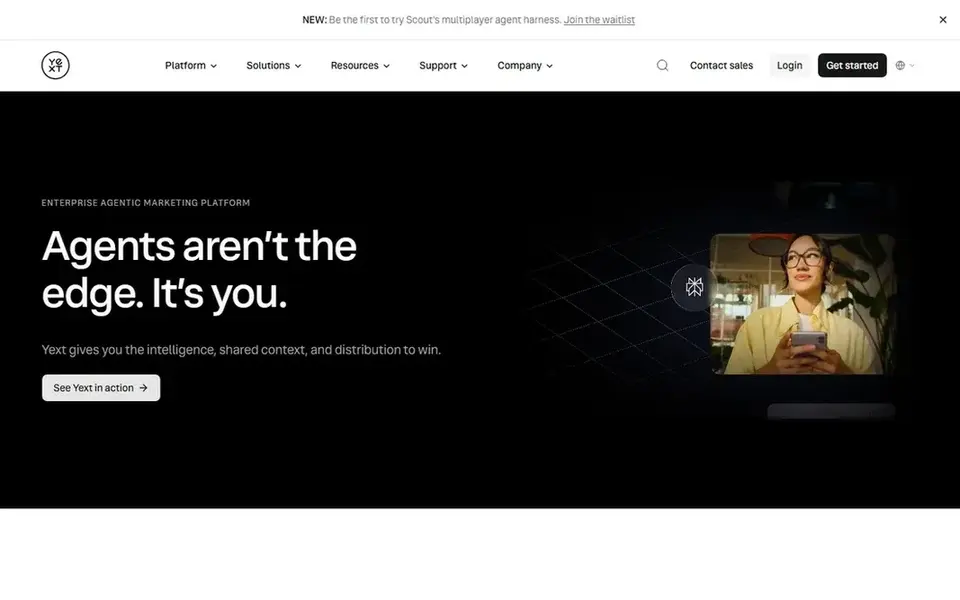
Yext manages business listings and the facts that appear across directories and maps. For an optometry practice, that means consistent name, address, phone, hours and services everywhere patients look, including the Google Business Profile. Inconsistent hours are a common problem for eye care, especially with Saturday clinics and holiday closures.
It also monitors reviews and lets you reply, but the request side is not the main event. The strength is accuracy at scale, which matters more for groups with several offices than for a single practice.
If your main problem is getting more reviews, start with a review-first tool. Yext is the better pick when listings are messy and patients keep calling about wrong hours.
- Wide directory network
- structured business data
- review monitoring
- Review requests are secondary
- quote-based pricing
How I chose
I built this list from vendor documentation and public sources, and I did not run hands-on tests of any tool. I started with what an optometry practice actually does each day: book exams, dispense glasses and contacts, handle recalls, and answer questions at the front desk. Then I checked which tools support review requests by text, a shared reply inbox, and listings accuracy, because those three things affect how a practice shows up in local search.
I also weighed limits. Some tools are review-first and light on messaging; others are messaging platforms where reviews are one feature; a few are built for agencies or multi-location groups. I left out anything that encourages review gating, incentives or filtered requests, since those break Google's review policies and put the profile at risk. Where pricing is quote-based, I say so rather than guess, and I point you to the vendor's own page.
What to check before you buy
- Confirm the tool can send review requests by text, and check whether patients can opt out easily, since consent rules apply to patient messaging.
- Ask how replies handle sensitive details: templates should never mention a prescription, diagnosis or treatment in a public response.
- Check whether the tool connects to your practice management or scheduling system, or whether staff must export patient lists by hand.
- Look at Google Business Profile support, including hours, services and photos, because eye care listings change with clinic schedules.
- Ask for a written quote for one location and confirm what counts as an extra user or extra location.
- Read the vendor's review policy page and confirm it does not offer gating, incentives or review filtering.
Frequently asked questions
Do optometrists need review management software at all?
Not strictly, but it helps. Patients often choose an eye doctor from map results, and recent reviews influence that choice. A tool makes requests consistent, keeps replies in one place and shows which office is getting feedback. A small practice can start with a simple review-first tool and add listings management later.
Can I ask patients for reviews by text?
Text requests are common and effective, but you need consent to message patients and a clear way to opt out. Keep the message short, avoid clinical details, and do not offer discounts or gifts in exchange for a review. Google's policies prohibit incentives, and a profile that collects them can be penalised.
How should I reply to a negative review about wait times?
Reply publicly, briefly and without clinical detail. Acknowledge the wait, say what you are changing, and invite the patient to contact the office directly. Do not argue, do not confirm they are a patient, and do not mention their exam. A calm reply read by future patients often matters more than the original complaint.
Does review software also fix my Google Business Profile?
Some tools do, some do not. Birdeye and Yext handle listings and profile data alongside reviews. Review-first tools like NiceJob and GatherUp focus on requests and replies. If your hours or address are wrong across directories, pick a tool with listings management or handle the profile manually.
What about multi-location eye care groups?
Look for location-level reporting, separate request campaigns per office and a shared inbox that head office can review. Birdeye and Grade.us fit this pattern. Confirm how pricing scales per location before you sign, since quote-based plans can change a lot between one office and five.
Sources
See where you really rank - block by block
ProMapRanker scans Google Maps across a grid of your service area. Simple monthly plans from $19, white-label on every plan.
Start freeBrowse all guides
← Best Review Management Software for Gyms in 2026Best Review Management Software for Orthodontists in 2026 →
 best review management software for funeral homes
Best Review Management Software for Funeral Homes in 2026
A funeral director's guide to review management software for funeral homes in 2026, compared from vendor documentation and public sources.
Read → best review management software for franchises
Best Review Management Software for Franchises in 2026
A franchise-focused guide to review management software, comparing how each tool handles multi-location review requests, replies and reporting in 2026.
Read → best review management software for accountants
Best Review Management Software for Accountants in 2026
A practical guide to the best review management software for accountants in 2026, comparing request tools, inboxes and local listing platforms.
Read → local seo for day spas
Local SEO for Day Spas
A local SEO guide for day spas: Google Business Profile setup, reviews, and spa treatment listings and review generation.
Read → gbp optimization
GBP Optimization: A Beginner-Friendly Starter Guide
A beginner-friendly GBP optimization starter guide to set up your profile for local success.
Read → local seo statistics
Local SEO Statistics: A Complete Guide
Everything you need to know about local seo statistics: what it is, why it matters for local SEO, and exactly how to act on it.
Read →More in Local SEO & Google Maps · All guides A to Z by date · Latest guides