 ProMapRanker
Best Review Management Software for Orthodontists in 2026

Text-first review requests and patient messaging · Pricing starts at: See website
Direct answer
Podium is my top pick for orthodontists because it combines review requests with text messaging that fits how patients actually communicate about appointments, and pricing is quote-based, so you need to request a quote from its sales team. If you mainly want to fix your Google Business Profile listings, Moz Local is a simpler fit, and if you want to see how your practice ranks on Google Maps, Local Falcon is the tool to look at.
I compared these tools from vendor documentation and public sources rather than hands-on testing. I looked at how each one handles review requests, messaging, listings and reporting, then judged which ones fit the day-to-day of an orthodontic practice. Orthodontics is different from a restaurant or a plumber: treatment runs for months or years, patients are often minors, and the person who books the appointment is often not the person in the chair. That shapes which software makes sense.
Key takeaways
- Orthodontic practices get reviews after long treatment cycles, so request timing matters more than volume.
- Software that sends review requests by text fits younger patients and parents who manage appointments.
- Teen and child patients mean you should check how a vendor handles consent and message content before you buy.
- Google review guidelines apply to every tool, so no vendor can legitimately offer review gating or paid reviews.
- A review tool works best when it also keeps your Google Business Profile listing accurate.
Quick comparison
| Pick | Great for | Pricing starts at | Free tier | |
|---|---|---|---|---|
| Podium | Text-first review requests and patient messaging | See website | Not stated | Visit |
 Birdeye | Multi-location practices wanting reviews and surveys | See website | Not stated | Visit |
 NiceJob | Small practices that want simple review requests | See website | Not stated | Visit |
 Grade.us | Agencies and practices managing several profiles | See website | Not stated | Visit |
 Whitespark | Local SEO teams that also build citations | See website | Not stated | Visit |
 Local Falcon | Checking Google Maps grid rankings | See website | Not stated | Visit |
 Moz Local | Keeping Google Business Profile and listings accurate | See website | Not stated | Visit |
The best review management software for orthodontists compared
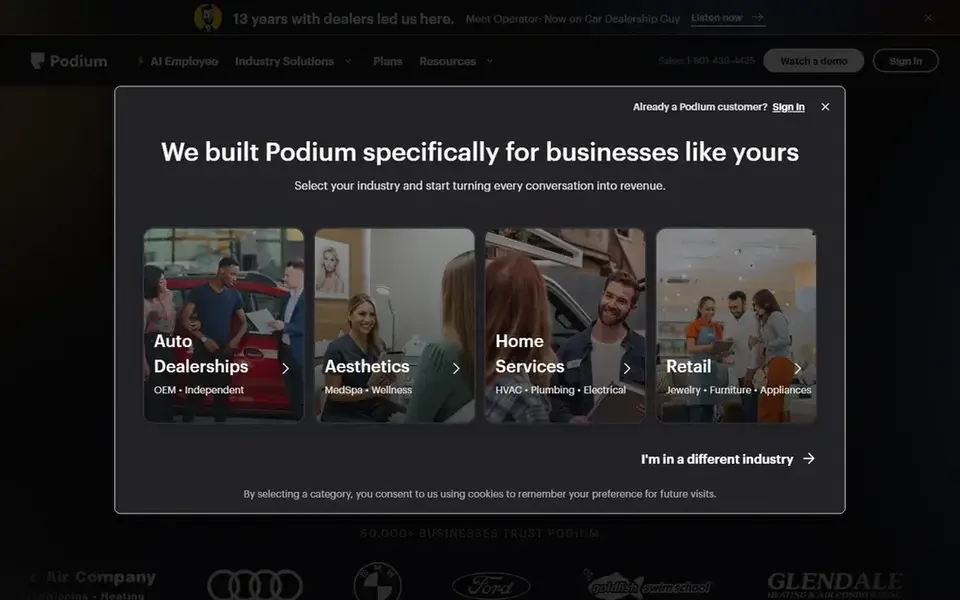
Podium is built around text messaging, which suits orthodontic practices because parents and teen patients already text about appointments. You can send a review request after a milestone like a braces removal or a retainer check, and replies land in a shared inbox instead of someone's personal phone. It also handles webchat and messaging in one place, which helps front-desk staff who are juggling calls and texts at the same time.
For review management specifically, Podium lets you set up request templates and choose when they go out. In orthodontics, the natural moments are the first consultation, the day braces go on, and the day they come off. Sending a request at the wrong moment, such as right after a tightening appointment, tends to produce neutral or negative feedback, so the timing controls matter. You can route unhappy replies to staff before they become public reviews, which is a normal support workflow rather than review gating.
The limit is cost and complexity. Podium is priced by quote and is aimed at practices that want messaging plus reviews plus payments in one system. A single-chair practice that only wants review requests may find it more than it needs. Ask for a written quote and check what is included before you commit.
- Review requests go out by text
- inbox handles patient replies
- works for single and multi-location practices
- Pricing is quote-based
- broad feature set takes time to set up
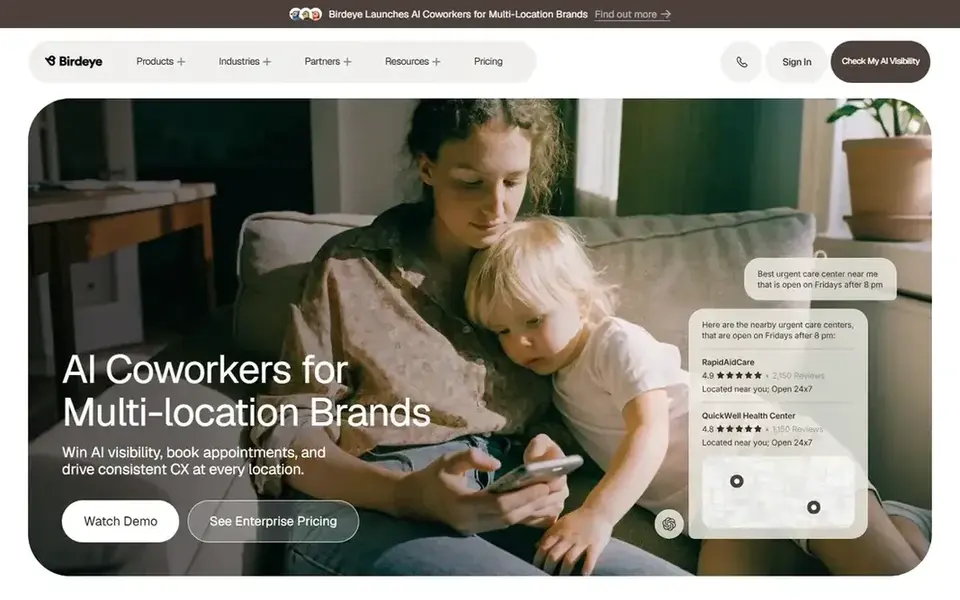
Birdeye is a reputation platform that covers review requests, surveys, messaging and listings. It fits orthodontic groups with several offices, where the owner wants one dashboard showing how each location is doing. Each office can have its own request templates and its own inbox, while head office sees the combined picture.
For orthodontics, the survey feature is useful beyond reviews. You can send a short patient satisfaction survey after a visit and follow up with a review request only when the patient is happy, which is a normal service-recovery step. The review request itself should still go to every patient who is willing to leave one, because Google's guidelines do not allow filtering out unhappy customers. Birdeye's reporting helps you see which offices are asking consistently and which are not.
The main drawback is scope. Birdeye does a lot, and a small practice may not use half of it. Setup takes planning, and pricing is quote-based, so compare the quote against what you will actually use.
- Handles reviews across many locations
- includes surveys and messaging
- reporting for owners
- Broad product with a learning curve
- pricing is quote-based
NiceJob focuses on getting reviews and referrals with a simple workflow. You add patients or import them from your practice management system, pick a campaign, and the software sends requests by text or email. For a single orthodontic office, that is often enough: the front desk does not need a complex platform, it needs requests to go out reliably after key visits.
The tool also supports photo and video reviews, which can help an orthodontic practice show real patients and real results. Keep in mind that patient photos need written permission and should follow your practice's privacy rules. NiceJob's reporting shows which requests converted, so you can adjust timing, for example moving the request from the day of a tightening to a week after braces come off.
NiceJob is less suited to a group with many locations that wants one shared inbox and detailed cross-location reporting. If you run several offices, look at Birdeye or Podium first.
- Straightforward review request campaigns
- simple dashboard
- good for a single office
- Less depth for large groups
- fewer messaging features than Podium
Grade.us is a review management tool built around campaigns. You create a campaign for a location, add contacts, and the software sends requests on a schedule. It is popular with agencies that manage reviews for several practices, and it works for an orthodontic group that wants each office handled separately but reported together.
For orthodontists, the useful part is the ability to run different campaigns for different patient groups. A practice might run one campaign for new patient consultations and another for patients finishing treatment. Each campaign can have its own message and timing. The software also lets you monitor reviews from multiple sites in one place, which saves the front desk from checking Google, Facebook and other profiles by hand.
Grade.us is not a chat or messaging platform, so if patients mostly text the office, Podium is a better fit. It also assumes someone will manage campaigns actively; set it up and forget it, and requests stop going out.
- Campaign-based review requests
- supports multiple clients or locations
- simple reporting
- Interface feels campaign-focused
- not a full messaging platform
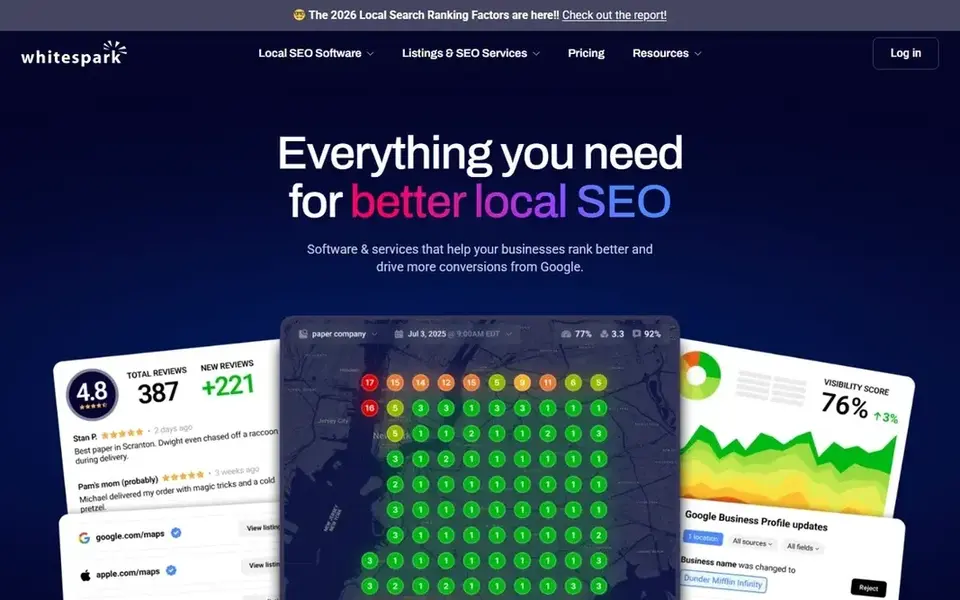
Whitespark is known for citation building and local search tools, and it also offers review management software. It fits an orthodontic practice that works with an SEO agency, or a practice that wants citations and reviews handled by the same team. The citation side matters for orthodontists because patients search by city and suburb, and consistent listings help those searches.
The review side lets you send requests, monitor reviews and show review content on your site. For a practice, the practical value is that the same vendor can keep your name, address and phone number consistent across directories while also running review requests. That reduces the number of logins the marketing lead has to manage.
Whitespark is not built for front-desk chat or patient messaging, and its review features are less deep than a dedicated reputation platform. A practice that only wants review requests may find it is paying for citation tools it does not need.
- Strong citation and listing tools
- review software included
- good for agencies
- Review features are one part of a wider toolkit
- not aimed at front-desk staff
Local Falcon is a Google Maps ranking tool, not a review platform. I include it because orthodontists often ask why a nearby practice shows up above them on Maps, and Local Falcon shows rankings across a grid of locations rather than from one point. That matters in orthodontics, where patients travel from several suburbs to reach an office.
The tool helps you see whether your Google Business Profile is visible in the areas you serve, and whether review count and rating are part of the gap. It does not send review requests, so pair it with one of the review tools above. Used together, you can see whether more reviews actually move your Maps visibility in the areas that matter.
Skip Local Falcon if you only want to collect reviews. It answers a ranking question, not a review request question.
- Shows Maps rankings across a grid of points
- tracks changes over time
- useful for multi-location practices
- Not a review request tool
- needs a separate review platform
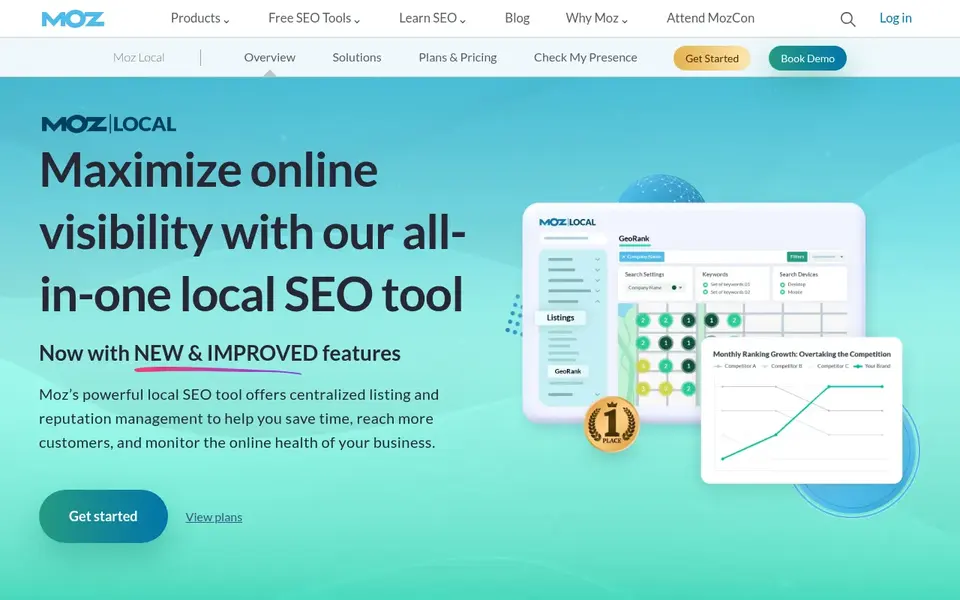
Moz Local focuses on listing accuracy and Google Business Profile management. For an orthodontic practice, the core job is making sure the name, address, phone number, hours and website are correct everywhere, including on Google, Apple Maps and major directories. Wrong hours or a duplicate listing can cost you calls from patients looking for a braces consultation.
Moz Local also shows review activity and lets you respond to reviews from one place. That is useful for a practice that gets reviews but does not have a system for replying. Responses should be personal and should not include patient details, which is a privacy concern in any healthcare-adjacent business.
Moz Local is not a review request platform in the way Podium or NiceJob are. If your main problem is that too few patients leave reviews, start with a request tool and use Moz Local for listings.
- Listing accuracy across directories
- Google Business Profile management
- simple reporting
- Limited review request features
- not a patient messaging tool
How I chose
I chose these tools by reading vendor documentation and public sources, then matching each one to how an orthodontic practice actually works. I did not run hands-on tests, so treat this as a starting point for your own demo requests. The questions I asked were: does it send review requests by text, can it handle several offices, does it keep listings accurate, and does it avoid practices that break Google's review rules?
I also weighed limits. A tool that is excellent for a five-office group may be too much for a single practice, and a listing tool is not a review request tool. I left out vendors that I could not confirm are currently operating, and I did not include any tool that markets review gating or buying reviews. Those practices break Google's guidelines and put your profile at risk.
What to check before you buy
- Confirm how review requests are sent, and whether text messaging is included or an add-on.
- Ask how the software handles replies from patients, and whether there is a shared inbox for front-desk staff.
- Check whether the vendor supports multiple locations with separate profiles and combined reporting.
- Ask how patient consent is collected before a request goes out, especially for patients under 18.
- Confirm the tool does not filter requests to only happy patients, which is review gating.
- Check that Google Business Profile management and listing updates are included, not sold separately.
Frequently asked questions
Do orthodontists need special review software?
No, but the workflow should fit long treatment cycles and family decision-making. Look for software that can send requests at milestones like braces removal, not just after a single visit. Text messaging helps because parents and teen patients often prefer it. Check how the vendor handles consent for minors before you buy.
Can I ask patients for reviews?
Yes, if you ask everyone and do not offer incentives or filter out unhappy patients. Google's guidelines prohibit review gating and paid reviews. A request sent by text or email after a visit is fine. Staff should never write reviews for patients or ask for a specific rating.
Should I respond to every review?
Responding to reviews is good practice, especially for negative ones. Keep replies short, thank the patient, and do not include treatment details or anything that identifies them. For a negative review, invite them to contact the office directly. This follows Google's guidance and protects patient privacy.
How many reviews should an orthodontic practice have?
There is no target number. What matters is a steady flow of recent reviews and a rating that reflects your practice. A burst of reviews followed by months of silence looks less natural than a regular trickle. Set a request process that runs every week and let it build over time.
Do I need a separate tool for Google Maps rankings?
Only if you want to check visibility across the suburbs you serve. Local Falcon shows Maps rankings across a grid, which is useful for multi-location practices. A review tool and a ranking tool do different jobs, so many practices use both.
Sources
See where you really rank - block by block
ProMapRanker scans Google Maps across a grid of your service area. Simple monthly plans from $19, white-label on every plan.
Start freeBrowse all guides
← Best Review Management Software for Optometrists in 2026Best Review Management Software for Pest Control Companies in 2026 →
 best review management software for gyms
Best Review Management Software for Gyms in 2026
A practical guide to the best review management software for gyms in 2026, covering review requests, replies, listings and member feedback workflows.
Read → best review management software for funeral homes
Best Review Management Software for Funeral Homes in 2026
A funeral director's guide to review management software for funeral homes in 2026, compared from vendor documentation and public sources.
Read → best review management software for franchises
Best Review Management Software for Franchises in 2026
A franchise-focused guide to review management software, comparing how each tool handles multi-location review requests, replies and reporting in 2026.
Read → local search statistics
Local Search Statistics: A Complete Guide
Everything you need to know about local search statistics: what it is, why it matters for local SEO, and exactly how to act on it.
Read → google maps seo optimization
Google Maps SEO Optimization: A Pro-Level Checklist
A pro-level Google Maps SEO optimization checklist to maximize local visibility and conversions.
Read → local seo for dentists
Local SEO for Dentists: How to Fill Your Chairs From Google Maps
A local SEO playbook for dentists: GBP optimization, reviews, and geo-grid tracking to win the map pack.
Read →More in Local SEO & Google Maps · All guides A to Z by date · Latest guides