 ProMapRanker
Best Review Management Software for Siding Contractors in 2026
Direct answer
Broadly is my top pick for siding contractors because it is built around review requests and replies, which is exactly the work a siding crew needs after a big exterior job. It has no free plan stated, so check its pricing page before you commit. Trustpilot suits contractors who want a public review profile beyond Google, and CallRail fits siding companies that want review requests tied to the phone leads they already track.
I compared these tools from vendor documentation and public sources, not from hands-on tests. I looked at how each one handles review requests, replies, Google Business Profile links and the day-to-day workflow of a siding company, then ranked them for that audience.
Key takeaways
- Siding work is a high-ticket, low-volume sale, so a steady flow of recent reviews matters more than a large pile of old ones.
- The best tool for you depends on whether you mainly need review requests, review replies, or a public review profile outside Google.
- Every tool here can connect to your Google Business Profile, but the request workflow and inbox layout differ a lot.
- Ask about SMS and email request templates, since siding customers often prefer a text after the crew leaves.
- None of these tools replace good work and honest requests; review gating and bought reviews break Google's rules.
Quick comparison
| Pick | Great for | Pricing starts at | Free tier | |
|---|---|---|---|---|
 Broadly | Review requests and replies | See website | Not stated | Visit |
 Trustpilot | Public review profile | See website | Free plan | Visit |
 CallRail | Reviews tied to phone leads | See website | Free trial | Visit |
 Synup | Listings plus review monitoring | See website | Not stated | Visit |
 Moz Local | Listing accuracy with reviews | See website | Not stated | Visit |
 Whitespark | Citations and review help | See website | Not stated | Visit |
 Birdeye | Multi-channel customer messaging | See website | Not stated | Visit |
The best review management software for siding contractors compared
Broadly is a review and customer messaging platform aimed at local service businesses. For a siding contractor, the fit is the request flow: after a full-house re-side or a window and trim job wraps up, you can send a request by text or email while the work is still fresh in the homeowner's mind. It also keeps replies in one place so the owner or office manager can answer without hunting through tabs.
Siding jobs are usually one big project per customer, not repeat visits, so the moment right after the final walkthrough is your best chance at a review. Broadly's templates and scheduling let you set that request to go out a short time after the job is marked complete, and you can vary the message for different job types such as vinyl, fiber cement or cedar. The shared inbox helps when more than one person handles customer contact.
The limits are practical. There is no free plan stated, so a small two-crew siding outfit should confirm the cost fits before signing up. If you only want a simple Google review link and nothing else, this is more tool than you need.
- Request workflows built around messaging
- shared inbox for replies
- fits service businesses
- No free plan stated
- pricing needs a quote
Trustpilot gives your siding company a public review profile that sits outside Google. Some homeowners check Trustpilot when they are comparing several exterior contractors, so having a profile with recent reviews can help at the comparison stage. It works best as a second home for reviews rather than a replacement for your Google Business Profile.
For siding work, the useful pattern is to ask for a Google review first, since that is what shows in Maps, and point happy customers to Trustpilot when they want to say more. Trustpilot's request tools and profile widgets let you show that feedback on your site. Keep the requests honest and sent to real customers only.
The free plan is limited, so read what it includes before you rely on it. If your whole market searches on Google Maps and never checks Trustpilot, the paid tiers may not earn their keep.
- Recognizable review brand
- Free plan to start
- Reviews shown on a public profile
- Free plan is limited
- Google reviews still matter most locally
CallRail is call tracking software, and siding contractors get a lot of first contact by phone. The value here is knowing which ads, mailers or yard signs produced the calls that turned into signed jobs, then sending review requests to those customers with confidence that the lead source is real.
Used alongside a review tool, CallRail helps you see the full path from a phone call to a completed re-side to a review. That matters when you are spending on local ads and want to know which channel brings customers who are willing to leave feedback. It is not a review platform on its own.
Skip it if you already have a clear picture of where your leads come from and only want review requests and replies. It is also priced around call tracking, so budget for that.
- Tracks which calls become jobs
- Free trial to test
- Connects calls to follow-up
- Review features are secondary
- Priced around call tracking
Synup is local marketing software that handles business listings and review monitoring together. A siding company with more than one office, or one that serves several metro areas, can keep its name, address and phone consistent everywhere while watching reviews across sites from one dashboard.
For review management, Synup lets you see incoming reviews and respond, and it ties that back to the listings work that helps you show up in local search. If you run separate profiles for different service areas, having one place to check them saves time. The trade-off is that it is a broader platform, so the review features are one part of a larger setup.
A single-crew siding business that only wants review requests will find this heavier than necessary. Plan time for the initial listing cleanup.
- Manages local listings in one place
- Review monitoring included
- Good for multi-location
- Setup takes planning
- More than a single crew needs
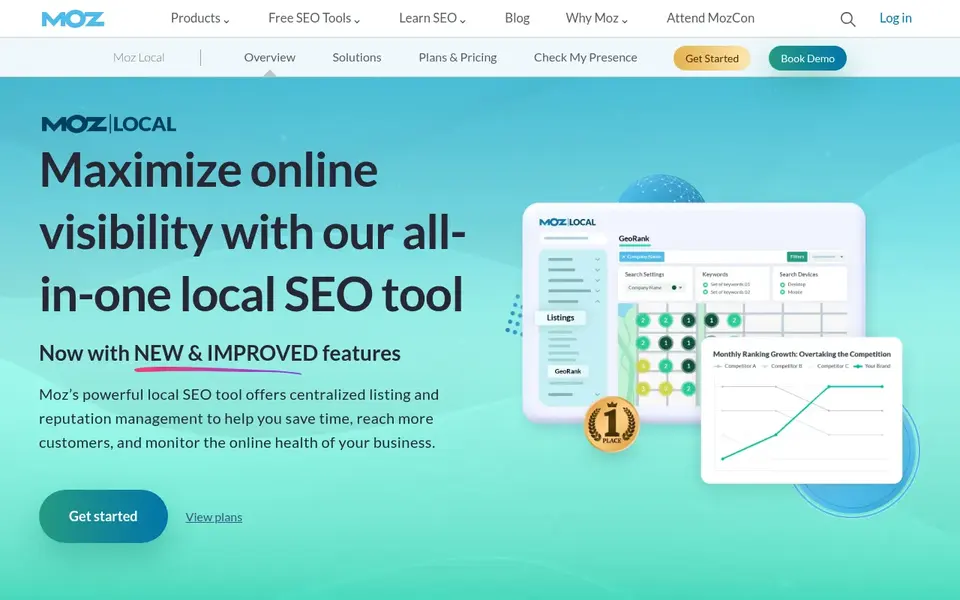
Moz Local focuses on keeping your business listings accurate across directories, and it includes review monitoring. For siding contractors, accurate listings matter because homeowners often check several directories before calling, and a wrong phone number or old address costs you jobs.
The review side is more about watching and responding than about running a heavy request campaign. That suits a contractor who already asks for reviews by hand after each job and wants a clean place to track them alongside listing health. It is a steady, unglamorous tool.
If you need automated text and email request sequences with reminders, look at a dedicated review platform instead. There is no free plan stated, so check pricing first.
- Strong on listing consistency
- Review monitoring
- Familiar Moz brand
- Lighter request automation
- No free plan stated
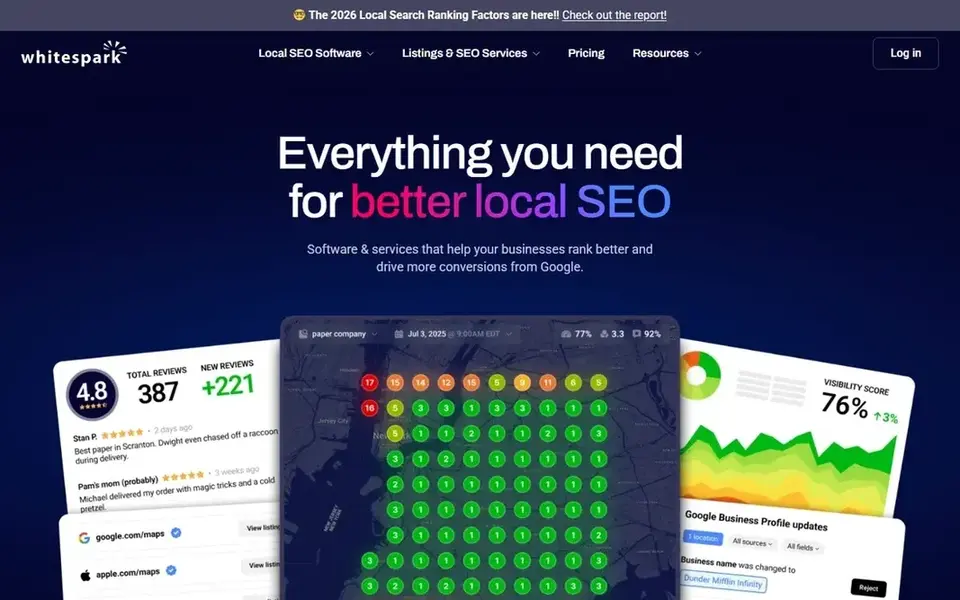
Whitespark is known for citation building and local search tools, and it offers review software as part of its lineup. For a siding contractor working with an SEO agency, it fits when you want citations cleaned up and a straightforward way to gather reviews without a big messaging platform.
The review tools help you request reviews and track them, and the citation work supports the local rankings that put your Google Business Profile in front of homeowners. It tends to involve more hands-on setup than an all-in-one messaging tool, which is fine if you or your agency like to control the details.
Small crews without marketing help may find it too manual. There is no free plan stated, so confirm the cost and what is included.
- Citation building expertise
- Review software options
- Respected in local SEO
- More manual work
- Not a full messaging suite
Birdeye is a customer experience platform that combines review management with messaging across text, email and web chat. A larger siding company with an office team, several crews and a steady lead flow can use it to keep requests and replies organized in one system.
For review management, Birdeye sends requests, collects reviews and gives you a dashboard to respond. Siding companies that also handle service calls, warranty questions and follow-ups can keep those conversations next to the review work. It is built for volume.
A two-person siding outfit will likely pay for features it never touches. There is no free plan stated, so treat it as an option for a growing operation, not a starter tool.
- Reviews plus messaging in one place
- Handles multiple channels
- Suits larger operations
- More than small crews need
- No free plan stated
How I chose
I built this list from vendor documentation and public sources, not from hands-on tests. I read each product's own pages to understand what it actually does, then matched those features to how siding contractors work: a small number of high-value jobs, first contact often by phone, and a decision window where recent reviews carry a lot of weight. Tools that only handled reviews as an afterthought ranked lower.
I also weighed limits. A tool that needs a big setup or a long contract is a poor fit for a crew that just wants to text a homeowner after a job. Where I was unsure about a free plan, I said so rather than guess.
What to check before you buy
- Confirm the tool connects to your Google Business Profile and lets you reply to Google reviews from its inbox.
- Ask whether review requests can go by text as well as email, since siding customers often prefer a text.
- Check that you can schedule a request to send a set time after a job is marked complete, not only on the day of the walkthrough.
- Make sure the request templates can be edited for different job types such as vinyl, fiber cement or full re-sides.
- Read the contract terms: month-to-month versus annual, and what happens to your review data if you leave.
- Confirm the tool does not use review gating, since filtering out unhappy customers before they can post breaks Google's rules.
Frequently asked questions
Do siding contractors really need review management software?
Not strictly, but it helps. Siding jobs are expensive and homeowners check reviews before they call. Software makes it easier to ask every customer at the right moment and to reply to reviews without forgetting. If you only do a handful of jobs a year, a simple Google review link and a habit of asking may be enough.
Which tool is best for a small siding crew?
Broadly is my top pick overall, but a small crew should weigh cost carefully because no free plan is stated. Trustpilot's free plan is a low-risk way to start a public profile. For most small crews, the key is a simple request flow and a shared place to reply, not a large platform.
Can I ask customers to leave a Google review?
Yes, as long as you ask all customers honestly and do not offer incentives or filter out unhappy ones. Do not use review gating, and never buy reviews. Send the request to real customers after the work is done and let them write what they want, good or bad.
How do I get more reviews after a big re-side job?
Send the request soon after the final walkthrough, while the result is fresh. Use a text with a direct link to your Google Business Profile, and follow up once if there is no response. Keep the message short and personal, and mention the specific job so the customer knows it is not a mass blast.
Do I need a separate tool if I already use an SEO agency?
Ask your agency what it already uses. Some agencies run citation and review tools such as Whitespark or Moz Local on your behalf. If they do, you may only need access to reply to reviews yourself. If not, a dedicated review tool gives you control over requests and replies.
Sources
See where you really rank - block by block
ProMapRanker scans Google Maps across a grid of your service area. Simple monthly plans from $19, white-label on every plan.
Start freeBrowse all guides
← Best Review Management Software for CrossFit Gyms in 2026Best Review Request Software for Kitchen Remodelers in 2026 →
 best review management software for cabinet makers
Best Review Management Software for Cabinet Makers in 2026
A cabinet maker's guide to review management software in 2026: how each tool handles review requests, replies and Google Business Profile work.
Read → best reputation management software for translation services
Best Reputation Management Software for Translation Services (2026)
A guide to the best reputation management software for translation services in 2026, compared from vendor documentation and public sources.
Read → best reputation management software for swim schools
Best Reputation Management Software for Swim Schools in 2026
A practical guide to the best reputation management software for swim schools in 2026, covering review requests, replies, listings and parent feedback.
Read → google map pack
What Is the Google Map Pack? A Plain-English Guide
What the Google Map Pack is, why it matters, and how Google decides which three businesses show up.
Read → citation cleanup
Citation Cleanup: A Complete Guide
Everything you need to know about citation cleanup: what it is, why it matters for local SEO, and exactly how to act on it.
Read → google maps ranking
Google Maps Ranking Explained: How Local Listings Get Ordered
Understand how Google Maps ranking works and what decides which businesses appear first in local results.
Read →More in Local SEO & Google Maps · All guides A to Z by date · Latest guides