 ProMapRanker
Best Review Management Software for Cabinet Makers in 2026
Direct answer
Grade.us is my top pick for cabinet makers because it is built around sending review requests and managing replies, which is exactly the job a kitchen and cabinetry shop needs after an install. It has no free plan stated, so check its pricing page. SOCi suits shops that also want to manage listings and social posts in one place, and WhatConverts fits cabinet makers who want to see which calls and form fills turned into reviews.
I put this list together from vendor documentation and public sources, not from hands-on tests. I looked at how each tool handles review requests, replies and Google Business Profile work, then matched that to how a cabinet shop actually runs a job from first quote to final install.
Key takeaways
- Cabinet work is a long, high-ticket sale, so a steady flow of reviews from finished installs matters more than a burst of requests.
- The best tool for a cabinet shop sends requests automatically after a job closes and puts every reply in one inbox.
- Review software should connect to your Google Business Profile, because that is where most homeowners look first.
- Ask whether the tool can request reviews by text message, since many cabinet clients prefer that over email.
- Check how the tool handles multiple staff members, because a shop owner, designer and installer may all need access.
Quick comparison
| Pick | Great for | Pricing starts at | Free tier | |
|---|---|---|---|---|
 Grade.us | Automated review requests and replies | See website | Not stated | Visit |
 SOCi | Listings, reviews and social together | See website | Not stated | Visit |
 WhatConverts | Linking calls and leads to reviews | See website | Free trial | Visit |
 Birdeye | All-in-one reputation and messaging | See website | Not stated | Visit |
 Podium | Text-first review requests | See website | Not stated | Visit |
 BrightLocal | Local SEO plus review tools | See website | Not stated | Visit |
 NiceJob | Simple review collection for small teams | See website | Not stated | Visit |
The best review management software for cabinet makers compared
Grade.us is a review management tool first and foremost. It is aimed at businesses that want to collect reviews steadily and answer them without jumping between Google, Facebook and other sites. For a cabinet maker, that focus is useful because the work is repeatable: quote, design, build, install, follow up.
In a cabinet shop, the natural moment to ask for a review is a few days after the install crew leaves and the client has lived with the kitchen for a short while. Grade.us lets you set up a request that goes out on a schedule, so the owner does not have to remember. Requests can go by email or text, which suits homeowners who rarely check email. Replies land in one place, so you can thank a client for a five-star note or respond calmly to a complaint about a delayed door.
The limit is that Grade.us is not a full local SEO suite. If you also want citation building, rank tracking and listings management under one login, you will need another tool. A small cabinet shop that mainly wants more reviews and a tidy inbox can skip those extras.
- Built around review requests and replies
- supports email and SMS requests
- keeps reviews from multiple sites in one inbox
- No free plan stated
- fewer marketing extras than all-in-one suites
SOCi is a local marketing platform that covers listings, reviews and social publishing. It fits cabinet businesses with more than one showroom or a dealer network, where head office wants control over what each location publishes and how it replies.
For a cabinet maker with several showrooms, the value is consistency. Each location's Google Business Profile hours, photos and review replies can be managed from one dashboard, so a customer in one town sees the same standard as a customer in another. Review requests can be tied to the location that did the job, which keeps the right showroom's rating growing.
The trade-off is scale. A single-shop cabinet maker will find SOCi heavier than needed and will pay for listings and social features that a one-location business can handle by hand. Skip it if you have one showroom and no plans to add more.
- Manages reviews alongside listings and social posts
- built for multi-location control
- central dashboard for replies
- Aimed at larger brands
- no free plan stated
WhatConverts is a lead tracking tool that records calls and form submissions and ties them to the marketing that produced them. It also handles review requests, so a cabinet shop can see which leads turned into jobs and then ask those clients for a review.
Cabinet work often starts with a phone call about a quote. WhatConverts can show that a call came from a Google Maps listing, then let you mark the lead as won and trigger a review request. Over a season, the owner can see which channels bring serious enquiries rather than price shoppers, and ask for reviews from the clients who actually bought.
One limitation is that review management is a side feature. If your only goal is collecting and replying to reviews, a dedicated tool is simpler. WhatConverts earns its place when call tracking matters as much as reviews.
- Tracks calls and form fills as leads
- shows which jobs came from which channel
- review requests can follow a closed lead
- Review features are not the main product
- needs setup of tracking numbers
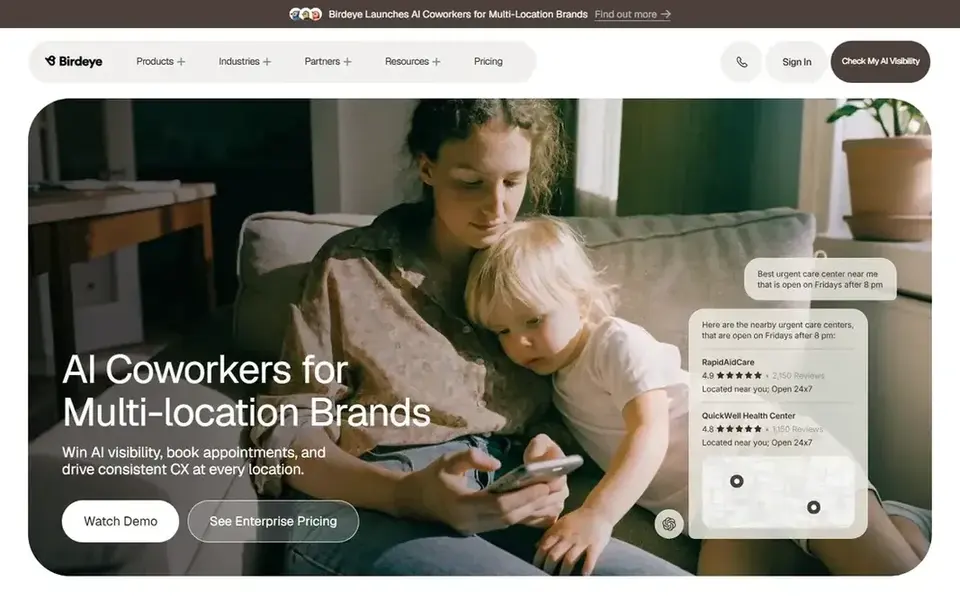
Birdeye is a reputation and customer messaging platform used by many local service businesses. It combines review requests, a shared inbox, web chat and surveys, which suits a cabinet shop that wants one system for client communication after the sale.
A cabinet project involves several client touchpoints: the design meeting, the deposit, the delivery date, the install. Birdeye can send requests at set points and collect feedback before the client posts publicly, so a small issue with a handle or a hinge can be fixed before it becomes a one-star review. Replies to public reviews sit in the same inbox as messages.
The size of the platform is the main drawback. A two-person cabinet workshop will spend time configuring features it may never use. It fits better once a shop has office staff handling client communication.
- Reviews, messaging and surveys in one platform
- supports multiple review sites
- inbox for replies
- Broad feature set takes time to configure
- no free plan stated
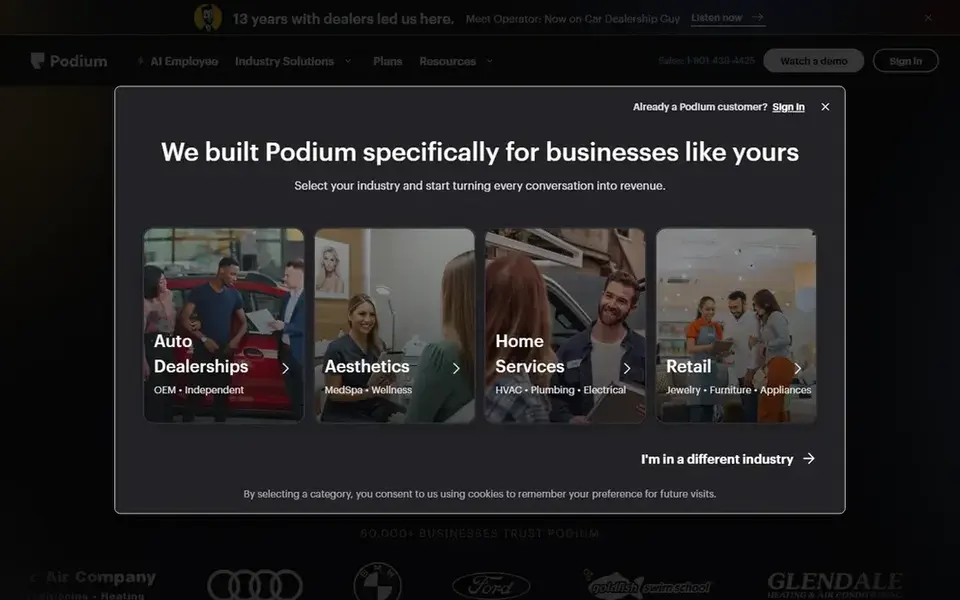
Podium is known for text messaging between local businesses and their customers. Cabinet makers who already communicate with clients by text will find the review request flow familiar: send a message after the install, link to the review page, and keep the conversation in one inbox.
Text is a good fit for cabinet work because clients are often on site or on the road during a renovation. A short message asking how the kitchen is settling in, with a link to leave a review, gets read faster than an email. Podium also handles the back-and-forth about delivery dates in the same thread.
Podium is priced by quote, so ask for a quote that matches your shop size before committing. It is also more than a review tool, so a shop that only wants review requests may pay for messaging features it does not need.
- Strong text messaging workflow
- review requests by SMS
- inbox for client conversations
- Pricing is quote-based
- no free plan stated
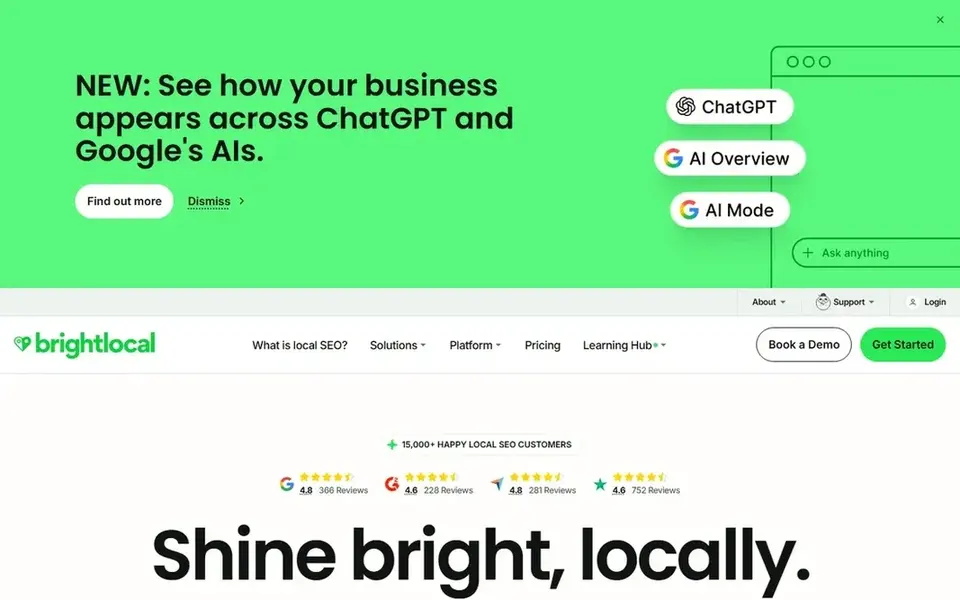
BrightLocal is a local SEO platform with review management built in. It suits a cabinet maker who wants to ask for reviews and also keep an eye on how the business appears in local search, including citations and Google Business Profile details.
For a cabinet shop, the review side works like this: import clients from a job list, send a request by email, and watch reviews arrive from Google and other sites in one dashboard. Because the same platform handles citations, the owner can fix a wrong phone number on a directory in the same session as replying to a review. That saves time for a small team.
The review features are not as deep as a dedicated reputation tool. If reviews are the only priority, a focused product is easier. BrightLocal makes sense when local search visibility is part of the plan.
- Review requests alongside citation and listing tools
- tracks reviews across sites
- useful for local visibility checks
- Review features are one part of a larger suite
- no free plan stated
NiceJob is a review and reputation tool aimed at small local businesses. It keeps the setup simple: add clients, send requests, and collect reviews on the sites that matter. That suits a cabinet maker who wants reviews without a long configuration project.
In a cabinet shop, the owner can add a client after the final walkthrough and let NiceJob send the request. The tool also nudges clients who have not responded, which helps because homeowners are often busy once a renovation ends. Reviews from Google and Facebook can be shown on the shop's website, giving new visitors proof of finished kitchens.
The limits show up when a cabinet business grows to several locations or wants detailed reporting. At that point a larger platform fits better. For a single shop with a steady stream of installs, NiceJob is enough.
- Straightforward review request flow
- designed for small local businesses
- helps turn happy clients into reviews
- Less depth for multi-location shops
- no free plan stated
How I chose
I built this list from vendor documentation and public sources, not from hands-on tests. For each tool I read what the vendor says it does, checked which review sites it connects to, and looked at how review requests are sent and how replies are handled. I then matched those features to the way a cabinet shop works: long projects, high-value jobs, and clients who care about the finish and the install.
I also weighed limits. A tool that is built for multi-location brands may be too heavy for a one-showroom cabinet maker, and a tool that focuses only on reviews may leave a shop wanting listings or call tracking. I did not rank on price, because pricing is quote-based for several of these products and changes over time. Instead I ranked on fit for the audience and on how clearly the vendor documents the review workflow.
What to check before you buy
- Confirm the tool connects to Google Business Profile and can send review requests by both email and text message.
- Ask how replies are handled: one inbox for all review sites saves time compared with logging into each site.
- Check whether requests can be scheduled after a job closes, since cabinet installs finish weeks after the first quote.
- Ask how many users can log in, because the owner, designer and office manager may all need access.
- Confirm the tool follows Google's review policies and does not offer incentives or gate reviews.
- Ask what happens to your client list and review history if you cancel, so you are not locked in.
Frequently asked questions
Do cabinet makers need review management software?
Not strictly, but it helps. Cabinet work is high-value and clients often check reviews before booking a quote. Software that sends requests after each install and keeps replies in one place makes it easier to build a steady record of reviews without relying on memory.
Which review sites matter most for a cabinet maker?
Google Business Profile is the first place most homeowners look, so it should be the priority. Facebook and industry directories can help too. Pick a tool that covers the sites your clients actually use rather than one that claims to cover everything.
Can I ask clients for reviews by text message?
Yes, and many cabinet makers do. Text requests tend to get read faster than email. Make sure the tool supports SMS and that you have the client's consent to message them, and never offer a discount or gift in exchange for a review.
How should I reply to a negative review about an install?
Reply calmly and publicly, acknowledge the issue, and offer to sort it out offline. Do not argue about the details in the reply. A measured response shows future clients how you handle problems, which matters in a trade built on trust.
Is a free plan enough for a small cabinet shop?
Some tools offer a free trial, but few offer a lasting free plan with review requests included. A trial is useful for checking the request flow and the reply inbox before you commit. Read the pricing page carefully, since several tools quote per location or per user.
Sources
See where you really rank - block by block
ProMapRanker scans Google Maps across a grid of your service area. Simple monthly plans from $19, white-label on every plan.
Start freeBrowse all guides
← Best Reputation Management Software for Translation Services (2026)Best Review Management Software for CrossFit Gyms in 2026 →
 best reputation management software for swim schools
Best Reputation Management Software for Swim Schools in 2026
A practical guide to the best reputation management software for swim schools in 2026, covering review requests, replies, listings and parent feedback.
Read → best reputation management software for snow removal companies
Best Reputation Management Software for Snow Removal Companies (2026)
A guide to reputation management software for snow removal companies, covering review requests, review monitoring and local listings, based on vendor documentation.
Read → best reputation management software for phone repair shops
Best Reputation Management Software for Phone Repair Shops in 2026
A guide to the best reputation management software for phone repair shops in 2026, covering review requests, replies, listings and pricing pages to check.
Read → moz pro alternatives
Moz Pro Alternatives in 2026
Searching for Moz Pro alternatives? We compare 8 SEO tools on keyword research, backlinks, rank tracking, and local SEO, with current prices inside now.
Read → local seo for car wash businesses
Local SEO for Car Wash Businesses
A local SEO guide for car wash businesses: Google Business Profile setup, reviews, and membership and location-based car wash SEO.
Read → local seo for self storage
Local SEO for Self Storage Facilities
How self storage facilities rank higher in local search and compete against national storage brands.
Read →More in Local SEO & Google Maps · All guides A to Z by date · Latest guides