 ProMapRanker
Best Reputation Management Software for Swim Schools in 2026
Direct answer
Broadly is my top pick for swim schools because it is built around review requests and two-way messaging, which fits how parents actually communicate about lessons, make-ups and enrolments. Pricing is quote-based, so check its pricing page. Trustpilot suits schools that want a public review profile with strong trust signals, and CallRail helps when you want to connect phone enquiries to the reviews and feedback they generate.
I compared these tools by reading vendor documentation and public sources, including each vendor's own help pages and product descriptions. I did not run hands-on tests of any of them, so treat this as a starting point for your own trial. I focused on what matters to a swim school: asking parents for reviews at the right moment, replying to feedback, and keeping business details consistent everywhere.
Key takeaways
- Swim schools live on parent trust, so review request timing matters more than the number of review platforms you use.
- Software that sends requests by text message usually fits lesson-based businesses better than email-only tools.
- Replying to reviews in a calm, factual tone protects you when a parent writes about a missed make-up lesson or a class change.
- Reputation tools work best when they are paired with an accurate Google Business Profile and consistent name, address and phone data.
- None of these tools fix a scheduling or safety problem; they only help you ask for feedback and respond to it.
Quick comparison
| Pick | Great for | Pricing starts at | Free tier | |
|---|---|---|---|---|
 Broadly | Review requests and parent messaging | See website | Not stated | Visit |
 Trustpilot | A public review profile parents can check | See website | Free plan | Visit |
 CallRail | Tracking calls from parents who found you | See website | Free trial | Visit |
 Birdeye | Multi-location review and messaging | See website | Not stated | Visit |
 Podium | Text-first communication with parents | See website | Not stated | Visit |
 NiceJob | Simple review requests for small schools | See website | Free trial | Visit |
 BrightLocal | Local listings plus review monitoring | See website | Free trial | Visit |
The best reputation management software for swim schools compared
Broadly is a customer interaction platform built around review requests and messaging. For a swim school it fits the pattern of a term-based business: a parent finishes a block of lessons, you send a short request, and the review lands while the experience is fresh. It suits schools with several class groups and a front desk that already answers a lot of questions by phone and text.
In practice you would load parent contacts, set up a request that goes out after the last lesson of a term, and route replies into one inbox. When a parent writes about a cancelled class or a level change, staff can respond from the same place. Review monitoring lets you see new Google reviews and answer them without logging into each platform separately.
The limit is that Broadly is a broader customer platform, not a swim-school-specific tool. Small schools with one location and a handful of staff may find the setup heavier than they need, and anyone who wants a simple review widget should look at lighter options first.
- Text and email review request workflows
- Two-way messaging with customers
- Review monitoring and reply tools
- Pricing is quote-based
- Less useful if you only want a review widget
Trustpilot gives a swim school a public review page that parents can find when they search your name. That matters for a business where trust is the main purchase barrier: a parent handing over a child for lessons wants to see that other families have had a normal, safe, well-run experience.
The workflow is straightforward. You collect reviews through invitation emails, then show a rating widget on your enrolment pages. You can reply to reviews and flag ones that break the platform's rules. It works well alongside Google reviews rather than instead of them, because parents often check both.
The free plan is limited, so most schools that want to send invitations regularly will need a paid plan. Trustpilot also does not manage your Google Business Profile or local listings, so it is one piece of a wider setup.
- Recognisable review profile
- Invitation tools on paid plans
- Review display widgets for your site
- Free plan is limited for invitations
- Less focused on local map rankings
CallRail tracks phone calls so you can see which ads, pages or listings produced them. Swim schools get a lot of calls: term dates, class availability, make-up lessons, pool rules. Knowing which channel drives those calls helps you decide where to spend effort, and it also tells you which enquiries later turn into reviews.
You can route calls to the right staff member, record them for training, and connect call data to a review request workflow so a parent who called about a trial lesson gets a follow-up. For multi-site schools, separate tracking numbers per pool keep the data clean.
CallRail is not a reputation tool on its own. If your main goal is collecting and replying to reviews, pair it with a review platform rather than buying it alone.
- Call tracking with source attribution
- Call recording and routing
- Integrations with review and CRM tools
- Not a review platform by itself
- Needs a number strategy per location
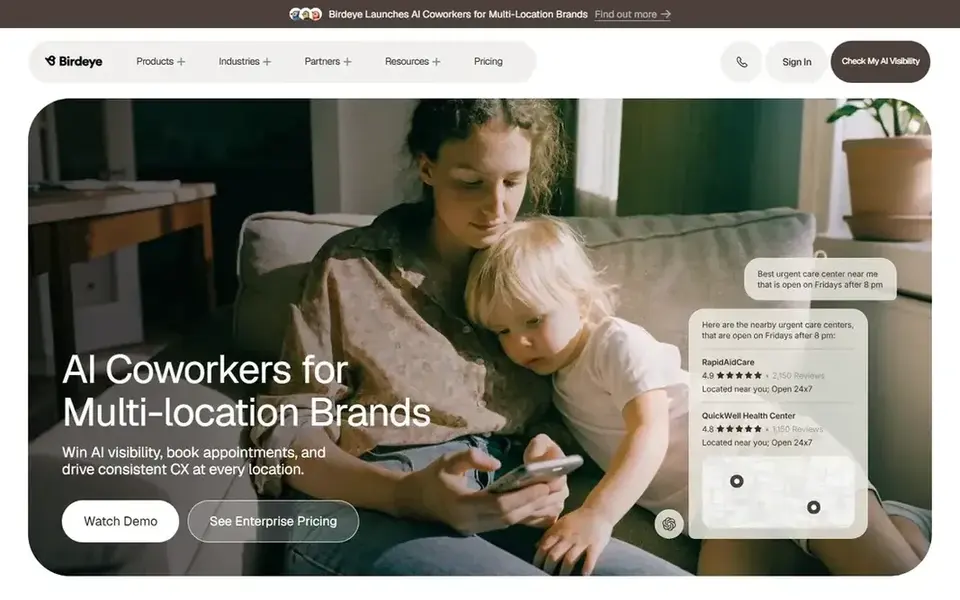
Birdeye is a reputation and customer experience platform used by multi-location businesses. A swim school group with several pools can run review requests per site, keep replies in one inbox, and compare how each location is doing without chasing managers for screenshots.
The parts that fit swim schools are the review request campaigns and the messaging inbox. You can ask for feedback after a term, send a short survey to parents who had an issue, and route negative responses to a manager before they become public reviews. Listings features help keep opening hours and phone numbers correct across directories.
It is a larger platform than a single-site school needs, and the quote-based pricing means you should map your locations and user count before you talk to sales.
- Review requests across locations
- Unified inbox for messages and reviews
- Listings and survey features
- Setup requires planning
- Quote-based pricing
Podium is built around text messaging, with review invitations as a core feature. That suits swim schools because parents often prefer a quick text about a class change or a make-up lesson over a phone call, and the same channel can carry a review request after a good term.
You can send review invites by text, reply to reviews, and keep web chat and messages in one inbox. For a school with a busy front desk, that reduces the chance of a parent question sitting unanswered while staff teach.
Podium is priced by quote and makes most sense if you will use messaging heavily. A school that only wants review requests may find it more than it needs.
- Text messaging built around reviews
- Review invites by SMS
- Inbox for web chat, text and reviews
- Pricing is quote-based
- Value depends on messaging volume
NiceJob focuses on getting reviews and turning them into marketing content. For a single-site swim school with a small admin team, that simplicity is the point: connect your customer list, send requests after lessons, and display reviews on your site.
It also supports feedback collection so unhappy parents can raise an issue privately before writing a public review. That is useful when the complaint is about a schedule change or pool temperature rather than anything serious.
The trade-off is depth. If you need a full messaging inbox or complex multi-location reporting, a larger platform will fit better.
- Straightforward review request campaigns
- Social proof widgets
- Simple dashboard for small teams
- Fewer messaging features than larger suites
- Less suited to large multi-site groups
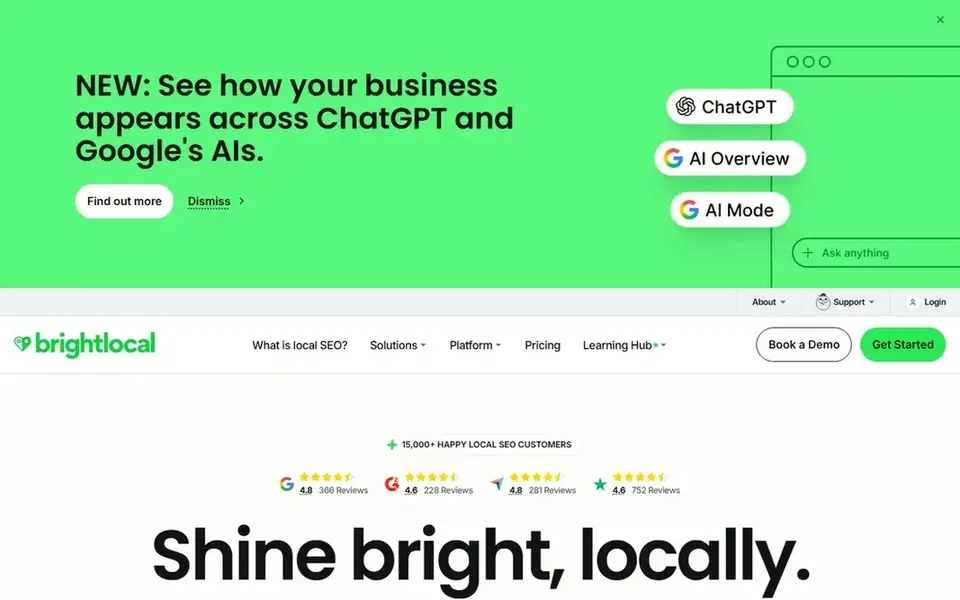
BrightLocal is a local SEO platform with listings, review monitoring and rank tracking. For a swim school it is the tool you use to keep your name, address and phone number consistent across directories and to watch reviews on Google and other sites in one place.
The review side is monitoring and light request support rather than a full messaging suite. Where it earns its place is the combination: correct listings help parents find the right pool, and review monitoring tells you when something needs a reply.
If your only goal is sending review requests to parents, a dedicated review tool will be simpler. BrightLocal fits schools that want listings and local visibility handled alongside reviews.
- Citation and listing management
- Review monitoring across platforms
- Local rank tracking
- Review requests are not the main focus
- Interface has a learning curve
How I chose
I started from the job a swim school actually needs done: ask parents for reviews at the end of a term or a milestone, reply to feedback quickly, and keep business details accurate so parents find the right location. I read vendor documentation and public sources for each tool, including feature pages and help articles, and checked which ones support text-based requests, review replies and multi-location setups.
I then weighed fit against limits. A single-site school does not need enterprise reporting, and a multi-site group cannot run on a tool with no location structure. I left out tools where I could not confirm the product exists and is operating, and I did not include any hands-on testing claims because I did not test these products myself. Pricing changes often, so I point you to each vendor's own page rather than quoting figures.
What to check before you buy
- Confirm the tool can send review requests by text message, since many parents will not open a separate email about swimming lessons.
- Check how it handles multiple locations if you run more than one pool, including separate review pages and reply inboxes.
- Ask whether review replies can be assigned to a manager and tracked, so nothing sits unanswered during busy term starts.
- Make sure the tool follows Google's review policies and does not offer review gating or incentives, which can put your profile at risk.
- Check that it can collect private feedback before a public review, so you can resolve a scheduling or class-level complaint directly.
- Confirm how it stores parent contact data and whether it fits your consent and privacy obligations.
Frequently asked questions
What is the best reputation management software for a small swim school?
For a small school, start with a tool that sends review requests by text and gives you one inbox for replies. Broadly fits that pattern well, and NiceJob is a simpler option if you mainly want requests and a review widget. Try one on a small group of parents before committing to a full term.
Do swim schools need review software at all?
You can ask for reviews manually, but software helps with timing and follow-up. Parents are most willing to review right after a term ends or a child passes a level. A tool that sends requests automatically at that point gets more responses than a staff member remembering to ask.
How do I get more Google reviews for my swim school?
Ask parents at natural milestones, keep the request short, and make it easy to leave a review. Never offer rewards for reviews or filter out unhappy parents, because Google's policies prohibit review gating and incentivised reviews. Replying to every review, good or bad, also shows other parents that you pay attention.
Should I reply to negative reviews about class changes or make-up lessons?
Yes. Reply calmly, acknowledge the specific issue, and say what parents should do next, without sharing private details. A factual reply shows prospective parents how you handle problems. Keep the tone the same as you would use at the poolside desk.
Can reputation software help with local rankings?
Reviews and accurate business information both support local visibility, but no tool guarantees rankings. Listings tools such as BrightLocal help keep your details consistent, and review activity gives Google and parents fresh signals. Treat rankings as an outcome of good service and consistent information, not something software buys.
Sources
See where you really rank - block by block
ProMapRanker scans Google Maps across a grid of your service area. Simple monthly plans from $19, white-label on every plan.
Start freeBrowse all guides
← Best Reputation Management Software for Snow Removal Companies (2026)Best Reputation Management Software for Translation Services (2026) →
 best reputation management software for phone repair shops
Best Reputation Management Software for Phone Repair Shops in 2026
A guide to the best reputation management software for phone repair shops in 2026, covering review requests, replies, listings and pricing pages to check.
Read → best reputation management software for motorcycle dealers
Best Reputation Management Software for Motorcycle Dealers in 2026
A guide to reputation management software for motorcycle dealers, comparing review requests, monitoring and listing tools from vendor documentation and public sources.
Read → best reputation management software for dry cleaners
Best Reputation Management Software for Dry Cleaners in 2026
A practical guide to reputation management software for dry cleaners, comparing review requests, replies, listings and reporting tools for 2026.
Read → yext vs manual citations
Yext vs Manual Citations: Which Is Right for Your Business?
Yext vs manual citations compared on cost, control, and longevity to help you choose the right path.
Read → ai local visibility for law firms
AI Local Visibility Index for Law Firms: Ranking in AI Answers
An AI visibility index for law firms: which attorneys AI assistants recommend and how to earn a mention.
Read → local citations seo
Local Citations SEO: Do They Still Move Rankings in 2026?
Do local citations still matter for SEO in 2026? Here is the current evidence and how to use them well.
Read →More in Local SEO & Google Maps · All guides A to Z by date · Latest guides