 ProMapRanker
Best Review Management Software for Roofers in 2026
Direct answer
My top pick for roofers is Birdeye, because it handles review requests by text after a job closes and keeps Google Business Profile replies in one inbox. It has no free plan stated, so check its pricing page. If you want a lower-cost option built around local listings, BrightLocal fits well. For teams that mainly need a shared inbox for review replies, Podium is worth a look.
I put this list together from vendor documentation and public sources, not from hands-on tests. I looked at how each tool handles review requests, Google Business Profile replies, and the way roofing work actually runs: a quote, a scheduled install, a crew on the roof, and a final walkthrough.
Key takeaways
- Roofers get reviews at the end of a job, so software that sends a request by text within hours of completion matters more than a tool with dozens of extra features.
- Google Business Profile is where most roofing reviews are read, so pick a tool that pulls those reviews in and lets you reply from one screen.
- A shared inbox helps when the office manager, the estimator and the owner all answer reviews and you do not want duplicate replies.
- Review widgets and short links on your website help convert visitors who check your reputation before calling about a roof.
- No tool can remove a bad review or filter who gets asked, so only use request flows that follow Google's review policies.
Quick comparison
| Pick | Great for | Pricing starts at | Free tier | |
|---|---|---|---|---|
 Birdeye | Text review requests after roof jobs | See website | Not stated | Visit |
 BrightLocal | Local listings plus review tracking | See website | Free trial | Visit |
 Podium | Shared inbox for review replies | See website | Not stated | Visit |
 ReviewTrackers | Multi-location review monitoring | See website | Not stated | Visit |
 GatherUp | Simple review request campaigns | See website | Free trial | Visit |
 NiceJob | Reviews plus simple marketing pages | See website | Free trial | Visit |
 Whitespark | Citation and review workflow for local SEO | See website | Not stated | Visit |
The best review management software for roofers compared
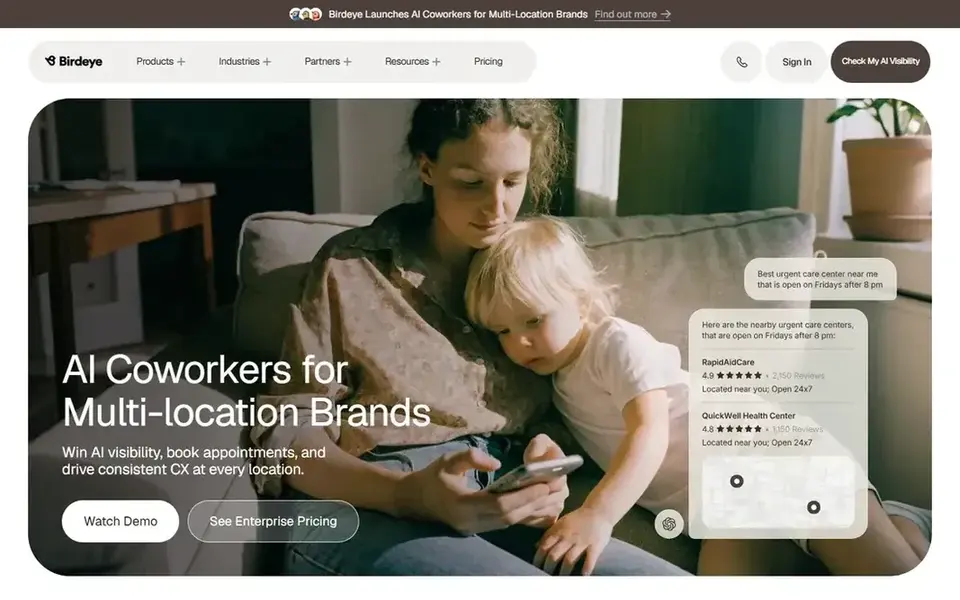
Birdeye is a reputation and customer experience platform used by service businesses. For a roofing company, the useful part is the automated request flow: when you mark a job complete, it can text the homeowner a link to leave a review. That timing matters because a roof replacement is a big purchase and the homeowner is most willing to talk about it right after the final walkthrough.
The tool also brings Google Business Profile reviews into a single inbox so your office can reply without logging into Google each time. You can set up templates for common replies, like thanking a customer for a hail damage repair. If you run crews across several towns, location support helps keep each profile separate.
The limits are mostly cost and complexity. Pricing is quote-based, and the platform includes surveys and messaging that many roofers will not use. If you only want to collect reviews and reply to them, a smaller tool may be enough.
- Sends review requests by text and email
- pulls Google reviews into one inbox
- supports multiple locations
- Pricing is quote-based
- more features than a small roofer needs
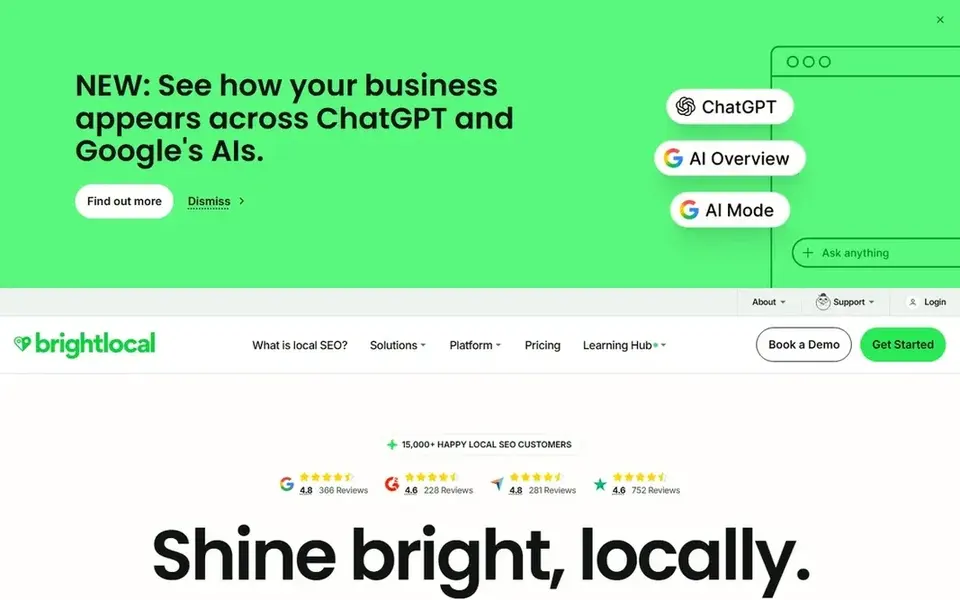
BrightLocal is a local SEO platform with a strong review monitoring section. It tracks reviews on Google and other sites, shows your average rating over time, and lets you reply from the dashboard. For a roofer who also wants to keep name, address and phone details consistent across directories, it covers both jobs in one place.
The review request side is simpler than a dedicated reputation tool. You can run campaigns, but the workflow is less tied to job completion. That is fine if your office already asks customers by phone or email and just needs a place to track what comes in.
Skip it if you want a fully automated text request the moment a crew leaves the driveway. It works best for roofers who treat reviews as part of a wider local SEO effort.
- Review monitoring across sites
- citation and listing tools
- local SEO reports
- Review request automation is basic
- aimed at agencies as much as businesses
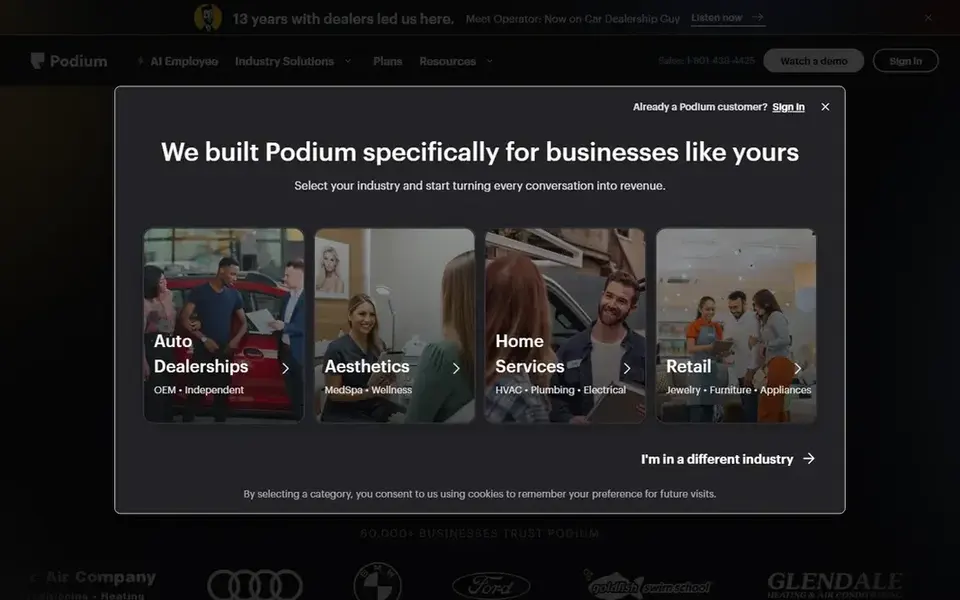
Podium started as a messaging tool for local businesses and grew into reviews. Roofers often get questions by text, like photos of a leak or a reschedule request, and Podium puts those messages next to review invites and review replies. That keeps the office from juggling several apps.
For reviews, you can send an invite by text and route replies to the right person. If a homeowner leaves a negative review about a delay, the team inbox means someone owns the response instead of it sitting unanswered.
The main limit is scope. Podium is built around conversations, so if your only goal is review collection, you may pay for messaging features you do not use. Pricing is quote-based, so ask for a walkthrough of the review parts specifically.
- Combines texts, messages and reviews
- team inbox with assignments
- review invites by text
- Pricing is quote-based
- messaging focus may be more than you need
ReviewTrackers is a review monitoring platform built for businesses with several locations. A roofing company with branches in different cities can watch each profile, see which branch gets the most reviews, and reply from one place. It also tracks reviews on sites beyond Google, which helps when homeowners check Facebook or Angi.
The reporting is the strong point. You can see review volume and response times by location, which is useful if you manage several crews and want to know where follow-up is slipping.
It is less of a fit for a single-crew roofer. The setup and pricing are aimed at bigger operations, and the review request automation is not as tightly tied to job completion as Birdeye or NiceJob.
- Monitors reviews across many sites
- location-level reporting
- reply tools
- Setup suits larger teams
- pricing is quote-based
GatherUp is a review management tool focused on collecting feedback and reviews. You can import customer emails or phone numbers after a roofing job and send a request. It also offers a private feedback step, where a customer can tell you about a problem before posting publicly, which gives you a chance to fix a scheduling issue.
The review widgets let you show recent reviews on your roofing website, which helps when a homeowner is comparing three bids and wants proof that you finish jobs on time.
The trade-off is depth. GatherUp does not manage your Google Business Profile listings or citations the way BrightLocal does, and the interface is plain. For a small roofer who just wants requests and widgets, that simplicity is fine.
- Straightforward request campaigns
- review widgets for your site
- feedback before a public review
- Fewer listing tools
- interface is plain
NiceJob is built for small service businesses, and roofing fits its model well. After a job, you can send a request by text or email, and the tool nudges customers who have not responded. It also creates simple pages that show your reviews, which you can link from your website or use in ads.
For roofers, the social sharing part is handy. A good review about a storm damage repair can be shared to Facebook, where neighbors in the same subdivision will see it.
The limits are plan-based. The review request and marketing features are strongest on the higher tiers, and it does not handle citations or local listings. If you want one tool for reviews and a basic web presence, it is a reasonable pick.
- Review requests by text and email
- simple website and landing pages
- social sharing of reviews
- Best features sit on higher plans
- less listing management
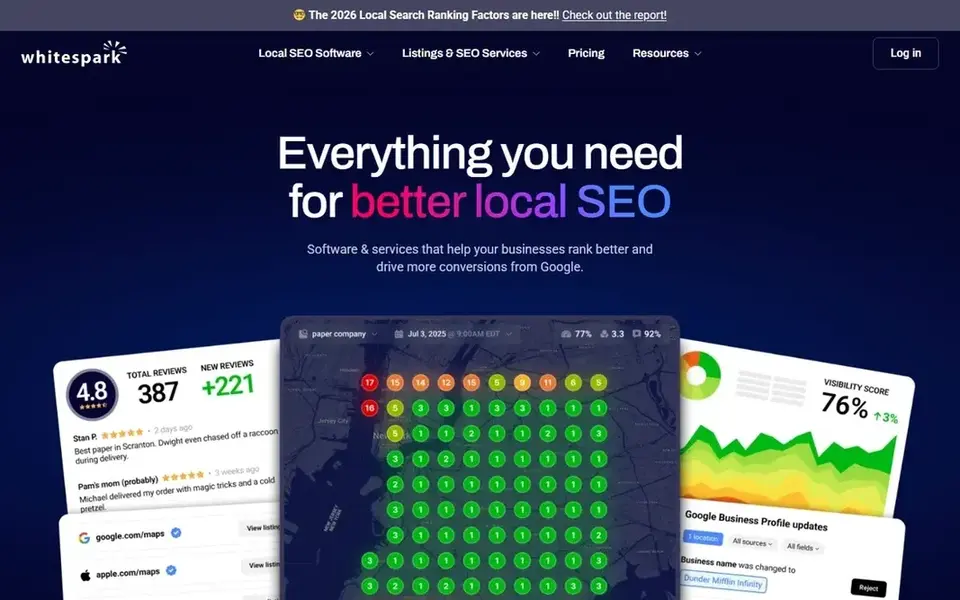
Whitespark is a local SEO company known for citation building and local search tools. Its platform includes review tracking and reply features, and its citation service helps keep your roofing business details consistent across directories. That consistency supports the local pack, where homeowners often start when they search for a roofer.
The review side is solid for monitoring and replying, but it is not the main event. If you want automated text requests tied to job completion, pair Whitespark with a request tool rather than expecting it to do everything.
It suits roofers who already invest in local SEO and want citations and review tracking from one vendor. Smaller roofers who just need review requests may find it more than they need.
- Strong citation building
- review tracking and reply tools
- local SEO focus
- Not a full review request platform
- pricing is quote-based for some services
How I chose
I compared these tools from vendor documentation and public sources, including each company's own product pages and help docs. I did not run hands-on tests, so I am not claiming to have used each dashboard. Instead, I looked at what each vendor says the tool does and matched it to how roofing work runs: quotes, scheduled jobs, crews, and a final walkthrough.
My main filters were review requests, Google Business Profile replies, and whether the tool fits a small local business or a multi-location roofer. I also noted limits, like quote-based pricing or features aimed at bigger teams, because a tool that is too complex is as bad as one that is too thin. Where a vendor's documentation was unclear, I said so rather than guessing.
What to check before you buy
- Confirm the tool can send a review request by text shortly after a job is marked complete, since roofers get the best response right after the walkthrough.
- Check that Google Business Profile reviews appear in the same inbox as other reviews, so your office replies from one screen.
- Ask whether replies can be assigned to a specific person, which prevents two staff members answering the same review.
- Look for review widgets or short links you can put on your roofing website and in estimate emails.
- Make sure the request flow follows Google's review policies: no filtering who gets asked, no incentives for positive reviews, and no review gating.
- Ask how the tool handles multiple locations if you have branches, and whether pricing changes per profile.
Frequently asked questions
Do roofers need review management software?
Not strictly, but it helps. Roofing jobs are infrequent and high-value, so a steady flow of reviews on Google Business Profile supports trust when homeowners compare bids. Software makes it easier to ask at the right time and to reply to every review without logging into several sites.
Can review software remove a bad review?
No. Legitimate tools cannot remove reviews, and anyone promising that is not following Google's rules. What software does is help you see negative reviews quickly and reply in a professional way. If a review breaks Google's policies, you can report it through Google Business Profile.
Should I ask every customer for a review?
Yes, ask every customer through a normal request flow. Do not filter out unhappy customers or offer discounts for positive reviews. Google's policies prohibit review gating and incentives, and those practices can hurt your profile. A private feedback step is fine as long as every customer can still leave a public review.
How soon after a roofing job should I send the request?
Send it within a day or two of the final walkthrough, while the cleanup and the finished roof are fresh in the homeowner's mind. Most tools let you trigger the request when a job status changes, so tie it to your job completion step rather than sending in a batch at month end.
Do I need a separate tool for Google Business Profile replies?
Not always. Birdeye, BrightLocal, Podium and ReviewTrackers all bring Google reviews into their dashboards. If you only have one location and few reviews, replying directly in Google Business Profile is free and fine. Software pays off when you have volume, several staff replying, or multiple locations.
Sources
See where you really rank - block by block
ProMapRanker scans Google Maps across a grid of your service area. Simple monthly plans from $19, white-label on every plan.
Start freeBrowse all guides
← Best Review Management Software for Pet Groomers in 2026Best Review Response AI Tools in 2026 →
 best review management software for dentists
Best Review Management Software for Dentists in 2026
A practical guide to the best review management software for dentists in 2026, compared from vendor documentation and public sources.
Read → best review management software for car dealerships
Best Review Management Software for Car Dealerships in 2026
A practical guide to the best review management software for car dealerships in 2026, covering review requests, replies, listings and reputation reporting.
Read → best review management software for auto repair shops
Best Review Management Software for Auto Repair Shops in 2026
A guide to the best review management software for auto repair shops in 2026, compared from vendor docs and public sources, with what to check before buying.
Read → how to get local seo clients
How To Get Local SEO Clients?
Everything you need to know about how to get local seo clients: what it is, why it matters for local SEO, and exactly how to act on it.
Read → local seo for roofers
Local SEO for Roofers: Generating Roofing Leads From Maps
A roofer's local SEO playbook: service-area GBP, reviews, and geo-grid tracking for more roofing leads.
Read → local rank tracking software
Local Rank Tracking Software: What to Look For Before You Buy
The features that actually matter in local rank tracking software, plus a buyer's checklist for 2026.
Read →More in Local SEO & Google Maps · All guides A to Z by date · Latest guides