 ProMapRanker
Best Review Response AI Tools in 2026
Direct answer
My top pick is Birdeye because it combines review monitoring, AI-assisted replies and multi-location workflows in one place, which suits service businesses that get reviews across several profiles. It has no free plan stated, so check its pricing page. For a lighter, cheaper-to-try option, look at ReviewTrackers or Grade.us, which fit small teams that mainly need fast, on-brand replies.
I compared these tools from vendor documentation and public sources, not from hands-on tests. I looked at what each one says it does for review replies, how it fits a local business workflow, and where its limits are. The list below is ordered by how well each tool matches the day-to-day job of answering reviews for a local business.
Key takeaways
- AI review response tools help you reply faster and more consistently, but a human should still approve every reply before it goes live.
- The best fit depends on how many locations and review platforms you manage, not on how many features a vendor lists.
- Google's review policies still apply to AI-written replies, so avoid fake reviews, review gating and keyword-stuffed business names.
- Most tools connect to Google Business Profile, and several also pull in Facebook and industry-specific platforms.
- Check how each tool handles tone, language and escalation before you commit to a plan.
Quick comparison
| Pick | Great for | Pricing starts at | Free tier | |
|---|---|---|---|---|
 Birdeye | Multi-location review management | See website | Not stated | Visit |
 ReviewTrackers | Central review monitoring and replies | See website | Not stated | Visit |
 Grade.us | Agencies managing client reviews | See website | Free trial | Visit |
 Podium | Reviews plus customer messaging | See website | Not stated | Visit |
 Broadly | Small local service teams | See website | Not stated | Visit |
 Reputation | Larger brands with many locations | See website | Not stated | Visit |
 Chatmeter | Multi-location brands needing analytics | See website | Not stated | Visit |
The best review response AI tools compared
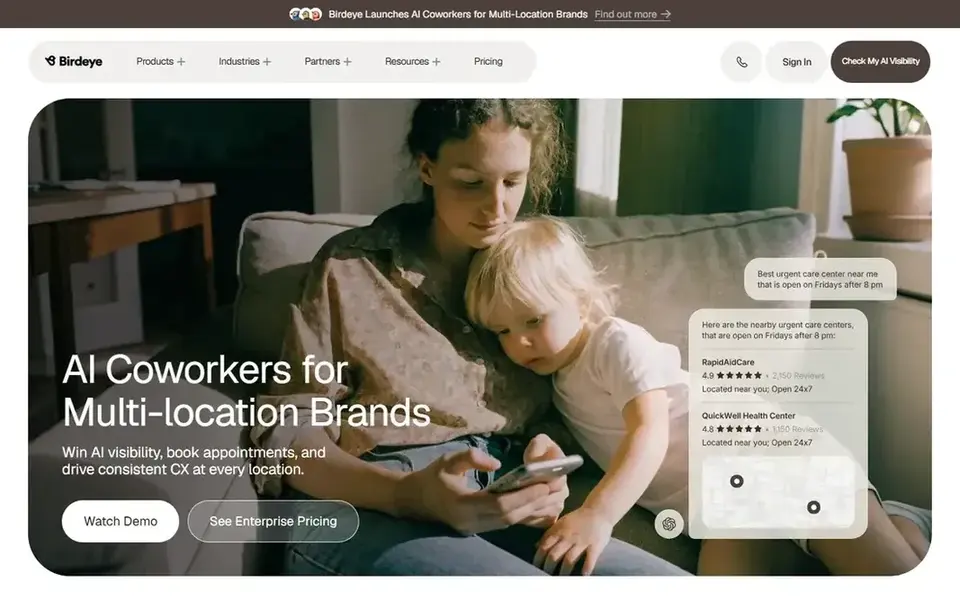
Birdeye is a reputation and customer experience platform that local service businesses use to manage reviews, messages and surveys. It fits companies with several locations or a steady flow of reviews across Google and other platforms. If you run a dental office, a home services company or a multi-branch retail chain, the appeal is having reviews and customer conversations in one dashboard.
For review responses, Birdeye offers AI-assisted reply drafting so your team can approve or edit a suggested response instead of writing from scratch. You can route reviews by location, set approval steps and keep replies consistent with your brand voice. That matters when a manager at one branch should not answer for another, and when you want a record of who replied and when.
The limits are practical: the platform covers a lot, so onboarding takes time, and pricing is not published. A single-location business with a handful of reviews a month may find it more than it needs, and should compare lighter tools first.
- Broad review and messaging coverage
- AI reply suggestions
- Multi-location dashboards
- Setup can feel heavy
- Pricing needs a sales call
ReviewTrackers is a review management platform built around monitoring and responding to reviews from one place. It suits local businesses that want a single inbox for Google, Facebook and other review sites, plus a simple way to draft and approve replies.
The AI response features help you turn a short review into a polite, specific reply without starting from a blank page. You can keep templates for common situations, such as a thank-you for a five-star review or a calm reply to a complaint, and let the AI adapt them. For a local business with one or two people handling reviews, that saves time on busy weeks.
The tool is less compelling for a very small team that only gets a few reviews a month, because the value comes from volume and multiple platforms. Pricing is not published, so ask for a quote that matches your review count.
- Clear review inbox
- AI reply suggestions
- Good for tracking multiple platforms
- Advanced features cost more
- Less useful for very small teams
Grade.us is a review management tool aimed at agencies and marketers who handle reviews for several clients. If you run a small SEO or marketing agency, as I do, the appeal is managing multiple client profiles and review campaigns from one account.
For review responses, it supports drafting replies and keeping a consistent process across clients. You can set up review request campaigns to bring in more reviews, then use the reply tools to answer them. That combination fits agencies that need to show clients a clear review workflow without building their own system.
A single local business may find the agency focus unnecessary and the interface less polished than newer tools. It is worth a look if you manage several clients, less so if you just need to reply to your own reviews.
- Agency-friendly workflows
- Review request campaigns
- Reply drafting support
- Interface feels dated in places
- Best value for agencies
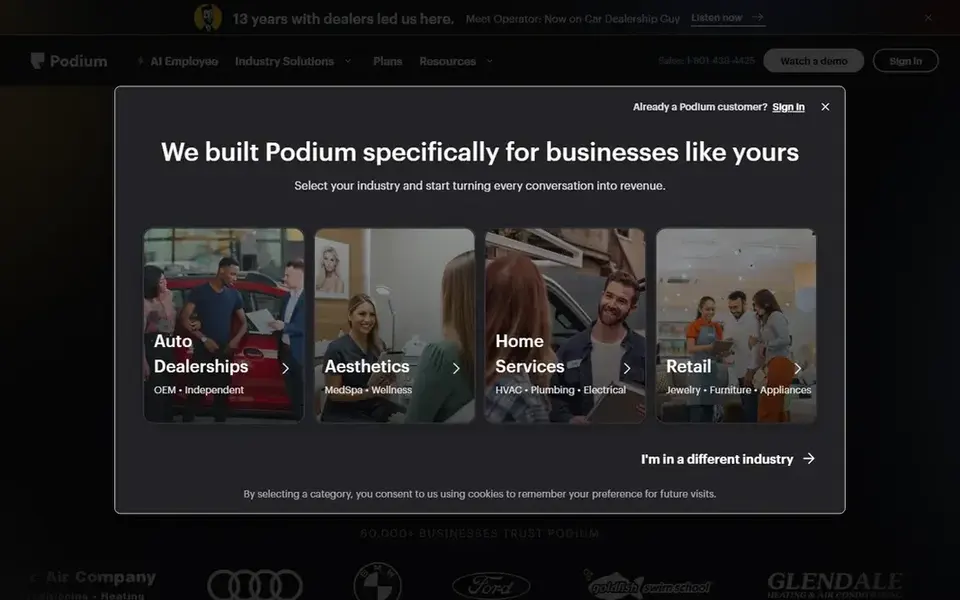
Podium is a customer interaction platform that local businesses use for messaging, review invites and review responses. It fits businesses that want to talk to customers by text and collect reviews in the same workflow, such as auto shops, clinics and home services.
On the review side, Podium helps you request reviews and draft replies with AI assistance. The messaging angle matters because many local customers prefer a text to an email, and a quick follow-up often leads to a review. The reply tools then help you answer those reviews without a long back-and-forth.
The main limit is scope: if you only need review replies, Podium's messaging features may be more than you want to pay for. Pricing is not published, so ask for a quote based on your location count and message volume.
- Strong messaging features
- Review invites
- AI reply help
- Messaging focus may be more than you need
- Pricing not public
Broadly is a review and customer experience tool built for small local service businesses. It fits teams that want a straightforward way to collect reviews and respond to them without a large setup.
The review response features help you draft replies and keep them consistent. For a small team, the value is speed: a plumber or landscaper can answer a review between jobs instead of writing a long reply from scratch. The tool also supports review requests, which helps keep a steady flow of new reviews coming in.
The limits are integration depth and scale. If you manage many locations or need deep analytics, a larger platform may fit better. Pricing is not published, so check before you commit.
- Simple review workflow
- Reply assistance
- Built for local service businesses
- Fewer integrations than larger platforms
- Pricing needs a call
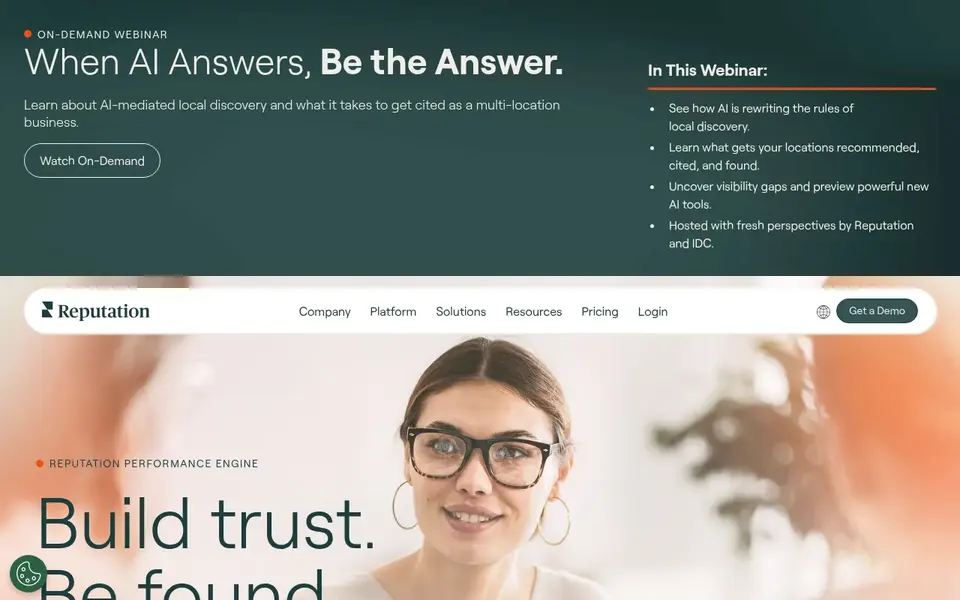
Reputation is a reputation management platform used by larger brands and multi-location businesses. It fits organizations that need to manage reviews, surveys and listings across many locations and want reporting on top.
For review responses, it offers AI-assisted drafting and workflows for approving replies across locations. That helps a regional manager keep replies consistent while letting local staff handle day-to-day responses. The analytics side helps you spot patterns, such as a branch with repeated complaints.
The tool is oriented toward larger organizations, so a single-location business may find it heavy and expensive. Pricing is not published, and onboarding can take time.
- Enterprise review management
- AI reply support
- Analytics and reporting
- Aimed at larger organizations
- Setup can be involved
Chatmeter is a local marketing and reputation platform focused on multi-location brands. It fits businesses with many locations that need to track reviews, listings and local pages in one place.
The review response features include AI-assisted drafting and workflows for approving replies across locations. The analytics angle is the differentiator: you can compare review trends by location and spot which branches need attention. For a franchise or a regional chain, that is useful for coaching local managers.
The limits are scale and setup. A small business with one location will likely find it more than needed, and pricing is not published, so ask for a quote.
- Location-level review analytics
- AI reply help
- Listings management
- Heavier onboarding
- Best for larger footprints
How I chose
I chose these tools by reading vendor documentation and public sources, then matching each one to how local businesses actually handle reviews. I did not run hands-on tests, and I did not rely on review scores or user counts. Instead, I looked at what each vendor says about AI reply drafting, approval workflows, platform coverage and multi-location support.
I also weighed the limits. A tool that is great for a franchise may be overkill for a single shop, and a lighter tool may lack the reporting a larger brand needs. I kept the list to real, currently operating products with public homepages, and I left out anything I could not confirm. Where pricing is not published, I say so rather than guess.
What to check before you buy
- Confirm which review platforms the tool connects to, starting with Google Business Profile and any platform your customers actually use.
- Ask whether AI replies require human approval before posting, and whether you can set that per location.
- Check how the tool handles multiple languages if your customers review in more than one language.
- Confirm how replies are routed: who gets notified, who can approve, and whether there is an audit trail.
- Ask how the tool handles negative reviews and escalation, so a complaint does not sit unanswered.
- Read the vendor's documentation on data access and permissions, especially if you manage client accounts.
Frequently asked questions
Do AI review response tools write replies automatically?
Most tools suggest a draft reply that a person reviews and approves before it is posted. Some allow auto-posting for simple cases, but for local businesses I recommend keeping a human approval step, especially for negative reviews where tone matters.
Can I use these tools for Google Business Profile reviews?
Yes. Most of the tools listed connect to Google Business Profile and pull reviews into a dashboard where you can draft and post replies. Check that the connection is supported for your account type, especially if you manage multiple locations or client profiles.
Are AI-written review replies allowed by Google?
Google's policies focus on fake reviews, review gating and misleading content, not on whether a reply was drafted with AI. A reply that is accurate, polite and specific to the review is fine. Avoid keyword-stuffed business names and generic replies that ignore what the customer said.
What is the difference between review monitoring and review response tools?
Review monitoring collects reviews from different platforms into one place. Review response tools add drafting, approval and posting workflows on top. Many platforms now do both, so check whether the tool you are considering covers the full loop from notification to posted reply.
Do I need a multi-location tool if I have one shop?
Usually not. A single-location business can often use a lighter tool or even the native reply features in Google Business Profile. Multi-location platforms make more sense when you have several branches, several client accounts, or a high volume of reviews that needs routing and reporting.
Sources
See where you really rank - block by block
ProMapRanker scans Google Maps across a grid of your service area. Simple monthly plans from $19, white-label on every plan.
Start freeBrowse all guides
← Best Review Management Software for Roofers in 2026Best Text Message Review Request Tools for 2026 →
 best review management software for pet groomers
Best Review Management Software for Pet Groomers in 2026
A practical guide to the best review management software for pet groomers in 2026, compared from vendor documentation and public sources.
Read → best review management software for dentists
Best Review Management Software for Dentists in 2026
A practical guide to the best review management software for dentists in 2026, compared from vendor documentation and public sources.
Read → best review management software for car dealerships
Best Review Management Software for Car Dealerships in 2026
A practical guide to the best review management software for car dealerships in 2026, covering review requests, replies, listings and reputation reporting.
Read → local seo glossary
Local SEO Glossary: A Complete Guide
Everything you need to know about local seo glossary: what it is, why it matters for local SEO, and exactly how to act on it.
Read → google business profile audit
Google Business Profile Audit: A Free 30-Point Self-Audit
Run a free 30-point Google Business Profile audit to spot the gaps holding your rankings back, no signup required.
Read → what is solv local seo
What Is SoLV in Local SEO? Share of Local Voice Explained
SoLV (Share of Local Voice) measures how visible you are across a grid. Learn what it is and how to improve it.
Read →More in Local SEO & Google Maps · All guides A to Z by date · Latest guides