 ProMapRanker
Restaurant Scheduling Software for Multi Location (2026)

Straightforward shift scheduling and team messaging · Pricing starts at: $2.50 per user a month
Direct answer
Start with When I Work if you need straightforward shift scheduling and team messaging. Listed starting prices: When I Work from $2.50 per user a month, Homebase from $30 per location per month and Deputy from $5 per user a month. If your case is different, Homebase suits all-in-one scheduling for small companies and Deputy suits simple scheduling with AI labor forecasting. The remaining 2 options are covered below with prices and limits.
Short on time? The summary and table above give the quick view of 5 tools for restaurant scheduling software for multi location, and the profiles that follow give the detail behind each entry.
Key takeaways
- When I Work sits first on this list: straightforward shift scheduling and team messaging.
- 2 of 5 tools offer a free plan: Homebase, Sling.
- Sling has the lowest monthly starting price in this list: $1.70 per user per month.
- HotSchedules suits hospitality-focused scheduling and engagement.
- Before buying Deputy, weigh this: payroll may cost additional.
Quick comparison
| Pick | Great for | Pricing starts at | Free tier | |
|---|---|---|---|---|
| When I Work | Straightforward shift scheduling and team messaging | $2.50 per user a month | Free trial | Visit |
 Homebase | All-in-one scheduling for small companies | $30 per location per month | Yes | Visit |
 Deputy | Simple scheduling with AI labor forecasting | $5 per user a month | Free trial | Visit |
 Sling | Free shift scheduling and communication | $1.70 per user a month | Yes | Visit |
 HotSchedules | Hospitality-focused scheduling and engagement | See website | Not stated | Visit |
Restaurant Scheduling Software for Multi Location compared in detail
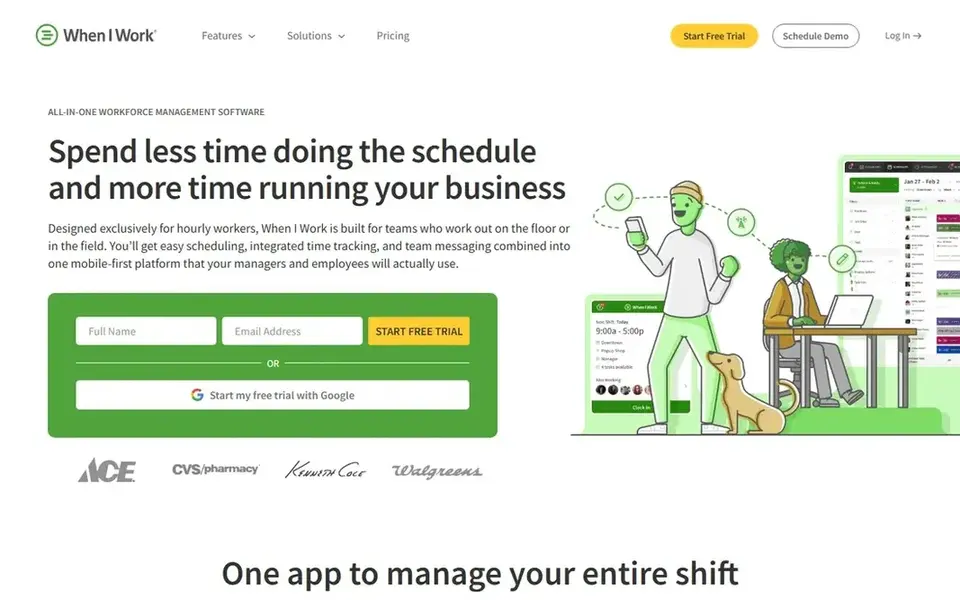
When I Work makes the most sense for straightforward shift scheduling and team messaging. It is meant to be simple and accessible, making it a good choice for multi-location restaurants that require a straightforward scheduling tool without broad HR or payroll functionality.
Price to start with When I Work: $2.50 per user per month. On free options: Free trial.
Where it falls short: Restricted HR features.
- Team messaging
- Time tracking
- No built-in payroll
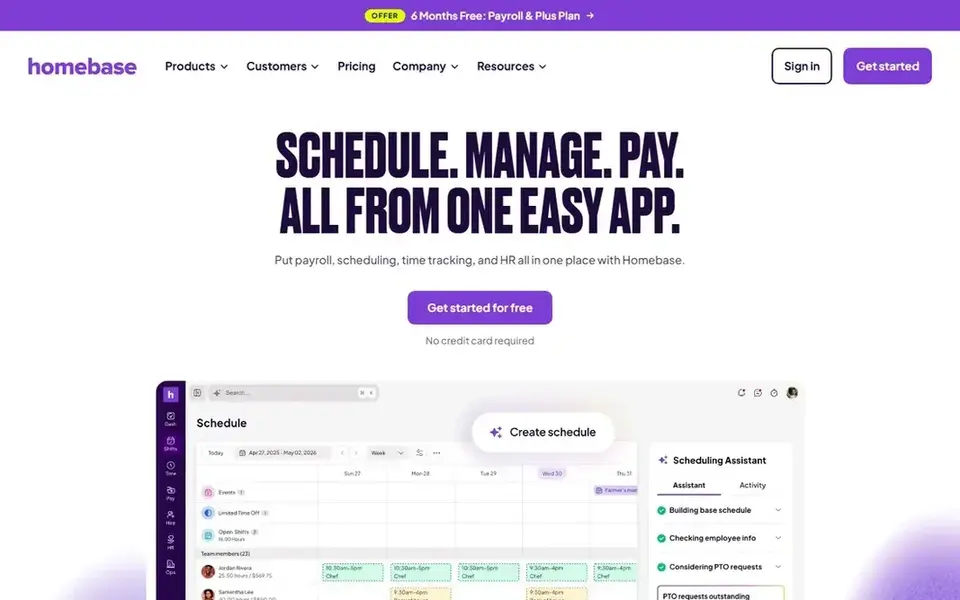
Homebase makes the most sense for all-in-one scheduling for small firms. For multi-location restaurants, Homebase supplies a straightforward way to schedule staff, track hours, and run payroll from a single dashboard, making it a good match for smaller chains or franchises. Homebase is an all-in-one employee scheduling, time clock, payroll, and hiring app made for hourly teams.
It is used by numerous small companies to handle their workforce. Homebase may lack some of the advanced features required by bigger multi-location operations, like complicated labor forecasting or deep HR tools. Homebase starts at: $30 per location per month. Homebase offers a free plan.
Watch-outs: May not scale for large chains.
- Integrated payroll and hiring
- Free choice available
- Restricted advanced features
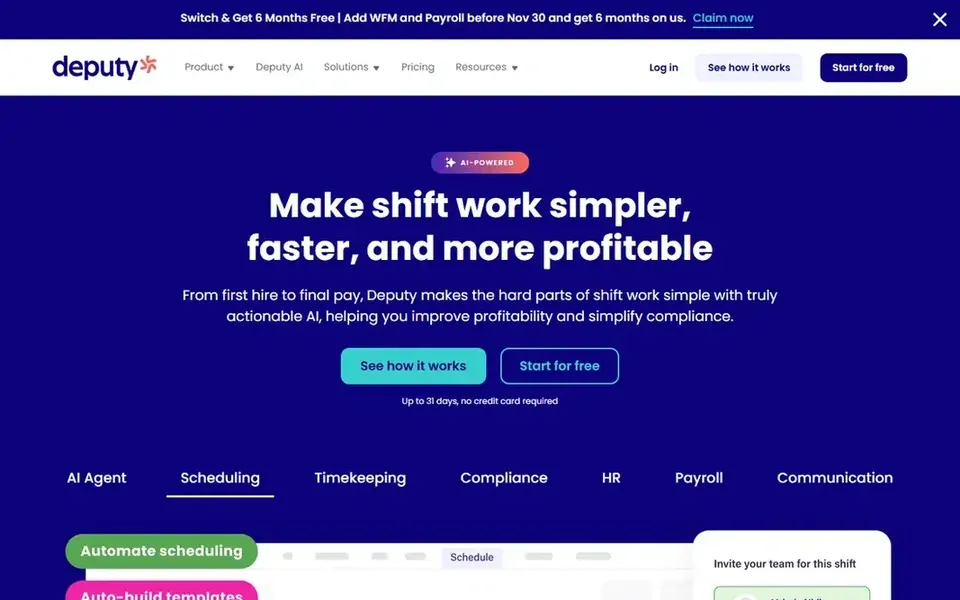
Think of Deputy for simple scheduling with AI labor forecasting. It helps companies schedule shifts, track time, and run HR tasks.
From a buyer's view, Whereas Deputy is user-friendly, some advanced features like payroll may need extra configuration or cost. What you pay to start with Deputy: $5 per user per month. As for free access: Free trial.
Where it is weaker: Advanced features need setup.
- HR and payroll extras
- Approachable interface
- Payroll may cost additional
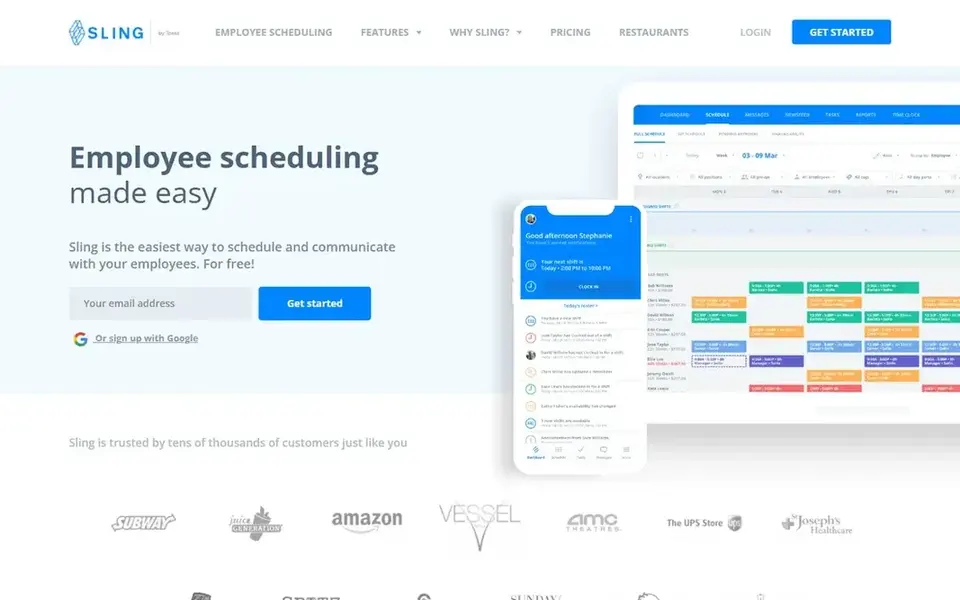
Sling makes the most sense for free shift scheduling and communication. Sling is a free and easy-to-use employee shift scheduling and planning software that helps firms handle shifts and communicate with employees.
It supplies core scheduling features without cost, making it attractive for multi-location restaurants with tight budgets or more straightforward scheduling needs. Sling cost at the entry level: $1.70 per user per month. You can start on Sling without paying.
The main drawbacks: May lack scalability.
- Team communication
- Shift planning
- Restricted advanced features
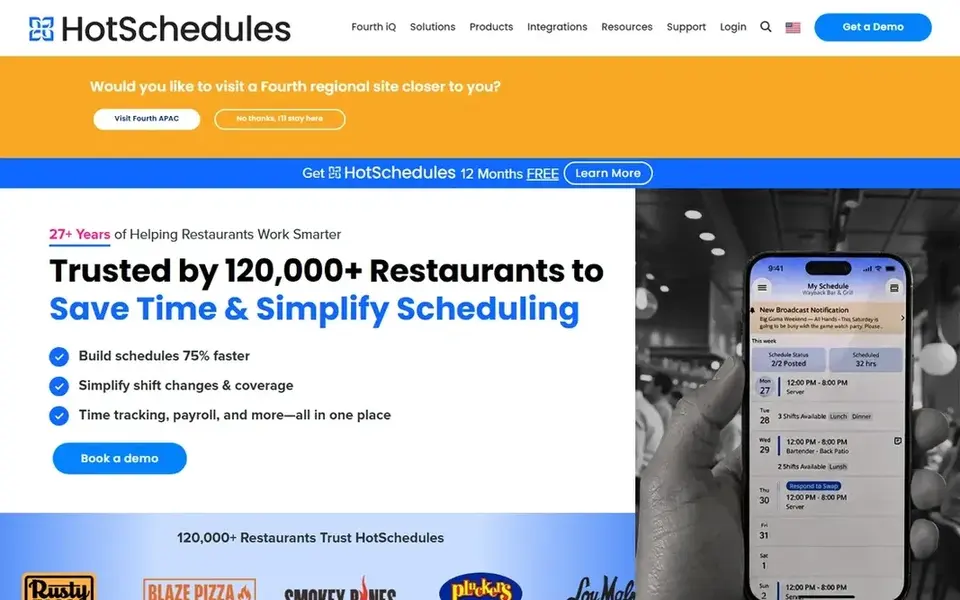
Choose HotSchedules for hospitality-focused scheduling and engagement. It helps managers build schedules, communicate with staff, and track labor costs across several locations.
Honest limits: Pricing not transparent.
That said, HotSchedules may be more than small single-location restaurants need, and pricing is not publicly listed. So you will have to request a demo. This comparison lists no price for HotSchedules; ask the vendor. As for free access: Not stated.
- Multi-location support
- Engagement features
- May be complicated for small teams
How the list was put together
For each of the 5 tools we noted price, free plan or trial, fit for restaurant scheduling software for multi location and the main limit, using vendor pages and documentation. Seat minimums, billing terms and add-ons can move the real cost, so the starting prices here are a guide and not a quote. The sequence is a judgement call: typical use case first, then pricing transparency, then free access. Use the profiles to check fit.
Things to verify first
- Get a written quote from HotSchedules; the list shows no starting price for them.
- Check what the free option really includes: Homebase and Sling offer a free plan, and usage caps differ.
- Use real work to test the free trial from When I Work and Deputy, rather than a demo project.
- Read the limits listed for When I Work first: restricted HR features.
- Involve the people who will use Deputy daily; a short pilot beats a long feature checklist.
- Add up seats, add-ons and usage charges for Homebase before comparing it with cheaper entries.
Frequently asked questions
What is the cheapest option for restaurant scheduling software for multi location in this list?
On published monthly entry prices, Sling is the lowest here at $1.70 per user per month. Entry price is only part of the cost, because seats, add-ons and billing terms can change the total.
Is When I Work the right pick for everyone comparing restaurant scheduling software for multi location?
No single tool suits every team. When I Work comes first because it fits simple shift scheduling and team messaging, while Homebase suits all-in-one scheduling for small businesses and Deputy suits easy scheduling with AI labor forecasting. Match the tool to your own size, budget and workflow before deciding.
Do these tools publish their prices?
Not all of them. HotSchedules publishes no starting price, so expect a quote request for it. The rest, When I Work included, show a starting price, though seats and billing terms still change the final cost.
How are the tools for restaurant scheduling software for multi location ordered?
The order follows typical fit for restaurant scheduling software for multi location, with When I Work first and HotSchedules last, then price clarity and free access. It is editorial judgement, not a score, so another team could rank the tools differently.
What features should I look for in multi-location restaurant scheduling software?
Look for centralized scheduling that lets you to run several locations from one dashboard, labor cost tracking, and integration with payroll and POS systems. Also consider mobile accessibility for staff and reporting capabilities to compare performance across locations.
Sources
See where you really rank - block by block
ProMapRanker scans Google Maps across a grid of your service area. Simple monthly plans from $19, white-label on every plan.
Start freeBrowse all guides
← Qsr Digital Menu Software Reviews in 2026: Top 5 ComparedBest PDF Cropping Tool with Best Reviews (2026) →
 best post-purchase engagement software reviews
5 Best Post-Purchase Engagement Software Reviews for 2026
5 best post-purchase engagement software reviews, with entry costs, free tiers and the buyer each one serves. Concise write-ups of every option. No hype.
Read → best online appointment scheduling software reviews
6 Best Online Appointment Scheduling Software Reviews for 2026
Best online appointment scheduling software reviews: 6 tools compared on price, free plans and fit. Plain-spoken summaries throughout. Updated for 2026.
Read → best time tracking software for franchises
Time Tracking Software for Franchises: Best Picks of 2026
Best time tracking software for franchises in 2026: 6 tools with starting prices, free plans and limits. Every profile names its biggest catch. Easy to scan.
Read → ga4 alternatives
Best GA4 Alternatives in 2026
Looking for ga4 alternatives? We compare 10 analytics tools, from Plausible to Matomo, on privacy, pricing, self-hosting, traffic and product features in 2026.
Read → netsuite alternatives
Best NetSuite Alternatives in 2026
Best NetSuite alternatives compared for 2026, covering cloud ERP pricing, finance, inventory, manufacturing and the right fit for small and mid size firms.
Read → best e-commerce platforms for small businesses
Best E-Commerce Platforms for Small Businesses in 2026
Compare the best e-commerce platforms for small businesses in 2026, with pricing, transaction fees, free plans, and picks for stores of every size today.
Read →More in Ecommerce & Retail · All guides A to Z by date · Latest guides