 ProMapRanker
Best Restaurant Inventory Management Software in 2026

Key takeaways
- MarketMan and MarginEdge publish clear monthly prices, while several larger tools still require a custom quote.
- Invoice scanning is the feature that saves the most time, because it feeds prices straight into recipe costs.
- A POS link matters more than a long feature list, since sales data drives variance reporting.
- Single sites can start cheaper, but multi-unit groups should check transfer, approval and reporting tools first.
Quick comparison
| Pick | Great for | Pricing starts at | Free tier | |
|---|---|---|---|---|
 MarketMan MarketMan | Overall inventory and costing | $249 per month | No | Visit |
 MarginEdge MarginEdge | Invoice automation and daily costs | $350 per month | No | Visit |
 xtraCHEF by Toast xtraCHEF by Toast | Toast POS users | See website | No | Visit |
 Restaurant365 Restaurant365 | Multi-unit back office | $249 per month | No | Visit |
 CrunchTime CrunchTime | Large chains | See website | No | Visit |
 Lightspeed Restaurant Lightspeed Restaurant | POS built inventory | See website | No | Visit |
 Apicbase Apicbase | Recipe and production costing | See website | No | Visit |
 Rinvy Rinvy | Smaller independents | Free | Yes | Visit |
The best restaurant inventory management software
We compared tools that track stock, cost recipes and turn invoices into usable numbers, rather than general POS systems with a stock list added on.
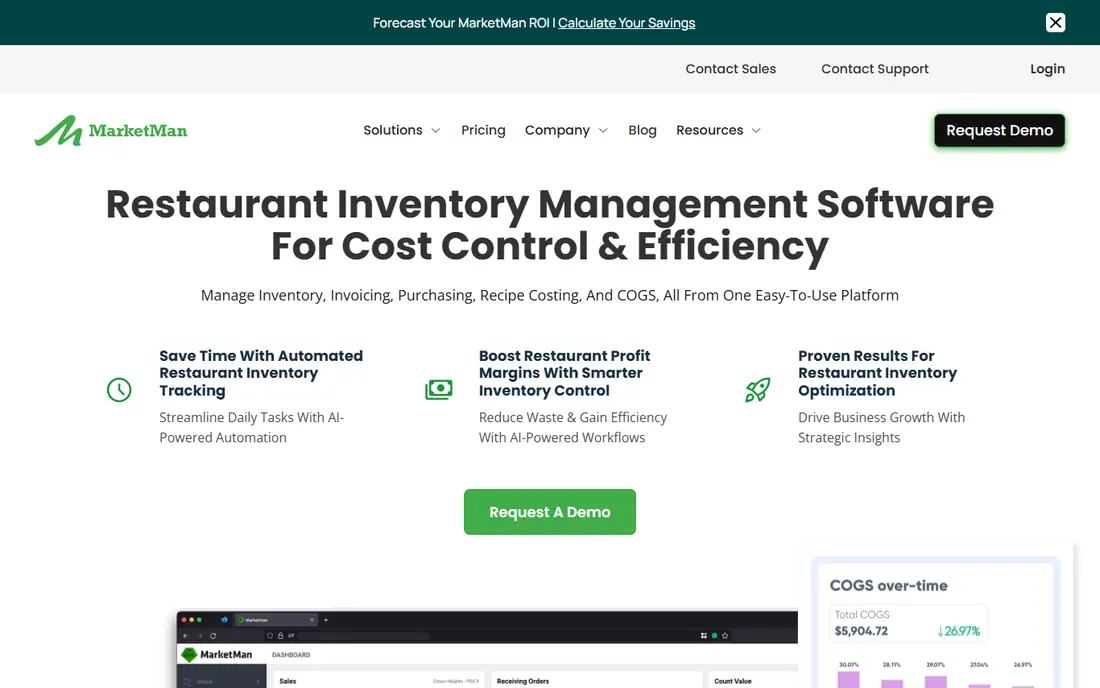
MarketMan suits an independent restaurant that wants one place for counts, ordering and recipe costs. Its Starter plan includes real time recipe costing, waste tracking and actual versus theoretical reporting, which helps a manager see where food cost drifts from the menu plan. Staff can count and receive deliveries on mobile apps, so the work does not wait until someone returns to an office computer.
The trade off is scale. The Starter plan includes one vendor integration and a limited number of invoice scans per month, so a busy site with many suppliers may need the Growth plan at $299 per month. That higher plan adds smart ordering and unlimited invoice scanning. If you run several sites, the Enterprise plan adds central reporting and transfers, but the price starts from $449 per month, so get a quote before you assume it fits.
- Clear published pricing
- Recipe costing and variance reports
- POS and accounting links
- No free plan
- Lower plan limits invoice scans and vendor links
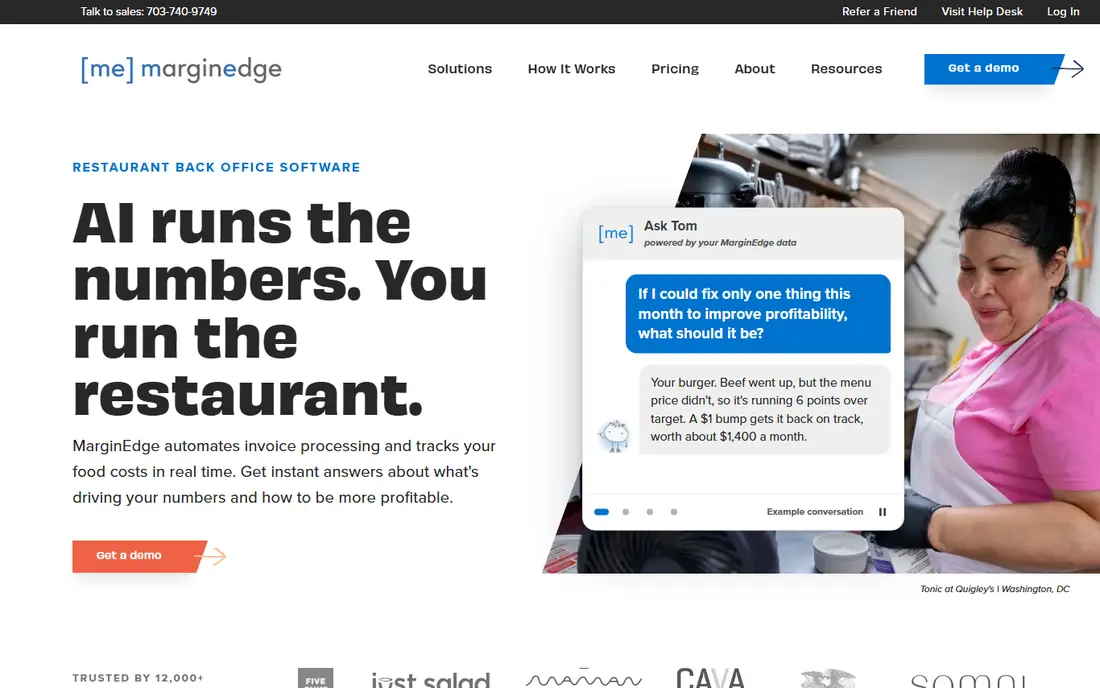
MarginEdge starts with the paperwork that eats up manager hours. Invoices can be photographed, uploaded, emailed or sent electronically, and the vendor states that its team reviews line items so prices and categories are coded correctly. That matters because a single miscoded invoice can distort a recipe cost for weeks. Sales and invoice data then feed a daily view of food cost and profit, rather than a month end surprise.
The flat price keeps budgeting simple, and it includes unlimited invoice processing according to the vendor. The catch is that the base price is high for a very small site, and features such as prep lists cost extra. If your main pain is invoice entry and daily cost visibility, this is a strong pick. If you only need simple counts, a cheaper tool may do the job.
- Flat monthly price per location
- Invoice processing with human review
- Daily profit and loss view
- No free plan
- Prep lists are a paid add on
For restaurants already on Toast, xtraCHEF is the natural back office add on. It blends invoice data with Toast sales data to show cost of goods sold and margin by menu item, which is hard to get right when sales and purchasing live in separate tools. The mobile app helps with faster inventory counts, and invoice automation cuts manual entry.
The drawback is dependence on that setup. Restaurants not using Toast will get less from the sales link, and pricing is quoted rather than listed plainly on the main product page. Third party listings have put the start around $149 to $179 per location per month, but we could not confirm a single current vendor price, so we list it as See website. Ask for a written quote that states which inventory features are included, since some tools sit in a higher tier.
- Close link to Toast sales data
- Invoice automation
- Mobile counting app
- Pricing is not published in full
- Best value sits inside the Toast setup
Restaurant365 is built for groups that want accounting, inventory and scheduling in one back office, not three separate logins. Its Core plans start at $249 per location per month when billed quarterly, and higher plans add smart ordering, smart prep, recipe costing and custom financial reports. The built in general ledger is the point of difference here, since many rivals export to QuickBooks or Xero instead.
That breadth is also the risk. A single site that only wants counts will pay for accounting and scheduling tools it may not use, and some reviewers note setup takes real training time. If you run several locations and want one profit view across them, the extra scope can pay off. If you run one cafe, start with a narrower and cheaper tool first.
- Inventory, accounting and scheduling in one system
- Multi-location reporting
- Recipe costing on higher plans
- No free trial listed
- Cost rises fast with higher tiers
CrunchTime, now combined with QSR Automations, serves large food service brands across many locations. It covers inventory, labor, food safety and operational reporting in one enterprise platform, and it is the kind of tool a chain picks when consistency across hundreds of sites matters more than a low monthly fee. Kitchen display links from the QSR Automations combination add to that operational scope.
For most readers, the honest verdict is that this is overkill. Pricing is by custom quote, implementation will be a project, and a small group will not use the compliance and enterprise reporting depth. It belongs on this list because large chains searching for restaurant inventory software will meet it early, and it is genuinely strong at scale. Smaller operators should look at MarketMan, MarginEdge or Rinvy instead.
- Built for very large multi-unit groups
- Food safety and compliance tools
- Deep analytics
- Custom pricing only
- Far more than a single site needs
Lightspeed Restaurant appeals to operators who want the till and the stockroom to share the same data. When a dish sells, ingredient use can be tracked against stock, and recipe cost and margin reports sit beside sales reports. That single dataset makes variance easier to explain than reconciling two systems at month end. It also suits full service restaurants that already want Lightspeed for ordering and payments.
The catch is plan detail. Inventory is an add on at lower tiers in some listings, and Lightspeed does not publish one simple price for the full restaurant setup on its main pages. Before signing, confirm in writing whether recipe costing, variance reporting and the inventory module are included in your quote. If you are not planning to use Lightspeed as your POS, a standalone tool will usually be simpler.
- Sales and inventory in one system
- Recipe cost and margin views
- Broad POS feature set
- Full pricing is quoted
- Inventory depth depends on the plan chosen
Apicbase takes a chef led view of back office work. It tracks ingredients, builds recipes, costs each dish, and supports production planning across outlets, with menu engineering that shows which dishes carry margin and which do not. Hotels, caterers and multi-site groups with standard menus get the most from that depth, since a recipe change can flow through costs across sites.
The weakness is entry cost and complexity for small operators. Third party listings have shown around $149 per month, but current vendor pricing is scaled by outlet count and sold with add on modules, so we list it as See website. A single restaurant with a short menu may find setup heavy compared with MarketMan or Rinvy. A group with central production, standard recipes and several outlets is the right audience.
- Deep recipe, menu engineering and production tools
- Multi-outlet support
- Allergen and nutrition data
- Pricing is custom and scaled by outlet
- Weaker fit for a single small site
Rinvy is worth a look for an independent restaurant that wants modern inventory tools without a $249 or $350 monthly commitment. It offers a free plan, mobile counting by several people at once, invoice capture, suggested ordering and waste tracking, with forecasting and group reporting on paid plans. For a single site owner who counts stock weekly and wants to stop using spreadsheets, that starting point is hard to ignore.
The honest limit is maturity and breadth. It does not list the same range of POS and accounting links as the larger vendors, and Toast is its direct sales link, with other POS data coming by API, email or CSV on higher plans. That is workable, but it is not the same as a long list of native links. Try the free plan with real counts for two weeks before you judge it, and check that your POS data flows in cleanly.
- Free plan to start
- Multi-user mobile counting
- Weather aware sales forecasting on paid plans
- Newer and smaller than the leaders
- Fewer POS links than MarginEdge or MarketMan
How we picked these
We compared official feature pages, published pricing pages and third party pricing listings, and we kept only tools that still sell restaurant inventory, recipe costing or invoice processing in October 2026. We favored tools with a clear restaurant focus, mobile counting and a link to sales or accounting data, since those three pieces decide whether counts turn into cost control. Where a vendor did not publish a current price, we wrote See website rather than repeating an old third party figure as fact.
What to check before you pay
Start with your counting habit, not the feature list. If your team counts once a month, no tool will fix food cost, while a tool with fast mobile counts and invoice scanning can help a weekly counter a lot. Ask how invoices reach the system, whether prices update recipes automatically, and who can approve orders. Those three answers reveal most of the day to day workload.
Next, test the POS and accounting link with your real setup. Ask for a named list of supported POS systems, and confirm whether sales, ingredient depletion and bills flow without manual exports. Check multi-location tools only if you need them, such as transfers, central price lists and group reporting, since they add cost fast. Finally, get the full monthly price in writing, including invoice scan limits, vendor links and any add ons, and run a trial count before you move your whole menu across.
Frequently asked questions
What is the best inventory management software for restaurants?
There is no single winner for every site. MarketMan is our pick for most independents because its pricing is clear and its costing tools are complete, while MarginEdge suits operators whose main problem is invoice processing. Larger groups should weigh Restaurant365 or CrunchTime, and small sites should test Rinvy first.
How much does restaurant inventory software cost?
Published starting prices in this guide run from free on Rinvy to $249 per month for MarketMan and Restaurant365, and $350 per month for MarginEdge. Several enterprise tools use custom quotes, so the total depends on locations, invoice volume and add ons. Always ask what is included at the quoted price.
Do I need inventory software if I already have a POS?
A POS tracks sales, but it does not always track ingredient costs, waste, supplier prices and recipe margins in depth. Standalone inventory tools add invoice processing, counts, variance reporting and ordering, and they link back to POS sales. If your POS inventory module already covers those pieces, you may not need a second tool.
Can inventory software reduce food waste?
It can help by showing usage, variance and expiry risk, and by linking counts to recipes and sales. Waste tracking by reason is the useful part, since it shows whether loss comes from spoilage, over preparation or portion drift. The software alone does not cut waste, since staff still need to count honestly and act on the reports.
Is there free restaurant inventory software?
Rinvy offers a free plan, which is the clearest free starting point in this list. Most full tools do not offer a free plan, though some offer demos. A free plan is a good way to test mobile counting, but check its limits on invoice scans, locations and reporting before you rely on it.
Sources
See where you really rank - block by block
ProMapRanker scans Google Maps across a grid of your service area. Simple monthly plans from $19, white-label on every plan.
Start freeKeep reading
 best video editing apps for affiliate marketing
Best Video Editing Apps for Affiliate Marketing in 2026
Compare the best video editing apps for affiliate marketing, from fast short-form editors to full desktop suites, with current pricing and honest trade-offs.
Read → best shift scheduling software
Best Shift Scheduling Software in 2026
Compare the best shift scheduling software, from Homebase and Deputy to When I Work and 7shifts, with free plans and per-user pricing explained for teams.
Read → best salon booking software
Best Salon Booking Software in 2026
Compare the best salon booking software for 2026, from free solo tools to premium multi-chair platforms, with current pricing, trials and honest limits.
Read →