 ProMapRanker
Best Reel Maker App in 2026: 9 Apps Compared

Key takeaways
- CapCut is the best all-round free starting point for trend formats, templates and auto captions.
- VN is the best free no-watermark option for precise manual editing and pacing.
- InShot suits fast, simple edits, while Canva and Adobe Express suit branded business Reels.
- LumaFusion suits iOS editors who want desktop-level control for a one-time purchase.
- Check watermark rules, export resolution and music licensing before you build a workflow around a free plan.
Quick comparison
| Pick | Great for | Pricing starts at | Free tier | |
|---|---|---|---|---|
 CapCut | Trend templates and captions | Free | Yes | Visit |
 InShot | Fast simple edits | Free | Yes | Visit |
 Canva | Branded template Reels | Free | Yes | Visit |
 VN Video Editor | Precise free editing | Free | Yes | Visit |
 Adobe Express | Branded business Reels | Free | Yes | Visit |
 LumaFusion | Professional mobile editing | $29.99 one-time | No | Visit |
 VLLO | Caption timing and narration | See website | Yes | Visit |
 YouCut | Quick same-day edits | See website | Yes | Visit |
 KineMaster | Layered mobile editing | See website | Yes | Visit |
The best reel maker apps
These nine apps cover free editing, templates, branded design and professional mobile timelines for short vertical video.
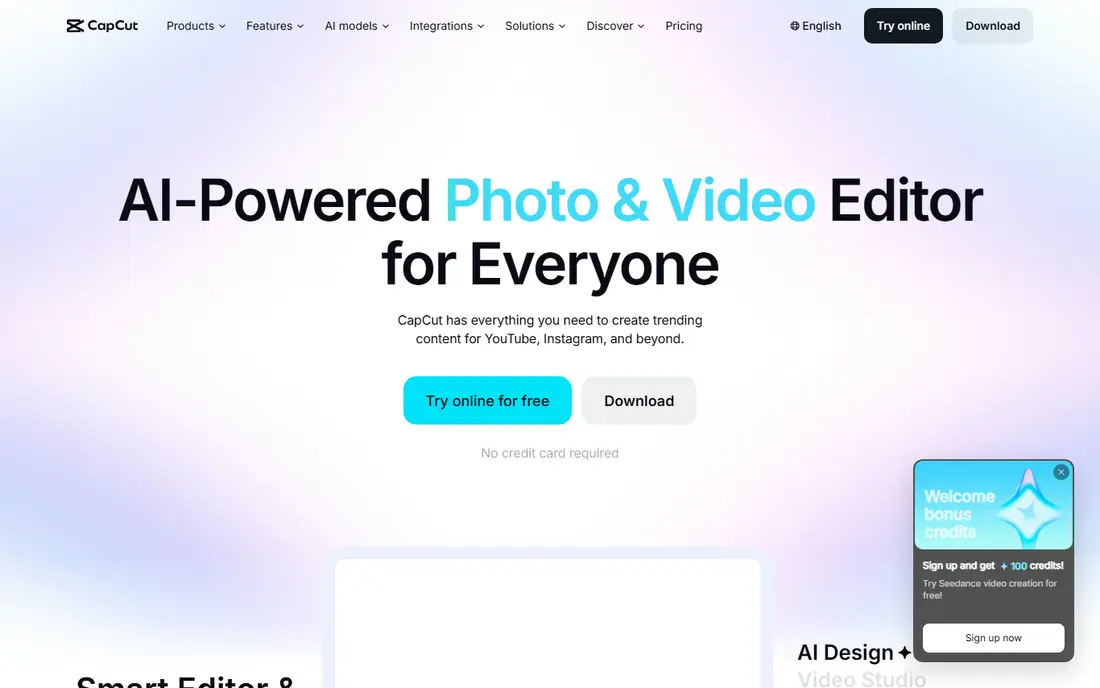
CapCut is the default reel maker for many creators because it covers the whole short-form workflow in one app. Templates follow current trends, auto captions save time on talking-head clips, and beat sync helps music-led edits land on time. It runs on mobile, desktop and web, so a project started on a phone can be finished on a larger screen.
The free plan is strong, but not unlimited. Some templates and Pro effects need a paid plan, and free exports can add a CapCut ending clip that you can delete. Paid plans have been listed from about $9.99 per month for Standard, with a higher Pro tier, so check current app store pricing. For most creators starting out, CapCut gives the fastest path from raw clips to a publish-ready Reel.
- Large template library
- Auto captions
- Beat sync and effects
- Some templates and Pro features need a paid plan
- Free exports may add an ending clip
InShot suits creators who want a quick, reliable edit without learning a complex timeline. Trimming, speed control, text, stickers and music sit close at hand, and the app works well on older phones where heavier editors can lag. That simplicity is why many daily creators keep InShot as their everyday tool, even when they own a more powerful editor.
The free plan limits are clear. Free exports carry an InShot watermark, ads appear in the free version, and some effect packs need payment. Paid options have been listed from about $4.99 per month, with yearly and lifetime options in recent guides, so check the current store price. If you publish daily and want clean exports, the paid plan is worth the small cost.
- Simple timeline
- Fast trimming and text
- Lifetime purchase option in guides
- Free exports carry a watermark
- Ads on the free plan
- Effect packs cost extra
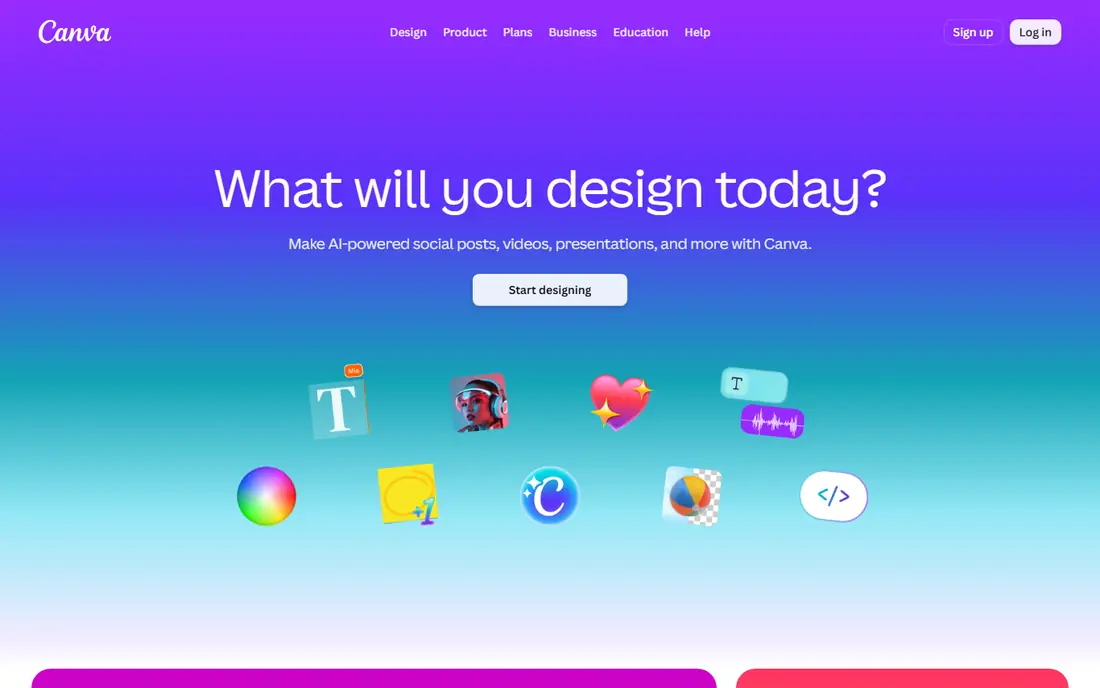
Canva is the best reel maker for branded content, because design comes first. Templates, fonts, colours and stock media help a business or coach keep every Reel on brand, and the video editor handles trimming, text animation and simple transitions without a steep learning curve. Teams can share brand kits and templates, which keeps output consistent across staff.
Video control is lighter than in VN or LumaFusion. Precise keyframes, multi-track audio work and complex pacing are harder, and Pro elements stay locked on the free plan. Canva Pro has been listed at about $12 per month on yearly billing, so check current pricing. For design-led Reels, Canva is excellent. For film-style editing, pair it with a dedicated video editor.
- Huge template library
- Brand kits on Pro
- Easy text and design tools
- Less precise video timeline control
- Pro elements locked on the free plan
VN, also listed as VN Video Editor, is the free editor many serious creators recommend once they outgrow template apps. Core editing is free, exports carry no watermark in recent comparisons, and keyframes, speed curves and a multi-track timeline give precise control over pacing. That control suits travel clips, cinematic Reels and edits where timing matters more than a trending template.
The trade-off is templates. VN does not match CapCut template breadth, and keyframe work takes practice. Optional VN Pro has been listed at about $7.99 or $69.99 in recent guides, so check current store pricing for added features. If you want free, precise editing without a watermark, VN is the strongest pick on this list.
- Core editing free with no watermark
- Keyframes and curves
- Multi-track timeline
- Smaller template library than CapCut
- Learning curve for keyframe work
Adobe Express suits businesses that want branded Reels without a full video editing course. The free plan covers templates, text, stock media and simple video edits, and free exports carry no watermark in recent comparisons. Premium plans, listed at about $9.99 per month or $99.99 per year in recent guides, open premium templates, assets and tools.
Video editing depth is lighter than in VN or LumaFusion, so complex multi-track projects may feel limited. Adobe Express works best as a branded content tool: design a template once, reuse it across Reels, and keep colours and fonts consistent. Businesses already using Adobe tools will find the workflow familiar and the brand controls useful.
- Free plan with clean exports
- Brand tools
- Templates and scheduling links
- Premium templates locked on free plan
- Video depth below LumaFusion
LumaFusion is the professional mobile editor for creators who want desktop-level control on iPad or iPhone. Multi-track timelines, precise trimming, colour tools, titles and audio mixing go far beyond template apps, and the one-time purchase price, listed at $29.99 in recent guides, avoids a monthly subscription for the core app. That model appeals to editors who dislike recurring fees.
There is no free plan, so you should try the feature list and tutorials before you buy, and the app is iOS-focused, which limits Android users. Beginners may also find the timeline dense at first. For iOS creators who edit Reels as a craft, not just a quick post, LumaFusion offers the deepest mobile control here.
- Desktop-level mobile timeline
- Multi-track editing
- One-time purchase model
- IOS focus
- No free plan
- Learning curve for beginners
VLLO suits narration-heavy and explainer Reels, where caption timing matters as much as visuals. Its caption tools let creators place and time text precisely, which helps viewers who watch without sound follow the story. The interface stays clean, and the core editor handles trimming, text, music and simple effects well for daily posts.
The effects library is smaller than CapCut, and some advanced features sit behind a paid plan, so check current store pricing before you rely on a specific tool. VLLO is not the best pick for trend templates or heavy effects. For coaches, educators and explainer creators who need accurate captions and clear pacing, it is a strong, focused choice.
- Detailed caption timing
- Good for narration-led Reels
- Clean interface
- Smaller effects library than CapCut
- Some features need a paid plan
YouCut is built for speed. Creators who shoot and publish on the same day can trim, merge, add music and text, and export without wading through a large effects library. The interface stays simple, which helps new editors finish a Reel in minutes rather than learning a new tool for an hour. That speed is why it appears in many free Reel app lists.
Advanced control is limited compared with VN or LumaFusion. Keyframes, complex audio work and deep colour tools are not its focus, and the music and effects range is modest. Check current free export and watermark terms in the store listing, since free terms can change. For quick, clean daily Reels, YouCut is a practical free option.
- Fast trimming and merging
- No watermark in some free exports in guides
- Simple interface
- Fewer advanced tools than VN
- Effect and music range is modest
KineMaster has long been a layered mobile editor, allowing video, images, stickers, text and handwriting on separate layers. Chroma key, blending modes and an asset store give creators more creative room than a simple trimmer, while the timeline remains usable on a phone. It suits creators who want layered edits without moving to a desktop app.
Free use has limits. Free exports may carry a watermark in recent guides, and full asset access needs a subscription, so check current store pricing and terms. KineMaster sits between InShot simplicity and LumaFusion depth: more layered control than a quick trimmer, less professional depth than a desktop-level timeline. For layered mobile Reels, it remains a useful pick.
- Layered video, images and text
- Chroma key
- Asset store
- Free exports may carry a watermark
- Subscription needed for full assets
How we picked these
We compared official app pages, app store listings and recent October 2026 Reel editor comparisons, and we favoured apps that are live today, export vertical video suitable for Reels, and offer a usable free tier or a clear one-time or subscription price. We checked watermark rules, because a watermark can affect how a Reel performs after posting, and we noted where paid features lock templates or effects. Where a price could not be confirmed from a current public listing, we list See website.
How to choose a reel maker app for your content style
Start with your content type. Trend-led creators need templates, auto captions and music tools, so CapCut fits best. Story-led and travel creators need pacing and keyframes, so VN fits better. Branded businesses need templates, fonts and brand kits, so Canva or Adobe Express fit better. Professional mobile editors need multi-track control, so LumaFusion fits best. Picking by content style saves more time than picking by feature count alone.
Watermarks, music and export quality
Check export resolution, frame rate and watermark rules before you publish regularly. A watermark from a rival platform can reduce reach on some platforms, so export clean where possible. Music licensing also matters: trending audio inside Instagram may differ from music inside an editor, so use licensed audio for commercial posts and check the terms for business accounts. Export at the highest resolution your phone and app support, and test one Reel end to end before you commit to a workflow.
Frequently asked questions
What is the best free reel maker app?
CapCut is the best free all-round option for templates and captions, while VN is the best free option for precise editing with no watermark. InShot and YouCut suit fast daily edits, and Canva suits branded templates. Try CapCut and VN with the same clips and compare export quality and speed.
What is the best reel creator app for beginners?
InShot and CapCut are the easiest starting points, because trimming, text and music are close at hand and templates reduce the learning curve. Canva also suits beginners who want design-led Reels. Start with one app for a week, learn its export settings, and only add a second app when you hit a clear limit.
What is the best reels editing app without a watermark?
VN is the strongest free no-watermark option in recent comparisons, and Adobe Express free exports also carry no watermark in recent guides. CapCut free exports may add an ending clip you can delete, while InShot free exports carry a watermark. Always check current store terms, since free export rules can change.
Can I make Reels on a desktop?
Yes. CapCut, Canva and Adobe Express run on desktop or web, and LumaFusion runs on iPad with desktop-level tools. Desktop editing helps with longer timelines, precise text and file management, while mobile editing helps with quick trend posts. Many creators rough-cut on mobile and finish branded work on desktop.
Do I need a paid plan to make good Reels?
No, for most creators. Free plans from CapCut, VN, Canva and Adobe Express cover trimming, text, music and clean or near-clean exports well enough for regular posting. Paid plans mainly open premium templates, effects, assets and higher export options. Pay only when a specific locked feature blocks work you do every week.
Which app is best for branded business Reels?
Canva and Adobe Express lead for branded Reels, because templates, brand kits, fonts and colours keep output consistent. Canva suits teams that already design in Canva, while Adobe Express suits businesses that want Adobe brand tools and scheduling links. Pair either with VN or CapCut if you also need precise video pacing.
Sources
See where you really rank - block by block
ProMapRanker scans Google Maps across a grid of your service area. Simple monthly plans from $19, white-label on every plan.
Start freeKeep reading
 bitly alternatives
Bitly Alternatives in 2026: 8 Tools Compared
Compare the best Bitly alternatives for branded short links, with free tiers, custom domains, analytics, and pricing that suits creators and small teams.
Read → bill.com alternatives
Best Bill.com Alternatives in 2026
Looking for bill.com alternatives? We compared 9 bill pay and AP automation tools on price, approvals, and accounting sync to help you switch with confidence.
Read → betterhelp alternatives
BetterHelp Alternatives in 2026
We compared BetterHelp alternatives for online therapy, covering Talkspace, Grow Therapy, Rula, Brightside and more on price, insurance and format in 2026.
Read →