 ProMapRanker
Best Receipt Tracker App in 2026

Key takeaways
- Expensify is the safest all-rounder for teams that need receipt scanning, approvals and reimbursements in one app.
- Zoho Expense gives small businesses a genuinely useful free plan for up to three users.
- Dext is the best fit when an accountant or bookkeeper handles your books and needs clean, coded data.
- Shoeboxed is unique for paper receipts you mail in, rather than photographing yourself.
- QuickBooks Online, Wave, Ramp and Brex work best when receipt capture sits inside the accounting or card system you already use.
Quick comparison
| Pick | Great for | Pricing starts at | Free tier | |
|---|---|---|---|---|
 Expensify | Teams and reimbursements | $5 per month | Yes | Visit |
 Zoho Expense | Free plan for small teams | Free | Yes | Visit |
 Dext | Accountant-led bookkeeping | $30 per month | Free trial | Visit |
 Shoeboxed | Mail-in paper receipts | $9 per month | No | Visit |
 QuickBooks Online | Receipts inside your books | $38 per month | Free trial | Visit |
 Wave | Budget bookkeeping | Free | Yes | Visit |
 Ramp | Cards plus receipt capture | Free | Yes | Visit |
 Brex | Startups and scaling teams | Free | Yes | Visit |
 Everlance | Mileage plus receipts | See website | Yes | Visit |
The best receipt tracker apps
We compared these apps on scanning accuracy, expense reports, accounting links, team approvals and price. The best choice depends on whether you work alone, manage a team, or hand books to an accountant.
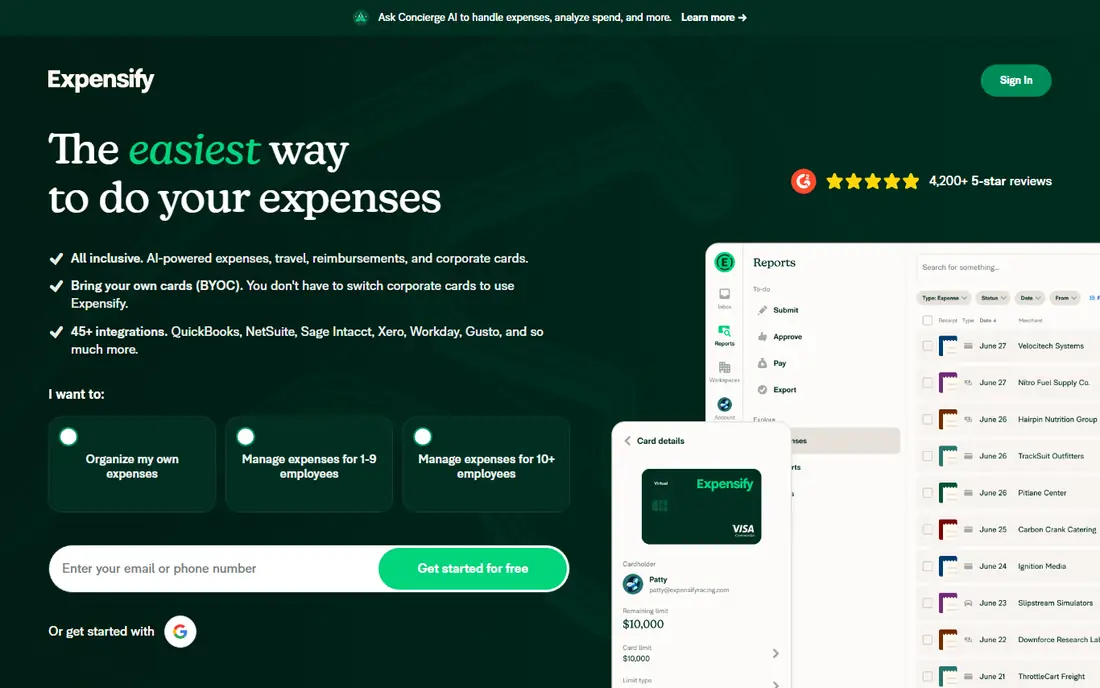
Expensify is the closest thing this category has to a default. Photograph a receipt, and SmartScan pulls out the merchant, date, total and currency, then matches it to a card transaction where possible. Reports, approvals and reimbursements flow from there, and the Collect plan at $5 per member per month in published comparisons keeps pricing simple for small teams.
Solo users may find the team workflow heavy, and the Control plan pricing depends on card use and billing terms, so read it carefully if you need advanced controls. For a team that reimburses staff regularly, Expensify remains the most complete and familiar option.
- Unlimited SmartScan receipt capture on paid plans
- Works with many cards
- Strong QuickBooks and Xero links
- Higher plan pricing is complex
- Team features are more than a solo user needs
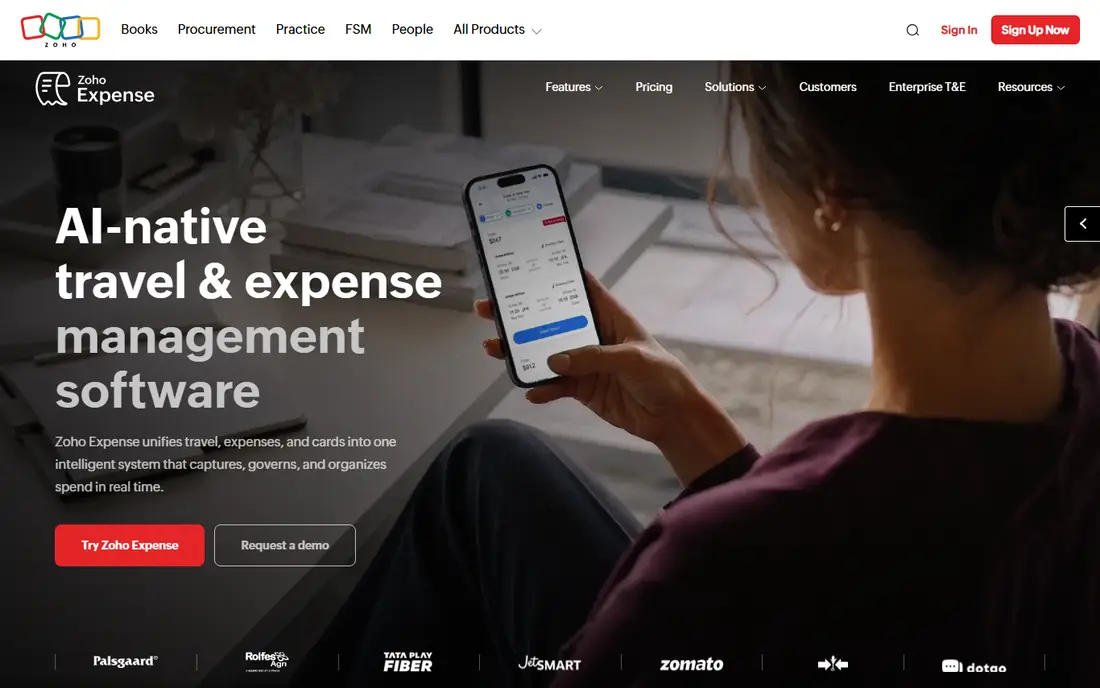
Zoho Expense is the value pick. Its free plan supports up to three users with receipt scanning and real expense reports, not a stripped demo, and paid plans start from around $4 per user per month in published comparisons. It handles multiple currencies and links to Zoho Books, which suits small firms already using Zoho.
Scanning limits on the free plan mean heavy receipt users will need a paid tier, and its capture feels less advanced than Dext for line-item detail. For a small team with modest volume, the free plan is hard to beat, and the paid upgrade is still cheap.
- Free plan for up to three users
- Receipt scanning and reports included
- Good Zoho links
- Free scan limits apply
- OCR feels basic next to specialist tools
- Best value inside Zoho
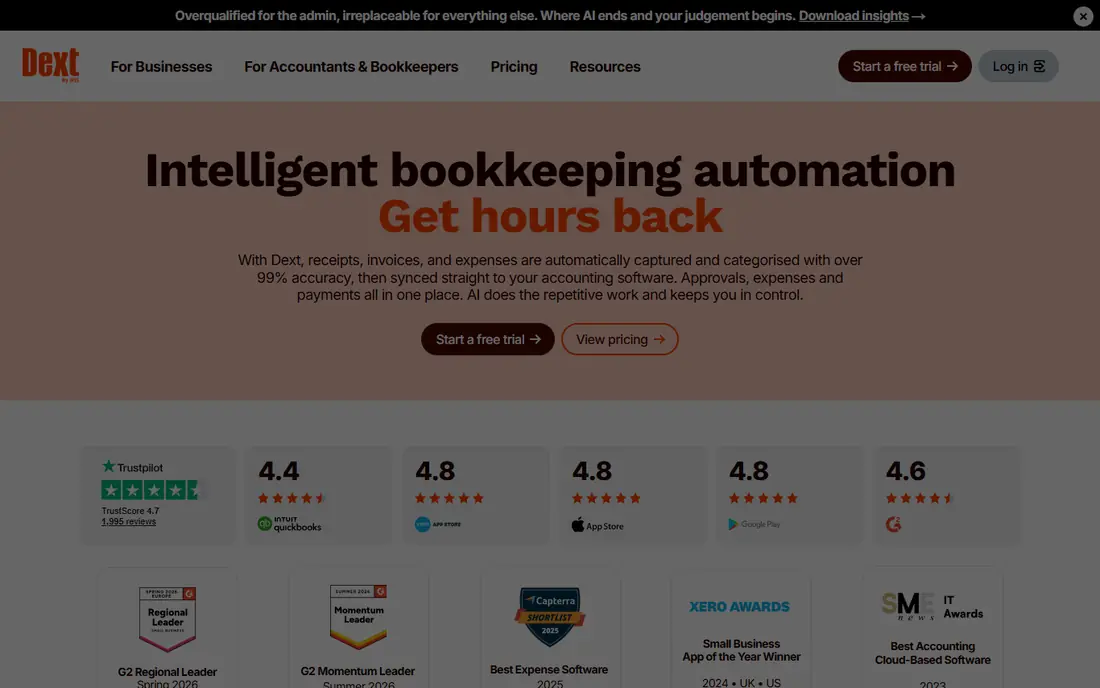
Dext, formerly Receipt Bank, is built for the accountant workflow. It extracts receipt, invoice and statement data, codes it, and publishes clean entries to QuickBooks, Xero or Sage. Bookkeepers like it because the data arrives in a form they can trust, with less manual typing and fewer missing receipts at month end.
That strength comes at a price starting around $30 per month in published comparisons, which is high if you only scan a few receipts yourself. If your accountant already uses Dext, join their workflow. If you keep your own books, a cheaper app in this list will usually do.
- Strong line-item and tax extraction
- Automatic supplier invoice fetching
- Clean QuickBooks, Xero and Sage publishing
- Price is high for a solo user
- Not a full accounting system
- Practice pricing favours firms
Shoeboxed keeps a feature no rival really matches: you put paper receipts in a prepaid Magic Envelope, mail it in, and Shoeboxed scans, categorises and files them for you. Plans run $9, $29 and $79 per month by volume in published comparisons. For trades, restaurants and other paper-heavy businesses, that removes the nightly photographing chore.
Mail-in is slower than phone scanning, so urgent expenses should still be photographed or entered by hand. If your receipts are mostly paper and pile up in a drawer, Shoeboxed turns that pile into searchable records with the least effort.
- Magic Envelope mail-in scanning
- Categorises and files receipts
- Useful for paper-heavy businesses
- Mail-in adds waiting time
- Plans rise with scan volume
- Less instant than phone scanning
QuickBooks Online suits businesses that already keep their books there. Snap a receipt in the app, and it lands in your accounting records with a suggested category, ready to match to a bank transaction. Your accountant can access the same file, which cuts year-end chasing.
If you only need receipt tracking, $38 per month for full accounting is more than you need. Buy QuickBooks for the books, and treat receipt capture as a useful part of that system, not as a standalone bargain.
- Receipt capture built into accounting
- Automatic categorisation
- Accountant access
- Price is for full accounting, not just receipts
- Learning curve for new users
- Add-ons add cost
Wave is the budget pick for freelancers and very small businesses. Its core accounting plan is free, and receipt scanning sits on the Pro plan at around $16 per month in published comparisons. That combination keeps costs low while still giving you invoicing, accounting and receipt capture in one place.
Team approvals and advanced expense controls are thinner than Expensify or Zoho Expense, and support is mainly online. For a solo operator who wants simple books and occasional receipt scans, Wave is a sensible, low cost start.
- Free accounting plan
- Receipt scanning on the Pro plan
- Simple for freelancers
- Receipt scanning needs the paid Pro plan
- Fewer team features
- Support is mainly online
Ramp flips the usual model: the core platform is free because it earns from card use, and receipt capture sits inside that card workflow. Employees spend on a Ramp card, get prompted for a receipt, and managers see spend in real time with policy controls. That makes receipt chasing far less manual for card-heavy teams.
If your team does not want to switch cards, Ramp loses much of its advantage, and deeper controls sit on the paid Ramp Plus tier. For a growing business ready to centralise cards and spend, Ramp is a strong, low cost route to cleaner receipts.
- Free core platform
- Company cards with receipt prompts
- Strong spend controls
- Value depends on adopting Ramp cards
- Some features need the paid Ramp Plus tier
Brex, like Ramp, pairs company cards with expense management, and its core platform is free in published comparisons. Receipts can be captured in the app or forwarded by email, then matched to card spend and routed for approval. Startups and scaling teams like the combination of cards, budgets and real-time visibility.
Brex is less useful if you pay mainly by bank transfer or personal cards and claim back later. Check eligibility and card terms before you plan a switch, because approval depends on your business profile. For card-first teams, it is a credible, low cost alternative to per-user expense software.
- Free core platform
- Cards and spend management in one place
- Receipt capture by app and email
- Best for card users
- Approval and eligibility rules apply
- Premium features are paid
Everlance is the pick when mileage matters as much as receipts. It tracks trips automatically, logs receipts in the same app, and produces reports that suit drivers, sales staff and field workers who claim both. That combined record saves time at tax time compared with keeping mileage in one app and receipts in another.
For office teams with complex approvals, Expensify or Zoho Expense give more control. For a solo driver or a small field team, Everlance covers the two expenses that usually cause the most paperwork, and the free tier lets you test the tracking before paying.
- Automatic mileage tracking alongside receipts
- Useful for drivers and field workers
- Simple reports
- Receipt features are narrower than Expensify
- Pricing varies by plan
- Team features cost more
How we picked these
We compared official feature and pricing pages and published 2026 comparisons, keeping only apps that still operate, scan receipts by phone or email or mail, and offer a clear free, trial or paid path for small business. We left out pure accounting tools with no receipt capture, and enterprise tools priced only by quote. We did not claim hands-on testing; our judgement rests on published features, pricing and reviewer patterns. Receipt data should always be checked before filing, because no scanner is perfect.
How to choose a receipt tracker
Start with who handles the books. If an accountant does, ask which tool they prefer, because Dext or QuickBooks links will save more time than a slightly cheaper app. If you handle books yourself, pick the app that matches your accounting system and card setup, so receipts flow without retyping.
Next, test scanning with your worst receipts: faded thermal paper, long restaurant bills, crumpled fuel receipts. Photograph ten real examples and check merchant, date, total and tax handling. A scanner that works on clean office receipts but fails on real-world ones will cost you time every week.
Finally, check retention and export. You need searchable PDFs, original images, and an export you can hand to an accountant or keep for tax records. Confirm how long records are kept, whether you can download everything, and what happens if you cancel. A cheap app that locks your history is not cheap in the long run.
Frequently asked questions
What is the best receipt tracking app for small business?
Expensify is the best all-rounder for teams, Zoho Expense is the best free option for up to three users, and Dext is best when an accountant handles your books. Pick based on team size and who does the bookkeeping, not just the monthly price.
What is the best free receipt tracking app?
Zoho Expense offers a free plan for up to three users with scanning and reports, while Wave offers free accounting with receipt scanning on its paid Pro plan. Free plans limit scans or features, so check the limit against your monthly receipt volume.
What is the best receipt scanner app for small business owners who travel?
Expensify handles many currencies and card matching for travellers, while Everlance adds automatic mileage tracking for drivers. If you drive a lot for work, Everlance may save more time than a pure receipt scanner.
What is the best receipt management software for paper receipts?
Shoeboxed is the standout for paper receipts because you can mail them in with the Magic Envelope and have them scanned and filed for you. Other apps in this list need you to photograph each receipt yourself.
Do receipt apps replace my accountant?
No. They capture, organise and code receipts, which makes an accountant faster and cheaper, but they do not replace tax advice or year-end review. Always check scanned totals before filing, and ask your accountant to review categories at least once a year.
How long should I keep receipts?
Keep business receipts for at least as long as your tax authority requires, and keep digital copies with the original image, date and amount. Most small businesses keep them for several years. Check the rules for your country and business type, and export a backup copy each year.
Sources
- https://www.expensify.com
- https://www.zoho.com/expense/
- https://www.dext.com
- https://www.shoeboxed.com
- https://quickbooks.intuit.com
- https://www.waveapps.com
- https://www.ramp.com
- https://www.brex.com
- https://www.everlance.com
- https://www.business-software.com/blog/mobile-business-apps-review-of-lemon-app-for-receipt-tracking-and-expense-reporting/
See where you really rank - block by block
ProMapRanker scans Google Maps across a grid of your service area. Simple monthly plans from $19, white-label on every plan.
Start freeKeep reading
 twitch alternatives
Twitch Alternatives in 2026
Explore the best Twitch alternatives in 2026 for live streaming, with free platforms, monetisation options, audiences, chat tools, and tips for new streamers.
Read → firebase alternatives
Best Firebase Alternatives in 2026
Looking for Firebase alternatives? We compare 9 backend platforms for auth, databases, realtime, storage, functions, self-hosting, and pricing for your app.
Read → companies with best work life balance
Companies With Best Work Life Balance in 2026
See companies with best work life balance in 2026, ranked by employee ratings, with flexible work options, benefits, and what to check before applying.
Read →