 ProMapRanker
Best Rapid Application Development Software in 2026

Key takeaways
- Enterprise platforms such as OutSystems, Mendix and Appian suit governed, large-scale apps, while smaller builders suit quick internal tools.
- Microsoft Power Apps is the natural starting point for teams already using Microsoft 365 and Azure.
- Zoho Creator, Glide and Budibase keep costs and setup lower for small teams, with clear limits on scale and design freedom.
- Pricing models differ sharply, so check per-user, per-app and per-month charges before you commit.
Quick comparison
| Pick | Great for | Pricing starts at | Free tier | |
|---|---|---|---|---|
 OutSystems | Large enterprise apps | See website | Free trial | Visit |
 Mendix | Cross-functional teams | $998 per month | Yes | Visit |
 Microsoft Power Apps | Microsoft 365 teams | $20 per user per month | Free trial | Visit |
 Appian | Process-led apps | See website | Free trial | Visit |
 Zoho Creator | Small business apps | $8 per user per month | Yes | Visit |
 Retool | Developer-built internal tools | See website | Yes | Visit |
 Bubble | Customer-facing web apps | See website | Yes | Visit |
 Glide | Spreadsheet-based apps | $25 per month | Yes | Visit |
 Budibase | Self-hosted internal apps | See website | Yes | Visit |
The best rapid application development software
We compared official feature pages, pricing pages and public documentation for tools that let teams build working apps with less hand-written code.
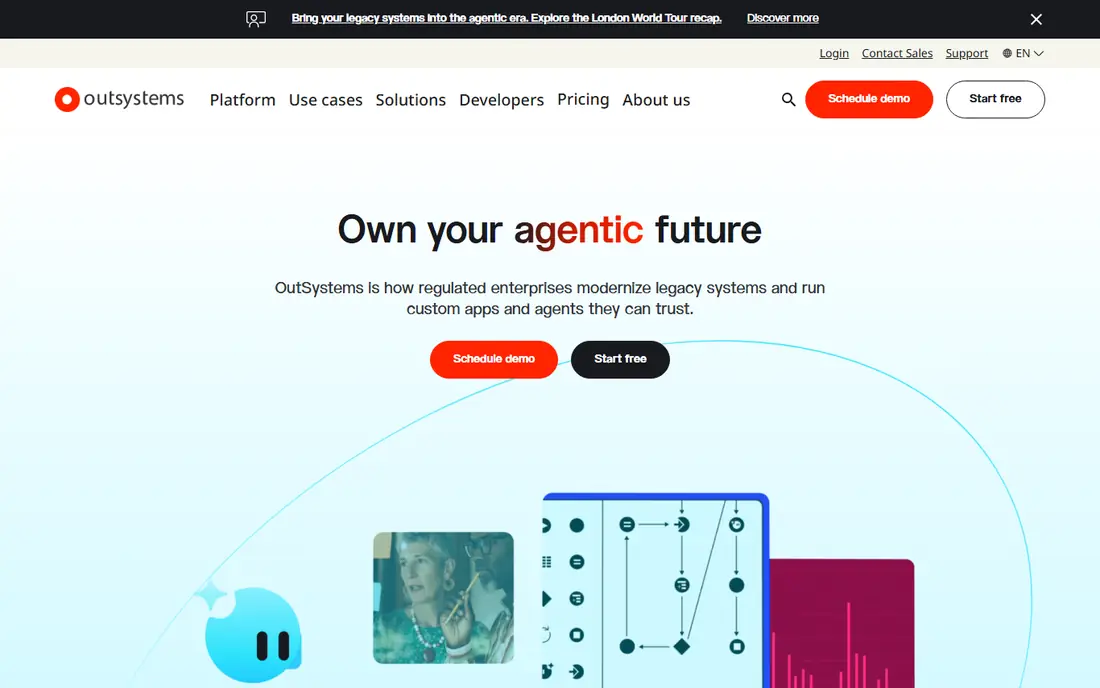
OutSystems fits organisations that need customer-facing or core business apps built to a high standard and run for years. It covers the front end, back end and data model in one platform, with staging environments, versioning and monitoring built in. That structure helps larger teams keep changes controlled and traceable.
The catch is cost and commitment. Published third-party estimates place production pricing well above small-team budgets, and the vendor does not publish a simple list price for full production use. If your app is small or short-lived, a lighter builder will move faster and cost far less.
- Full-stack app building
- Built-in lifecycle management
- Strong governance and monitoring
- High entry cost for small teams
- Learning curve for new builders
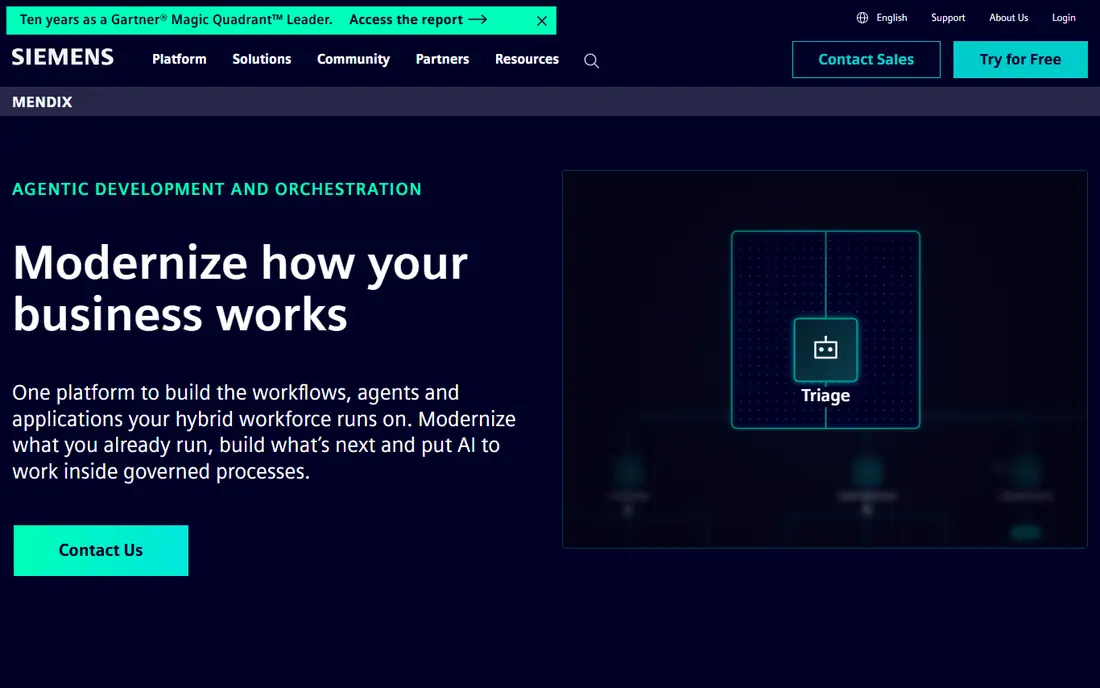
Mendix, part of Siemens, suits teams where business staff and developers build together. Visual models describe data, logic and pages, and AI-assisted help can speed up routine work. Its collaboration features make it easier to review an app while it is being built, rather than only at the end.
The free tier is useful for learning and for a small proof of concept. Serious production use starts at a monthly figure that puts it in enterprise territory, so small teams should test the free tier carefully and map the features they actually need before signing up.
- Visual model-driven building
- Collaboration between business and technical staff
- Free tier for trying it out
- Paid plans rise quickly
- Complex interfaces still need practice
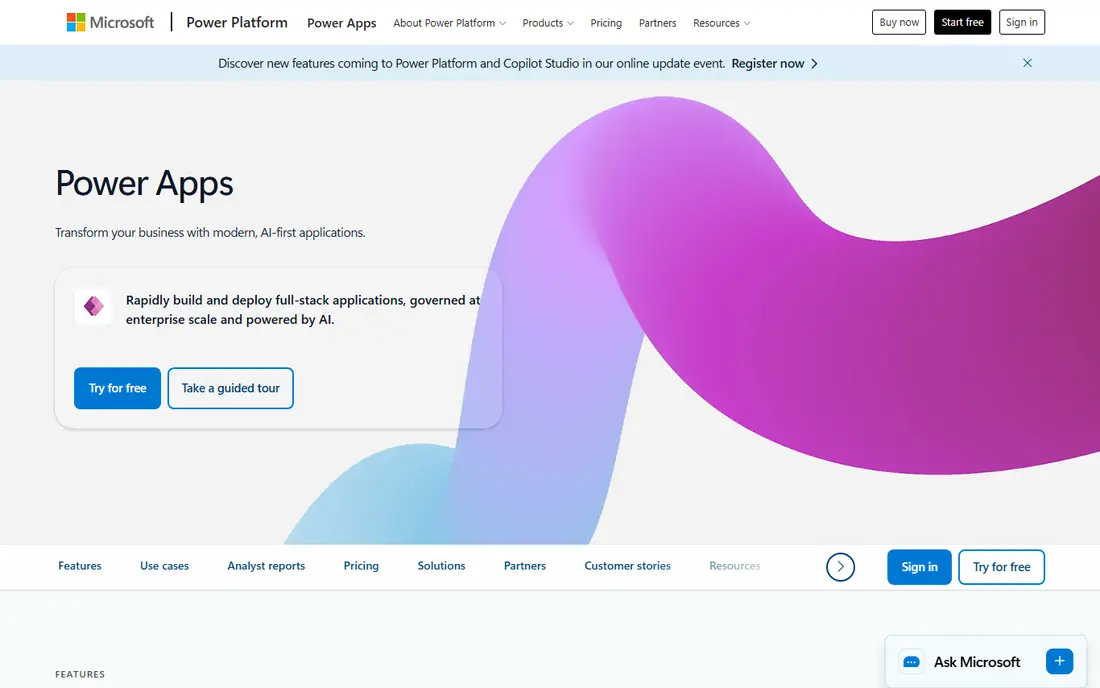
Power Apps is the obvious choice when a company already runs on Microsoft 365. Apps can draw on SharePoint, Teams, Dataverse and other Microsoft data sources, and staff can use familiar sign-in and security controls. Power Fx formulas will feel familiar to anyone who has worked with spreadsheet formulas.
The main watch point is licensing. The per-app plan starts lower, while the per-user plan covers broader use, and premium connectors sit on higher tiers. Count who will actually use the app, not just who builds it, before you estimate the monthly bill.
- Deep Microsoft 365 and Azure integration
- Power Fx formulas
- Power Automate flows
- Premium connectors need higher plans
- Per-user costs add up at scale
Appian leads when the app is really a process: approvals, case handling and complex workflows with audit needs. Banks, insurers and public sector teams use it for work where every step must be recorded and checked. That focus sets it apart from builders that mainly produce forms and dashboards.
For a simple internal tool, Appian can feel heavy and expensive. Pricing is quote-based, so you will need a sales conversation to get a firm number. Choose it when compliance and process control matter more than speed of a first draft.
- Strong workflow and case management
- Suited to regulated work
- Process automation built in
- Quote-based pricing
- Heavier than needed for simple apps
Zoho Creator turns forms, reports and workflows into working apps without a large development team. It fits teams that already use Zoho CRM, Books or other Zoho apps, since data can move between them with less setup. Deluge scripting adds custom logic when drag-and-drop alone is not enough.
The lower plans allow only one app, so teams planning several apps should look at the Professional tier. Design options are more structured than a free-form web builder, which keeps apps consistent but limits highly custom layouts.
- Low entry price
- Native Zoho integrations
- Deluge scripting for custom logic
- Design freedom is limited
- One app on lower plans
- Interface feels dated to some users
Retool is built for developers who need internal tools fast: admin panels, dashboards and operations tools that connect to databases and APIs. Pre-built components cover tables, forms and charts, and custom JavaScript or React components extend them when the standard set runs out. That balance suits technical teams with a backlog of internal requests.
It is less suited to non-technical staff building alone. The free tier helps for evaluation, but paid pricing depends on builders and users, so check the current pricing page against your team size. For developer-led internal work, it is one of the fastest options here.
- Large connector library
- Custom code when needed
- Fast internal tool building
- Aimed at developers, not casual builders
- Pricing needs a careful read
Bubble lets non-technical founders build customer-facing web apps with a database, logic and hosting in one place. Pixel-level layout control and reusable components give more design freedom than many no-code tools, and plugins add payments, maps and other common features. It is a genuine route from idea to a live product without hiring a full development team.
The trade-off is workload-based pricing and performance. Apps that use a lot of database work or workflows can hit capacity limits, and fixing that takes optimisation rather than just paying more. Test with realistic data volumes before launch, and keep an eye on usage as traffic grows.
- Visual building for full web apps
- Plugin ecosystem
- Hosting included
- Performance tuning takes work
- Workload-based pricing can surprise new users
Glide is the fastest route in this list from a spreadsheet to a usable mobile app. Staff can build directories, ordering tools, field checklists and simple portals from data they already keep in sheets. Templates shorten the start, and the interface stays approachable for people who have never built an app.
Costs depend on users and updates, which are data changes. A mostly static app stays cheap, while a busy app with constant updates can cost more than the base plan suggests. Glide fits simple, data-led apps well, and it is not the right pick for heavy custom logic.
- Turns spreadsheets into phone-friendly apps
- Quick to learn
- Templates to start from
- Update-based costs can rise
- Less suited to complex logic
Budibase suits teams that want an internal app platform they can host themselves. It includes a built-in database, authentication and automation, so a small team can build dashboards, approval tools and data apps without stitching many services together. The open-source core also gives an exit route that closed platforms do not.
The ecosystem is smaller than those of OutSystems or Mendix, so expect fewer ready-made templates and integrations. Self-hosting adds maintenance work, though the managed cloud option removes that burden. For privacy-sensitive or cost-conscious internal tools, it is a strong, honest choice.
- Open-source option
- Built-in database and auth
- Self-hosting available
- Smaller ecosystem than larger rivals
- Some features need technical setup
How we picked these
We compared official feature pages, pricing pages and public documentation, and favoured tools that are still offered and maintained in October 2026. We looked for a working builder, a real deployment route and a pricing model a reader can check. We excluded tools that only generate code snippets or only automate workflows, since this article is about building apps.
What to check before you choose
Start with the app, not the platform. Write down who will use it, what data it needs, and which systems it must connect to. A tool that handles your data source natively will save more time than a prettier builder that needs workarounds for every connection.
Match the builder to the builder
Enterprise platforms reward teams with governance needs and long-lived apps. Smaller builders reward speed and low cost for internal tools and prototypes. If only developers will build, Retool or an enterprise platform makes sense. If business staff will build, Zoho Creator, Glide or Bubble will feel more natural.
Read the pricing model, not just the headline price
Per-user, per-app, per-builder and workload pricing produce very different bills for the same team. Ask for a quote based on your real user count and expected usage, and check renewal terms, user limits and what happens when you exceed a plan. A free tier is useful for learning, but it rarely covers production use.
Plan for life after launch
Check how you export data, add custom code, control access and monitor the app once it is live. The cheapest builder can become expensive if you cannot move your data or if every small change needs a specialist. A short pilot with real users will reveal more than a long feature comparison.
Frequently asked questions
What is rapid application development software?
It is software that lets teams build working apps with visual builders, templates and pre-built components instead of writing every line of code by hand. It still needs planning and testing, but it shortens the path from idea to a usable app.
Is rapid application development the same as no-code?
No-code is one part of it. Rapid application development also includes low-code platforms where developers can add custom code, manage versions and run governed deployments. No-code tools suit simpler apps, while low-code platforms suit larger and more complex work.
Which platform is best for rapid development?
There is no single winner. Power Apps suits Microsoft shops, OutSystems and Mendix suit large governed programmes, and Zoho Creator, Glide and Budibase suit smaller teams. The best platform for rapid development depends on your users, data sources and budget.
Can non-technical staff build a real app with these tools?
Yes, for straightforward apps such as forms, dashboards and directories. Complex logic, integrations and security still benefit from technical help, and every app needs testing before it goes live.
How much does rapid application development software cost?
Costs range from free tiers for small projects to thousands per month for enterprise platforms. Per-user and workload pricing means the same tool can be cheap for a small team and costly at scale, so price it on your real usage.
Sources
See where you really rank - block by block
ProMapRanker scans Google Maps across a grid of your service area. Simple monthly plans from $19, white-label on every plan.
Start freeKeep reading
 who has best internet service
Who Has the Best Internet Service in 2026
Who has best internet service for US homes? We compare fiber, cable, fixed wireless and satellite providers on speed, price, availability and terms today.
Read → which survey tool has the best analytics
Which Survey Tool Has the Best Analytics in 2026
Find which survey tool has the best analytics in 2026, comparing Qualtrics, SurveyMonkey, Typeform, Alchemer, and more on reports, text, and stats today.
Read → which streaming service has the best movies
Which Streaming Service Has the Best Movies in 2026
Answering which streaming service has the best movies, with Netflix, Max, Criterion and more compared on libraries, prices and free options in this guide.
Read →