 ProMapRanker
Best Quoting Software in 2026


Most teams, quotes plus contracts · Pricing starts at: $19 per user per month
Key takeaways
- PandaDoc is our pick for most teams, because it combines quotes, proposals and contracts with a free e-signature plan.
- Proposify suits teams that need content control and approvals, while Qwilr suits teams that want web-page style quotes that clients can sign and pay online.
- Better Proposals and Prospero are the lower-cost options for small teams that send a modest number of quotes each month.
- QuoteWerks fits sales teams that already use a CRM and want quoting built around product catalogs and pricing rules.
- Check seat minimums and per-user pricing before you choose, since a low headline price can rise fast on a team plan.
Quick comparison
| Pick | Great for | Pricing starts at | Free tier | |
|---|---|---|---|---|
| PandaDoc | Most teams, quotes plus contracts | $19 per user per month | Yes | Visit |
 Proposify | Controlled content and approvals | $35 per user per month | Free trial | Visit |
 Qwilr | Web-page style quotes and payments | $35 per user per month | Free trial | Visit |
 QuoteWerks | CRM-based product quoting | See website | Free trial | Visit |
 Better Proposals | Low-cost proposals for small teams | $13 per user per month | Free trial | Visit |
 Nusii | Agencies on flat monthly plans | $29 per month | Free trial | Visit |
 GetAccept | Multi-stakeholder deals and deal rooms | $25 per user per month | Free trial | Visit |
 Quotient | Simple quotes for service businesses | See website | Free trial | Visit |
 Prospero | Low-cost, high-volume quoting | $12 per user per month | Free trial | Visit |
The best quoting software
Good quoting software does more than format a price. It should let you build a quote from a template, send it as a link, see when a client opens it, and collect a signature or payment without chasing paper. We compared official pricing pages, feature pages and recent comparisons for tools that are still available in October 2026.
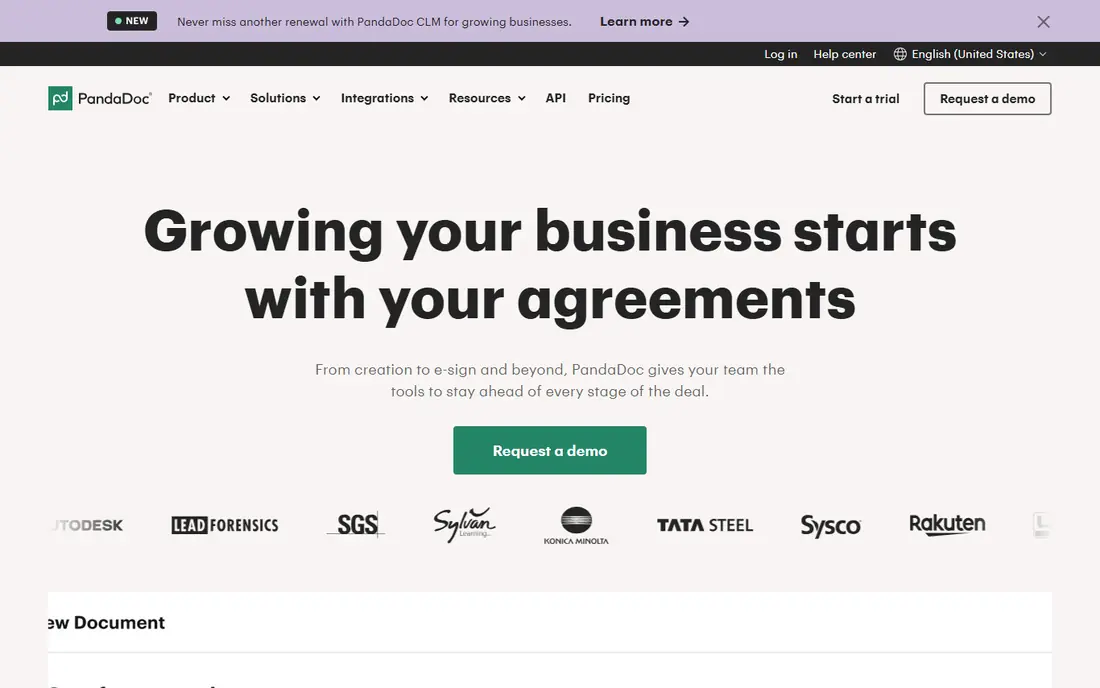
PandaDoc is the broadest choice on this list, and that breadth is why it suits most teams. You can start from a template, add a pricing table, send the document as a link, and track when a client opens it. E-signatures and approval workflows reduce the back-and-forth that often slows a sale.
The free plan is useful for occasional signing, but serious quoting needs a paid plan. Check which plan includes the pricing table and payment features you need, since those are not on the cheapest tier. For teams that also need contracts, PandaDoc can replace a separate signing tool, which helps justify the per-seat cost.
- Large template library
- Quotes, proposals and contracts in one tool
- Free e-signature plan for basic signing
- Pricing tables and payments sit on higher plans
- Costs rise with each added seat
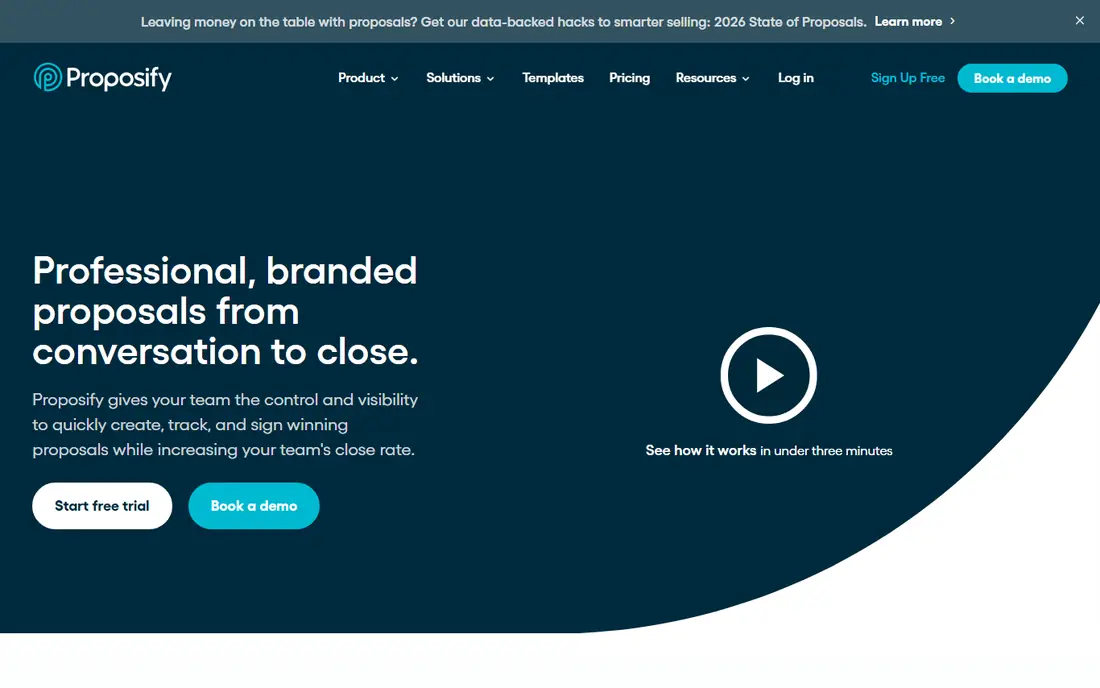
Proposify is built for teams that worry about what goes out to clients. Managers can lock key sections, such as pricing terms or legal text, while sales staff fill in the rest. That control matters when several people send quotes under one brand, and it reduces the risk of an outdated price or promise slipping through.
The trade-off is price and setup time. Proposify costs more than a basic quote builder, and the best approval features need a higher plan. It fits sales teams and agencies that send many proposals and need consistency, rather than a solo seller who sends a few quotes a month.
- Content library with locked sections
- Approval workflows for managers
- Engagement analytics and e-signatures
- Higher starting price than simpler tools
- Some advanced approvals sit on expensive tiers
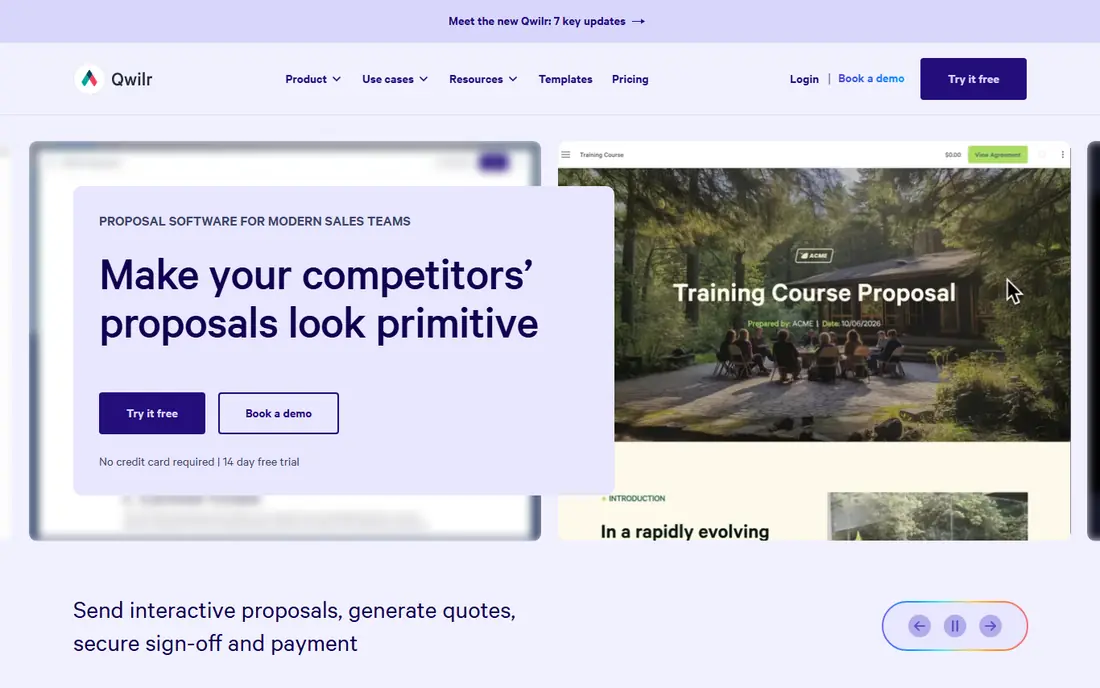
Qwilr takes a different design path from PandaDoc and Proposify. Instead of a document that looks like a PDF, your quote becomes a web page built from blocks, with images, video and interactive pricing options. Clients can accept options, sign and pay without leaving the page, which can shorten the time from quote to close.
That format is a strength for design-led agencies and consultancies, but it can be a drawback for buyers who want a traditional document to file. Pricing is per user, and growth plans carry seat minimums, so small teams should check the total monthly cost before they commit.
- Quotes look like polished web pages
- Clients can sign and pay inside the quote
- Engagement tracking shows what clients view
- Page-based format may not suit clients who expect a Word or PDF document
- Custom branding needs a higher plan
QuoteWerks suits sales teams that sell products with many options, bundles and price rules. You build quotes from a catalog, apply discounts and margins, and keep the quote linked to the customer record in your CRM. That structure helps when a quote has dozens of line items and a small error could cost real money.
The drawback is the learning curve and the less transparent pricing. QuoteWerks is not a quick template tool for a one-page service quote, and you should request a trial and a quote for your team size. For product sellers who already live in a CRM, though, the catalog control is hard to match.
- Product catalogs and pricing rules for complex quotes
- CRM integrations
- Quote tracking and follow-up tools
- Pricing is not as transparent as simpler tools
- Setup takes more work for product-heavy catalogs
Better Proposals is a practical pick for small agencies and consultants who need professional quotes without a large bill. Templates cover common services, and you can add e-signatures and payment options so a client can accept and pay in one step. Section-level analytics show which parts of a proposal a client actually reads.
The main limit is volume on the cheapest plan, which caps monthly sends. If you send more than a handful of quotes each month, check the next plan up before you choose. For many small teams, the balance of price and polish is still hard to beat.
- Low starting price
- Large template library
- Live chat inside proposals and payment collection
- Starter plan limits the number of proposals per month
- Fewer advanced controls than Proposify
Nusii is aimed at agencies and freelancers who want predictable pricing. Instead of paying per seat, you pay a flat monthly rate for a set number of active proposals, which makes budgeting simple for a small team. The builder is straightforward, and clients can sign online.
The cap on active proposals is the key limit to check. If you keep many proposals open at once, you may hit the ceiling and need a higher plan. Nusii fits best when your pipeline is steady and you value a flat bill over a long feature list.
- Flat monthly pricing, not per user on lower plans
- Simple proposal builder for agencies
- Notifications when clients view a proposal
- Caps on active proposals
- Fewer CRM integrations than larger platforms
GetAccept is built for deals where several people on the buyer side need to review, comment and sign. Deal rooms bring documents, chat and video messages together, so a champion inside the client company can share the proposal with colleagues without forwarding PDFs. Engagement tracking shows who opened what, which helps sales staff follow up at the right time.
For a solo freelancer, GetAccept may be more than needed, and the price reflects its team focus. For mid-market sales teams running complex deals, the deal room and video features can make the difference between a stalled proposal and a signed one.
- Deal rooms for multiple buyers
- Video messages inside proposals
- Engagement tracking and e-signatures
- Contract terms can be long on some plans
- More tool than a solo seller needs
Quotient keeps quoting simple, which is a real advantage for service businesses that send similar quotes every week. You can build a branded quote, send it online, and let the client accept it with a signature. The focus is on speed and clarity, not on complex configuration.
The trade-off is depth. Teams that need product bundles, approval chains or deep CRM automation may find Quotient light. If your quotes are service-based and repeatable, though, simplicity saves time, and the trial is a good way to test the workflow on a real quote.
- Clean, simple quote builder
- Online acceptance and e-signatures
- Useful for service businesses that quote often
- Less depth on product catalogs and complex pricing
- Pricing details vary, so check the site before buying
Prospero is a strong low-cost option for teams that send many proposals and want to keep the monthly bill down. The builder covers the essentials: templates, pricing tables, e-signatures and tracking. It does not try to be a full sales platform, and that focus keeps the price low.
The limits show up in integrations and design flexibility. If you need deep CRM automation or highly custom page designs, a larger tool may fit better. For small teams that mainly need clean, trackable quotes at a low price, Prospero is worth a trial.
- Low starting price
- Proposal templates and e-signatures
- Analytics on client engagement
- CRM integrations are narrower than larger tools
- Design options are more limited than Qwilr
How we picked these
We compared official pricing pages, feature pages and recent independent comparisons for quoting and proposal tools still available in October 2026. We kept tools that build quotes from templates, send them online, and support e-signatures or payments. We left out pure e-signature tools with no quote builder, and tools that had closed or moved to a different category. Where pricing varied by billing period, we used the annual figure where vendors publish one, and See website where pricing was unclear.
How to choose the right quoting tool
Start with who sends quotes and how often. A solo seller needs a simple builder and a low bill, while a sales team needs approvals, templates that stay consistent, and tracking that shows who opened a quote. Count your monthly sends too, since some low-cost plans cap proposals, and a cap can force an upgrade mid-month.
Next, check how the quote reaches the client. Some buyers expect a PDF they can file, while others are happy to sign a web page and pay online. If your clients often need a document for procurement, a page-only format may create extra work. Also check your CRM: a quote tool that syncs with the CRM you already use saves manual entry and keeps customer records accurate.
Finally, test the full flow before you pay for a year. Build a real quote, send it to yourself, sign it, and try a payment if you plan to collect one. Look at the total cost for your whole team, including seat minimums, not just the headline per-user price. The best quoting software is the one your team actually uses on every deal, not the one with the longest feature list.
Frequently asked questions
What is the best software for quotation?
PandaDoc is the best software for quotation for most teams, because it covers quotes, proposals and contracts in one tool with templates and e-signatures. Proposify suits teams that need content control, while Better Proposals and Prospero suit smaller budgets. Your best pick depends on team size and quote volume.
What is the best sales quoting software?
The best sales quoting software for product sellers is QuoteWerks, because it builds quotes from catalogs and pricing rules linked to a CRM. For service sellers, PandaDoc, Qwilr or Proposify may fit better, since they focus on polished proposals and online acceptance. Check CRM support before you choose.
What is the best quoting app for a small business?
Better Proposals and Prospero are strong quoting apps for a small business, because both start at a low monthly price and include templates, e-signatures and tracking. Nusii is another option if you prefer flat monthly pricing over per-seat pricing. Test the trial with a real quote first.
What is the top quoting software for agencies?
Proposify and Nusii are popular with agencies, since both focus on branded proposals and client tracking. Qwilr also suits agencies that want web-page style proposals that clients can sign and pay online. Agencies with many open proposals should check active-proposal caps and seat minimums.
Does quoting software include e-signatures?
Most quoting software on this list includes e-signatures, including PandaDoc, Proposify, Qwilr, Better Proposals and GetAccept. PandaDoc also offers a free e-signature plan for basic signing. Check whether signatures are included on the plan you buy, since some tools limit them on entry tiers.
Can clients pay from a quote?
Yes, several tools let clients pay from a quote, including PandaDoc on higher plans, Qwilr, Better Proposals and GetAccept. Payment support varies by plan and by payment provider, so confirm the provider and any processing fees before you promise a client a pay-online option.
Sources
See where you really rank - block by block
ProMapRanker scans Google Maps across a grid of your service area. Simple monthly plans from $19, white-label on every plan.
Start freeKeep reading
 best tour operator software
Best Tour Operator Software in 2026
Compare the best tour operator software for bookings, channel management, waivers and payments, with pricing models for day tours and multi-day trips.
Read → best time clock app for small business
Best Time Clock App for Small Business in 2026
We compare the best time clock app for small business options, with free plans, GPS clock ins, scheduling and payroll links for hourly teams and payroll help.
Read → best test automation tools
Best Test Automation Tools in 2026
Compare the best test automation tools, from Playwright and Selenium to Cypress, Katalon and BrowserStack, with prices, languages and best uses explained.
Read →