 ProMapRanker
Best QuickBooks Hosting Providers Compared


Accounting firms deep in the Intuit ecosystem · Pricing starts at: quote only
Key takeaways
- QuickBooks Desktop hosting moves your licensed desktop software to a managed cloud server, so your team can work in the same company file from different locations.
- Starting prices in this guide run from $12 per user per month on a short promotion to $70 per user per month, before add-ons, server fees, and your QuickBooks license.
- Dedicated servers suit firms with large files and many users, while session plans suit a single user with light needs.
- Always confirm the total monthly cost in writing, including workspace fees, Microsoft fees, server fees, and setup fees, before you sign.
- A free trial or money-back period is the safest way to test speed with your own company file before you migrate a whole team.
Quick comparison
| Pick | Great for | Pricing starts at | Free tier | |
|---|---|---|---|---|
| Rightworks | Accounting firms deep in the Intuit ecosystem | quote only | No | Visit |
 Summit Hosting | Teams that want a dedicated server by default | $70 per user/month | Free trial (30 days) | Visit |
 Ace Cloud Hosting | Firms that want published tiered pricing | $44.99 per user/month | Free trial (7 days) | Visit |
 Apps4Rent | Solo users on a tight budget | $12 per user/month for first 3 months, then $24 per user/month | No | Visit |
 OneUp Networks | Growing firms that want a dedicated server | $35.99 per user/month | Free trial (15 days) | Visit |
 Verito | Tax and accounting firms only | $69 per user/month (billed annually) | Free trial (15 days) | Visit |
 Gotomyerp | Firms that want fully managed hosting | $50 per user/month | No | Visit |
The best QuickBooks hosting providers
Rightworks, formerly Right Networks, is one of the longest-running names in QuickBooks hosting, and it holds Elite QuickBooks Solution Provider status with Intuit. That history matters for firms that run several Intuit products side by side, because the platform is built around QuickBooks Desktop, QuickBooks Online, and a large catalog of related accounting and tax apps. Support runs around the clock, backups roll for 90 days, and updates are handled for you.
The trade-off is transparency. Rightworks does not publish a single flat price on its homepage, and most plans are priced by quote after a consultation. Published listings put QuickBooks Hosting from $55 per user per month for new customers, with Cloud Hosting from $85 per user per month, but those figures do not include managed security, which is listed as a separate add-on near $45 per user per month in third-party listings. Rightworks also limits hosted QuickBooks to the three most recent Desktop versions, and it installs apps from a pre-approved catalog rather than any Windows program you name.
- Long-running Intuit solution provider
- Wide catalog of accounting and tax apps
- 90-day rolling backups
- Shared multi-tenant platform, so resources are not reserved for one firm alone
- Managed security is a separate add-on, which raises the total cost
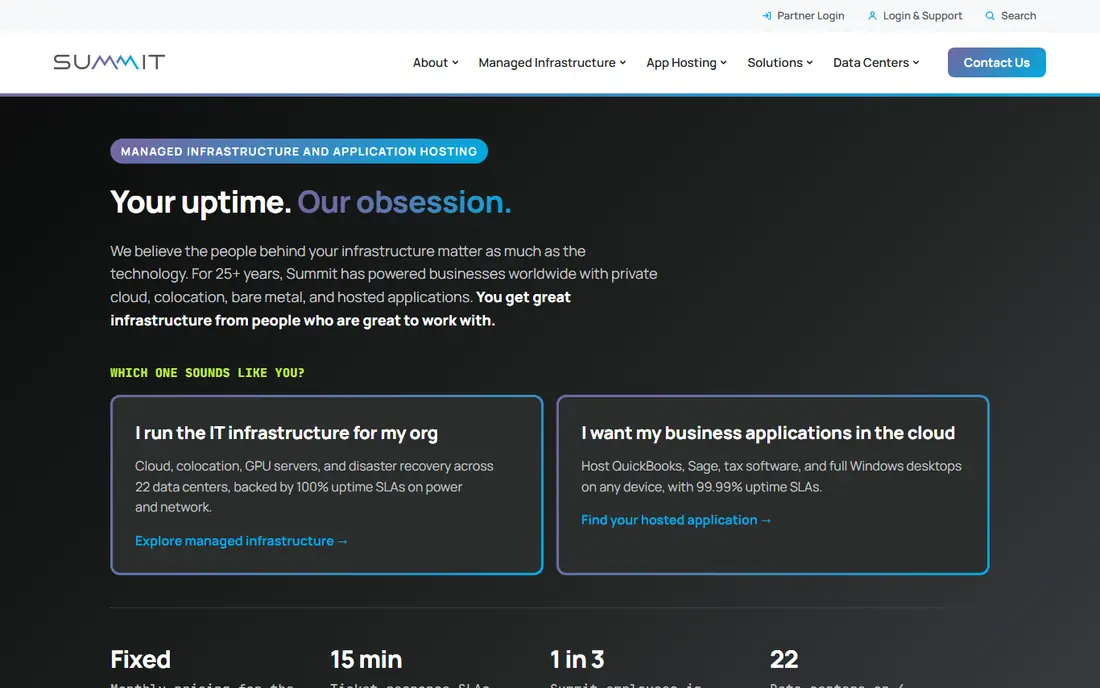
Summit Hosting builds every QuickBooks plan on a dedicated single-tenant server, which means your firm does not share CPU, memory, and storage with other customers. That design suits firms with large company files, many concurrent users, or heavy reporting, because performance does not dip when another tenant runs a busy job. The vendor page lists $70 per user per month, with daily automated backups, antivirus and anti-malware, server patching, an enterprise firewall, and a 99.99 percent uptime SLA included.
The price needs a careful read. Summit Secure Workspace is required at $25 per account per month on top of the $70 per user rate, so a small team should budget for that line before comparing Summit with a rival that bundles security in the headline rate. Your QuickBooks Desktop license is also separate, under a bring-your-own-license model for Pro, Premier, and Enterprise. Summit is an Intuit-authorized hosting provider, and it offers full admin rights on the dedicated server, with support from real people around the clock and a 15-minute response SLA.
- Dedicated single-tenant server included on every plan
- 99.99 percent uptime SLA and 15-minute support response SLA
- 30-day free trial
- Summit Secure Workspace at $25 per account per month is required, so the effective starting cost is higher than $70 per user
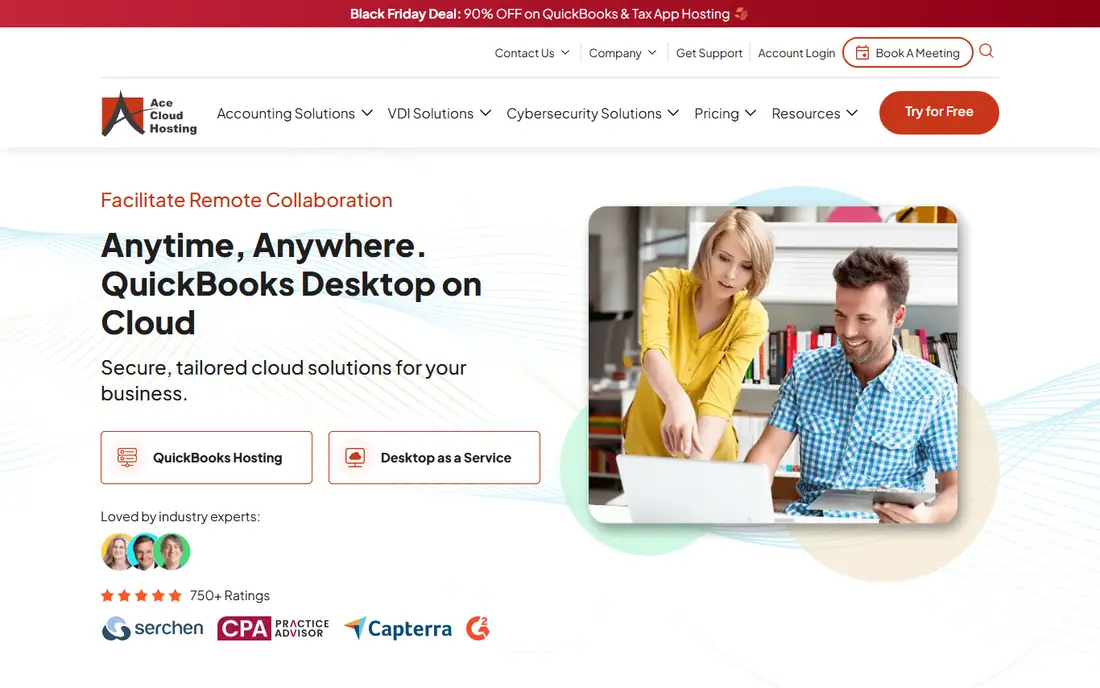
Ace Cloud Hosting is an Intuit-authorized hosting provider for QuickBooks Desktop, and it publishes its pricing in clear tiers, which makes budgeting easier than a quote-only rival. The vendor pricing page states that QuickBooks hosting plans start at $44.99 per user per month. The Essential plan includes assisted setup and migration, 5 GB of storage per user, multi-user access, a client portal, and automated backups for 30 days. The Business plan adds 10 GB per user, backups for 45 days, and CrowdStrike security management.
Ace hosts all QuickBooks Desktop versions, including Pro, Premier, Accountant, and Enterprise, and it supports more than 2,000 add-ons, which covers most tax, payroll, and practice tools a firm already uses. Data centers are listed as Tier 4 and Tier 5 in the United States, and support is available around the clock by phone, chat, and email. Watch the add-ons when you total the cost: a $5 per user per month Microsoft connection fee is charged separately, and hosted Excel costs $5.99 per user per month.
- Published prices from $44.99 per user per month
- Private dedicated server and 99.99 percent uptime
- 7-day free trial with no credit card required
- A $5 per user per month Microsoft connection fee is charged separately
- Entry Essential plan keeps backups for 30 days only
Apps4Rent is an Intuit-authorized hosting provider, and it has the lowest published entry price in this guide. The vendor pricing page lists a session-based QuickBooks plan at $12 per user per month for the first 3 months, then $24 per user per month. Dedicated QuickBooks plans start at $34.95 per month for Bronze, then $47.95 for Silver, $84.95 for Gold, $134.95 for Platinum, and $254.95 for Platinum Plus. Each dedicated tier adds CPU, RAM, and storage, and additional users on the larger tiers cost $26 per user per month.
The session plan suits a single user who needs remote access to QuickBooks and Office, with 5 GB of SSD storage and grid-powered resources. It is not a fit for a team, because it covers 1 user only and has no booster plan. Dedicated plans suit growing teams, with suggested user counts from 2 to 5 users on Silver up to more than 30 users on Platinum Plus. All plans include daily backups, 99.9 percent uptime, SSL, a firewall, SOC 2 Type II certified data centers, and support around the clock.
- Lowest published starting price in this guide
- Dedicated plans from $34.95 per month
- 15-day money-back guarantee
- Session plan is for 1 user only with 5 GB of storage
- Standard rate rises to $24 per user per month after the first 3 months
OneUp Networks is a managed cloud host built for accounting firms, CPAs, and businesses that run QuickBooks Desktop and Enterprise alongside tax and practice software. Its Virtual Office plans start at $35.99 per user per month for Starter, $45.99 for Professional, and $55.99 for Enterprise, with 5 percent off on annual billing. Every plan runs on a private dedicated server, and the vendor lists free migration and setup, daily automated backups, and support from trained engineers around the clock.
The Professional plan is the step most growing firms will look at first, because it adds a dedicated virtual machine, NVMe SSD storage, 120-day backups, a private IP, and stronger security controls. Enterprise adds high availability, advanced access controls, and priority support for larger or more demanding environments. OneUp also lists support for more than 200 integrations, which helps firms that run Fishbowl, tax software, and document tools next to QuickBooks on the same server.
- Private dedicated server on every plan
- Free migration and setup with no setup cost
- 15-day free trial with no credit card required
- Entry Starter plan does not include 120-day backups, which start on Professional
- Final cost varies with users, resources, and add-ons
Verito works only with tax and accounting firms, and that focus shapes every part of its service. Each firm gets a dedicated private server, so CPU, memory, and storage are never shared with another tenant. The vendor FAQ page lists cloud hosting from $69 per user per month on an annual agreement, with Essentials at $69, Pro at $99, and Elite at $149 per user per month. Month-to-month billing is available at a higher rate, and every hosting plan adds $100 per month for the firm's dedicated private server.
Backups run four times a day, with retention of 60 days on Essentials and Pro and 90 days on Elite. The Essentials plan includes 10 GB of RAM, 100 GB of NVMe storage, and 2 app slots, while Pro adds 15 GB of RAM, 150 GB of storage, and 6 app slots. Microsoft Office 2021 is included at no extra charge and does not use an app slot. Verito supports more than 2,000 Windows desktop applications, including QuickBooks, Drake, Lacerte, UltraTax, ProSeries, and CCH, with ATX as the only stated exception.
- Dedicated private server for each firm
- Backups four times a day with 60 to 90 day retention
- Support answers in under 60 seconds around the clock
- Works only with tax and accounting firms, not general businesses
- Entry plan allows 2 app slots only, and each firm pays $100 per month for its server
Gotomyerp hosts QuickBooks Desktop on private dedicated servers in AWS data centers in the United States or Canada, with US customers kept in the US and Canadian customers kept in Canada. The vendor FAQ page states that QuickBooks hosting plans start at $50 per user per month. Dedicated hosting is listed from $300 per month for a 3-user minimum, while Fully Managed hosting is listed from $500 per month for a 5-user minimum. That gap means the $50 starting figure is a floor, not the price most firms will pay for a managed plan.
The Fully Managed plan is the one most firms will compare with Verito and Summit, because it includes nearly all application support, upgrades, and updates for the apps you host, and the team will contact Intuit on your behalf when a QuickBooks issue needs vendor help. Dedicated hosting is more basic, with QuickBooks application support priced separately. Backups take a full machine image once a day and capture company file data separately through the day, and a full recovery environment is ready in a different location.
- Fully Managed plan includes nearly all application support, upgrades, and updates
- Private dedicated servers on AWS in the US or Canada
- SOC 2 Type 2 certified
- Dedicated plan has a 3-user minimum, so the smallest bill is $300 per month
- No free trial is published, and application support on Dedicated is priced separately
How we chose
We compared vendor pricing pages, product pages, and FAQ pages checked on 2026-11-11, and we kept only providers whose homepage loads and that really host QuickBooks Desktop in the cloud. We gave weight to published starting prices, server type, backup frequency and retention, free trial terms, support hours, and Intuit authorization. We did not claim hands-on testing, and we did not use customer counts, ratings, or awards to rank the providers. Where a vendor hides its price behind a quote, we wrote quote only instead of guessing a figure. Prices exclude the QuickBooks Desktop license unless the vendor page says otherwise.
What to check before you buy
Check the license first. Most hosts in this guide use a bring-your-own-license model, so confirm that your QuickBooks Desktop edition is still supported by Intuit and that your license allows the number of users you plan to host. Ask which Desktop versions the host supports, because Rightworks and other Intuit-authorized hosts support the three most recent versions, while Verito supports older versions back to 2015. Confirm the backup schedule in writing, including how often backups run and how long they are kept.
| Team size | Budget per user per month | First pick | Why it fits | | 1 user | Under $25 | Apps4Rent session plan | Lowest entry price at $12 for 3 months, then $24, with daily backups | | 2 to 5 users | $35 to $50 | OneUp Networks or Ace Cloud Hosting | Dedicated server on OneUp Starter, or tiered pricing and 45-day backups on Ace Business | | 6 to 15 users | $50 to $75 | Summit Hosting or Verito Pro | Dedicated server by default, with strong support and longer backup retention | | 16 or more users | $70 or more | Summit Hosting or Gotomyerp Fully Managed | Dedicated resources and managed support for large teams and heavy files | | Tax firm, any size | $69 or more | Verito | Private server, 4 backups a day, and compliance controls built for tax firms |
Use this checklist before you sign: confirm the total monthly cost with all fees, confirm the QuickBooks versions supported, confirm backup frequency and retention in days, confirm the trial length and what happens when it ends, confirm migration and setup fees, confirm support hours and response time, and confirm how you export your company file if you cancel. A provider that answers all seven points in writing is easier to trust than one that leaves fees and limits to a sales call.
Frequently asked questions
What is QuickBooks hosting, and how is it different from QuickBooks Online?
QuickBooks hosting runs your licensed QuickBooks Desktop software on a managed cloud server, so your team signs in from anywhere and works in the same company file. QuickBooks Online is a separate browser product with its own subscription and feature set. Hosting keeps the full Desktop features, including advanced reporting and inventory tools, while Online trades some Desktop depth for a simpler web interface and no server to manage.
How much does QuickBooks hosting cost per user per month?
Prices in this guide start at $12 per user per month on a short Apps4Rent promotion, then rise to $24, while most dedicated plans run from $35.99 to $70 per user per month. Add-ons change the total, including workspace fees, Microsoft fees, server fees, and setup fees. Your QuickBooks Desktop license is usually separate, so ask each vendor for a written total for your exact user count before you compare headline rates.
Do I need to buy QuickBooks again if I use a hosting provider?
No, most hosts in this guide use a bring-your-own-license model, so you keep the QuickBooks Desktop license you already own and the host installs it on their server. Some hosts can also sell you a genuine license at a discount, which suits a firm that needs a new edition. Confirm that your edition is still supported by Intuit, and check whether the host supports your exact version before you migrate.
Is hosted QuickBooks safe for client financial data?
Hosted QuickBooks can be safe when the provider uses encryption, multi-factor login, firewalls, monitored data centers, and regular backups, as the providers in this guide describe on their own pages. Look for SOC 2 Type II certified infrastructure, a clear backup and restore process, and compliance controls that match your work. Ask the vendor to confirm those controls in writing, and use strong passwords and multi-factor login for every user.
Can I try QuickBooks hosting before I move my whole team?
Yes, most providers in this guide offer a free trial, including Summit Hosting at 30 days, OneUp Networks at 15 days, Verito at 15 days, and Ace Cloud Hosting at 7 days. Apps4Rent offers a 15-day money-back guarantee instead of a trial. Use the trial with your largest company file, test multi-user access and printing, and check support response times before you migrate the rest of your team.
What happens to my company file if I cancel hosting?
Your company file stays yours, and a good host will help you download it and move it back to a local computer or to a new host. Ask about the exit process before you sign, including any notice period, export help, and fees. Keep your own local backup of the company file as well, so you are not dependent on one vendor copy if you decide to leave.
Sources
- https://www.rightworks.com
- https://summithq.com/services/application-hosting/quickbooks-hosting/
- https://www.acecloudhosting.com/pricing/
- https://www.apps4rent.com/quickbooks-hosting-pricing.html
- https://www.oneupnetworks.com/quickbooks-enterprise-hosting/
- https://verito.com/faqs/
- https://www.gotomyerp.com/faqs/
See where you really rank - block by block
ProMapRanker scans Google Maps across a grid of your service area. Simple monthly plans from $19, white-label on every plan.
Start freeKeep reading
 best scheduling software for med spas
Best Scheduling Software for Med Spas in 2026
Compare the best scheduling software for med spas, with real prices and calendar features, so you can run staff schedules and waitlists without double bookings.
Read → best scheduling software for law firms
Best Scheduling Software for Law Firms
Compare the best scheduling software for law firms, with real 2026 prices, intake forms, and calendar sync, so clients can book easily without phone tag.
Read → best scheduling software for gyms
Best Scheduling Software for Gyms in 2026
Compare the best scheduling software for gyms, with real prices and timetable features, so you can run classes, coaches and waitlists without double bookings.
Read →