 ProMapRanker
Best Project Management Software for Government Contractors (2026)

Straightforward task and timeline work for small teams · Pricing starts at: $10.99 per user/month (billed yearly)
Direct answer
Asana comes first here, mainly for simple task and timeline work for small teams. Listed starting prices: Asana from $10.99 per user/month, Smartsheet from $9 per user/month and Microsoft Project from $10 per user/month. Smartsheet is better for Grid-based project tracking for small teams, and Microsoft Project is better for scheduling inside Microsoft 365. The remaining 3 options are covered below with prices and limits.
Choosing project management software for government contractors usually comes down to price, fit and limits. This ProMapRanker guide sets 6 tools side by side on those three points, with the facts kept short and checkable.
Key takeaways
- Asana sits first on this list: straightforward task and timeline work for small teams.
- Asana comes with a trade-off: native time tracking and portfolios need Advanced at $24.99 per user a month.
- Only 3 of the 6 tools have a free plan (Asana, monday.com, Wrike), so check the caps.
- Wrike fits structured work with dashboards and Gantt charts.
- Smartsheet has the lowest monthly starting price in this list: $9 per user/month.
Quick comparison
| Pick | Great for | Pricing starts at | Free tier | |
|---|---|---|---|---|
| Asana | Straightforward task and timeline work for small teams | $10.99 per user/month (billed yearly) | Yes | Visit |
 Smartsheet | Grid-based project tracking for small teams | $9 per user/month (billed yearly) | Free trial (30 days) | Visit |
 Microsoft Project | Scheduling inside Microsoft 365 | $10 per user/month (billed annually) | Free trial (30 days) | Visit |
 monday.com | Visual boards for delivery teams | $9 per user/month (billed annually) | Yes | Visit |
 Unanet | DCAA-ready ERP for mid-sized government contractors | Quote only | No | Visit |
 Wrike | Structured work with dashboards and Gantt charts | $10 per user/month (billed yearly) | Yes | Visit |
Project Management Software for Government Contractors, one by one
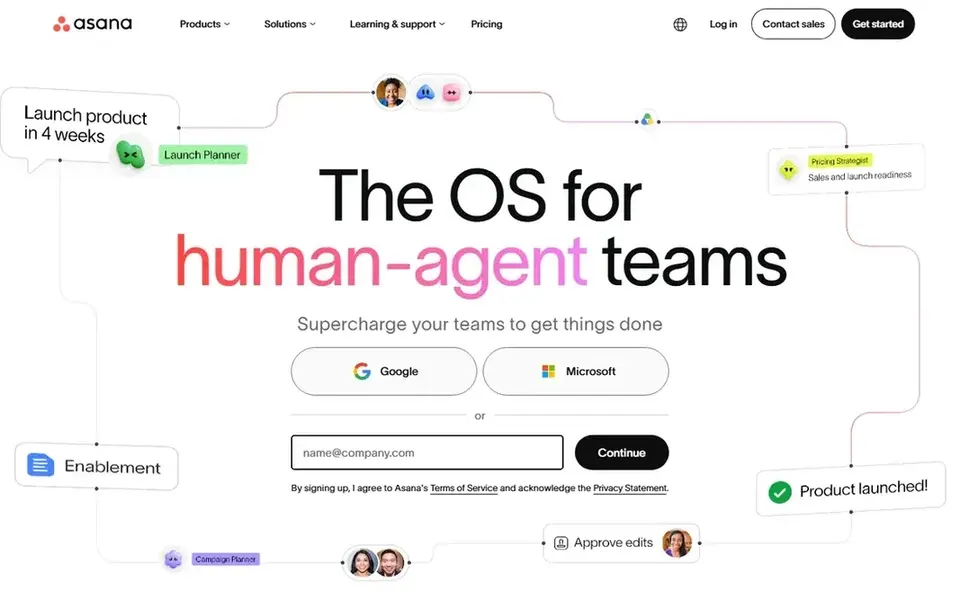
Asana is designed for straightforward task and timeline work for small teams. Starter costs $10.99 per user a month on annual billing, or $13.49 on monthly billing, and comes with timeline and Gantt views, dashboards, forms, custom fields, unlimited automations, and unlimited free guests.
The free Personal plan includes up to 2 users. In practice, Asana is a task and project product that small teams adopt quickly. Asana cost at the entry level: $10.99 per user/month. Asana has a free plan.
The main drawbacks: the free Personal plan caps at 2 users.
- Unlimited free guests on Starter
- Simple to adopt, with timelines, dashboards
- Native time tracking and portfolios need Advanced at $24.99 per user a month
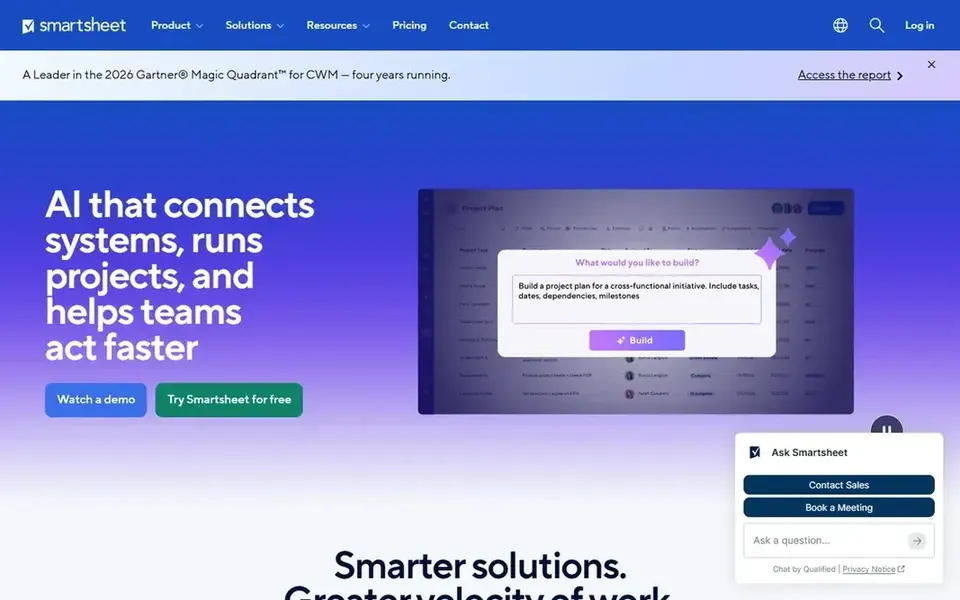
Choose Smartsheet for Grid-based project tracking for small teams. Pro stops at 10 members, so a team that grows past that cap must move the entire workspace to Business.
Points against: audit and admin controls need Enterprise.
Business costs $19 per member per month on annual billing and layers on timeline views, workload tracking, unlimited automations, and 1 TB of attachment storage. The starting price for Smartsheet: $9 per user/month. Free access: Free trial (30 days).
- Business brings timeline views and workload tracking
- Familiar grid layout with Gantt, forms
- Pro is capped at 10 members, so expanding teams must move to Business at $19 per user a month
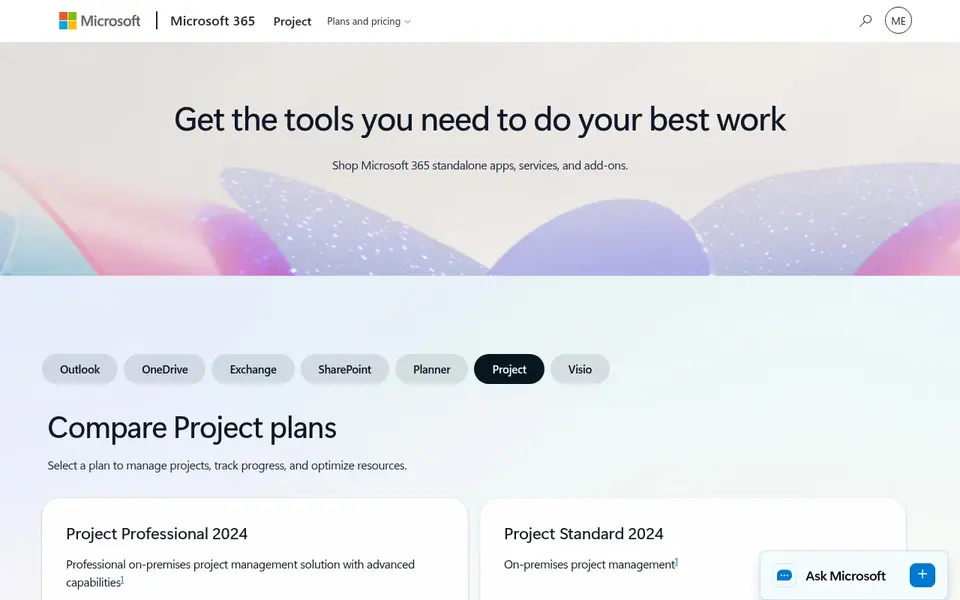
Where Microsoft Project fits: scheduling inside Microsoft 365. Microsoft Project now sits under the Planner brand.
As for the details, plan 5, formerly listed at $55 per user a month, is no longer sold to new customers, based on Microsoft notices from 2026. Microsoft Project pricing: $10 per user/month. Free access: Free trial (30 days).
Drawbacks to consider: Plan 5 is no longer sold to new customers, so portfolio depth is restricted.
- Suits businesses already on Microsoft 365
- Planner Plan 1 and Plan 3 include timelines, dependencies, baselines
- Native timekeeping and cost accounting are thin
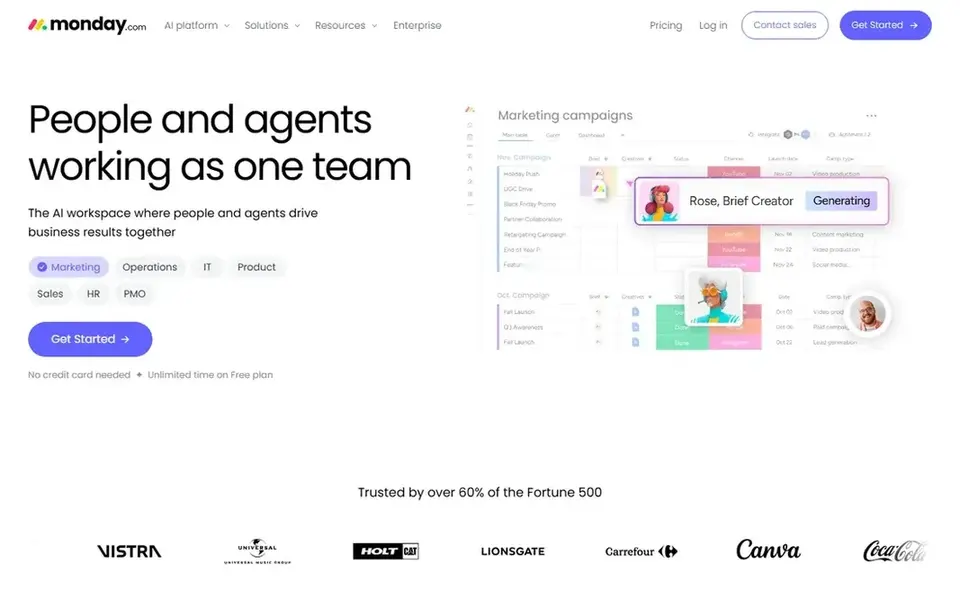
Choose monday.com for visual boards for delivery teams. monday.com is a visual work management product built around boards, and it fits a delivery team that wants a clear view of tasks, owners, and dates across multiple contracts. Time tracking, which feeds labor cost and billing, needs Pro, and workload views need a higher level as well.
More specifically, Pro costs $19 per seat a month and layers on time tracking, private boards, and formulas. Worth adding: the catch for a government contractor is that the features a program manager needs most sit above Basic. monday.com cost at the entry level: $9 per user/month. You can start on monday.com without paying.
Drawbacks to consider: Entry-level has no automations, integrations, or Gantt view, so most teams need Standard at $12 or Pro at $19.
- Templates for delivery work
- Free plan covers up to 2 users
- The 3-seat minimum raises the first bill

Unanet is built with DCAA-ready ERP for mid-sized government contractors in mind. The trade-off is the work required to get it live.
There is no fixed entry price for Unanet; pricing comes through a quote. There is no free plan with Unanet.
Limits to weigh: Implementation can take months and needs careful setup.
- Purpose-built timekeeping and project accounting for government contractors
- Indirect rate and cost pool reporting in one system
- Analytics and some planning features cost additional
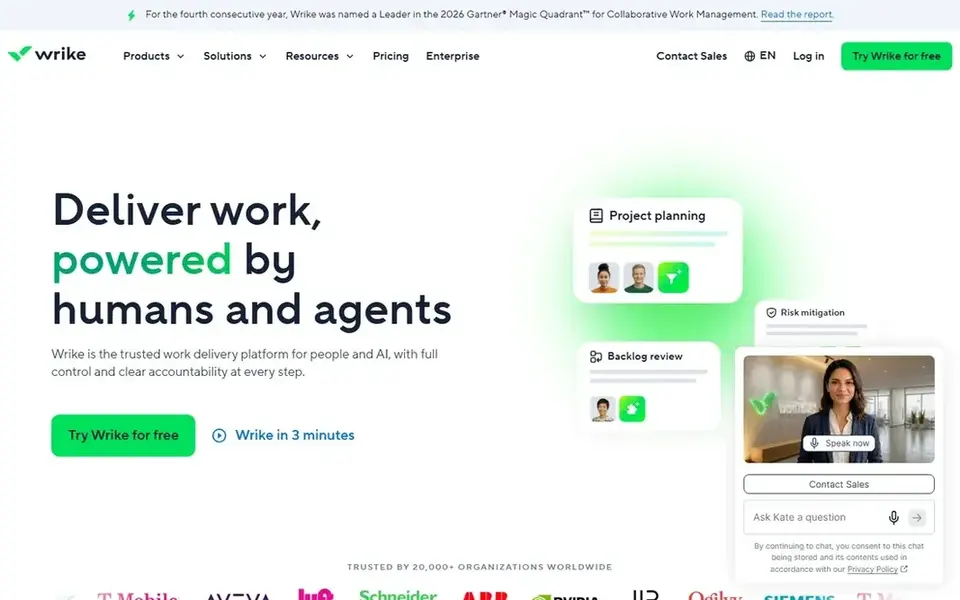
Wrike was built for structured work with dashboards and Gantt charts. Wrike is a work management system for teams that require structure, approvals, and reporting across numerous projects.
Honest limits: Team stops at 15 users and has no time tracking or resource planning.
Wrike cost at the entry level: $10 per user/month. Free access exists with Wrike.
- Resource planning
- Gantt charts, dashboards
- Business costs $25 per user a month and is annual only
How we compared the tools
Selection started from tools commonly considered for project management software for government contractors, then narrowed to 6 that have clear pricing information or a clear quote process. Where a price is missing, the vendor does not list one publicly or ties it to a quote. Always confirm before budgeting. Tools are placed by general fit for project management software for government contractors, with price clarity and free access as tie-breakers. A different team can reasonably rank them differently.
Before you commit
- Confirm the entry price on the vendor page. For Unanet that means a quote rather than a fixed price.
- Check what the free option really includes: Asana, monday.com and Wrike offer a free plan, and usage caps differ.
- Use real work to test the free trial from Smartsheet and Microsoft Project, rather than a demo project.
- Read the limits listed for Asana first: native time tracking and portfolios need Advanced at $24.99 per user a month.
- Confirm that Unanet connects to the apps your team already uses, on the plan you would actually buy.
- Check whether the features you need in monday.com sit on the entry plan or only on higher tiers.
Frequently asked questions
How much should a 10-person team budget for a general tool?
Time tracking, portfolios, and workload views need a higher level, so add $1,200 to $1,800 per year for those features on most tools in this list.
Does any software carry DCAA certification?
The agency audits a contractor accounting system, its policies, and its internal controls, including timekeeping, cost segregation, and audit trails. Choose a tool that can be configured to meet those requirements, and keep written policies beside it.
Do these tools publish their prices?
Not all of them. Unanet publishes no starting price, so expect a quote request for it. The rest, Asana included, show a starting price, though seats and billing terms still change the final cost.
Can I try these tools before paying?
Often, yes. Asana, monday.com and Wrike have a free plan and Smartsheet and Microsoft Project offer a free trial. Use your own data and a real task during the test, and check what the free tier or trial limits before you rely on it.
Which options for project management software for government contractors have a free plan?
Asana, monday.com and Wrike offer a free plan in this list. Free plans usually cap users, projects or features, so check the limits on the vendor page. Several others offer a trial instead.
Is Asana the right pick for everyone comparing project management software for government contractors?
No single tool suits every team. Asana comes first because it fits simple task and timeline work for small teams, while Smartsheet suits Grid-based project tracking for small teams and Microsoft Project suits scheduling inside Microsoft 365. Match the tool to your own size, budget and workflow before deciding.
Sources
See where you really rank - block by block
ProMapRanker scans Google Maps across a grid of your service area. Simple monthly plans from $19, white-label on every plan.
Start freeBrowse all guides
← Fundraising CRM: Best Picks of 2026Best Sales Proposal Software in 2026 →
 best fleet management software for telecom contractors
7 Best Fleet Management Software for Telecom Contractors for 2026
Best fleet management software for telecom contractors: 7 contenders ranked by fit, with entry costs and free tiers. Each tool gets a one-line verdict.
Read → best esignature software for small businesses
6 Best Esignature Software for Small Businesses in 2026
Compare 6 best esignature software for small businesses, with prices, free plans and who each fits. Every profile names its biggest catch. Pick with confidence.
Read → best esignature software for hr teams
Esignature Software for HR Teams: 6 Options Compared in 2026
Comparing the best esignature software for HR teams? 6 contenders, each with entry cost, free tier and best-fit buyer. Real limits included. Numbers first.
Read → best sales tax software for small business
Best Sales Tax Software for Small Business in 2026
Compare the best sales tax software for small business in 2026, with filing prices, nexus tracking, and options for ecommerce, SaaS, and retail shops.
Read → best ai tool for proposal writing
Best AI Tool for Proposal Writing in 2026
We compared the best AI tool for proposal writing in 2026, with AI drafting, templates, e-signatures, and honest limits for sales and bid teams today.
Read → skyvia alternatives
Skyvia Alternatives in 2026
Explore the best Skyvia alternatives for data pipelines, including Fivetran, Airbyte, and Hevo. Compare connectors, pricing, and ease of use for teams.
Read →More in Sales & CRM · All guides A to Z by date · Latest guides