 ProMapRanker
6 Best Esignature Software for Small Businesses in 2026

Small companies that store files in Dropbox or Google Drive · Pricing starts at: $15 per month (billed yearly)
Direct answer
Our first pick is Dropbox Sign, best for small firms that store files in Dropbox or Google Drive. Listed starting prices: Dropbox Sign from $15 per month, PandaDoc from $19 per user/month and Adobe Acrobat Sign from $16.99 per user/month. Alternatives: PandaDoc for small companies that send proposals and contracts together, and Adobe Acrobat Sign for small firms that already work in PDF files all day. The remaining 3 options are covered below with prices and limits.
Choosing esignature software for small businesses usually comes down to price, fit and limits. This ProMapRanker guide sets 6 tools side by side on those three points, with the facts kept short and checkable.
Key takeaways
- Number one here is Dropbox Sign, a fit for small companies that store files in Dropbox or Google Drive.
- SignNow suits small teams that want the lowest entry price.
- For the cheapest start, look at SignNow: $8 per user/month.
- One limit worth knowing about Adobe Acrobat Sign: standard team plan caps transactions at 150 per user a year.
Quick comparison
| Pick | Great for | Pricing starts at | Free tier | |
|---|---|---|---|---|
| Dropbox Sign | Small companies that store files in Dropbox or Google Drive | $15 per month (billed yearly) | Yes | Visit |
 PandaDoc | Small firms that send proposals and contracts together | $19 per user/month (billed yearly) | Yes | Visit |
 Adobe Acrobat Sign | Small companies that already work in PDF files all day | $16.99 per user/month (billed annually) | Free trial (7 days) | Visit |
 DocuSign | Small firms that want the most recognized signature brand | $10 a month | Free trial (30 days) | Visit |
 Signeasy | Field teams that sign on phones | $10 per user/month (billed yearly) | Yes | Visit |
 SignNow | Small teams that want the lowest entry price | $8 per user/month (billed yearly) | Free trial (7 days) | Visit |
6 esignature software for small businesses in detail
Dropbox Sign
Great for: Small companies that store files in Dropbox or Google Drive
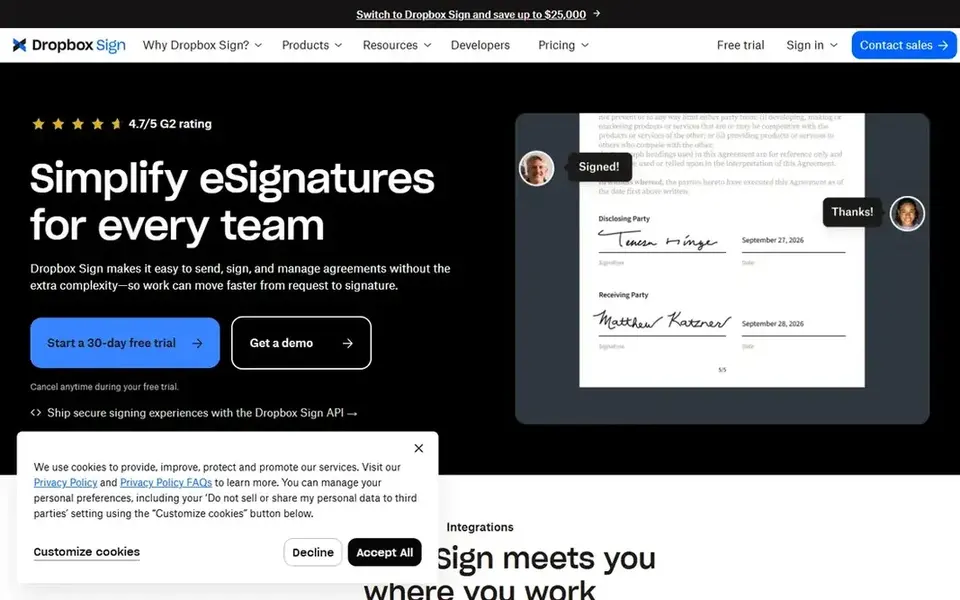
Dropbox Sign was built for small businesses that store files in Dropbox or Google Drive. The Essentials plan costs 15 dollars per month on annual billing for one user with five templates. The Standard plan costs 25 dollars per user a month for teams of two or more with more templates and team controls.
In daily use, the free plan covers three signature requests per month with unlimited self-signing, which is enough to test the flow before committing. Signed files can land straight in Dropbox or Google Drive. Worth adding: the limits are the single-user restriction on Essentials, so a second sender forces a move to Standard. The template cap of five on Essentials, which can feel tight for a business with plenty of recurring document types. Dropbox Sign cost at the entry level: $15 per month. Dropbox Sign includes a free tier.
Trade-offs to know: Essentials is limited to one user.
- Signed files land straight in Dropbox or Google Drive
- Unlimited signature requests on subscription plans
- Only five templates on Essentials
Where PandaDoc fits: small firms that send proposals and contracts together. PandaDoc merges document creation with e-signatures, so a small business can build a proposal, quote, or contract in the editor and send it for signing from the same place. As for the details, the free eSign plan handles 60 documents per year with two recipients per document.
Honest limits: free plan caps recipients at two per document.
The Essentials plan costs 19 dollars per user a month on annual billing with unlimited documents, templates, and live tracking of opens and views. In practice, the limits are the seat minimums on the Essentials plan and the way the free plan caps recipients at two per document. So a business that needs numerous signers on one document or bulk sending must step up to the Business plan at 49 dollars per user a month. Payment collection is built in, so a client can sign and pay in one step, which fits service firms that take deposits with a signed agreement. Entry price for PandaDoc: $19 per user/month. A free plan is available with PandaDoc.
- Document editor with proposals, tracking
- Payment collection
- Essentials plan has seat minimums
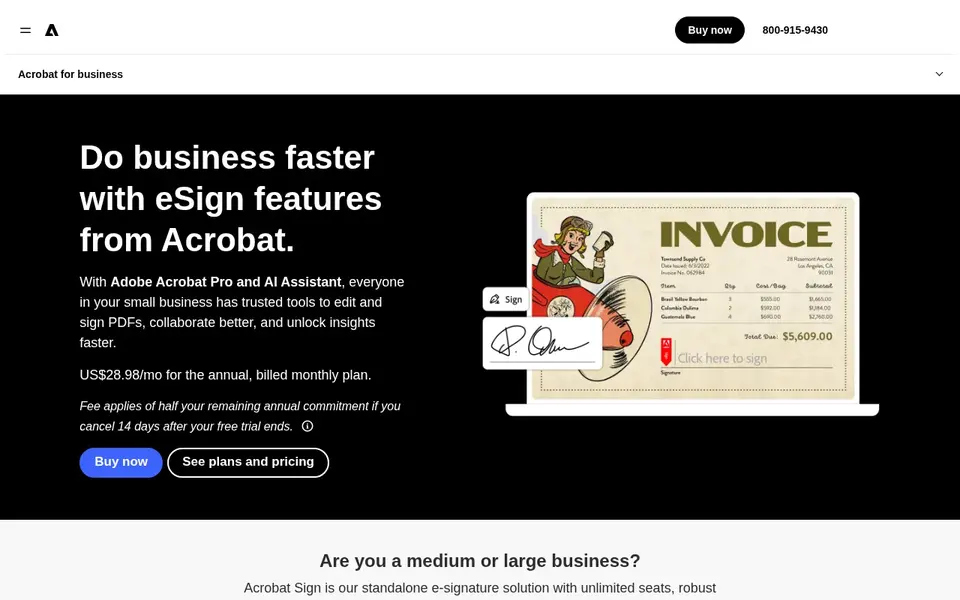
For small firms that already work in PDF files all day, Adobe Acrobat Sign is a natural candidate. Adobe Acrobat Sign is the signature layer inside Adobe Acrobat, so a small business that already edits PDFs gets signing without a separate tool.
Also, the limits are the annual commitment on every team plan and the way signing is tied to the Acrobat subscription, so a business that only needs signatures is paying for PDF tools it may never open. Adobe Acrobat Sign pricing: $16.99 per user/month. Trial and free access: Free trial (7 days).
Drawbacks to consider: Standard team plan caps transactions at 150 per user a year.
- No transaction cap on Pro plans
- Full PDF editing bundled with signing
- Every team plan needs a 12-month commitment
DocuSign is built with small companies that want the most recognized signature brand in mind. The Personal plan costs 10 dollars per month and spans 5 envelopes per month for one user, whereas Standard costs 25 dollars per user a month on annual billing and includes 100 envelopes per user a year with shared templates, custom branding, and commenting.
In practice, DocuSign is the e-signature brand most clients already know, which matters when a small business sends contracts to people who have never used the tool. Entry price for DocuSign: $10 per month. Free plan details: Free trial (30 days).
Trade-offs to know: higher levels are quote only.
- Most widely recognized e-signature brand
- Templates and branding on team plans
- Envelope caps of 5 per month on Personal and 100 per user per year on Standard
Signeasy serves field teams that sign on phones. The free plan spans three documents per month, and the Personal plan costs 10 dollars per user a month on annual billing for one user, whereas Business costs 20 dollars per user a month with team features and unlimited signature requests.
Downsides: desktop experience is thinner than DocuSign or PandaDoc.
Entry price for Signeasy: $10 per user/month. You can start on Signeasy without paying.
- Mobile-first signing with offline and in-person signing
- AI contract features for key dates and terms
- Personal plan is single-seat with sending limits
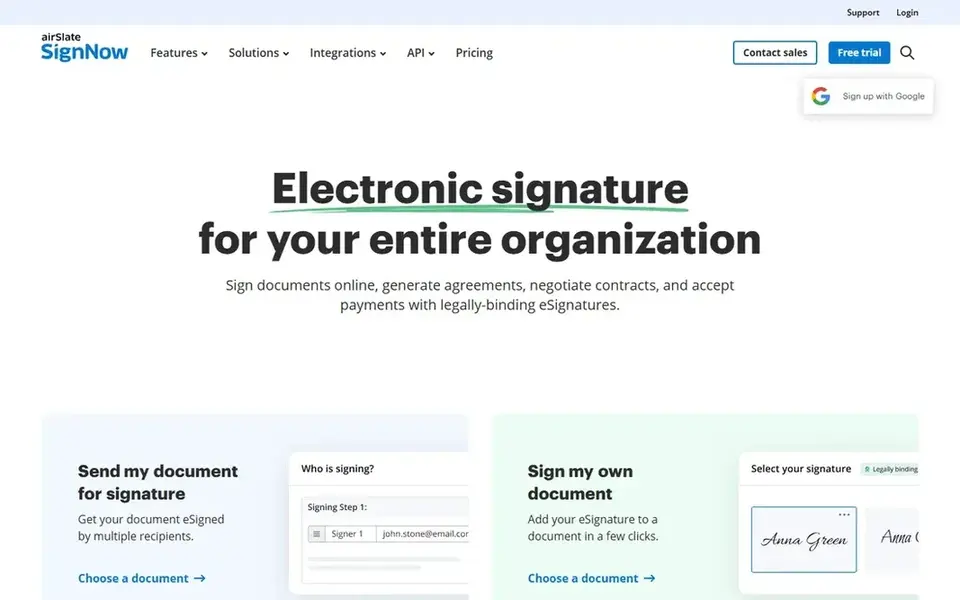
In short, SignNow is for small teams that want the lowest entry price. There is no free plan, only a seven-day trial. The interface is less refined than DocuSign, but for a small business with straightforward signing needs the value is hard to match.
The Business plan bundles 100 signature invites per user a year, which is the real limit to watch: a team that sends more must move to Business Premium at 15 dollars per user a month. Every subscription plan allows an unlimited number of users, which is unusual, and Business bundles unlimited templates, role-based signing order, custom branding, and an API for connecting signing to other tools. Entry price for SignNow: $8 per user/month. On free options: Free trial (7 days).
Drawbacks to consider: Business plan bundles only 100 signature invites per user a year.
- No cap on the number of users you can add
- Cheapest full-featured entry price on this list
- No free plan, only a trial
Our selection method
For each of the 6 tools we noted price, free plan or trial, fit for esignature software for small businesses and the main limit, using vendor pages and documentation. Treat prices as a snapshot: vendors change plans often, so check the vendor site for the figure that applies today. Order on the page follows fit for the typical buyer first, then price transparency and free access. Your own requirements should decide the final pick.
Questions to settle before buying
- Prices are a starting point; SignNow shows $8 per user/month to start, so verify what your seat count would cost.
- Look at free plan limits closely: Dropbox Sign, PandaDoc and Signeasy have one, and the caps decide whether it is usable for real work.
- Use real work to test the free trial from Adobe Acrobat Sign, DocuSign and SignNow, rather than a demo project.
- Before choosing Dropbox Sign, weigh its main limit: essentials is restricted to one user.
- Add up seats, add-ons and usage charges for SignNow before comparing it with cheaper entries.
- Test the integrations you rely on with Signeasy before committing; some connectors sit on upper tiers.
Frequently asked questions
How are the esignature software for small businesses ordered?
The order follows typical fit for esignature software for small businesses, with Dropbox Sign first and SignNow last, then price clarity and free access. It is editorial judgement, not a score, so another team could rank the tools differently.
Can I try these tools before paying?
Often, yes. Dropbox Sign, PandaDoc and Signeasy have a free plan and Adobe Acrobat Sign, DocuSign and SignNow offer a free trial. Use your own data and a real task during the test, and check what the free tier or trial limits before you rely on it.
Do clients need an account to sign?
The sender needs the subscription, whereas the signer only needs a browser or the mobile app. This keeps the flow straightforward for clients, though some tools offer additional identity checks on higher plans.
Is Dropbox Sign the right pick for everyone comparing esignature software for small businesses?
No single tool suits every team. Dropbox Sign comes first because it fits small businesses that store files in Dropbox or Google Drive, while PandaDoc suits small businesses that send proposals and contracts together and Adobe Acrobat Sign suits small businesses that already work in PDF files all day. Match the tool to your own size, budget and workflow before deciding.
Do these tools publish their prices?
Yes. Every tool from Dropbox Sign to SignNow shows a starting price, though seats, add-ons and billing terms still change the final cost.
Sources
See where you really rank - block by block
ProMapRanker scans Google Maps across a grid of your service area. Simple monthly plans from $19, white-label on every plan.
Start freeBrowse all guides
← Esignature Software for HR Teams: 6 Options Compared in 20267 Best Fleet Management Software for Telecom Contractors for 2026 →
 best contract drafting software for legal teams
Best Contract Drafting Software for Legal Teams in 2026
Best contract drafting software for legal teams, compared. 6 tools with published prices, free plans and limits. Read the caveats before you buy. Numbers first.
Read → best sales dialer software
Sales Dialer Software: 6 Options Compared in 2026
Need the best sales dialer software? We compare 6 tools on cost, free access and who each suits. Every profile names its biggest catch. Narrow your shortlist.
Read → best project management software for general contractors
7 Best Project Management Software for General Contractors (2026)
Best project management software for general contractors in 2026: 7 contenders with entry costs and free tiers. The catches are listed up front. Prices checked.
Read → best senior living crm software
How to Pick Senior Living CRM Software
Need the best senior living CRM software? We compare 6 tools on cost, free access and who each suits. The weak spots sit next to the strengths. Pick by budget.
Read → best automated sales assistant platforms
Comparing 6 Automated Sales Assistant Platforms in 2026
6 best automated sales assistant platforms, compared on pricing, free plans and best-fit use. Fit and flaws are laid out for each entry. Costs up front.
Read → best crm software for sales teams
Best CRM Software for Sales Teams in 2026
Compare the best crm software for sales teams, from free plans at HubSpot and Zoho to pipeline focused Pipedrive and enterprise Salesforce in 2026 today.
Read →More in Sales & CRM · All guides A to Z by date · Latest guides