 ProMapRanker
7 Best Project Management Software for General Contractors (2026)

Field teams who require daily reports, time cards and production tracking · Pricing starts at: $23 per user/month (billed annually)
Direct answer
Raken is the first pick on this list for field teams who require daily reports, time cards and production tracking. monday.com fits office teams who want boards, timelines and dashboards they can shape; JobTread fits small to mid size builders who estimate and handle jobs in one place. Listed starting prices: Raken from $23 per user/month, monday.com from $9 per user/month and JobTread from $199 per month.
This ProMapRanker guide covers 7 project management software for general contractors. Each profile lists a starting price, free plan details, strengths and drawbacks, so you can drop poor fits quickly.
Key takeaways
- Top of the list is Raken, which targets field teams who require daily reports, time cards and production tracking.
- For the cheapest start, look at monday.com: $9 per user/month.
- Check the limits for Smartsheet before you commit: Pro is capped at 10 Members and 250 automations per month, so bigger teams need Business at $19.
- ClickUp fits teams who want tasks, docs, chat, goals and time tracking in one workspace.
- A free plan is available from 2 of the 7 tools: monday.com, ClickUp.
Quick comparison
| Pick | Great for | Pricing starts at | Free tier | |
|---|---|---|---|---|
| Raken | Field teams who require daily reports, time cards and production tracking | $23 per user/month (billed annually) | No | Visit |
 monday.com | Office teams who want boards, timelines and dashboards they can shape | $9 per user/month (billed annually) | Yes | Visit |
 JobTread | Small to mid size builders who estimate and handle jobs in one place | $199 per month (billed monthly) | No | Visit |
 Smartsheet | Teams who plan with sheets, Gantt charts, forms and reports | $9 per user/month (billed yearly) | Free trial (30 days) | Visit |
 Procore | Large commercial general contractors | Quote only | No | Visit |
 CoConstruct | Custom home builders concentrated on clients and finances | Quote only | No | Visit |
 ClickUp | Teams who want tasks, docs, chat, goals and time tracking in one workspace | $9 per user/month (billed yearly) | Yes | Visit |
Project Management Software for General Contractors, one by one
Raken
Great for: Field teams who require daily reports, time cards and production tracking
Raken targets field teams who require daily reports, time cards and production tracking. We reviewed the Raken pricing page on 2026-11-12.
Drawbacks to consider: A 3 user minimum means the lowest monthly total is $69 on Basic.
Price to start with Raken: $23 per user/month. There is no free plan with Raken.
- Time tracking
- Clear daily reports with photos
- Time tracking, safety
monday.com
Great for: Office teams who want boards, timelines and dashboards they can shape
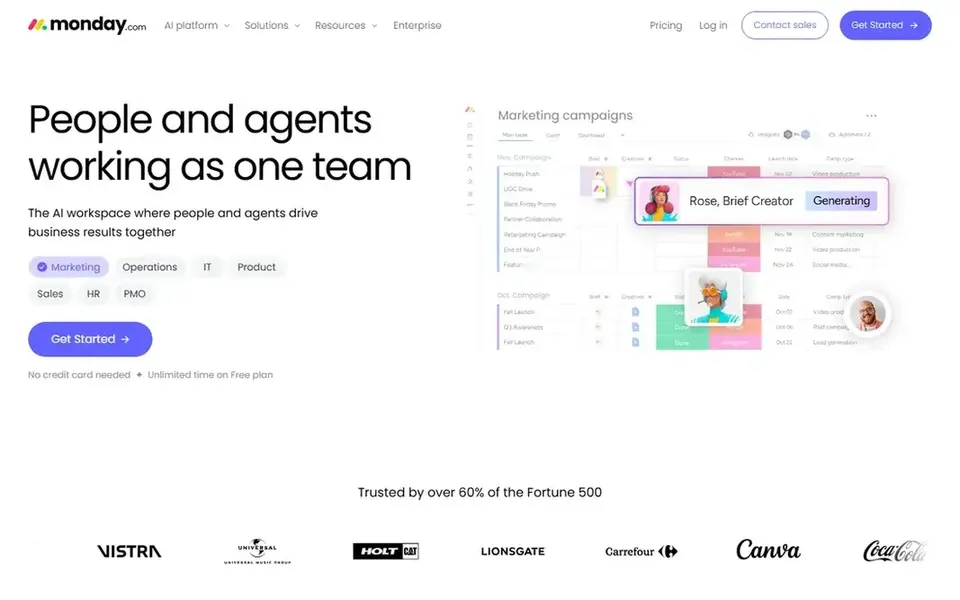
monday.com is built with office teams who want boards, timelines and dashboards they can shape in mind. monday.com is a work management product that a general contractor can shape into a project tracker.
Watch-outs: Subscription plans start at 3 seats and are sold in seat groups, so the real monthly total is higher than the per seat rate.
Plans start at 3 seats, so Basic opens at $27 a month billed annually for 3 seats. What you pay to start with monday.com: $9 per user/month. monday.com includes a free tier.
- Automations and dashboards for schedules and punch lists
- Free plan for up to 2 users, with a 14 day free trial of the Pro plan
- Entry-level has no automation or integration allowance, so expanding teams need a higher level
JobTread
Great for: Small to mid size builders who estimate and handle jobs in one place
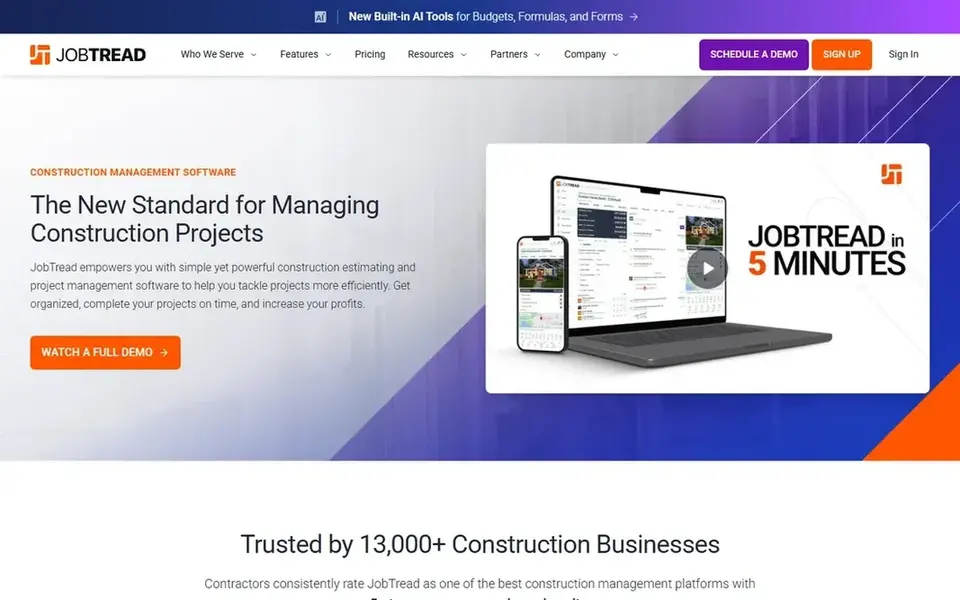
Think of JobTread for small to mid size builders who estimate and run jobs in one place. A general contractor can build an estimate, turn it into a budget, schedule the work, track change orders, log daily notes and photos, and invoice from the same job record.
Also, the base price is $199 a month and includes one internal user, with all features included. Time tracking, job costing, reporting and dashboards are included, and subcontractors, vendors and customers use free portal accounts. The starting price for JobTread: $199 per month. No free plan comes with JobTread.
Watch-outs: No free trial.
- Every feature is included in one plan, with no tier gating
- Files and free customer and vendor portal users
- The price rises with each internal office user, so headcount drives the bill
Smartsheet
Great for: Teams who plan with sheets, Gantt charts, forms and reports
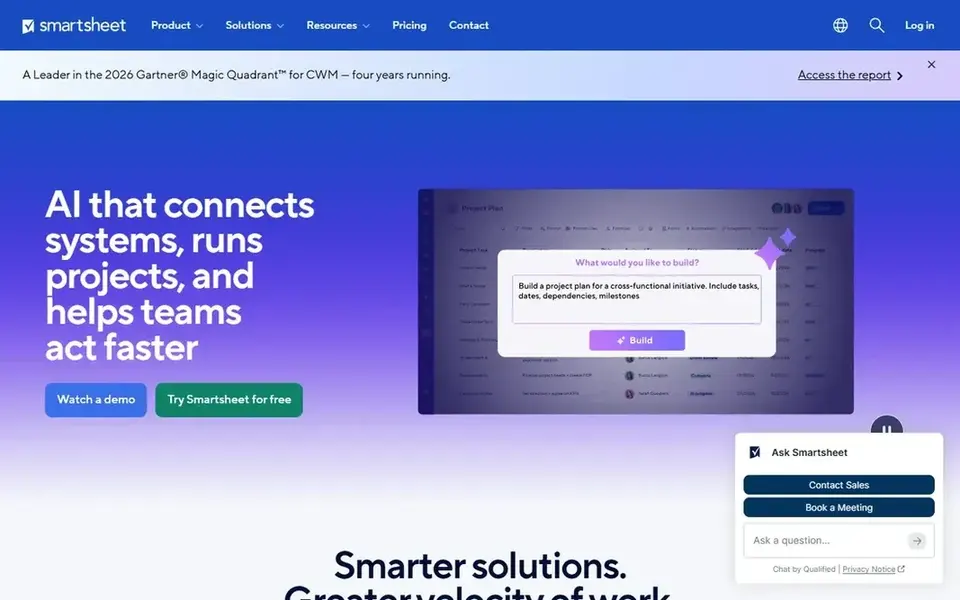
Choose Smartsheet for teams who plan with sheets, Gantt charts, forms and reports. Automations can send a reminder when a submittal is due, and attachment tools keep drawings and photos with the job.
Where it is weaker: Resource Management and Control Center are separate add ons with separate pricing.
Smartsheet starts at: $9 per user/month. Free plan details: Free trial (30 days).
- Unlimited free Contributors can view
- Comment and attach files without a licence
- Pro is capped at 10 Members and 250 automations per month, so bigger teams need Business at $19

Where Procore fits: large commercial general contractors. That shared record helps a project manager answer an owner question without chasing paper or separate spreadsheets.
Beyond that, the vendor charges an upfront annual fee by product and based on annual construction volume, with unlimited users, unlimited data storage and 24/7 support included. Procore sells by quote instead of a published price. Procore has no free plan.
What to check first: Annual fee is based on annual construction volume, which can put it out of reach for small businesses.
- Deep RFI, submittal
- Daily log and punch list tools
- No published price, so budgeting needs a sales quote
CoConstruct
Great for: Custom home builders concentrated on clients and finances
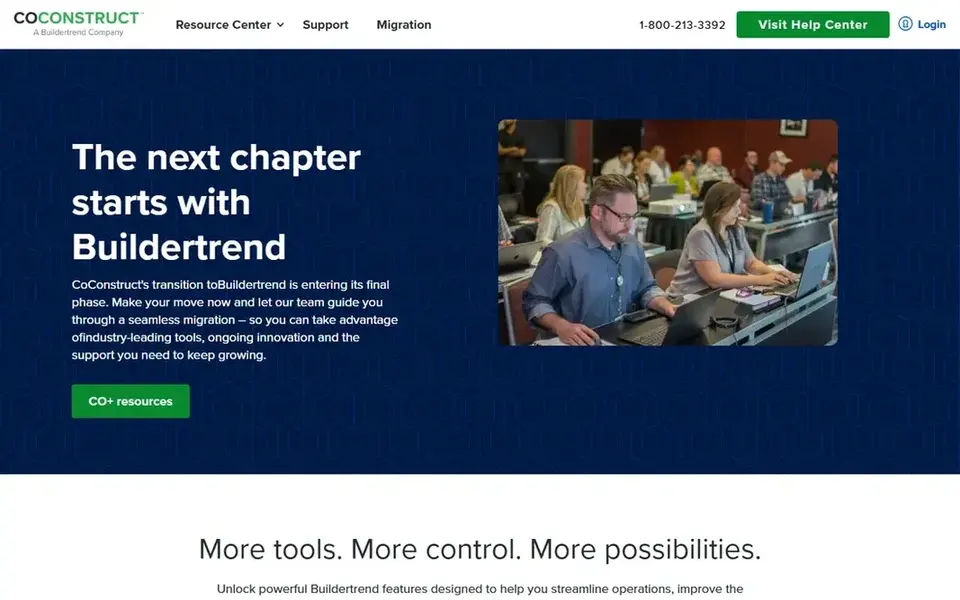
CoConstruct is aimed squarely at custom home builders focused on clients and finances. The page no longer lists plans or prices.
Strengths: selections and financial tracking for custom builders.
Its scheduling, specifications, change orders and client portal help a builder keep a homeowner informed whereas the office tracks costs against the original estimate, in one shared job record that keeps the budget visible as selections change. There is no list price for CoConstruct, so a quote is the way in. CoConstruct does not include a free plan.
Trade-offs to know: No longer sold to new customers.
- Solid focus on estimates
- Budgets and client communication
- No published price and no free trial on the current page
ClickUp
Great for: Teams who want tasks, docs, chat, goals and time tracking in one workspace
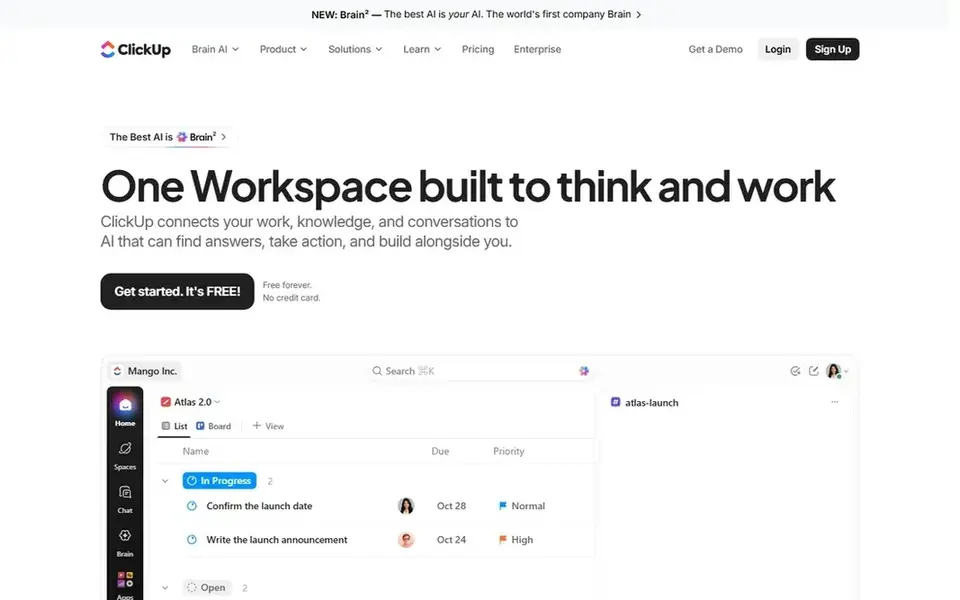
Where ClickUp fits: teams who want tasks, docs, chat, goals and time tracking in one workspace. ClickUp brings tasks, docs, chat, whiteboards, goals, sprints and time tracking into one workspace. From a buyer's view, free Forever costs $0 with unlimited tasks and members, 60 MB of storage, 5 Spaces, collaborative docs, Kanban boards, calendar view and time tracking.
Where it is weaker: Timesheets.
Best features of ClickUp: Gantt charts.
A general contractor can run a project as a Space, with lists for schedule, RFIs, submittals, punch items and change orders, and use custom fields for cost codes, trade, location and status. Core costs $9 per user a month billed yearly, with a regular monthly rate of $12. In practice, Gantt, calendar and workload views help a project manager see dates and capacity. What you pay to start with ClickUp: $9 per user/month. You can start on ClickUp without paying.
- Custom fields and guest permissions at $9 per user a month
- Core layers on unlimited storage
- Advanced dashboards and resource management need the Business plan at $17
How we built this list
Selection started from tools commonly considered for project management software for general contractors, then narrowed to 7 that have clear pricing information or a clear quote process. Figures are shown as the vendors publish them. Billing terms, seat minimums and add-ons can change the real cost. We ordered the tools by general fit, then by how clearly pricing is shown, then by free access. A buyer with unusual needs may reorder them.
Pre-purchase checklist
- Confirm the entry price on the vendor page. For Procore and CoConstruct that means a quote rather than a fixed price.
- Look at free plan limits closely: monday.com and ClickUp have one, and the caps decide whether it is usable for real work.
- Run a trial of Smartsheet with real work before paying for a year; your own workflow is the best test.
- Before choosing Raken, weigh its main limit: time tracking, safety, quality and RFIs need the Performance plan at $59 per user a month.
- See whether Smartsheet offers onboarding or training, and whether it is included in the price.
- Confirm the exact monday.com plan that includes your must-have features.
Frequently asked questions
What is the cheapest way to track RFIs and submittals?
The cheapest published starting point is $9 per user a month billed yearly on monday.com Basic, Smartsheet Pro or ClickUp Core. Raken Performance comes with RFIs at $59 per user a month.
How are the tools for project management software for general contractors ordered?
The order follows typical fit for project management software for general contractors, with Raken first and ClickUp last, then price clarity and free access. It is editorial judgement, not a score, so another team could rank the tools differently.
Which options for project management software for general contractors have a free plan?
On this list, monday.com and ClickUp include a free plan. Caps on seats, usage or features are common, so test the free plan against your real workload. One other tool offers a trial instead.
Should I choose a construction tool or a general project tool?
Choose a construction tool if RFIs, submittals, change orders, daily logs, punch lists and job costing are daily work, since those workflows are built in and linked to the budget. Choose a general tool like monday.com, Smartsheet or ClickUp if you want adaptable boards and lower per user pricing.
Is Raken the right pick for everyone comparing project management software for general contractors?
No single tool suits every team. Raken comes first because it fits field teams who need daily reports, time cards and production tracking, while monday.com suits office teams who want boards, timelines and dashboards they can shape and JobTread suits small to mid size builders who estimate and manage jobs in one place. Match the tool to your own size, budget and workflow before deciding.
What is the cheapest option for project management software for general contractors in this list?
On published monthly entry prices, monday.com is the lowest here at $9 per user/month. Entry price is only part of the cost, because seats, add-ons and billing terms can change the total. Prices, free plan details and limits for all 7 tools in this project management software for general contractors roundup sit on the individual cards above.
Sources
See where you really rank - block by block
ProMapRanker scans Google Maps across a grid of your service area. Simple monthly plans from $19, white-label on every plan.
Start freeBrowse all guides
← Best Fleet Management Software for Cable Contractors (2026)Sales Dialer Software: 6 Options Compared in 2026 →
 best esignature software for nonprofits
ESignature Software for Nonprofits: Best Picks of 2026
Best eSignature software for nonprofits: 6 tools compared on price, free plans and fit. Every pick gets a straight assessment. Current for November 2026.
Read → best esignature software for education offices
7 Best Esignature Software for Education Offices in 2026
Compare 7 best esignature software for education offices, with prices, free plans and who each fits. The catches are listed up front. Narrow your shortlist.
Read → best distribution crm software
6 Best Distribution CRM Software for 2026
6 tools for the best distribution CRM software, compared on pricing, free plans and best-fit use. Costs and caveats sit beside each pick. Plain facts.
Read → best ai cold calling software
AI Cold Calling Software Buyer's Guide
6 options for the best AI cold calling software, with entry costs, free tiers and the buyer each one serves. With pricing notes and limits. Refreshed for 2026.
Read → best rfp management software
Best RFP Management Software in 2026
Compare the best rfp management software for proposal teams, with current pricing, content libraries, AI drafting, and approval workflows explained plainly.
Read → best insurance crm software
Best Insurance CRM Software in 2026
Compare the best insurance CRM software for agents and agencies, from insurance-specific platforms to general CRMs, with pricing and fit guidance today.
Read →More in Sales & CRM · All guides A to Z by date · Latest guides