 ProMapRanker
6 Best Distribution CRM Software for 2026

Teams already on Microsoft 365 · Pricing starts at: Quote only
Direct answer
For teams already on Microsoft 365, Microsoft Dynamics 365 Sales is where this list starts. Listed starting prices: HubSpot CRM from $10 per seat/month, Zoho CRM from $14 per user/month and Salesforce Sales Cloud from $25 per user/month. Look at HubSpot CRM for small teams that want a free start, and at Zoho CRM for low cost per seat with inventory tools. The remaining 3 options are covered below with prices and limits.
ProMapRanker put together this guide to distribution CRM software for readers who want a clear shortlist without reading every vendor page. It compares 6 tools on starting price, free plans, who each one suits and where each one falls short.
Key takeaways
- Microsoft Dynamics 365 Sales is the opening pick, best for teams already on Microsoft 365.
- HubSpot CRM is the lowest-priced starter here at $10 per seat/month.
- Oracle CX Sales fits large Oracle ERP customers.
- What to know about Microsoft Dynamics 365 Sales first: entry level caps custom tables at 15 and leaves out Copilot.
- A free plan is available from 3 of the 6 tools: HubSpot CRM, Zoho CRM, Salesforce Sales Cloud.
Quick comparison
| Pick | Great for | Pricing starts at | Free tier | |
|---|---|---|---|---|
| Microsoft Dynamics 365 Sales | Teams already on Microsoft 365 | Quote only | Free trial | Visit |
 HubSpot CRM | Small teams that want a free start | $10 per seat/month | Yes | Visit |
 Zoho CRM | Low cost per seat with inventory tools | $14 per user/month (billed yearly) | Yes | Visit |
 Salesforce Sales Cloud | Large distributors with complicated accounts | $25 per user/month (billed per month or annually) | Yes | Visit |
 Infor CRM | Distributors already on Infor ERP | Quote only | No | Visit |
 Oracle CX Sales | Large Oracle ERP customers | Quote only | No | Visit |
The full distribution CRM software list
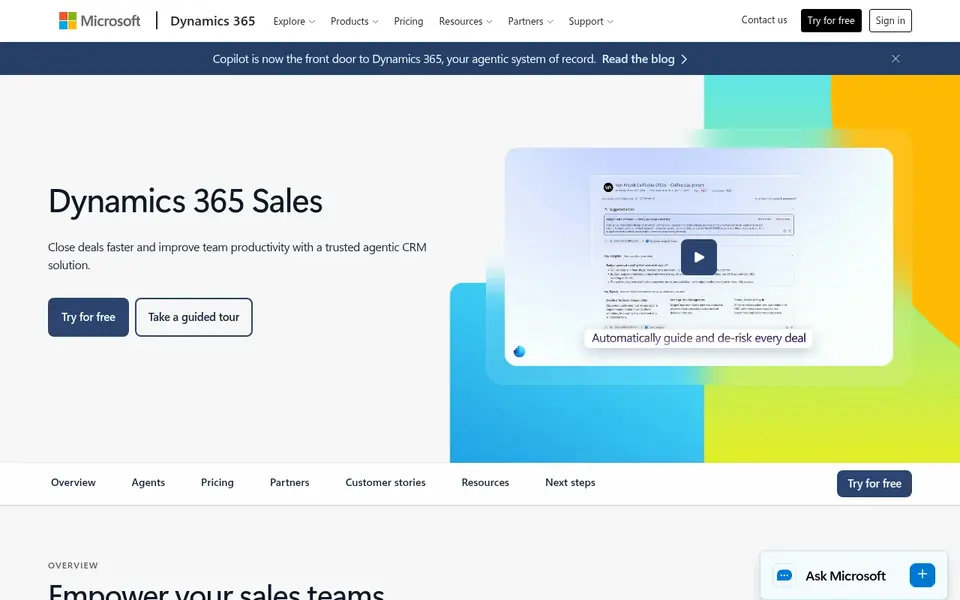
Microsoft Dynamics 365 Sales targets teams already on Microsoft 365. Microsoft Dynamics 365 Sales is the natural pick for a distributor that already runs Microsoft 365, Outlook, and Teams. Enterprise brings forecasting, lead and opportunity scoring, and Copilot in Dynamics 365 Sales.
The entry level has real limits. Pick this if your team lives in Outlook and Teams and you want the CRM inside the same sign-in and security model. In daily use, professional spans core sales automation plus quotes, orders, and invoices, which fits distributors that quote from price lists. Microsoft Dynamics 365 Sales does not show a fixed starting price, so you request a quote. As for free access: Free trial.
- Invoices in the entry level
- Quotes, orders
- Entry level caps custom tables at 15 and leaves out Copilot
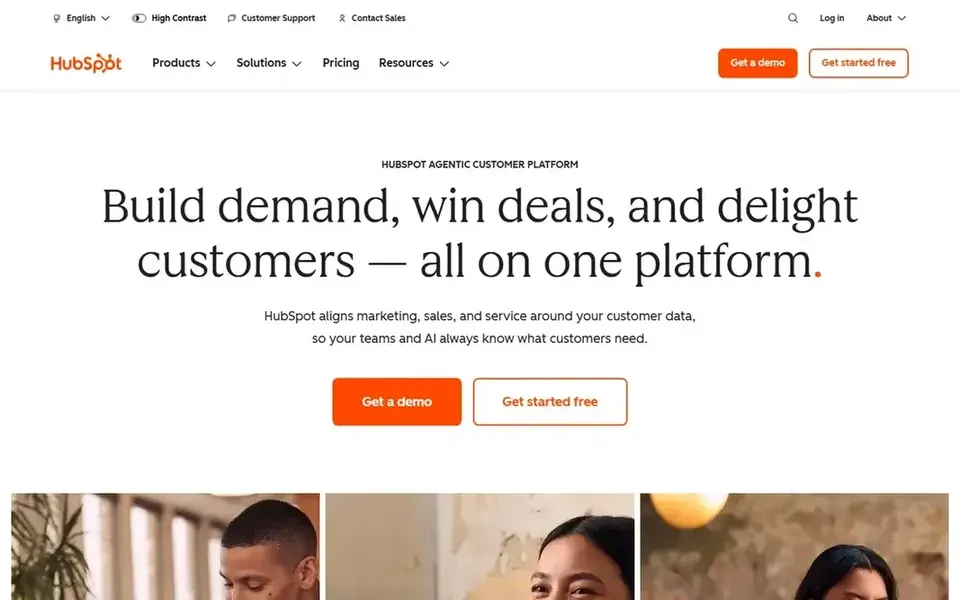
HubSpot CRM is aimed squarely at small teams that want a free start. HubSpot does not contain native inventory or ERP depth, so distributors that require stock and order data in the CRM will need an integration.
In daily use, Sales Hub Starter lists at $10 per seat a month. That step is steep, so a distributor should test the free level with real deals before committing to Professional. HubSpot CRM cost at the entry level: $10 per seat/month. HubSpot CRM includes a free tier.
Downsides: Professional layers on a one-time onboarding fee.
- Free CRM for up to 2 users
- Fast setup with clear pipelines
- Free plan caps at 2 users
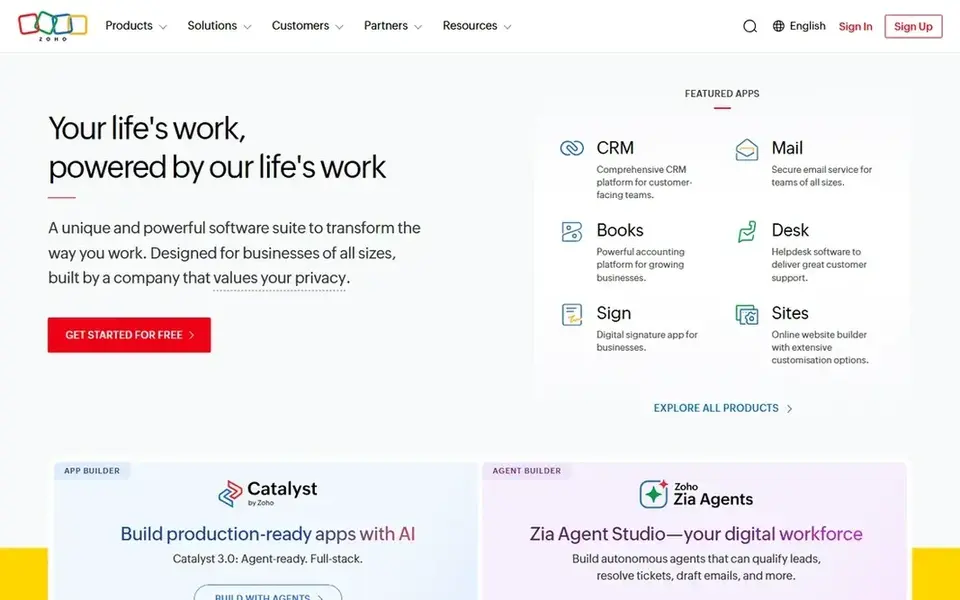
Choose Zoho CRM for low cost per seat with inventory tools. The free edition includes up to 3 users with 5,000 records.
The Zoho catalog is broad, which can feel crowded, and additional storage and premium support cost more. Beyond that, enterprise layers on Zia, the AI sales assistant, territory management, customer portals, and a sandbox for testing changes. On cost, Zoho CRM starts like this: $14 per user/month. Zoho CRM offers a free plan.
Trade-offs to know: monthly billing runs much higher than annual billing.
- Inventory tools at Professional
- Free edition for up to 3 users
- Free edition caps at 5,000 records
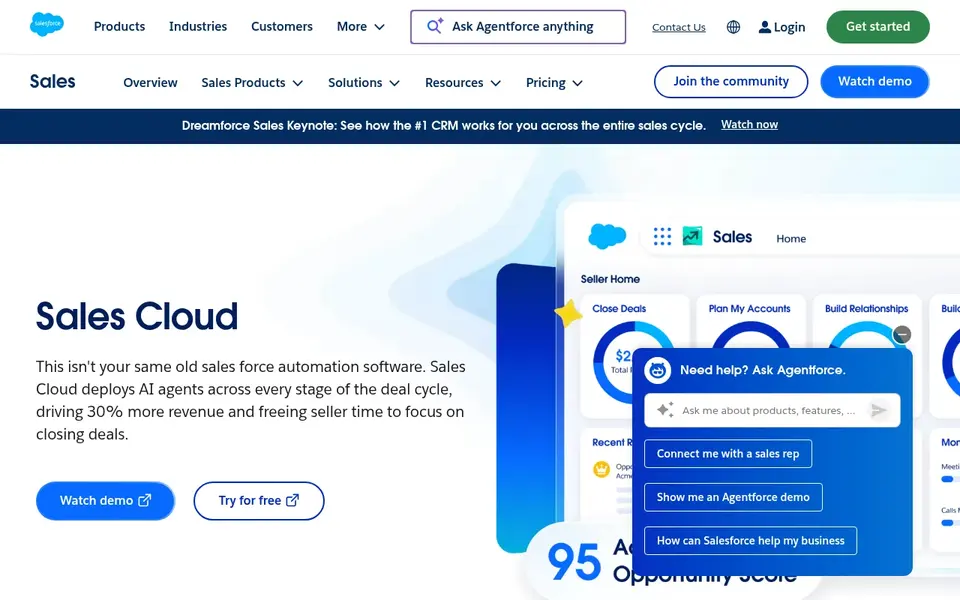
Salesforce Sales Cloud serves large distributors with complicated accounts. The Free Suite handles $0 use for very entry-level needs, but serious distribution work needs a higher level, and API access is a $25 per user a month add-on on lower levels, which matters the moment you link an ERP or a warehouse system. For everyday use, the trade-offs are cost and setup time.
Pick this if your distributor has numerous accounts, numerous price lists, and an admin or partner who can run the system. Account hierarchies, price books, and partner channels suit distributors that sell through branches, dealers, and reps across regions. The starting price for Salesforce Sales Cloud: $25 per user/month. A free plan is available with Salesforce Sales Cloud.
Drawbacks to consider: API access is an extra-cost add-on.
- Deep account and territory tools
- Broad integration catalog
- Entry level has no quoting or forecasting
Infor CRM is a good fit for distributors already on Infor ERP. The strength is the Infor link. Outside the Infor world, the value drops quick, since the central reason to choose it is the shared data model.
Forecasting, territory management, and alerts are aimed at distributors that handle numerous accounts across regions. Infor CRM, also sold as Infor CRM SLX, links front-office activity with back-office ERP data so sales, marketing, and service teams see the same customer picture. Infor CRM does not show a fixed starting price, so you request a quote. No free plan comes with Infor CRM.
Points against: setup typically runs through a partner.
- Cloud and on-premises choices
- CRM and ERP data in one view
- No public pricing
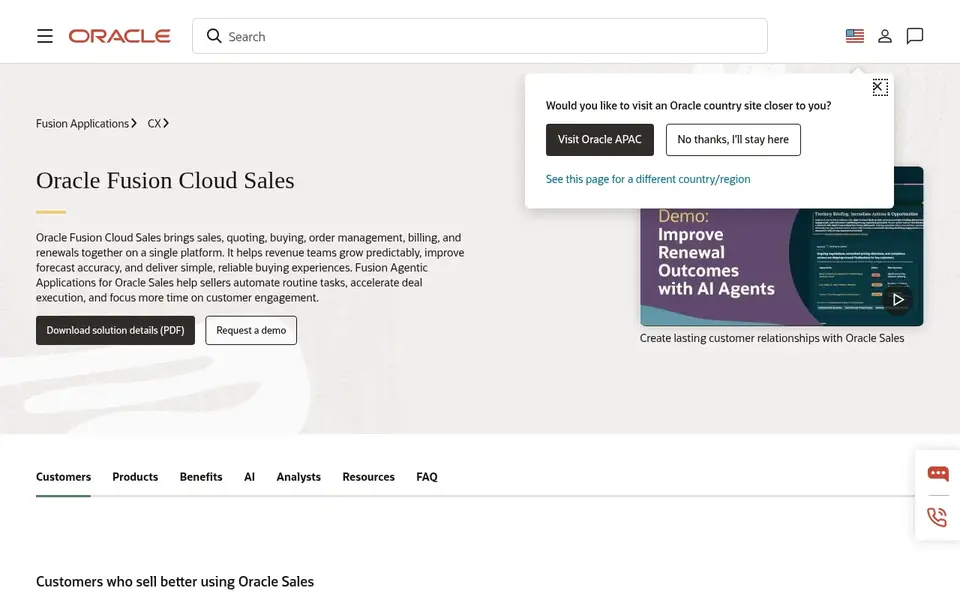
Oracle CX Sales is designed for large Oracle ERP customers. For a distributor outside the Oracle world, the cost, the contract length, and the implementation effort will outweigh the feature list.
Pick this if your company already runs Oracle Fusion and wants sales inside the same suite. You have the budget and the team for an enterprise rollout. Oracle CX Sales sells by quote instead of a published price. There is no free plan with Oracle CX Sales.
- Territory and incentive tools
- Deep Oracle Fusion links
- No public price list, so budgeting needs a quote and negotiation
A closer look at distribution CRM software
Start with your quote flow. A distributor CRM should hold customer price lists, build a quote from products and quantities, track the quote to an order, and display the order status without a spreadsheet in between. Beyond that, check the ERP link next.
Ask about territory rules, branch accounts, and account hierarchies too, since distributors sell to head offices, branches, and buying groups that share one credit limit. From a buyer's view, ask for a trial or a demo with your own data, and get the quote in writing with the level name, the per-seat price, and the billing term spelled out.
How we compared the tools
Each tool was reviewed on what its vendor publishes: price, plan limits, core features and stated drawbacks. We did not run hands-on tests. Treat prices as a snapshot: vendors change plans often, so check the vendor site for the figure that applies today. The order reflects how well each tool fits the most common buying scenario for distribution CRM software, then price clarity, then free plan access. It is a starting point, not a verdict.
Pre-purchase checklist
- Confirm the entry price on the vendor page. For Microsoft Dynamics 365 Sales, Infor CRM and Oracle CX Sales that means a quote rather than a fixed price.
- Read the fine print on the free plans from HubSpot CRM, Zoho CRM and Salesforce Sales Cloud; seat, project and feature caps differ.
- Take the trial from Microsoft Dynamics 365 Sales and push a live task through it before you pay.
- Before choosing Microsoft Dynamics 365 Sales, weigh its main limit: entry level caps custom tables at 15 and leaves out Copilot.
- Check how data leaves HubSpot CRM: formats, limits and whether exports are available on every plan.
- Before rolling out Microsoft Dynamics 365 Sales, verify the integrations your workflow depends on.
Frequently asked questions
Do these tools publish their prices?
Not all of them. Microsoft Dynamics 365 Sales, Infor CRM and Oracle CX Sales publish no starting price, so expect a quote request for those. The rest, HubSpot CRM included, show a starting price, though seats and billing terms still change the final cost.
What features matter most for distributors?
Quoting from price lists, order tracking, territory management, and ERP links matter most, followed by forecasting and account hierarchies for branches and buying groups.
Which options for distribution CRM software have a free plan?
On this list, HubSpot CRM, Zoho CRM and Salesforce Sales Cloud include a free plan. Caps on seats, usage or features are common, so test the free plan against your real workload. One other tool offers a trial instead.
Can I try these options before paying?
Often, yes. HubSpot CRM, Zoho CRM and Salesforce Sales Cloud have a free plan and Microsoft Dynamics 365 Sales offers a free trial. Use your own data and a real task during the test, and check what the free tier or trial limits before you rely on it.
Is Microsoft Dynamics 365 Sales the right pick for everyone comparing distribution CRM software?
No single tool suits every team. Microsoft Dynamics 365 Sales comes first because it fits teams already on Microsoft 365, while HubSpot CRM suits small teams that want a free start and Zoho CRM suits low cost per seat with inventory tools. Match the tool to your own size, budget and workflow before deciding.
Sources
See where you really rank - block by block
ProMapRanker scans Google Maps across a grid of your service area. Simple monthly plans from $19, white-label on every plan.
Start freeBrowse all guides
← 2026 Guide to the Best CRM Software UK7 Best Esignature Software for Education Offices in 2026 →
 best contract search software for criminal defense firms
6 Best Contract Search Software for Criminal Defense Firms (2026)
Best contract search software for criminal defense firms: 6 tools compared on price, free plans and fit. Weak spots flagged for every entry. Prices checked.
Read → best contract management software for universities
7 Best Contract Management Software for Universities in 2026
7 best contract management software for universities, with entry costs, free tiers and the buyer each one serves. Pros and cons for every tool. Clear verdicts.
Read → best contract management software for hospitals
Best Contract Management Software for Hospitals (2026)
7 best contract management software for hospitals, compared on pricing, free plans and best-fit use. Notes on cost and gaps for each tool. See which fits.
Read → best b2b e commerce platforms
6 B2B E-Commerce Platforms Ranked for 2026
Shortlisting the best B2B e-commerce platforms? 6 products compared on cost, free access and ideal buyer. Each entry gets a plain verdict. Easy to scan.
Read → best crm software for nonprofits
Best CRM Software for Nonprofits in 2026
Discover the best CRM software for nonprofits in 2026, with current pricing, donor tools, and honest trade-offs for teams of every size before you buy.
Read → best candidate relationship management software
Best Candidate Relationship Management Software in 2026
Compare the best candidate relationship management software for talent pipelines. We review nine CRM tools for sourcing and hiring, with pricing and fit.
Read →More in Sales & CRM · All guides A to Z by date · Latest guides