 ProMapRanker
Best RFP Management Software in 2026


Large, high-volume response teams · Pricing starts at: See website
Key takeaways
- A shared content library is the core of good RFP software, because it stops teams from rewriting the same answers for every bid.
- Enterprise platforms such as Responsive and Loopio suit high-volume teams, while PandaDoc and Proposify fit smaller teams that also need signed proposals.
- AI drafting helps with first drafts, but every answer still needs a human check before it goes to a client.
- Quote-only pricing is common at the top end, so budget for a sales conversation as well as the subscription itself.
Quick comparison
| Pick | Great for | Pricing starts at | Free tier | |
|---|---|---|---|---|
| Responsive | Large, high-volume response teams | See website | No | Visit |
 Loopio | Mid-market teams with a central library | See website | No | Visit |
 Qvidian | Regulated, document-heavy enterprises | See website | No | Visit |
 QorusDocs | Microsoft Word and SharePoint teams | See website | No | Visit |
 RocketDocs | Regulated teams needing private AI controls | See website | No | Visit |
 AutoRFP.ai | AI drafting without per-seat pricing | $899 per month | Free trial | Visit |
 Inventive AI | AI drafting from live company knowledge | $830 per month | No | Visit |
 PandaDoc | Small teams needing proposals and signing | $19 per user per month | Yes | Visit |
 Proposify | Sales teams wanting tracked proposals | $19 per user per month | Free trial | Visit |
The best rfp management software
We compared platforms that handle the full response job, from intake and assignments to a reusable library and final export, rather than tools that only format a document.
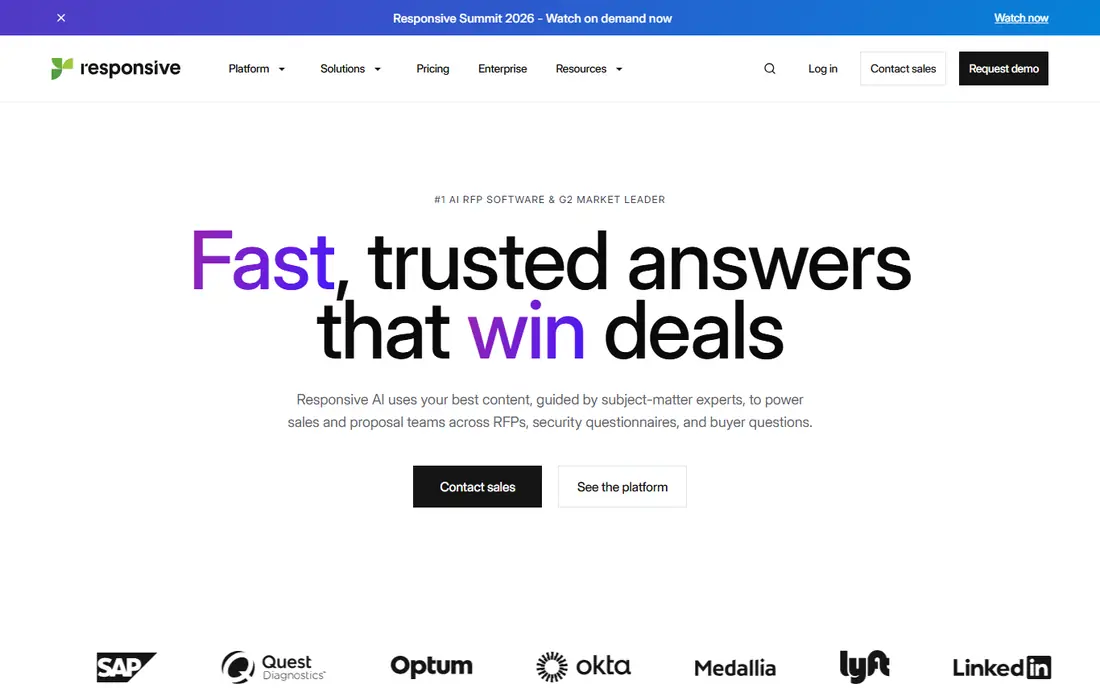
Responsive, formerly RFPIO, is built for teams that answer RFPs, RFIs, security questionnaires, and due diligence requests all year. Intake, projects, assignments, comments, dashboards, and reporting sit in one place, so a proposal manager can see where each question stands without chasing messages. That breadth matters when legal, security, sales, and product staff all touch the same response.
The trade-off is weight. Pricing is quoted after scoping, and implementation rewards a team that will maintain the library and follow the workflow. A two-person sales team will likely find it too much. For a dedicated proposal department handling hundreds of requests, the control and reporting are hard to match, and the platform is the safer pick when governance matters as much as speed.
- Wide intake and project controls
- Large integration set
- AI drafting tied to a content library
- Quote-only pricing
- Setup takes time
- More structure than a small team needs

Loopio puts its governed Library at the center. Approved answers live in one place, with ownership and review history, so writers can search and reuse content instead of digging through old files. Projects add assignments, deadlines, and collaboration with subject experts, and portal responses are supported for clients that require them.
We like Loopio for teams that already feel the pain of scattered answers. The interface is easier to adopt than some enterprise rivals, which helps when experts outside the proposal team must contribute. The catch is discipline. A library only stays useful if outdated claims are retired and duplicates are cleaned up, so assign an owner before you buy.
- Clear library structure
- Assignments and deadlines
- AI-assisted first drafts with source detail
- Entry pricing is aimed at teams, not solo users
- Library upkeep is ongoing work
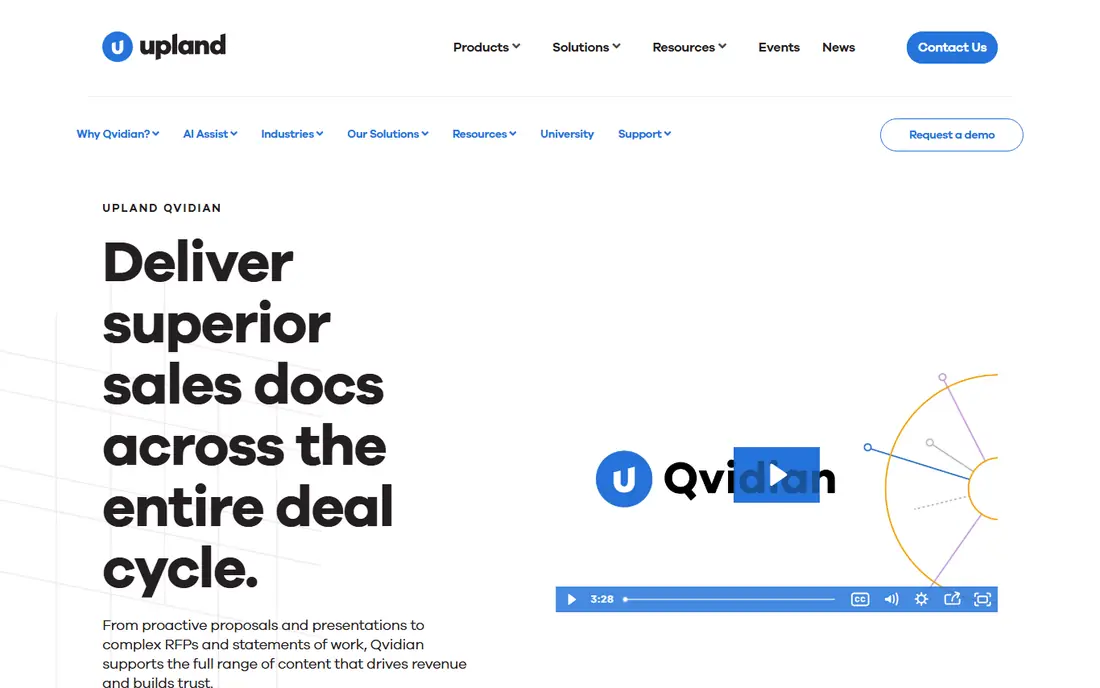
Qvidian, from Upland Software, suits organisations that live in Word and Excel and cannot afford formatting errors in a long response. It automates proposal creation from a central content store, with workflow and approval steps that fit regulated settings such as banking and health care. Teams that produce complex, multi-section documents will value that document focus.
The downside is pace and price discovery. You will need a sales conversation to get a number, and the setup phase is not a quick self-serve trial. If your responses are short and mostly handled in a browser, a lighter tool will feel faster. If your bids are long, version-sensitive, and audit-prone, Qvidian earns its place.
- Strong Word and Excel handling
- Proposal automation for large documents
- Enterprise controls
- Quote-only pricing
- Older feel than newer rivals
- Implementation can be lengthy
QorusDocs is a natural fit when your team already works in Word, SharePoint, and Teams. Writers can pull approved content into a proposal without leaving the document, which reduces copy errors and keeps branding consistent. Collaboration and approval steps are built around that Microsoft workflow rather than bolted on.
That strength is also its limit. Teams on Google Workspace or a mixed stack will get less from it, and pricing is quoted rather than published. For a Microsoft-centered sales or proposal team, though, the low friction is a real advantage, because experts are more likely to contribute when they do not need to learn a separate system first.
- Works inside Microsoft 365
- Strong template and content reuse
- Good for proposal-heavy sales teams
- Quote-only pricing
- Best value inside the Microsoft stack
- Smaller AI footprint than newer rivals
RocketDocs targets regulated industries such as financial services and health care, where a stray answer can create real risk. Each customer gets a dedicated document store for its AI features, and Loop Reviews give subject experts a structured way to approve content. Salesforce integration keeps proposal activity tied to the deal record.
Smaller teams may find the sales-led process slow, and there is no published starter price to plan around. For a compliance-minded team that needs private AI handling and clear audit trails, that control is the point. Ask early about data residency and model handling, because those answers matter more here than a headline feature list.
- Private AI document store per customer
- Strong Salesforce links
- Structured review loops
- Quote-only pricing
- Demo-led buying process
- Best for mid-market and enterprise teams
AutoRFP.ai takes a different pricing approach. Instead of charging per seat, it prices by project volume, which can suit a team where many experts contribute occasionally but only a few people run proposals. AI drafting draws on your uploaded content, so first drafts arrive in your own wording rather than generic text.
The monthly entry point still puts it out of reach for freelancers, and no AI tool removes the need for a careful final read. Check what the current plan includes for project count and seats before signing, because project-based plans can surprise you at renewal if volume grows. For a mid-size team that wants AI speed without a per-seat bill, it is worth a trial.
- Project-based pricing
- AI drafting from your content
- 30-day trial on the Scale plan in earlier listings
- Monthly cost is high for very small teams
- AI output still needs review
- Newer brand than Loopio or Responsive
Inventive AI is built around AI drafting from live knowledge, rather than a static library alone. That approach helps when product details, pricing, or security answers change often, because drafts can draw on current sources instead of a stale document. The focus is speed on questionnaires and RFPs that would otherwise eat up expert time.
Price is the barrier. At this level, a team needs steady RFP volume to justify the spend, and buyers should test how well it handles their own documents during a demo. If your volume is low, a proposal tool with a lower entry price will serve you better. If volume is high and answers change often, Inventive AI is a credible shortlist pick.
- AI-native drafting
- Connects to live knowledge sources
- Aimed at fast RFP turnaround
- High monthly entry price
- No free plan
- Best for teams with enough RFP volume to justify it
PandaDoc is not a pure RFP platform, and that is exactly why many small teams pick it. It covers proposals, quotes, contracts, and e-signatures in one workflow, with templates and CRM links that keep a deal moving. The free plan covers a small number of documents per month, which is enough to test the basics.
The honest limit is depth. If you answer complex, multi-department RFPs every week, you will miss the dedicated library governance and project controls of Responsive or Loopio. If your main job is sending polished, trackable proposals that clients can sign, PandaDoc gives you most of what you need at a price a small team can plan around.
- Templates plus e-signatures in one tool
- Clear published pricing
- Free plan for light use
- RFP library features are lighter than dedicated platforms
- Advanced controls sit on higher plans
Proposify helps sales teams send proposals that look consistent and can be tracked after they are opened. Templates, interactive quoting, approval workflows, and CRM links keep the process tidy, and the AI proposal generator can help with a first draft. Engagement data shows which sections a prospect actually read, which is useful for follow-up.
Like PandaDoc, it is a proposal tool first and an RFP tool second. Teams with heavy questionnaire work will still need a library-focused platform alongside it. For agencies and sales teams whose bottleneck is getting a good proposal out and signed, Proposify is a practical, lower-cost choice, and the trial lets you test the template workflow before committing.
- Branded, interactive proposals
- Engagement tracking
- Approval workflows
- RFP-specific features are lighter than dedicated tools
- Pricing varies by plan and billing term
How we picked these
We compared official feature pages, pricing pages, and public reviews for platforms that cover RFP intake, content reuse, collaboration, and export. We favoured tools that are live in October 2026, fit the RFP job rather than general document editing, and publish enough detail to judge their fit. Where pricing was quote-only, we wrote See website instead of repeating a third-party estimate as fact.
What to check before you buy
Start with volume and owners, not features. Count how many RFPs, RFIs, and questionnaires you answered in the last year, and name the person who will own the library. A platform without an owner drifts fast, and a cheap tool with no owner costs more in rework than a pricier tool that stays current.
Test with a real, messy RFP during any trial or demo. Include a spreadsheet section, a security question, and a claim that has changed in the last year. Watch how the tool imports the document, assigns questions, drafts answers, and tracks approvals. Also confirm export formats, CRM links, and who can approve or retire an answer, because those controls decide whether the system stays trusted.
Frequently asked questions
What is the best software for rfp management?
For large, high-volume teams, Responsive and Loopio are the strongest dedicated picks. For smaller teams, PandaDoc or Proposify may be enough, especially when signing and tracking matter more than questionnaire depth.
How much does RFP management software cost?
Prices range from about $19 per user per month for proposal tools to quote-only enterprise plans and AI platforms starting near $830 to $899 per month. Always confirm seat counts, project limits, and onboarding fees, because those change the total fast.
Is AI drafting safe for RFP responses?
AI drafting is useful for first drafts, but it is not safe to send unchecked. Verify every claim, price, and compliance statement against an approved source, and keep a human approval step for regulated or high-value bids.
Can small teams use RFP software?
Yes, but pick a tool that matches your volume. A small team with a few RFPs a year may do well with PandaDoc or Proposify, while a team answering RFPs weekly will get more value from a dedicated library platform.
What is the difference between RFP software and proposal software?
RFP software focuses on answering incoming questionnaires, reusing approved content, and managing reviewers. Proposal software focuses on creating and sending outbound proposals, quotes, and contracts that a client can sign.
Sources
See where you really rank - block by block
ProMapRanker scans Google Maps across a grid of your service area. Simple monthly plans from $19, white-label on every plan.
Start freeKeep reading
 zscaler alternatives
Best Zscaler Alternatives in 2026
Looking for zscaler alternatives? We compare 9 SASE and zero trust platforms on architecture, data protection, pricing, and fit for your network and team.
Read → zapier alternatives free
Best Zapier Alternatives Free in 2026
Nine automation tools for zapier alternatives free in 2026, all with genuinely free tiers, plus free plan limits, starting prices and upgrade paths explained.
Read → which platform is best for online reputation
Which Platform Is Best for Online Reputation in 2026
Wondering which platform is best for online reputation? We compare 8 review, listing, and response tools for small and multi-location businesses and agencies.
Read →