 ProMapRanker
Best Professional Translation Software in 2026


Freelance translators working with agencies · Pricing starts at: $408 per year
Key takeaways
- Trados Studio remains the agency default, because most agency projects arrive in Trados format.
- memoQ is the strongest alternative for translators who want a perpetual licence option and strong team tools.
- Phrase, Crowdin and Lokalise suit product and software teams that localise continuously.
- Smartcat and OmegaT are the free entry points, with very different trade-offs.
- DeepL is the best machine translation companion, but it is not a full CAT tool on its own.
Quick comparison
| Pick | Great for | Pricing starts at | Free tier | |
|---|---|---|---|---|
| Trados Studio | Freelance translators working with agencies | $408 per year | Free trial | Visit |
 memoQ | Translators who want a strong desktop CAT tool | See website | Free trial | Visit |
 Phrase | Companies unifying software and translation work | $27 per month | Free trial | Visit |
 Smartcat | Freelancers who want a free CAT tool plus marketplace | Free | Yes | Visit |
 DeepL | Best machine translation quality for professionals | $10.49 per month | Yes | Visit |
 Crowdin | Development teams localising software continuously | $59 per month | Yes | Visit |
 Lokalise | Product teams with design-heavy workflows | $144 per month | Yes | Visit |
 Wordfast Pro | Affordable perpetual licence for freelancers | $240 one-time | Free trial | Visit |
 OmegaT | Free open-source translation memory tool | Free | Yes | Visit |
The best professional translation software
We compared the best professional translation software on translation memory, terminology, file formats, machine translation, collaboration and price. This list covers the best translator software for professionals, from desktop CAT tools to cloud platforms, and the FAQ also covers live translation apps for everyday use.
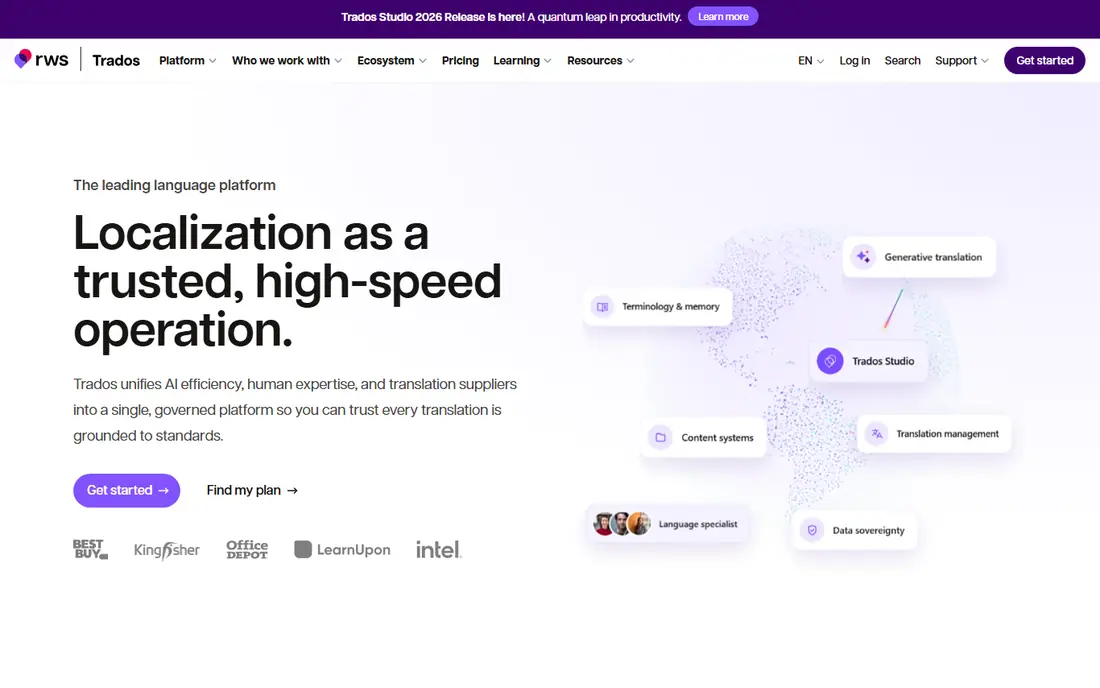
Trados Studio is the name most translation agencies still ask for first. If you work with language service providers, knowing Trados means you can open their project packages, share their translation memories and follow their workflows without conversion problems. The Freelance subscription bundles the desktop editor with browser working and MultiTerm terminology management, plus machine translation characters for supported plans.
Pricing is listed at $408 per year for the Freelance subscription in recent comparisons, with a free trial, and higher tiers for teams. The desktop app is Windows-focused, so Mac users need workarounds. For a freelancer whose income depends on agency work, that compatibility alone often justifies the cost, because jobs arrive in Trados format and fluency in the tool removes friction from every project.
- Industry-standard format most agencies expect
- Translation memory, terminology and QA in one tool
- Cloud and desktop working
- Windows-focused desktop app
- Subscription cost is high for part-time translators
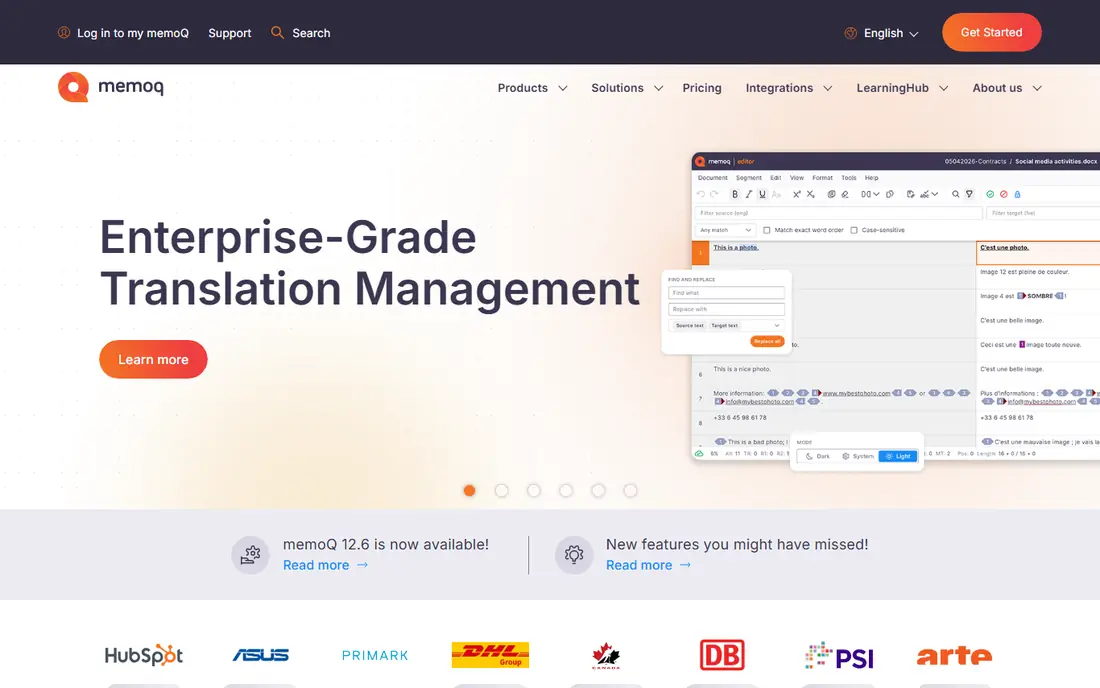
memoQ is the strongest desktop alternative to Trados, especially in Europe and for team projects. It offers translation memory, terminology, quality checks and LiveDocs, which reuses content from reference documents even without exact segment matches. That feature helps with legal and technical texts where similar wording appears across documents.
Pricing has varied across recent sources, with translator subscriptions around $436 a year and perpetual licences listed near $770 in some comparisons, plus team server plans from around $3,025 a year. We list pricing as See website because licence type, region and support change the total. For a translator who wants to own a licence rather than rent one forever, memoQ is the best professional translation software alternative to Trados.
- Strong translation memory and LiveDocs
- Good team collaboration
- Perpetual licence option for translators
- Pricing varies by licence type and region
- Learning curve is steep for beginners
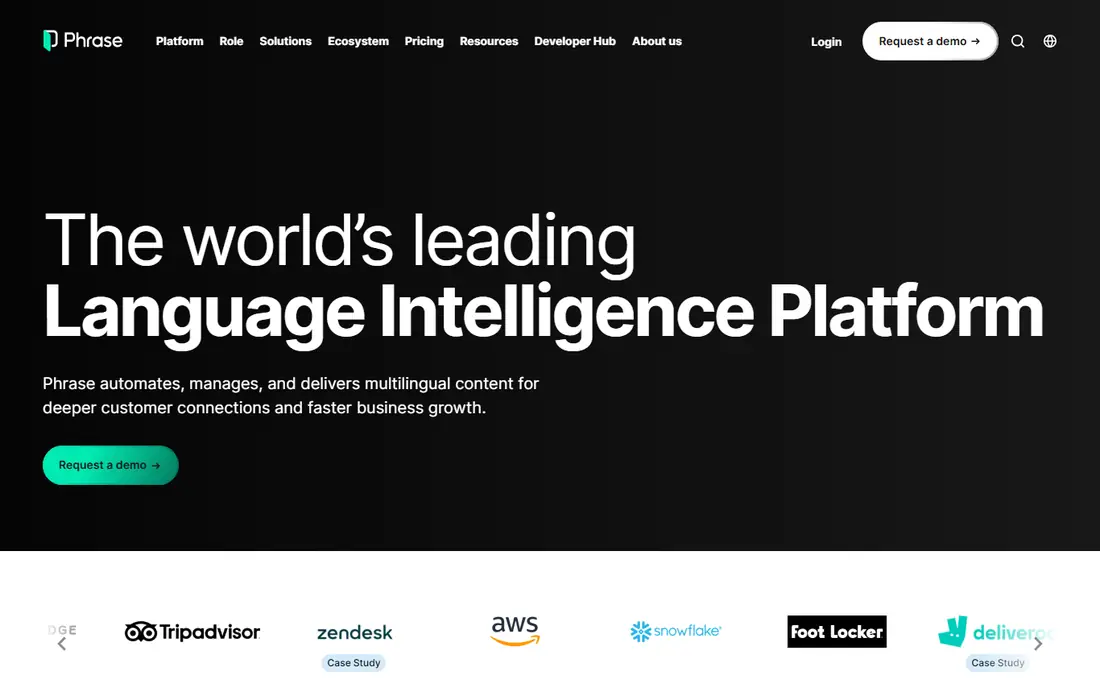
Phrase, formerly Memsource, is a cloud translation management system for companies that localise software, websites and content continuously. It combines translation memory, terminology, machine translation and project automation, with integrations for code repositories and content systems. That makes it a good fit for product teams that ship updates weekly and need translations to keep pace.
The Freelancer plan is listed at $27 a month, while team plans start at $525 a month in recent listings, which is a large jump. Solo freelancers who mainly need a desktop CAT tool may prefer Trados or memoQ. For a company that needs a central, cloud-based system for many translators and many languages, Phrase is a strong, scalable choice.
- Cloud translation management for software and content
- Strong automation and integrations
- Freelancer plan at a low entry price
- Team plans jump sharply in price
- Less of a desktop CAT tool for solo freelancers
Smartcat is the free entry point for freelancers who want a full CAT tool without paying for a licence. It offers translation memory, terminology, machine translation and cloud collaboration at no licence cost for freelancers, plus a marketplace where clients post jobs and freelancers can find work. That combination is attractive for translators just starting out.
The trade-off is the marketplace model. Work found through Smartcat can carry a commission, and some agencies do not accept Smartcat project packages, preferring Trados or memoQ formats. Paid business plans are listed from $1,200 a year in recent comparisons. For a freelancer building a client base, Smartcat is a useful free start, but it should not be your only format if agency work is your goal.
- Free CAT tool for freelancers
- Built-in marketplace for finding clients
- Cloud collaboration for teams
- Marketplace commission model affects rates
- Some agencies do not accept Smartcat packages
DeepL is the machine translation tool most professionals actually pay for, and it works best as a companion to a CAT tool rather than a replacement for one. The Starter plan is listed at $10.49 a month, with a free plan for limited use, and Pro plans add glossaries, document translation and higher limits. Translators use DeepL inside Trados, memoQ and other tools to draft segments faster, then edit with human judgment.
The limit is scope. DeepL does not offer the full project, memory and QA workflow of a CAT tool, and its translation memory features are narrower than a dedicated CAT system. For reading, drafting and first-pass translation, DeepL is excellent. For a finished, client-ready translation, pair it with a CAT tool and a human review step, especially for legal or medical texts.
- High-quality machine translation for many languages
- Glossary and document translation on Pro plans
- Plugs into most CAT tools
- Not a full CAT tool on its own
- Translation memory is limited to higher plans and fewer languages
Crowdin is built for software localisation, not for translating a single Word document. Development teams connect a repository, and Crowdin pulls new strings, sends them to translators, and returns finished translations as code ships. That continuous flow suits apps, games and websites that update often, and it supports in-context editing so translators see strings where users will see them.
The Pro plan is listed at $59 a month in recent comparisons, with a free plan available for smaller and open-source projects. For a freelance document translator, Crowdin is the wrong tool. For a product team that localises software every week, Crowdin is one of the best translator software options in this list.
- Continuous localisation for apps and games
- Integrations with code repositories
- Free plan for open-source and small projects
- Less suited to traditional document translation
- Pricing rises with hosted words and seats
Lokalise is another product localisation pick, with a strength in design-heavy workflows. It integrates with design tools such as Figma, so translators and designers can see how translated text fits a screen before it ships. That reduces the common problem of translated text overflowing buttons and layouts, which is a real cost in app localisation.
The Explorer plan is listed at $144 a month in recent comparisons, with a free plan available for limited use. That price is high for a solo translator, and Lokalise is not built for long document work. For a product team with designers, developers and translators working together, Lokalise is a practical, visual choice.
- Strong design and Figma integration
- Clear workflows for product teams
- Automation for software strings
- Entry price is high for solo users
- Less suited to long document translation
Wordfast Pro is the affordable desktop CAT pick for freelancers who want to pay once rather than subscribe every year. The licence is listed at $240 one-time in recent comparisons, with a free trial, and the tool runs on Windows and Mac. It covers translation memory, terminology, quality checks and common file formats, which are the core needs for freelance work.
The trade-off is ecosystem size. Wordfast does not have the same agency integration depth as Trados, and some clients will still ask for Trados or memoQ packages. For a freelancer with direct clients, or a translator who wants a low, one-time cost, Wordfast Pro is a sensible, durable choice.
- One-time licence cost
- Works on Windows and Mac
- Translation memory and terminology in a desktop tool
- Smaller ecosystem than Trados or memoQ
- Fewer agency-specific integrations
OmegaT is the free, open-source CAT tool that has served translators for years. It is free forever, it runs on Windows, Mac and Linux, and it offers translation memory, glossaries, fuzzy matching and machine translation plugins. For a student, a volunteer translator or a professional on a tight budget, OmegaT covers the core CAT job without any licence cost.
The interface is plain, and file handling takes more manual steps than in Trados or memoQ. It also lacks the polished project management of cloud platforms. For a translator who values freedom, portability and zero cost over polish, OmegaT is the best free professional translation software in this list, and it pairs well with DeepL for machine translation drafts.
- Free forever and open-source
- Runs on Windows, Mac and Linux
- Translation memory, glossaries and machine translation support
- Interface is plain and less polished
- Setup and file handling need more manual work
How we picked these
We compared official pricing and feature pages, plus October 2026 translation tool comparisons, and kept tools that are available today and that fit professional translation work, from desktop CAT tools to cloud localisation platforms. We favoured published prices where vendors offer them, and used See website where prices varied by licence or region. We did not claim hands-on testing that did not happen, and we kept machine translation in its proper place: a drafting aid, not a replacement for human review on legal, medical or binding texts.
How to choose for your work type
Agency freelancers: follow the format
If your clients send Trados or memoQ packages, buy the tool they use first. Format compatibility earns work faster than any feature list.
Product teams: choose continuous localisation
If you ship software weekly, Crowdin, Lokalise or Phrase will save more time than a desktop CAT tool, because they connect to code and design workflows directly.
Budget starters: start free, then upgrade
OmegaT or Smartcat let you learn CAT workflows at no cost. Upgrade to Trados, memoQ or Wordfast Pro when client formats or volume make the paid tool pay for itself.
Frequently asked questions
What is the best professional translation software for freelancers?
Trados Studio is the agency default, memoQ is the strongest alternative with a perpetual licence option, and Wordfast Pro is the lowest one-time cost. For a free start, OmegaT or Smartcat cover the core CAT job.
What is the best translator app for everyday use?
For everyday translation and reading, DeepL and Google Translate are the most useful apps, with DeepL offering higher quality for many European languages. For live translation in conversation, the DeepL app and Google Translate app both offer camera and conversation modes, but they are not substitutes for professional CAT software.
What is the best app for live translation?
Google Translate is the most widely available live translation app, with conversation and camera modes on mobile, while DeepL offers strong text translation in its app. For professional work, use these apps for understanding, then produce the final translation in a CAT tool with human review.
Is DeepL better than Google Translate for professionals?
DeepL is often preferred for professional drafting in supported languages, because its output needs less editing for many European pairs. Google Translate covers more languages and offers broader live features, so the best pick depends on language pair and use case.
Do I need a CAT tool if I have DeepL?
Yes, for professional work. DeepL drafts text well, but a CAT tool adds translation memory, terminology control, file handling, quality checks and project consistency, which are essential for client work and long documents.
Sources
See where you really rank - block by block
ProMapRanker scans Google Maps across a grid of your service area. Simple monthly plans from $19, white-label on every plan.
Start freeKeep reading
 best tour operator software
Best Tour Operator Software in 2026
Compare the best tour operator software for bookings, channel management, waivers and payments, with pricing models for day tours and multi-day trips.
Read → best time clock app for small business
Best Time Clock App for Small Business in 2026
We compare the best time clock app for small business options, with free plans, GPS clock ins, scheduling and payroll links for hourly teams and payroll help.
Read → best test automation tools
Best Test Automation Tools in 2026
Compare the best test automation tools, from Playwright and Selenium to Cypress, Katalon and BrowserStack, with prices, languages and best uses explained.
Read →