 ProMapRanker
Best Productivity Apps for Students in 2026

Key takeaways
- Notion is the strongest all-in-one pick, because it holds notes, deadlines and project pages in one workspace.
- Todoist is better when your main problem is forgetting tasks, since fast capture and reminders sit at the center of the app.
- Forest helps students who lose study time to their phones, by turning focus sessions into a small daily habit.
- Most students need only two or three apps, and adding more tools often creates more organizing work than studying.
Quick comparison
| Pick | Great for | Pricing starts at | Free tier | |
|---|---|---|---|---|
 Notion Notion | All-in-one study workspace | Free | Yes | Visit |
 Todoist Todoist | Fast task capture | Free | Yes | Visit |
 Forest Forest | Phone-free focus sessions | See website | No | Visit |
 Anki Anki | Long-term memorization | Free | Yes | Visit |
 Quizlet Quizlet | Quick flashcard review | Free | Yes | Visit |
 MyStudyLife MyStudyLife | Class schedules and exams | Free | Yes | Visit |
 Google Calendar Google Calendar | Seeing the whole week | Free | Yes | Visit |
 TickTick TickTick | Tasks plus calendar and timer | Free | Yes | Visit |
The best productivity apps for students
Student productivity is less about owning many apps and more about matching one or two tools to your weak spot. Some students lose notes, others lose deadlines, and others lose focus, and each problem points to a different app.
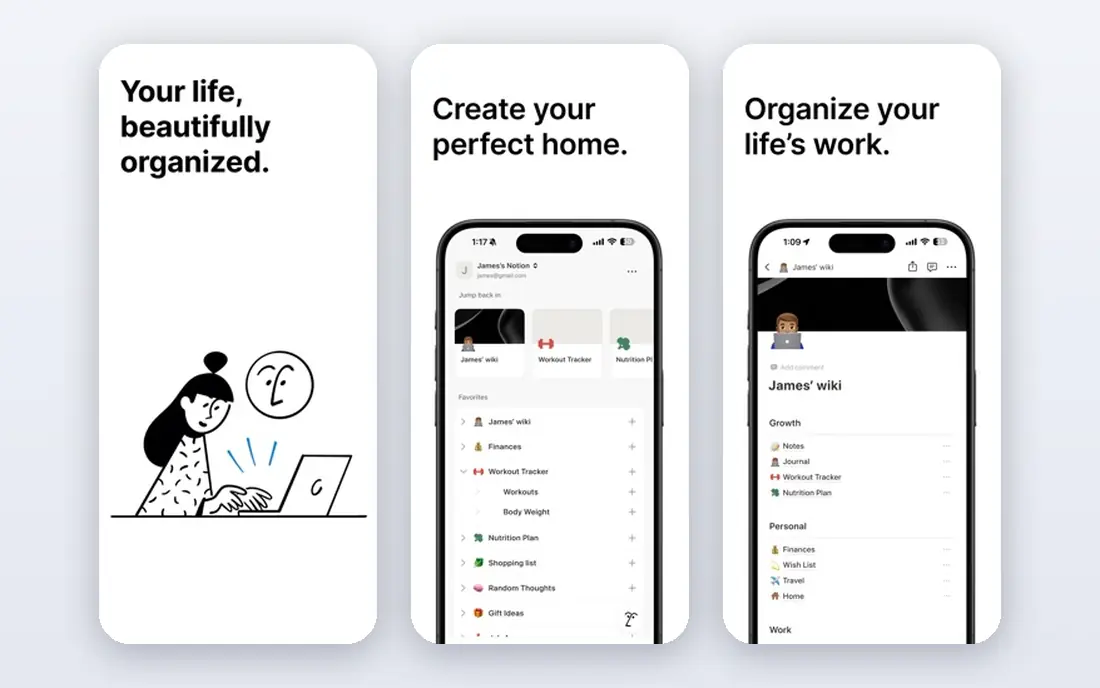
Notion gives students a place to keep lecture notes, assignment trackers and reading lists together, instead of scattered across folders and apps. You can build a page per course, add a database for deadlines, and link related notes as a topic grows through the term. Templates for class notes and study planners reduce the blank-page problem, though you still need to choose a structure and stick with it.
The free plan covers a lot of student use, including unlimited pages and blocks for personal work. Paid plans add larger file uploads and team features that most solo students will not need at first. The honest catch is setup time, because a workspace that looks impressive in week one can become a chore to maintain by week six if you overbuild it.
- Flexible pages and databases
- Free plan for individuals
- Good templates for courses
- Setup can take time
- Paid Plus plan starts at $10 per member per month
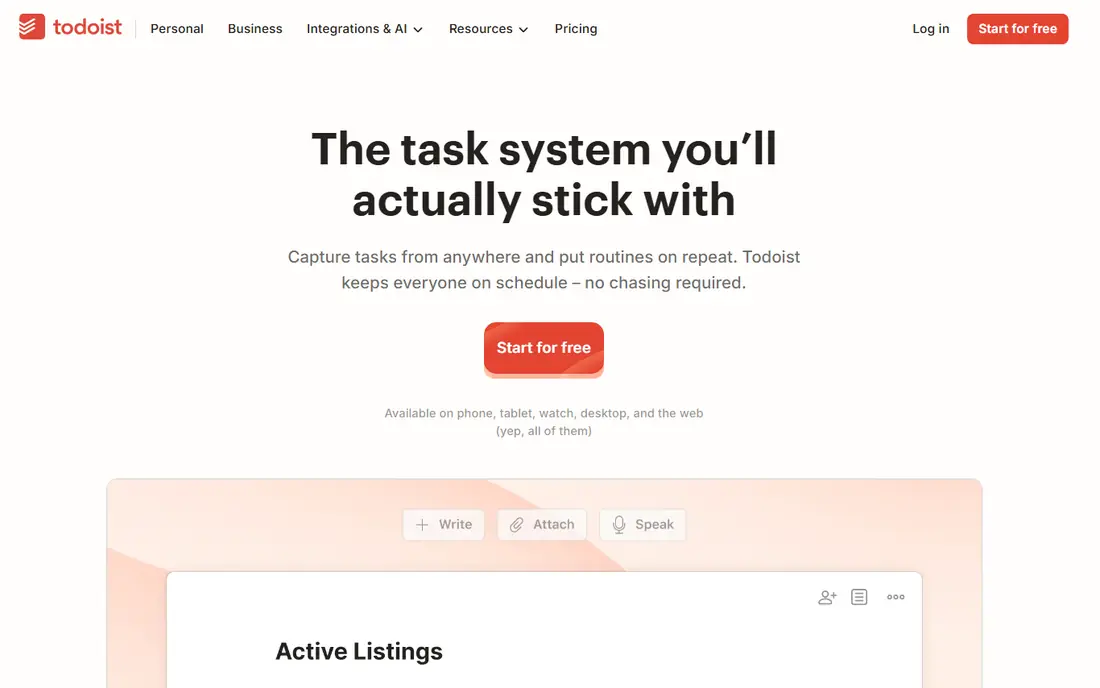
Todoist is built for the moment an assignment, reading or errand crosses your mind. Type a task in plain words, add a date, and move on, without opening a full planner. Recurring tasks handle weekly readings and lab reports, while priorities and labels help you separate urgent coursework from everyday life.
The free plan handles personal task lists well, and the Pro plan adds reminders, calendar layout and more filters. Todoist does not try to be a notes app, so lecture notes still need a home elsewhere. Used as a capture inbox beside a notes tool, it keeps small tasks from slipping through the cracks of a busy term.
- Natural language task entry
- Reminders and recurring tasks
- Calendar sync on paid plans
- Calendar view needs the Pro plan at $5 per month
- Free plan limits some filters
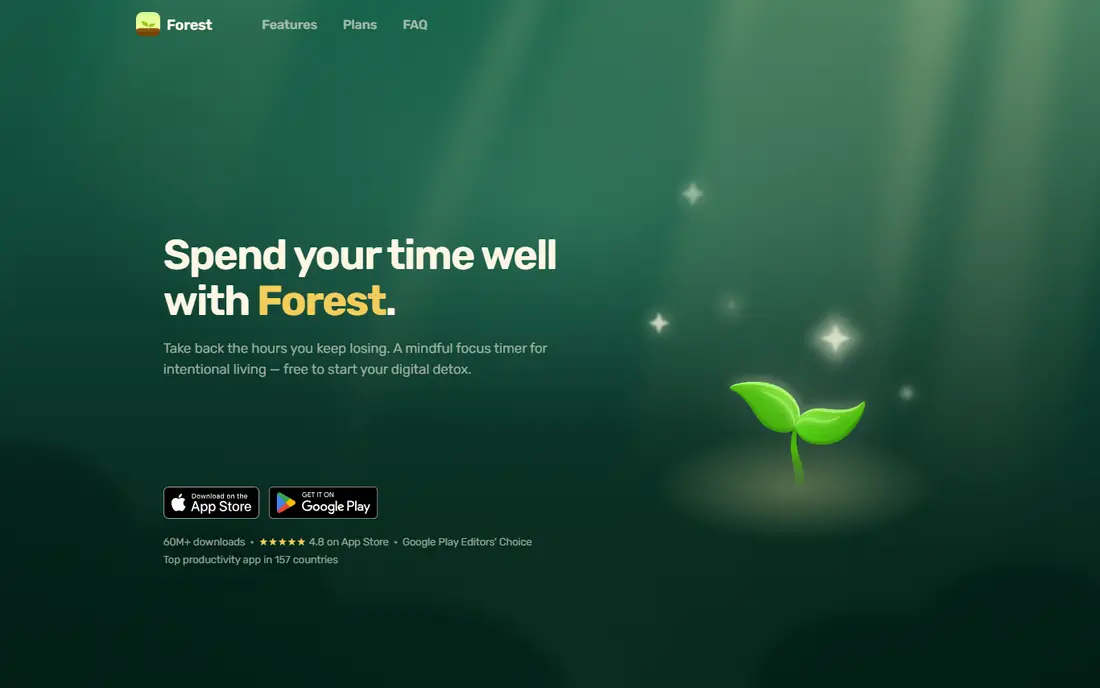
Forest turns focus into a tiny bargain with yourself. You plant a virtual tree when a study session starts, and the tree grows only while you stay away from distracting apps. That simple rule works for students who know the material but keep reaching for their phone during the first ten minutes of work.
Forest is not a planner, a notes app or a task manager, and it should not be asked to be one. Its value sits in short, repeated sessions, such as two focused blocks before a break. Students who already study well without phone pressure will get less from it, but students who lose an hour to scrolling may find the tree surprisingly persuasive.
- Simple focus timer
- Visual reward for staying off the phone
- Works for short study blocks
- No free plan on some platforms
- Limited planning features beyond the timer
Anki is the study tool for facts that must last beyond one exam. Its spaced repetition system shows each flashcard again just before you are likely to forget it, which beats rereading notes for subjects like anatomy, languages and law. You can make your own decks or use shared decks, then review a little each day rather than cramming.
The design is plain, and new users often make cards that are too long or too vague. Short, single-answer cards work best, and that skill takes a few sessions to learn. The desktop and Android versions are free, while the iOS app is a one-time purchase, so check the platform you use most before you commit to a deck.
- Spaced repetition scheduling
- Free on desktop and Android
- Large shared deck community
- Plain design
- IOS app is a paid purchase
- Making good cards takes practice
Quizlet is the friendlier flashcard option, especially for students who want to start reviewing in minutes. You can build a set from lecture terms, browse sets made by other students, and switch between flashcards, matching games and practice tests. That variety helps when plain repetition starts to feel dull.
Free access covers the basics, while Quizlet Plus adds offline access, ad-free study and more advanced modes. Shared sets need checking, because another student's set may contain errors or cover a different syllabus. Use Quizlet for fast review and quick self-testing, and use Anki when you need a stricter long-term schedule.
- Easy flashcard creation
- Study modes and games
- Large library of existing sets
- Best study features sit behind Quizlet Plus at $35.99 per year
- Ads on the free plan
MyStudyLife is designed around the shape of a school term, not a generic work week. You enter your classes, rotation schedule and holidays once, then add assignments and exams to the matching class. The app shows what is due, what clashes, and what needs attention next, without forcing school life into a business project template.
That focus is also its limit. MyStudyLife will not replace a notes app or a full task manager for jobs and personal projects. For students whose main problem is a timetable that changes by day, though, it removes a common source of missed deadlines. It works best as the calendar layer under a notes app and a task list.
- Built around school timetables
- Exam and assignment tracking
- Syncs across devices
- Fewer general productivity features
- Less suited to work projects outside school
Google Calendar earns a place because most student life already runs through it, from class times to group meetings and part-time shifts. Blocking study time on the same calendar as classes makes conflicts visible before the week starts, and shared calendars keep group project meetings from turning into long message threads.
Google Calendar is a time map, not a study system. It will not track assignment progress, store lecture notes or test your memory. Pair it with Todoist or MyStudyLife for tasks, and use calendar blocks for the study sessions themselves. That simple pairing covers a surprising amount of student planning without any paid plan.
- Free with a Google account
- Easy sharing
- Works on almost every device
- No built-in task depth
- Study planning still needs a separate notes or task app
TickTick suits students who want tasks, a calendar view and a focus timer without juggling three apps. You can add an assignment, give it a date and duration, see it on the calendar, then run a Pomodoro timer while you work on it. Habit tracking adds a light layer for daily revision, reading or exercise goals.
The free plan covers core tasks and calendar use, while Premium adds calendar subscriptions, more lists and fuller timer options. The interface packs a lot into one screen, so it takes a day or two to settle into. Students who like one hub for the day will enjoy it, while students who prefer separate simple tools may find it more than they need.
- Tasks, calendar and Pomodoro timer in one app
- Habit tracking
- Good widgets
- Premium plan costs $35.99 per year
- Interface can feel busy at first
How we picked these
We compared official feature pages, pricing pages and app store listings for apps students commonly use for notes, tasks, focus and revision. We favored apps with a usable free tier, clear pricing, and a job that fits coursework rather than general office work. We left out apps that require a school license to start, or that duplicate a stronger pick without a clear advantage.
Building a study system that lasts past week three
Pick one app for notes, one for tasks and deadlines, and at most one for focus. That trio covers almost every student need, and it leaves less time spent moving information between tools. Start with the free plans, use them for two full weeks of real coursework, and only pay for a plan that removes a limit you actually hit.
Keep the weekly review short
Set aside twenty minutes each week to clear completed tasks, move unfinished work, and check the next two weeks for exams. A weekly review prevents a small backlog from becoming a crisis in exam season. It also shows which app you actually open, which is a better guide than any feature list.
Match the tool to the subject
Memory-heavy subjects reward flashcards, writing-heavy subjects reward a notes workspace, and project subjects reward a task list with shared dates. You do not need the same setup for every course. Let the subject decide, and keep the rest of your system simple enough that you will still use it when the term gets busy.
Frequently asked questions
What are the best student productivity apps?
Notion, Todoist and Google Calendar form a strong core for most students, covering notes, tasks and time. Add Anki or Quizlet for memorization, and Forest when phone distraction is the main problem. The best mix depends on the subjects you take and the habits you struggle with most.
What are the best apps for student productivity on a budget?
Google Calendar, MyStudyLife and the free plans of Notion and Todoist cover planning and notes at no cost. Anki is free on desktop and Android, which makes it a strong budget pick for revision. Pay only when a free limit, such as offline access or calendar layout, starts to block real coursework.
What are the best productivity tools for students who struggle with focus?
Forest helps by making phone use visible during a study block, while TickTick adds a built-in Pomodoro timer to task work. Shorter blocks, a clear task for each block, and a phone in another room often matter more than the app itself. Use the timer to start, then let the work carry the session.
Is Notion free for students?
Notion offers a free plan for individuals, and students can also check its education offer on the official site for extra benefits. The free plan covers unlimited pages and blocks for personal use, which is enough for most coursework. Paid plans add team and upload features that solo students rarely need first.
Should students use one app or several?
Most students do best with two or three apps, each with a clear job, rather than one app forced to do everything. A notes app, a task app and a calendar cover the core jobs without much overlap. If two apps hold the same list, pick one and delete the other to avoid confusion.
Sources
See where you really rank - block by block
ProMapRanker scans Google Maps across a grid of your service area. Simple monthly plans from $19, white-label on every plan.
Start freeKeep reading
 onenote alternatives
Best OneNote Alternatives in 2026
We compared the best onenote alternatives on notes, search, sync and price, so you can find a replacement that fits how you take notes each day for daily use.
Read → best text messaging service for business
Best Text Messaging Service for Business in 2026
Compare the best text messaging service for business, from SimpleTexting and EZ Texting to Podium and Salesmsg, with pricing, credits and compliance notes.
Read → best software for architectural design
Best Software for Architectural Design in 2026
Compare the best software for architectural design, from BIM tools like Revit and Archicad to SketchUp and AutoCAD, with current pricing and honest trade-offs.
Read →