 ProMapRanker
Best Productivity Apps for Mobile in 2026

Key takeaways
- Todoist is the best mobile task manager for most people, with fast natural-language entry and reliable sync.
- TickTick suits users who want tasks, calendar, habits, and timers in one mobile app.
- Notion suits users who want tasks mixed with notes and databases, while Things 3 suits Apple users who want calm design.
- One app used daily beats five apps installed and ignored, so pick a single task home and commit to it for a month.
Quick comparison
| Pick | Great for | Pricing starts at | Free tier | |
|---|---|---|---|---|
 Todoist | Fast task capture | Free | Yes | Visit |
 TickTick | Tasks, calendar, and habits | Free | Yes | Visit |
 Notion | Tasks with notes | Free | Yes | Visit |
 Things 3 | Calm Apple task design | See website | No | Visit |
 Microsoft To Do | Free Microsoft tasks | Free | Yes | Visit |
 Google Tasks | Simple Google tasks | Free | Yes | Visit |
 Any.do | Simple lists and reminders | Free | Yes | Visit |
 Forest | Focus sessions | See website | No | Visit |
 OmniFocus | Serious Apple GTD | See website | Free trial | Visit |
The best productivity apps for mobile
Mobile productivity apps live or die on capture speed. If adding a task takes more than a few seconds, the task stays in your head instead. These nine cover fast capture, notes, calendars, and focus, with different strengths for different phone habits.
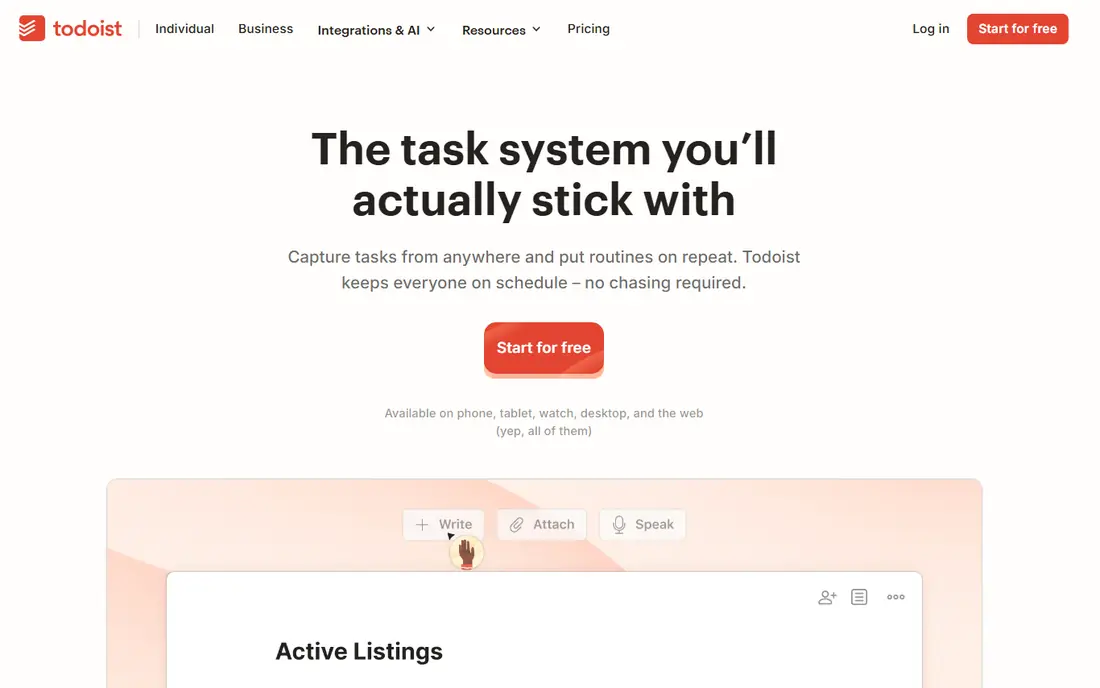
Todoist wins on the moment that matters most, which is capturing a task on a phone. Type a task in plain words with a date, and Todoist sets the due date, project, and priority without extra taps. Today and Upcoming views then show what is due without building a custom dashboard.
The free plan caps projects, and users who want habits or time-blocking need a second app. Todoist fits people who want one fast, cross-platform task list and will use labels and filters to organize work, home, and personal projects in one place.
- Fast natural-language entry
- Projects, labels, and filters
- Sync across iOS, Android, Mac, Windows, and web
- Free plan limits projects
- No built-in habit tracking or calendar time-blocking
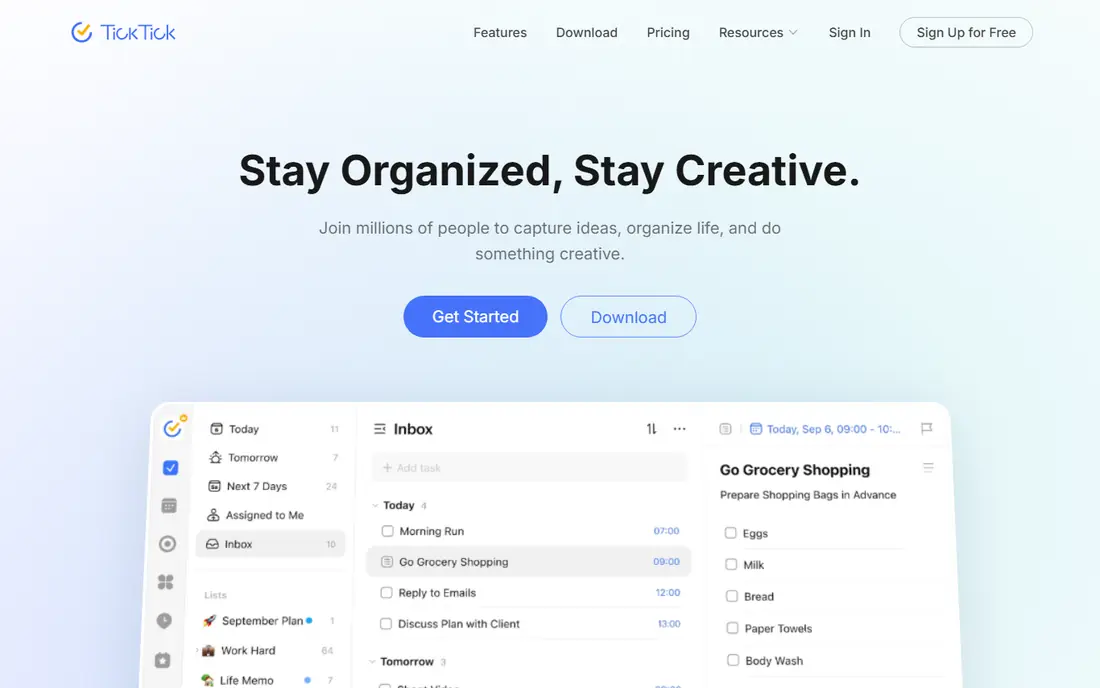
TickTick is the best all-in-one mobile pick for users who want more than a task list. Habits, a calendar view, and focus timers live beside tasks, so a morning routine and a work list can share one app. Mobile widgets make checking today from the home screen quick.
The free tier limits lists, tasks per list, and habits, so heavy users will need the paid plan. TickTick fits users who want one app for tasks and daily routines, and who prefer built-in timers over installing a separate focus app.
- Tasks, calendar, habits, and Pomodoro timers in one app
- Good mobile widgets
- Fast entry
- Free plan limits lists and habits
- Interface can feel busy beside Todoist
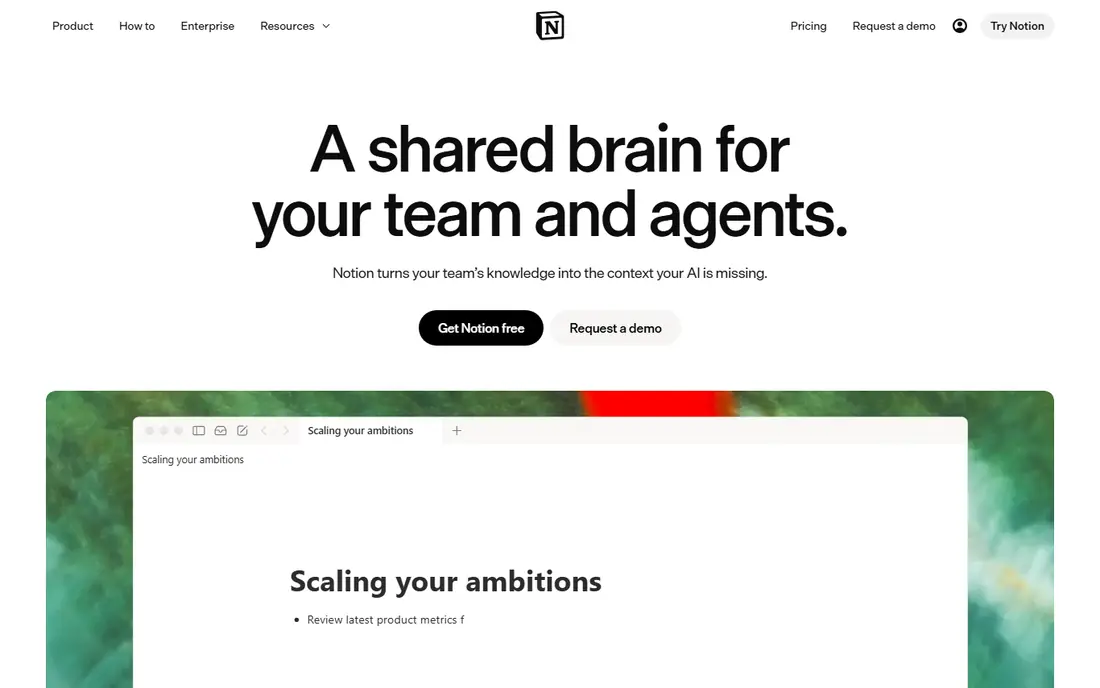
Notion suits users whose tasks live inside notes, projects, and reference material. A task can sit beside meeting notes, a reading list, or a project database, which helps students and knowledge workers who think in documents rather than lists alone. The free personal plan covers a lot of that use.
Capture speed is the trade-off. Notion needs more setup than a dedicated task app, and quick entry on a phone can feel slower. Notion fits users who want one workspace for notes and tasks, and who will invest an hour in setup to save time later.
- Free personal plan
- Tasks blended with notes, docs, and databases
- Flexible mobile and desktop sync
- Setup takes time
- Mobile capture is slower than Todoist for quick tasks
Things 3 is the pick for Apple users who want a task app that feels calm. Its design hides complexity until needed, and areas, projects, and deadlines follow a clear Getting Things Done structure. On iPhone, adding and reviewing tasks feels quick and pleasant, which helps a daily review habit stick.
Apple-only coverage and separate purchases per platform are real limits. Things 3 fits iPhone, iPad, and Mac users who value design and simplicity, and who do not need Android, Windows, or web access for their task list.
- Beautiful, calm Apple design
- Strong GTD-style organization
- Fast on iPhone, iPad, and Mac
- Apple only
- Each Apple platform version is sold separately
- No free plan
Microsoft To Do is the obvious free pick inside the Microsoft world. Lists, reminders, and My Day planning cover everyday tasks without a subscription, and Outlook users get a natural link between email and tasks. The app stays simple, which is a strength for users who found other apps too busy.
Power users will miss labels, filters, habits, and advanced views. Microsoft To Do fits students, office workers, and families who already use Microsoft accounts and want a free, reliable task list without learning a new system.
- Completely free
- Simple lists and reminders
- Links with Outlook and Microsoft 365
- Fewer power features than Todoist or TickTick
- No habits or timers
Google Tasks suits users who already live in Gmail and Google Calendar. Tasks created from an email appear beside the calendar, and the mobile app keeps lists short and clear. There is almost nothing to learn, which makes it a good first task app for casual users.
Complex projects will outgrow it quickly, since there are no tags, filters, or rich project views. Google Tasks fits users with short daily lists who want tasks inside Google tools, rather than a separate system to maintain.
- Completely free
- Sits inside Gmail and Google Calendar
- Very simple to use
- Basic feature set
- No projects, tags, or advanced views for complex work
Any.do offers a middle path between Google Tasks and Todoist. Lists, reminders, and a calendar view cover daily planning, and shared lists help households and small teams. The mobile design is clean, and adding a task with a reminder takes only a few taps.
Larger projects and advanced filtering need the paid tier, and power users may still prefer Todoist. Any.do fits users who want a simple, pleasant task app with reminders and a calendar, without the setup that Notion or OmniFocus demand.
- Simple lists with calendar and reminders
- Clean mobile design
- Grocery and shared lists work well
- Power features sit behind a paid tier
- Less flexible than Todoist for large projects
Forest tackles a different problem, which is staying off the phone during work. Start a focus session, and a virtual tree grows while you leave the phone alone. If you leave the app, the tree withers, which gives a gentle reason to stay focused that a plain timer lacks.
It does not manage tasks, projects, or deadlines, so it pairs with a task app rather than replacing one. Forest fits students and workers who get distracted by their phone, and who like a visual reward for a completed focus session.
- Focus timer that grows a virtual tree
- Discourages phone use during sessions
- Pleasant gamified habit
- Not a task manager
- Paid on iOS in summaries
- Focus alone does not organize work
OmniFocus is the power pick for Apple users who follow Getting Things Done closely. Perspectives, custom views, defer dates, and review cycles let complex projects stay organized in ways simpler apps cannot match. Users with many projects, contexts, and deadlines get the most from it.
That power comes with a steep learning curve and a price that casual users may not justify. OmniFocus fits professionals and power users on Apple devices who manage many commitments, and who will use reviews and perspectives weekly, not just a simple daily list.
- Deep GTD features with perspectives and reviews
- Strong Apple integration
- Powerful for complex projects
- Apple focused
- Learning curve is steep
- Price and setup exceed casual needs
How we picked these
We compared official app pages, app store listings, and recent mobile productivity summaries, and we kept only apps that are still available in October 2026 with strong mobile apps on iOS or Android. We favored fast capture, reliable sync, and clear free or trial terms, and we noted where Apple-only limits or paid tiers change the value. We did not claim hands-on testing, and we based judgments on published features, pricing, and public reviews.
What to check before you pick
Start with your phone habit, not the feature list. If you capture tasks on the go, Todoist or TickTick will serve you better than a desktop-first workspace. If your tasks live inside notes, Notion may be worth its slower capture. If you only use Apple devices, Things 3 or OmniFocus deserve a closer look.
Next, commit to one app for a month. Move every task into it, set a daily review time, and delete competing task apps from your home screen. A simpler app used daily will beat a powerful app you avoid, and after a month you will know which missing feature, if any, actually matters.
Frequently asked questions
What is the best productivity app for mobile?
Todoist is the best overall mobile pick for fast task capture and cross-platform sync. TickTick is better for tasks plus habits and timers, while Notion is better when tasks need to live beside notes and project docs.
Is there a free productivity app for mobile?
Yes, Todoist, TickTick, Notion, Microsoft To Do, Google Tasks, and Any.do all offer free tiers. Free limits vary by projects, lists, or habits, so check the limit that matches how you work before choosing.
Should I use one app or several productivity apps?
Start with one task app, one calendar, and one notes app at most. Adding more tools often creates extra switching and duplicate lists, while a small stack you actually open daily is easier to maintain.
What is the best productivity app for Apple users?
Things 3 is the best calm Apple pick, while OmniFocus suits power users who follow Getting Things Done closely. Both are Apple focused, so Android or Windows users should choose Todoist, TickTick, or Notion instead.
Can a focus app replace a task manager?
No, a focus app such as Forest helps you stay on a task, but it does not organize projects, deadlines, or priorities. Pair a focus timer with a task app, using the task app to decide what to do and the timer to stay with it.
Sources
See where you really rank - block by block
ProMapRanker scans Google Maps across a grid of your service area. Simple monthly plans from $19, white-label on every plan.
Start freeKeep reading
 who has best internet service
Who Has the Best Internet Service in 2026
Who has best internet service for US homes? We compare fiber, cable, fixed wireless and satellite providers on speed, price, availability and terms today.
Read → which survey tool has the best analytics
Which Survey Tool Has the Best Analytics in 2026
Find which survey tool has the best analytics in 2026, comparing Qualtrics, SurveyMonkey, Typeform, Alchemer, and more on reports, text, and stats today.
Read → which streaming service has the best movies
Which Streaming Service Has the Best Movies in 2026
Answering which streaming service has the best movies, with Netflix, Max, Criterion and more compared on libraries, prices and free options in this guide.
Read →